



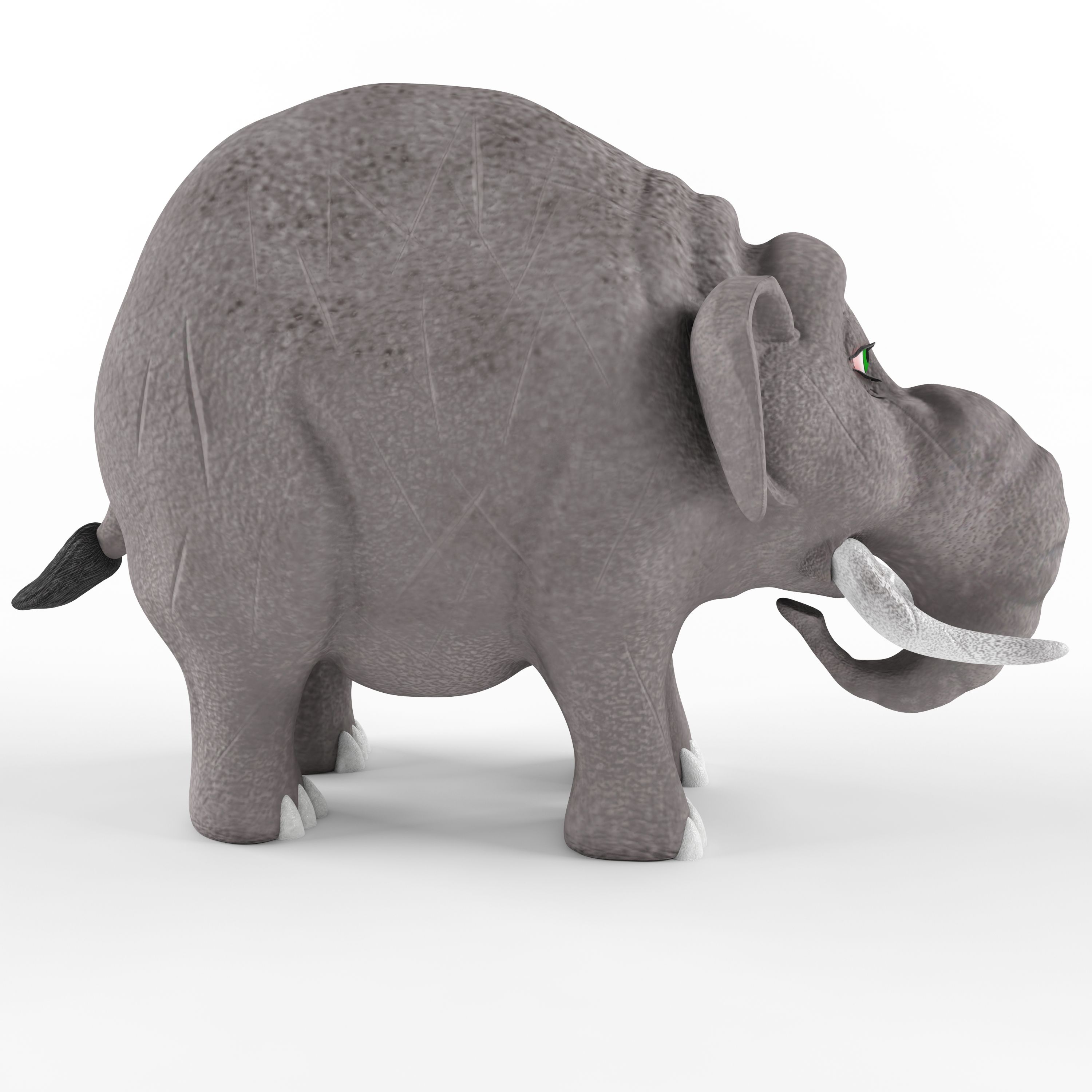
Childrens plastic toy Elephant Model 3D
0



Licencja bezpłatnaTylko redakcyjne
Proste zwroty
Gwarancja najlepszej ceny
Działa po wyjęciu z pudełka
0
Odwiedziny

Przesłane przez
T1989
Specyfikacje
- Geometriapolygonal
- Wieloboki34,868
- Wierzchołki34,917
- TeksturyYes
- RiggedNo
- OżywionyNo
- Gotowy do druku 3DNo
- Game Ready (low poly)No
- Mapowanie UVYes
- Nieopakowane UVnon-overlapping
Opis
Children's plastic toy Elephant. The beast was made on the basis of the image of an elephant named Business from the cartoon " Tri bogatyrya" The model contains 34868 polygons and 34917 vertices. The work is saved in the formats: 3d max 2011, 3d max 2014, FBX and OBJ. Textures are saved in JPEG format. The texture size is 2048x2048 and 4096x4096. Textures for FBX and OBJ files are saved in the materials library. The name of the library textures for FBX and textures_OBJ for OBJ format. In the OBJ file, the model is divided into elements. The name of each element corresponds to the name of materials from the materials library. Therefore, after importing the FBX or OBJ file, you need to open the material library via get material.
Nov 13, 2021
Data dodania
Sep 14, 2026
Ostatnia aktualizacja
Recenzje
Obecnie nie ma recenzji tego produktu.
Dlaczego nie być pierwszym, który złamie lód?