


Fire 3D Model
0





0
visits

Submitted by
Ricmage
Specifications
- Geometrypolygonal_quads/tris
- Polygons186,114
- Vertices93,579
- TexturesYes
- RiggedYes
- AnimatedYes
- 3D Printable ReadyNo
- Game Ready (low poly)No
- UV MappedYes
- Unwrapped UVsmixed
Description
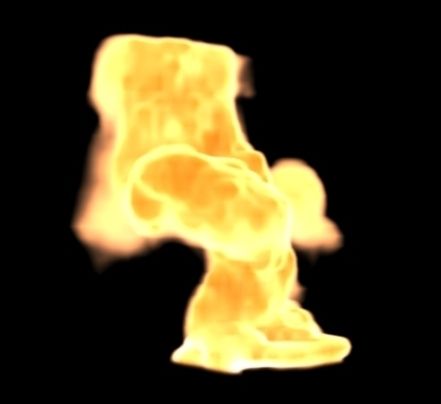
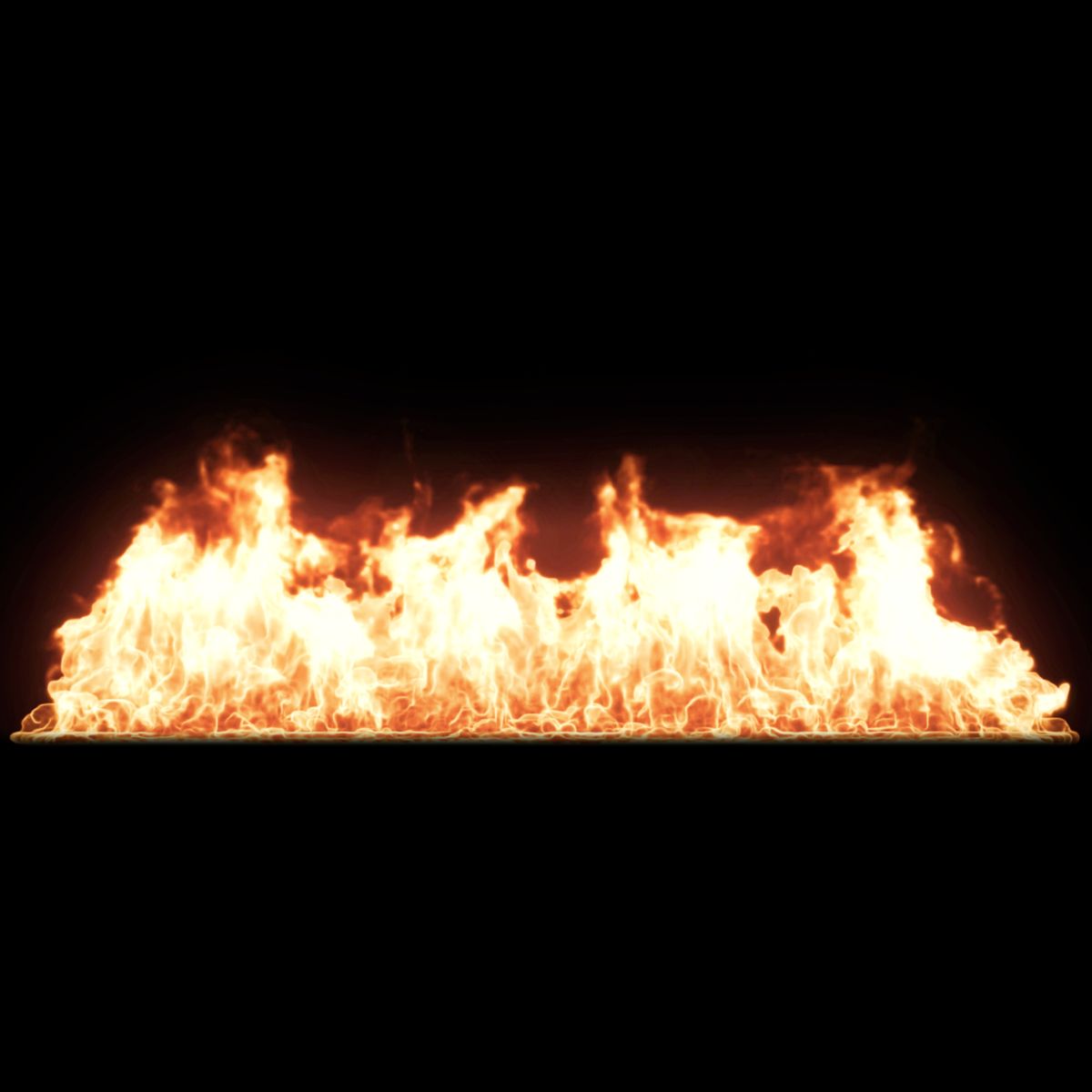
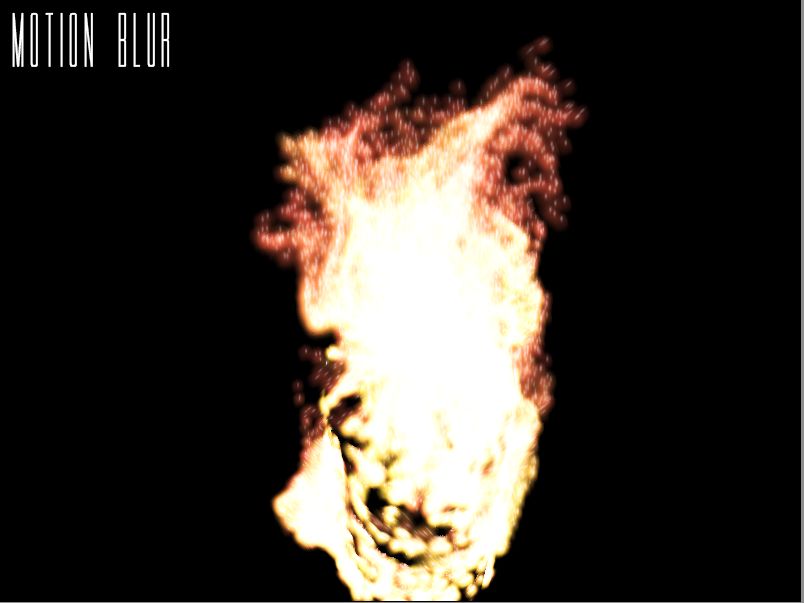
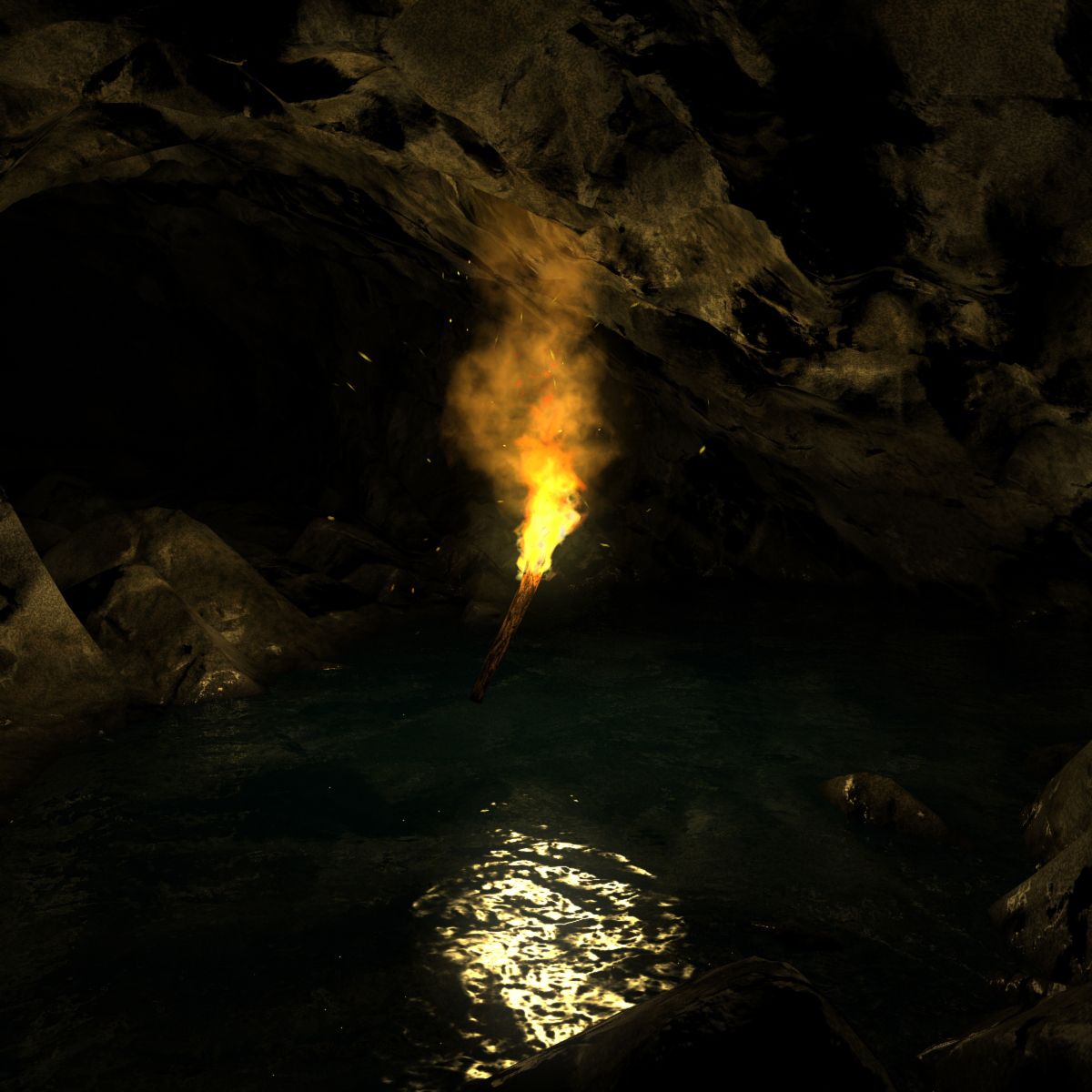
- A Animated Fire + Smoke Made with Pflow WithOut pluguins; Using Facing ever looking to "FireCam" Camera.
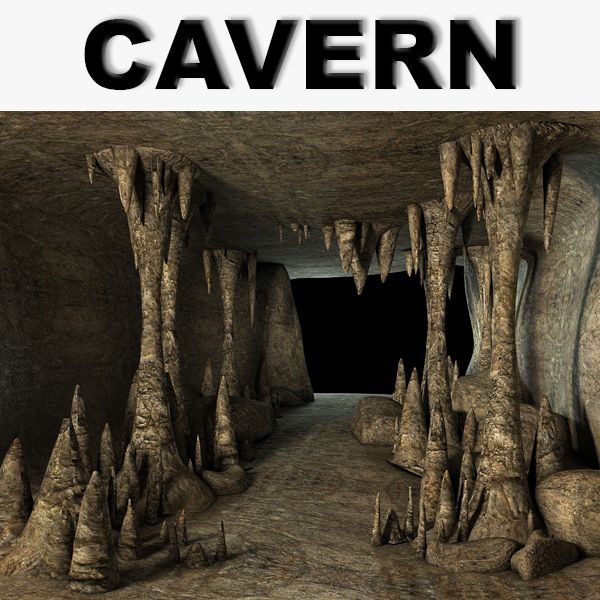
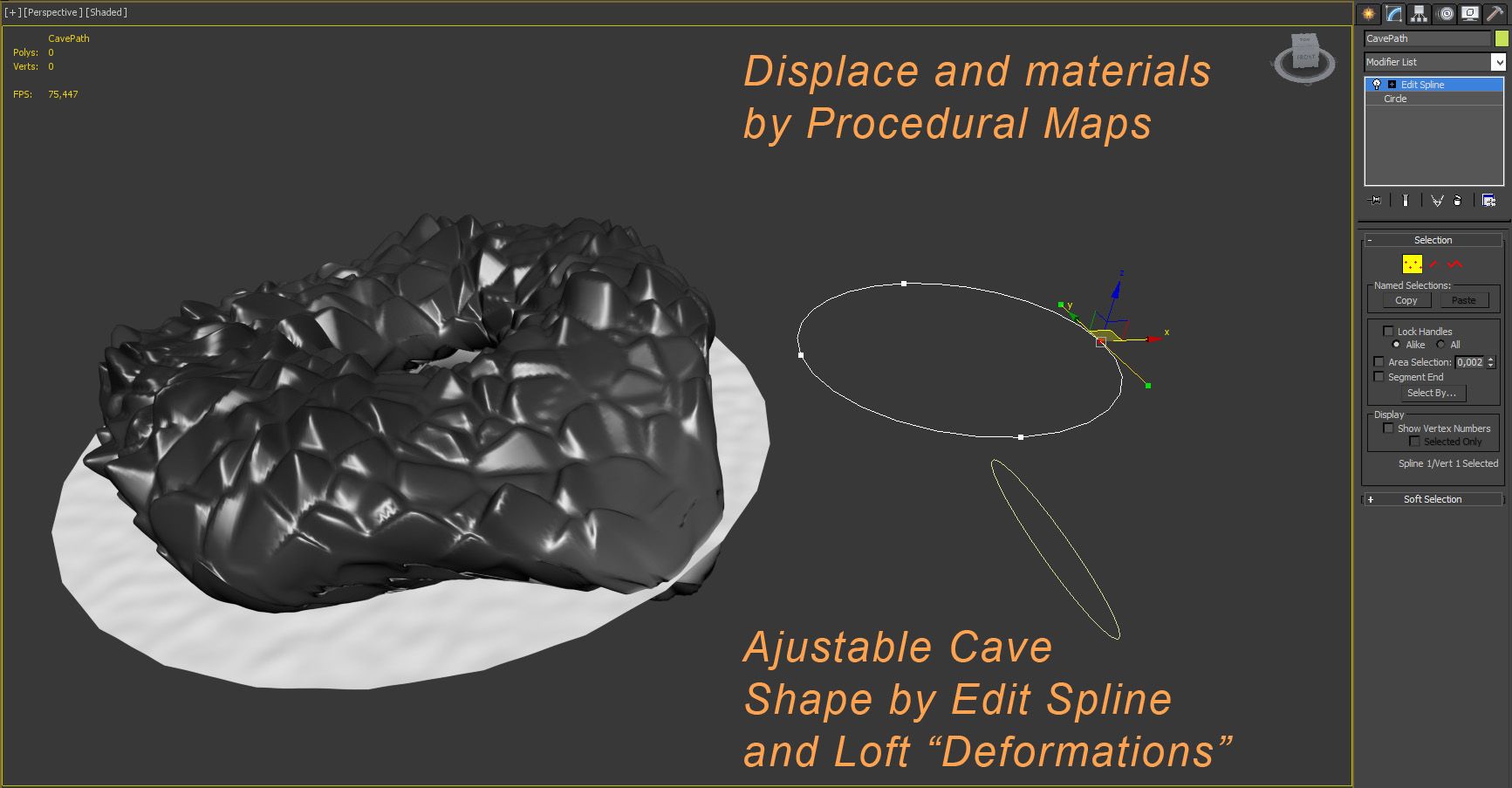
- A Cave made with Loft and modifiers.
Your shape can be modified by edit spline in " Cavepath" object, and in your Loft Deformations parameters.
- A Water Plane infinitely animated in displace and bump.
- A Stick wood Torch with a FlameCrown object
infinitely animated.
With some knowledge in 3ds max tool you can get several
other interesting results, and Also put fire in other objects.
Displace and materials cave and fire uses Procedural maps,
- Try increase the cave size and shape with the Editspline in "CavePath" object.
You can take off the Smoke, just go in Particle view
hotkey " 6 ", right button in SMOKE event and "Turn off".
Ps.:
1 - The facings used to Fire are ever loonking to FireCam scene Camera. So in your animation you have align and link the FireCam( source and target ) with your new animated Camera ( source and target )
2 - To Animate the Torch position and rotation, You use the BoneTorch_01
3 - In Case use other render with GI, may be need only the "Lighti_Environment" Light and ajust your shadow to new Render used, can delete the others lights.
Sep 17, 2020
date added
May 27, 2025
last update
Reviews
There are currently no reviews for this product.
Why not be the first one to break the ice?