


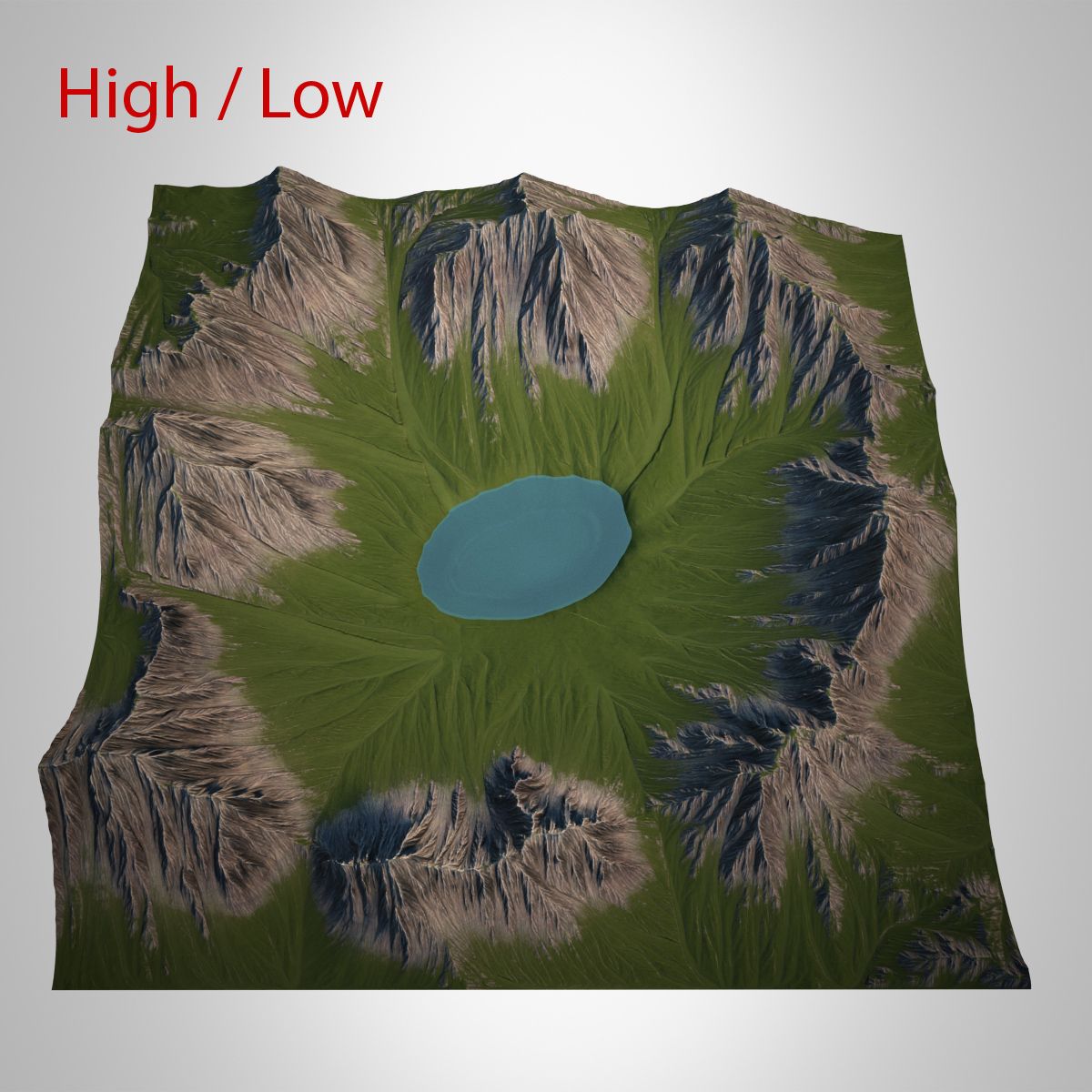

Landscape - Mountain & Weathering System 3D Model
0


66
visits

Submitted by
Prod3D
Specifications
- Geometrypolygonal
- Polygons45,000
- Vertices22,801
- TexturesYes
- RiggedYes
- AnimatedNo
- 3D Printable ReadyNo
- Game Ready (low poly)No
- UV MappedYes
- Unwrapped UVsnone
Description
Resulting weathered mountain simulation plus included simulation system.
Create your own weathered mountains in 3ds max or use the one included. Full instructions on how to create your own included.
Full pflow driven erosion system using image render feedback.
The weathering system is designed to erode a base (displaced) mesh using a PFlow system and feedback loop of additive rendering - in essence to bring in the last image rendered in a sequence back in as a background and then render back on top of it.
This is then applied in a displacement modifier which causes the particles to collate within the "erosion", generating an effective result.
Because of this additive process, a blank sequence is required to start from (included), so if you want to create your own erosion maps, you'll need to "reset" the erosion sequence by creating a new full sequence of black frames.
NOTE2 - THIS WILL TAKE A WHILE TO PERFORM THE EROSION SIMULATION!
THIS MUST BE RENDERED IN THE TOP VIEWPORT WHICH IS EDGE TO EDGE THE SAME AS THE UV MAP OF THE DISPLACED PLANE GEOMETRY.
Oct 04, 2019
date added
Jul 17, 2023
last update
Reviews
There are currently no reviews for this product.
Why not be the first one to break the ice?