


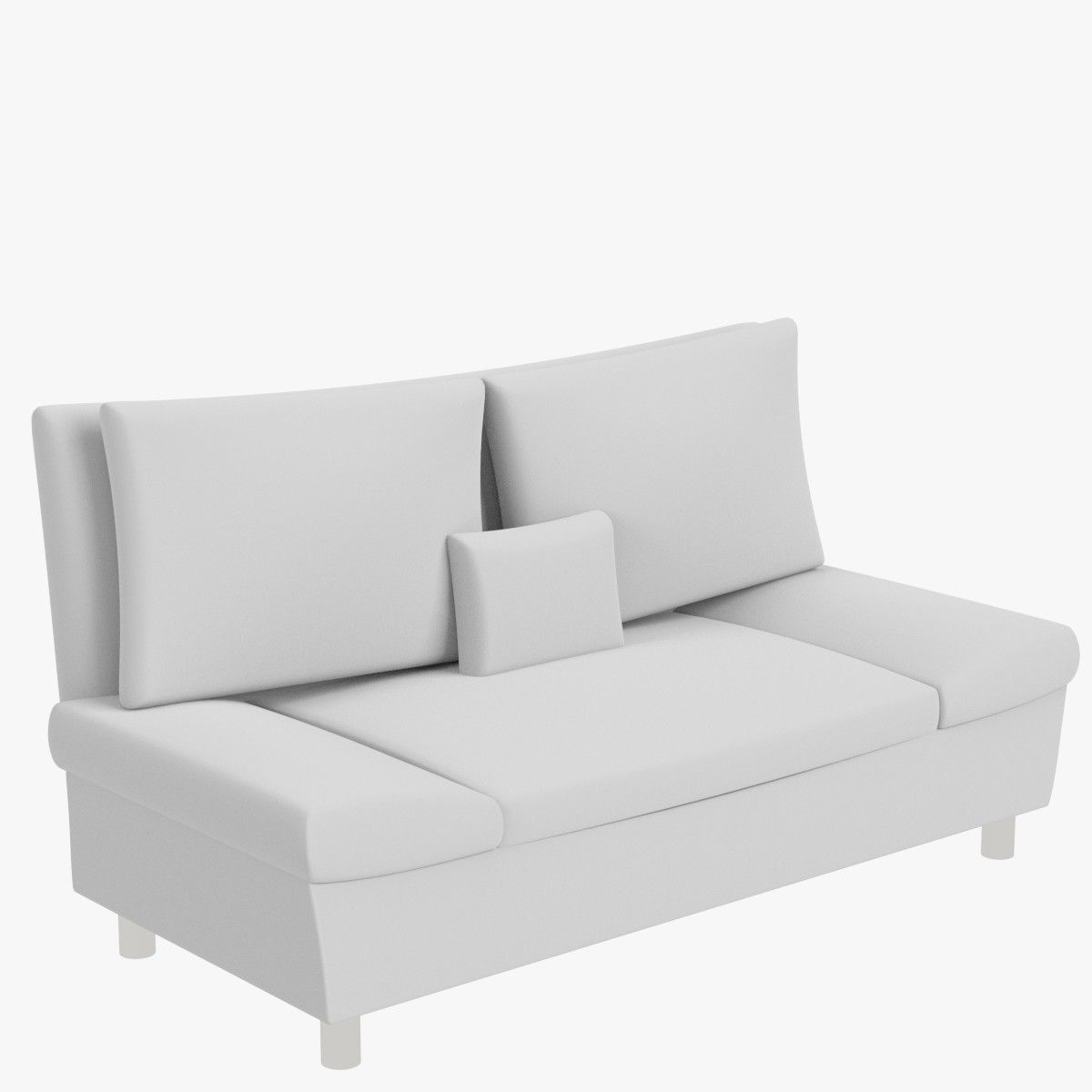


Sofa 1 3D Model
0


0
visits

Submitted by
Jiri Tuhacek
Specifications
- Geometrysubdivision
- Polygons333,763
- Vertices334,021
- TexturesYes
- RiggedNo
- AnimatedNo
- 3D Printable ReadyNo
- Game Ready (low poly)No
- UV MappedYes
- Unwrapped UVsmixed
Description
Sofa 1
Are you making a vizualisation of interior and don't have enough time to make all the furniture? Are you tired of alchemy with materials? This sofa is ready-to-render and will look stuning in your scene.
Technical info
Done using Blender and Cycles rendering engine.
This is one model of sofa with leather material. Everything is sorted, properly named, in the real-world-scale.
No Subdivision: 20 895 Verts., 21 581 Faces, 41 370 Tris.
Subd. 2 (Used for renders): 334 021 Verts., 333 763 Faces, 667 526 Tris.
Sorting of models
Models are on separate layers
Models are placed close to center
Models are true-to-scale
Logicaly named
Appending models
Open your own .blend
Go to File > Append
Go into models
Select model you want to append
Materials
Materials are leather and metal. There are two kinds of leather, but they differ only in color which is determined using RGB curves. There are difuse, normal and spec textures included. The specularity map is heavily modified in node editor, but all you care about is the color ramp. Metal material is just basic - mixed difuse and glossy.
Properly named
Aug 04, 2020
date added
Sep 27, 2021
last update
Reviews
There are currently no reviews for this product.
Why not be the first one to break the ice?