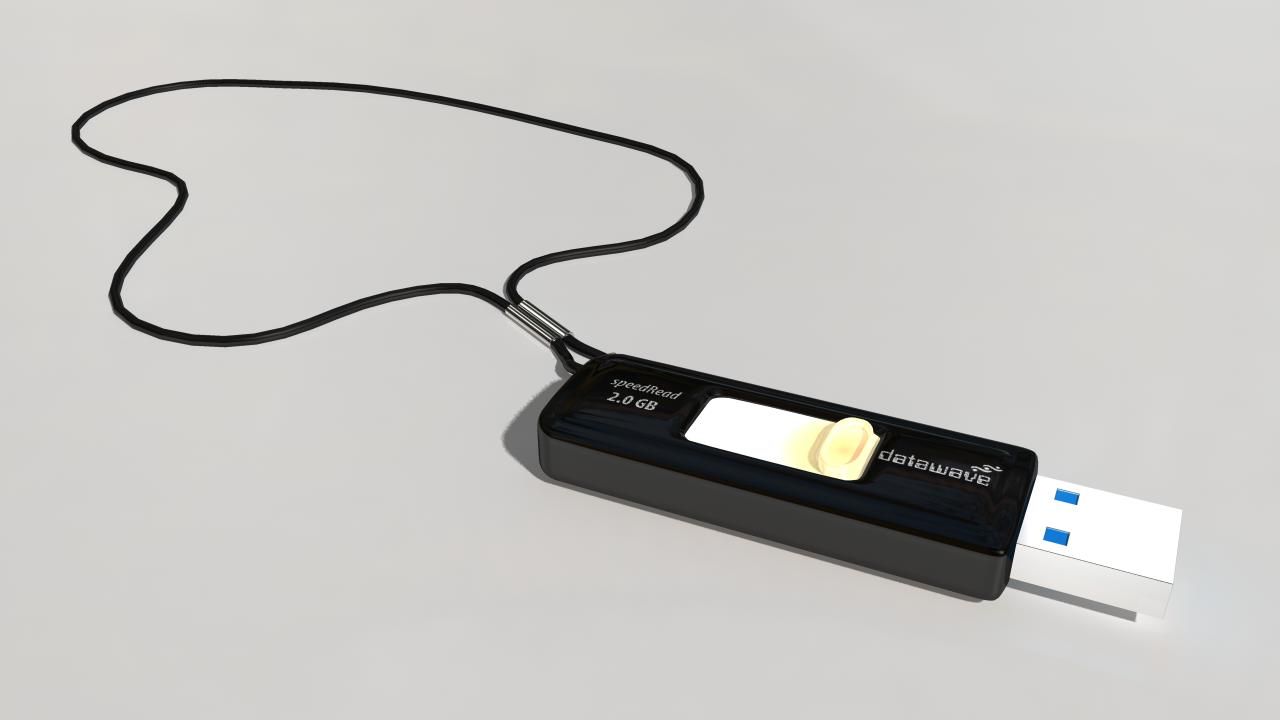


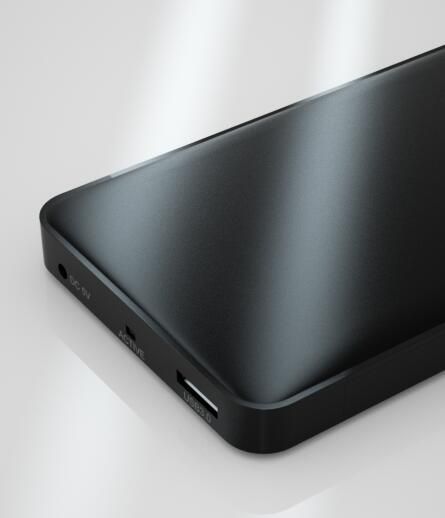


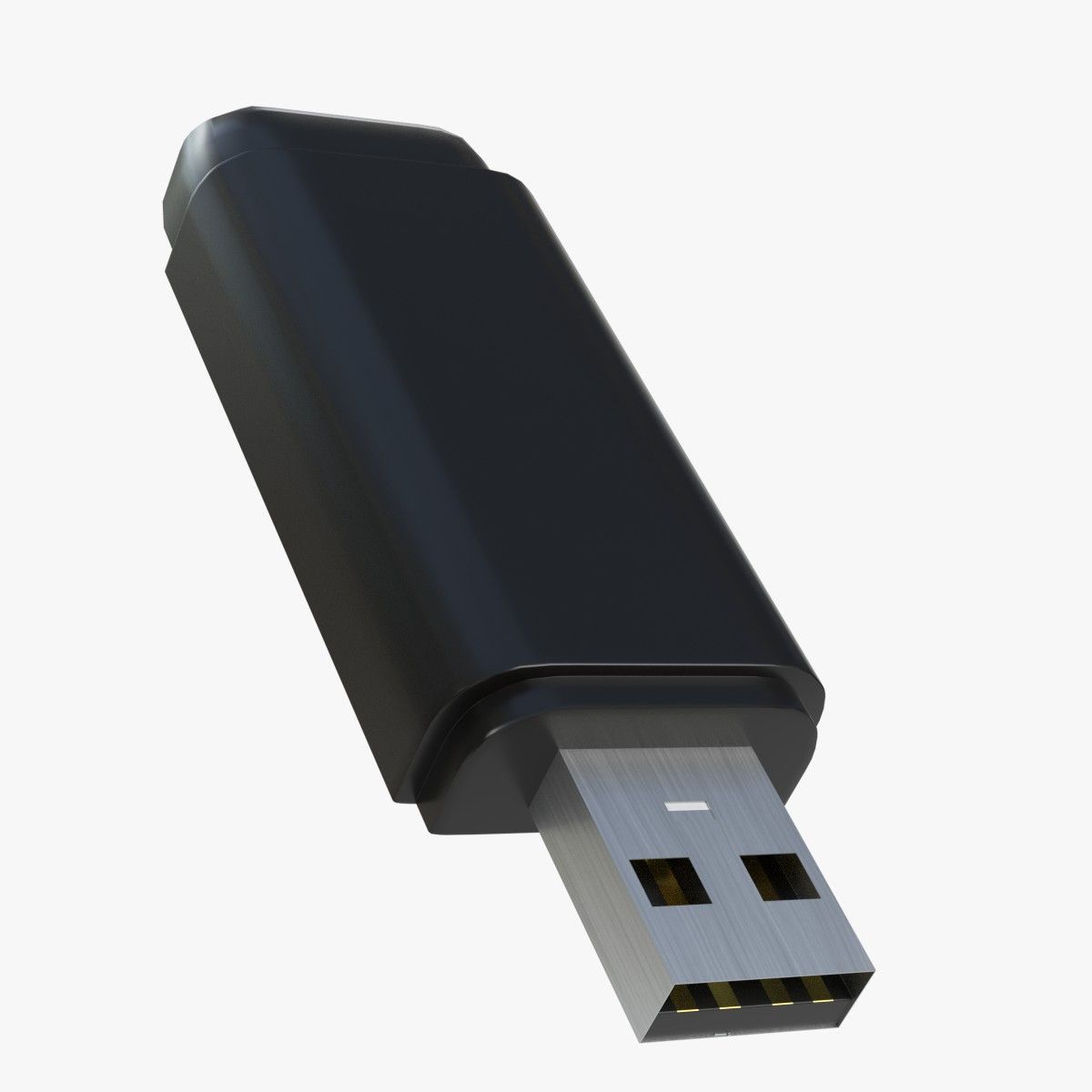
USB External Drive 3D Model
0


62
visits

Submitted by
yourTurboModeler
Specifications
- Geometrypolygonal
- Polygons10,213
- Vertices10,439
- TexturesYes
- RiggedNo
- AnimatedNo
- 3D Printable ReadyNo
- Game Ready (low poly)No
- UV MappedYes
- Unwrapped UVsnon-overlapping
Description
This is a model of a USB External Drive.
This scene was built in Maya 2010 and rendered using
Mental Ray. Lighting was achieved using an image applied to
Mental Ray's Image based lighting node then rendered with
Mental Ray Final Gather. Simple environment map included.
This is not an HDRI image.
The model is parented to a control curve.
This curve, USB_Drive_CTRL, contains a custom attribute,
Smooth 0 to 2.
This attribute allows smoothing of some geometry, if needed.
Renders were done with the this setting set to 1.
The fill lights and bounce lights have controls for intensity set
on the lights so indicated. Change intensity on either of these
CTRL lights and they will change the insensity for the others.
Intensities for each group can be set using intensity attributes of
these two lights:
fillDirectional_01_intensityCTRL
bounceDirectional_01_intensityCTRL
Poly and Vert counts are totals for all geometry in
the scene at smooth level 1.
Faces: 10213
Vertices: 10439
Sep 30, 2019
date added
Feb 12, 2022
last update
Reviews
There are currently no reviews for this product.
Why not be the first one to break the ice?