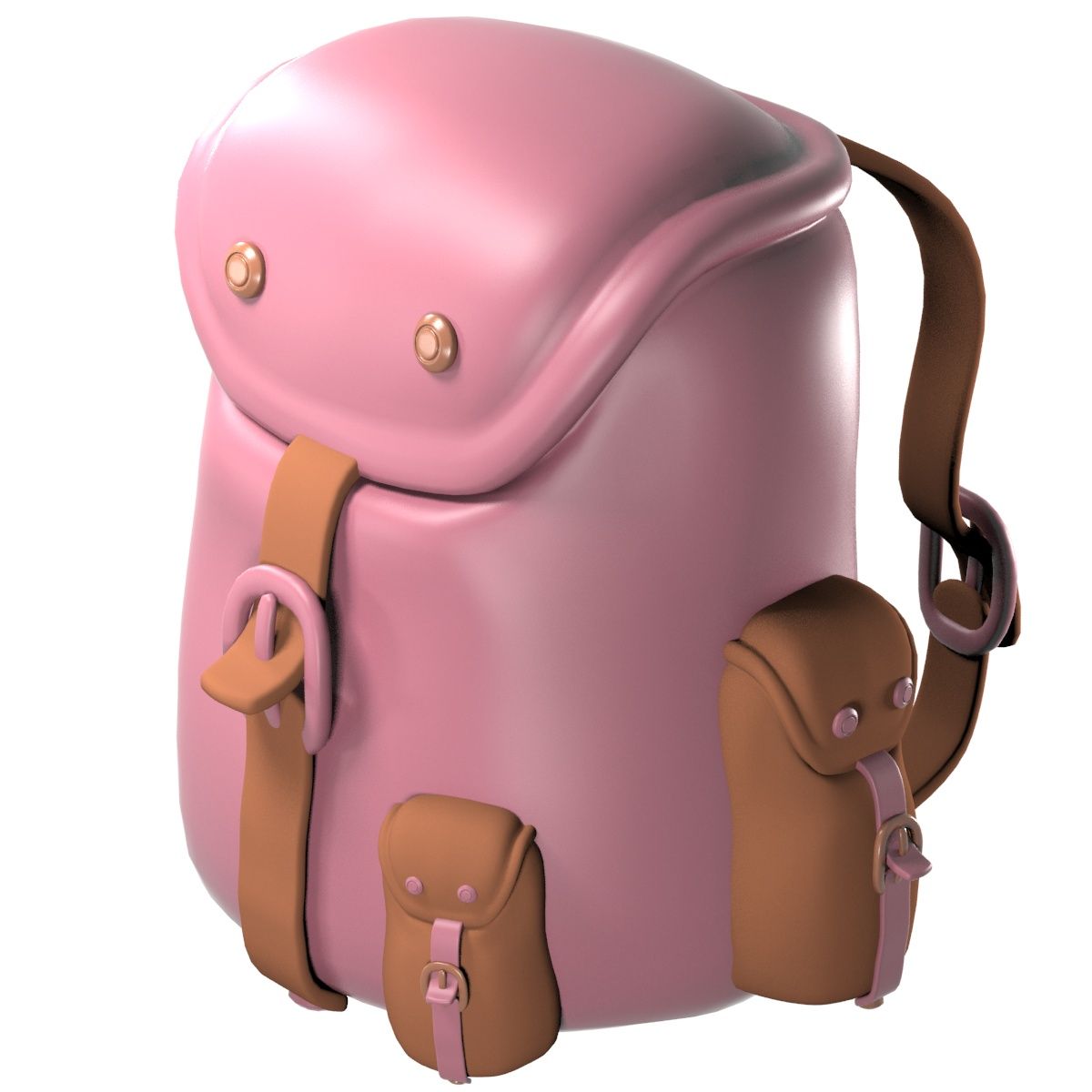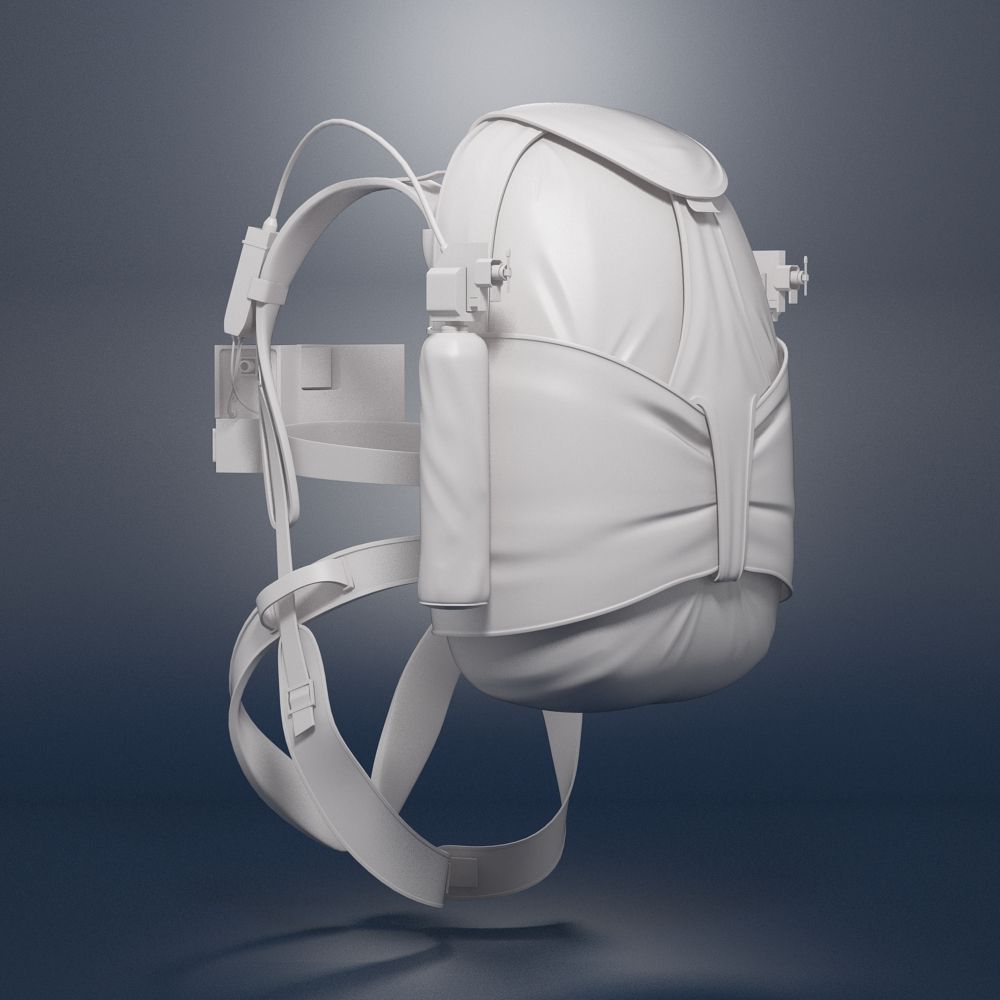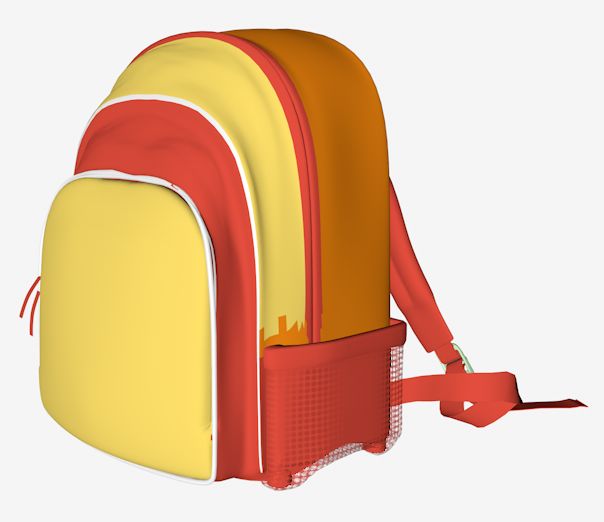




Kuest Rucksack 3D-Modell
0


Royalty Free LicenseNur redaktionell
Einfache Rückgabe
Best-Preis-Garantie
Funktioniert aus dem Kasten heraus
29
Besuche

Eingereicht von
thedeadraptor
Spezifikationen
- Geometriepolygonal
- Polygone31,986
- Scheitelpunkte33,191
- TexturenYes
- ManipuliertenNo
- AnimiertNo
- Bereit zum Drucken in 3DNo
- Spielbereit (low poly)No
- UV-kartiertYes
- Unverpackte UVsoverlapping
Beschreibung
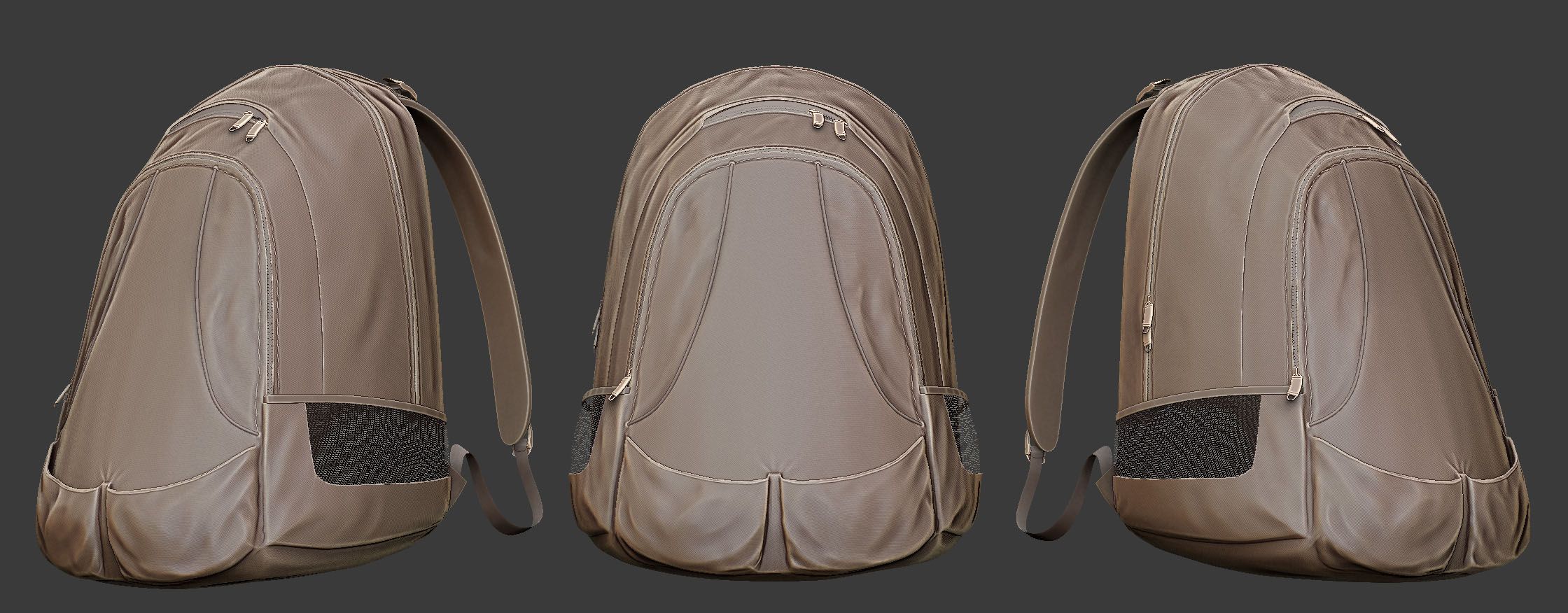
with Maya Shaders (mostly cloth). Includes colors blue, grey, red and orange. But it can easily be changed. It is just a model, no rigging or animation.
I recommend the Maya version which includes all shaders. I exported it to OBJ and when I imported it back to maya to check, The shaders were incomplete. Im guessing it is an OBJ problem. Any way, the following are the instructions to create the shader:
1. Create the cloth bump map for the cloth like bump (I used Maya cloth shader, there should be something similar available in 3DS Max or any other), set the placement as you wish.
2. Average the cloth map or material with the crumple texture available in the package. This should give you a black and white cloth like texture with crumples.
3. Set that as your bumpmap.
Oct 03, 2019
Datum hinzugefügt
Jan 12, 2024
letztes Update
Bewertungen
Es liegen noch keine Bewertungen für dieses Produkt vor.
Warum nicht der erste sein, der das Eis bricht?