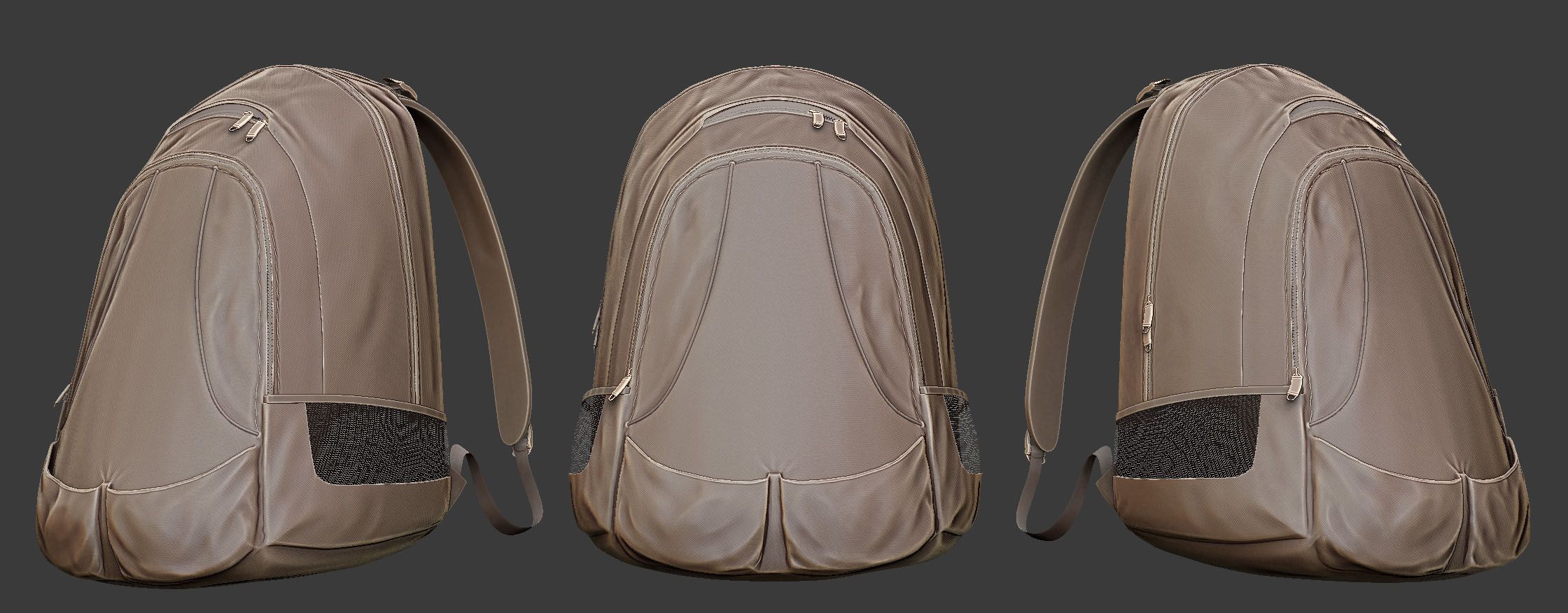

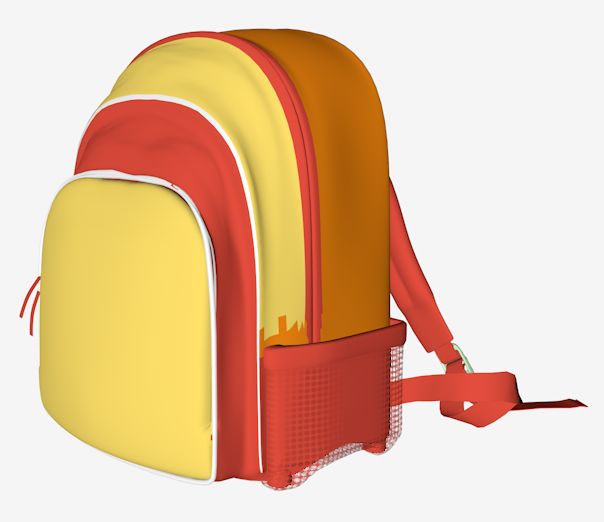


Kuest Backpack modèle 3D
0


Licence Libre de DroitsÉditorial seulement
Retours simples
Garantie du meilleur prix
Fonctionne hors de la boîte
29
visites

Proposé par
thedeadraptor
Caractéristiques
- Géométriepolygonal
- Des polygones31,986
- Sommets33,191
- Les texturesYes
- GrééNo
- AniméNo
- Prêt pour l'impression 3DNo
- Jeu Prêt (low poly)No
- UV mappéYes
- UV non emballésoverlapping
La description
with Maya Shaders (mostly cloth). Includes colors blue, grey, red and orange. But it can easily be changed. It is just a model, no rigging or animation.
I recommend the Maya version which includes all shaders. I exported it to OBJ and when I imported it back to maya to check, The shaders were incomplete. Im guessing it is an OBJ problem. Any way, the following are the instructions to create the shader:
1. Create the cloth bump map for the cloth like bump (I used Maya cloth shader, there should be something similar available in 3DS Max or any other), set the placement as you wish.
2. Average the cloth map or material with the crumple texture available in the package. This should give you a black and white cloth like texture with crumples.
3. Set that as your bumpmap.
Oct 03, 2019
date ajoutée
Jan 12, 2024
dernière mise à jour
Avis
Il n'y a actuellement aucun avis sur ce produit.
Pourquoi ne pas être le premier à briser la glace?
