-->
MimariAraçlarKarakterlerUçakMobilyaElektronikHayvanlarBitkilerSilahlarSpor DallarıGıdaAnatomi
Yer işareti
Yer imi kaldırıldı

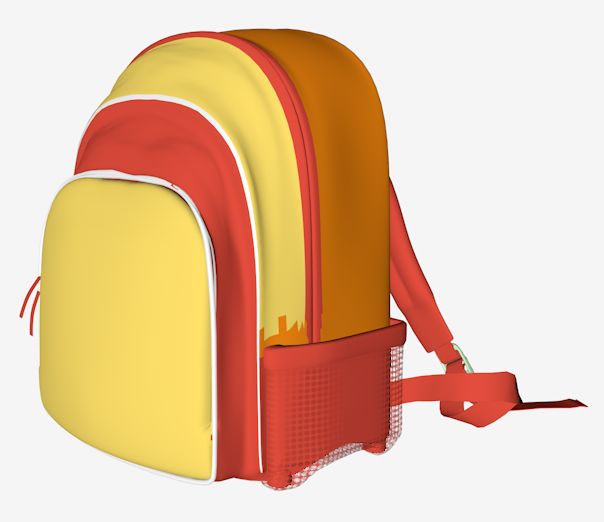
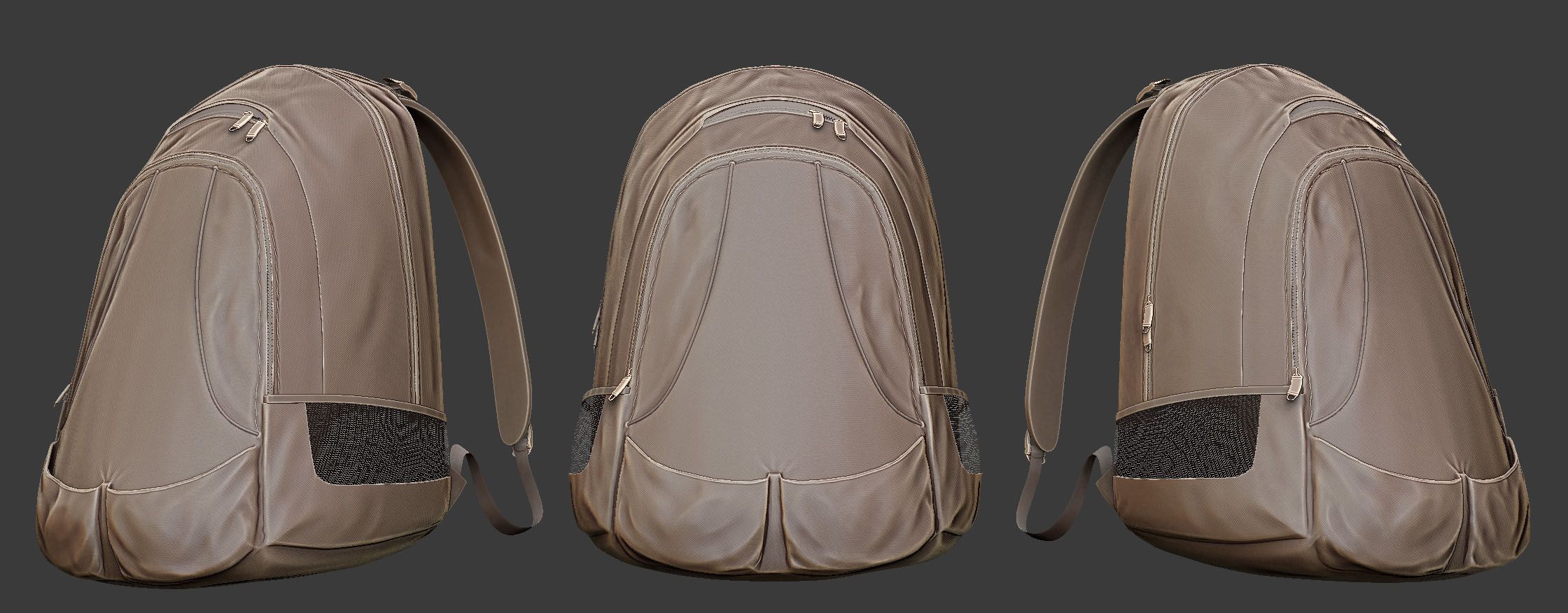
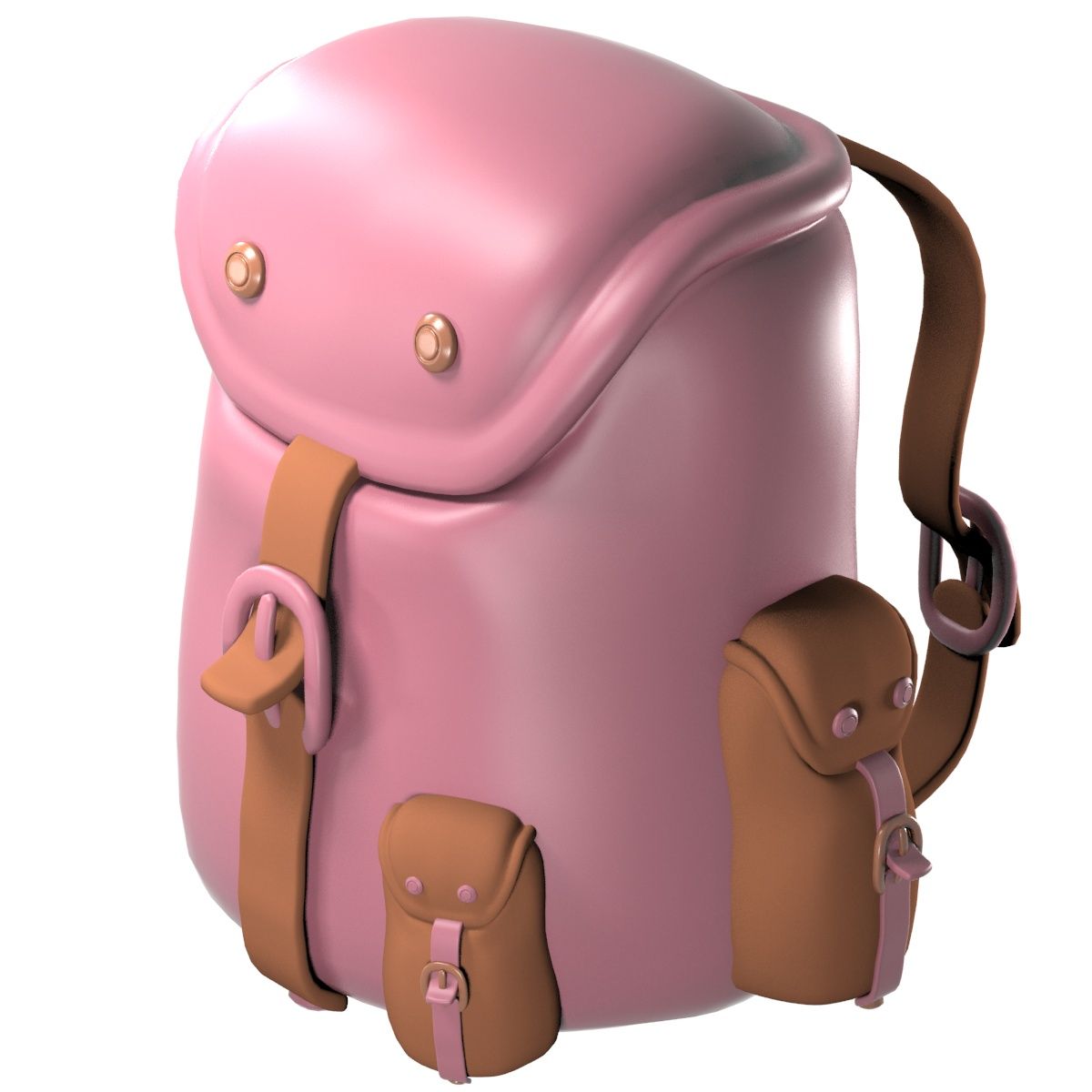
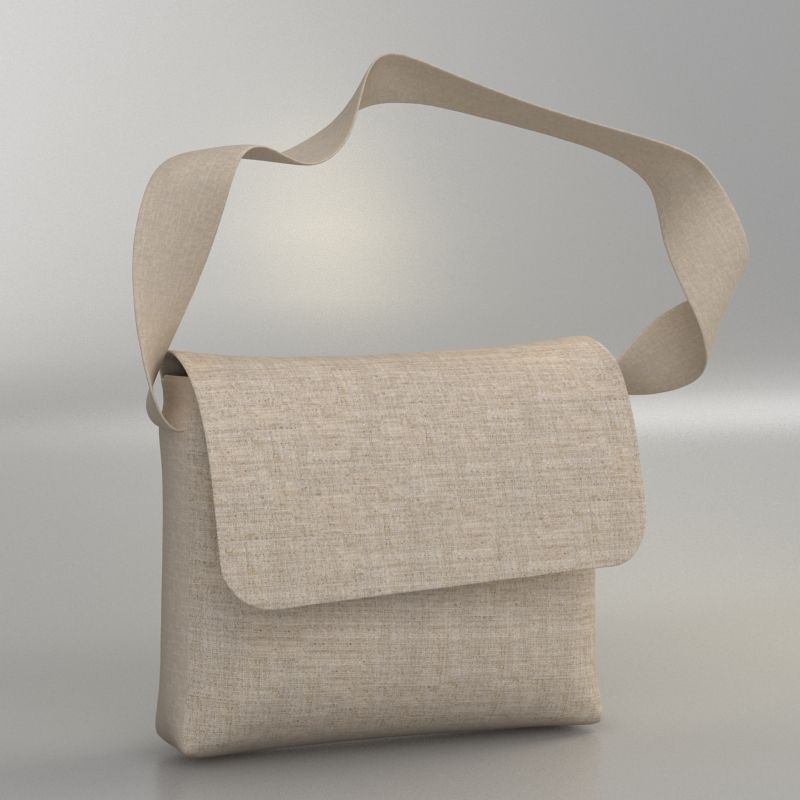
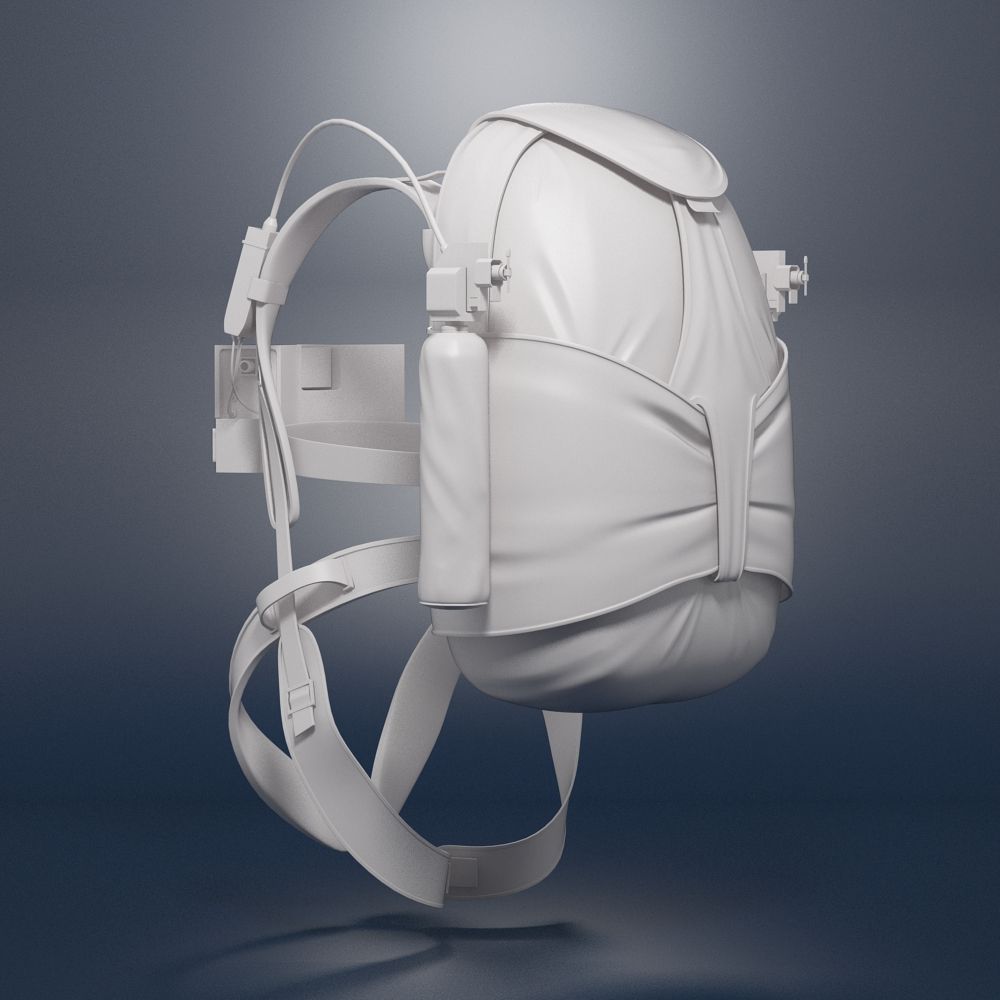
Kuest Sırt Çantası 3D model

0
Kuest Sırt Çantası royalty-free 3d model - Preview no. 1
Kuest Sırt Çantası royalty-free 3d model - Preview no. 2
Kuest Sırt Çantası royalty-free 3d model - Preview no. 3
Kuest Sırt Çantası royalty-free 3d model - Preview no. 4
Kuest Sırt Çantası royalty-free 3d model - Preview no. 5
Kuest Sırt Çantası royalty-free 3d model - Preview no. 6
Kuest Sırt Çantası royalty-free 3d model - Preview no. 7
Kuest Sırt Çantası royalty-free 3d model - Preview no. 8
Kuest Sırt Çantası royalty-free 3d model - Preview no. 9
Kuest Sırt Çantası royalty-free 3d model - Preview no. 1
Kuest Sırt Çantası royalty-free 3d model - Preview no. 2
Kuest Sırt Çantası royalty-free 3d model - Preview no. 3
Kuest Sırt Çantası royalty-free 3d model - Preview no. 4
Kuest Sırt Çantası royalty-free 3d model - Preview no. 5
Kuest Sırt Çantası royalty-free 3d model - Preview no. 6
Kuest Sırt Çantası royalty-free 3d model - Preview no. 7
Kuest Sırt Çantası royalty-free 3d model - Preview no. 8
Kuest Sırt Çantası royalty-free 3d model - Preview no. 9
15
00
Royalty Free LisansSadece editoryal
Basit iadeler
En iyi fiyat garantisi
Kutunun dışında çalışır
29 ziyaret
thedeadraptor

Özellikler

  • Geometripolygonal
  • Çokgenler31,986
  • Tepe Noktaları33,191
  • DokularYes
  • hileliNo
  • canlandırılmışNo
  • 3D Yazdırılabilir HazırNo
  • Oyuna Hazır (düşük poli)No
  • UV HaritalıYes
  • Sarılmamış UV'leroverlapping

Biçimler ve Dosyalar

OBJ
(.obj)
2 MB

KuestBackpack.obj.zip
Maya
(.ma)
2 MB

mentalray 2013
KuestBackpack.ma.zip

Açıklama

with Maya Shaders (mostly cloth). Includes colors blue, grey, red and orange. But it can easily be changed. It is just a model, no rigging or animation. I recommend the Maya version which includes all shaders. I exported it to OBJ and when I imported it back to maya to check, The shaders were incomplete. Im guessing it is an OBJ problem. Any way, the following are the instructions to create the shader: 1. Create the cloth bump map for the cloth like bump (I used Maya cloth shader, there should be something similar available in 3DS Max or any other), set the placement as you wish. 2. Average the cloth map or material with the crumple texture available in the package. This should give you a black and white cloth like texture with crumples. 3. Set that as your bumpmap.
Oct 03, 2019 Ekleme Tarihi
Jan 12, 2024 son Güncelleme

Yorumlar

Bu ürün için henüz hiç yorum yapılmamış.
Neden buzu kıran ilk kişi değilsin?