

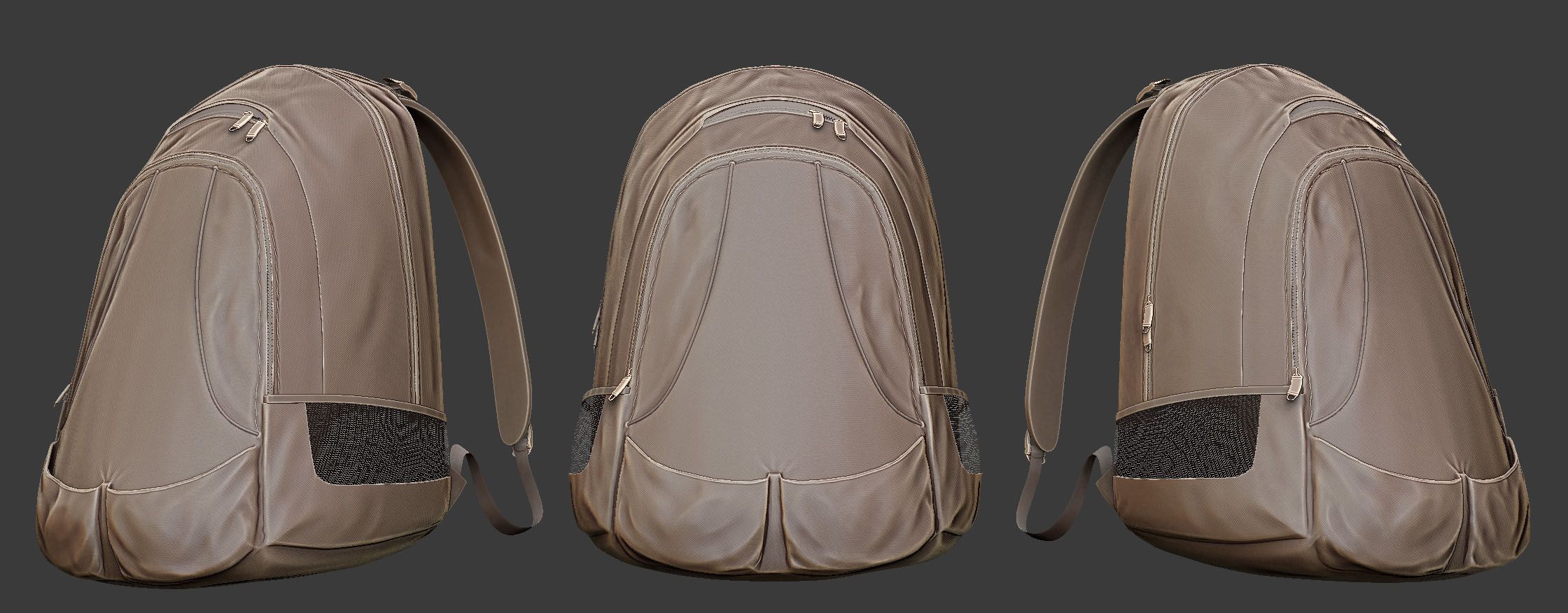
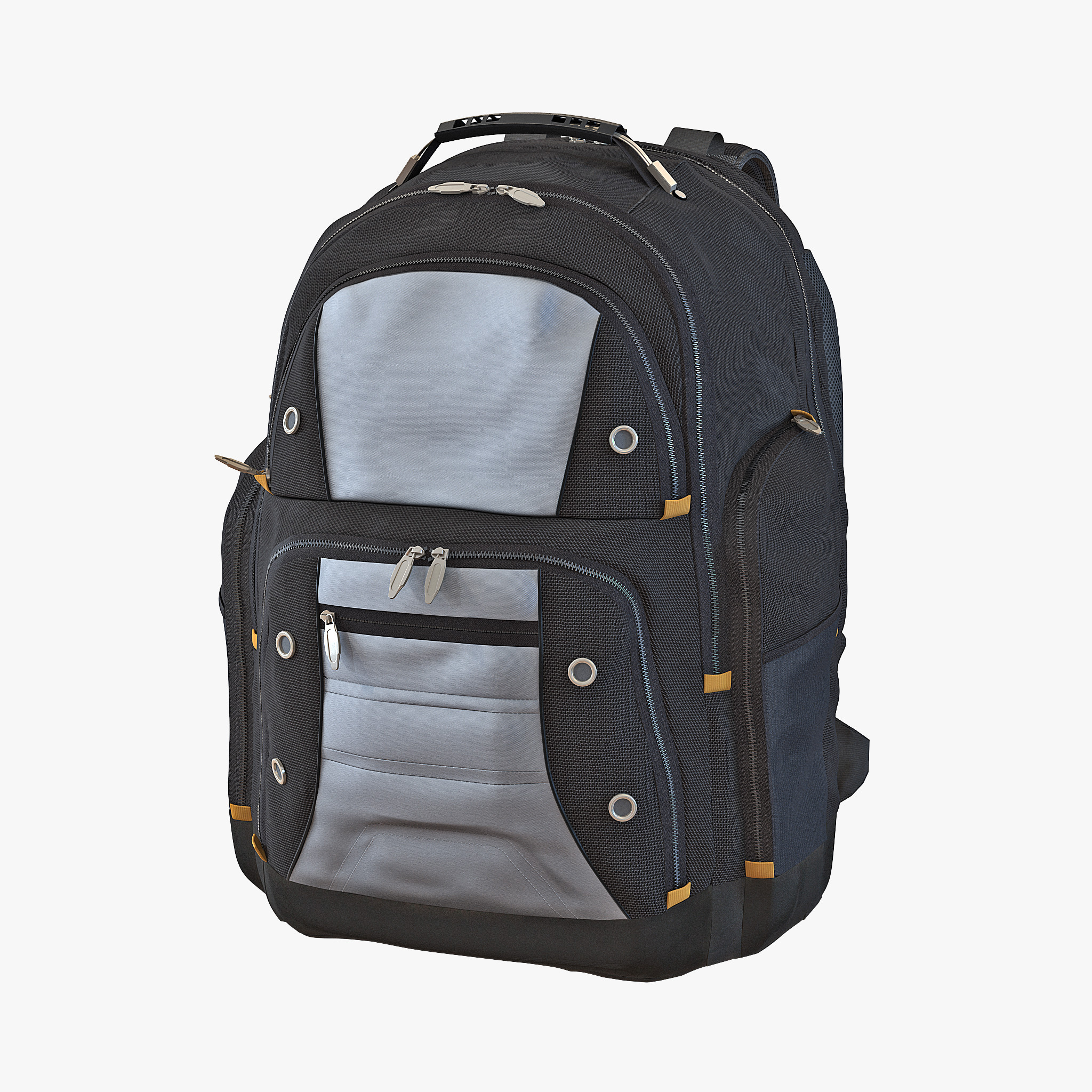


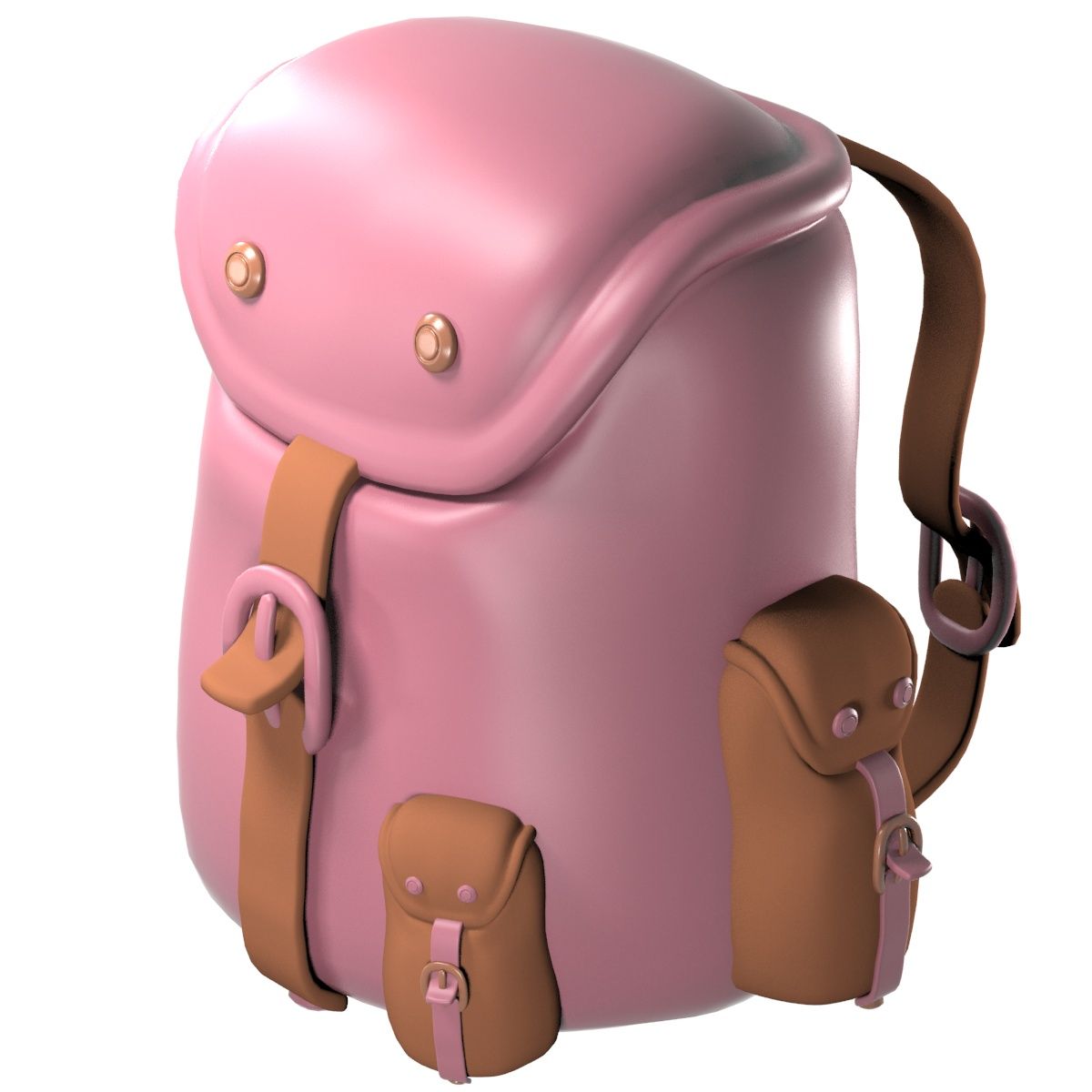
Mochila Kuest modelo 3d
0


Licencia Libre de DerechosSolo editorial
Devoluciones simples
Mejor precio garantizado
Trabaja fuera de la caja
29
visitas

Presentado por
thedeadraptor
Presupuesto
- Geometríapolygonal
- Poligonos31,986
- Vértices33,191
- TexturasYes
- AparejadoNo
- AnimadoNo
- Listo para imprimir en 3DNo
- Juego listo (polietileno baja)No
- Mapeado UVYes
- UV sin envolveroverlapping
Descripción
with Maya Shaders (mostly cloth). Includes colors blue, grey, red and orange. But it can easily be changed. It is just a model, no rigging or animation.
I recommend the Maya version which includes all shaders. I exported it to OBJ and when I imported it back to maya to check, The shaders were incomplete. Im guessing it is an OBJ problem. Any way, the following are the instructions to create the shader:
1. Create the cloth bump map for the cloth like bump (I used Maya cloth shader, there should be something similar available in 3DS Max or any other), set the placement as you wish.
2. Average the cloth map or material with the crumple texture available in the package. This should give you a black and white cloth like texture with crumples.
3. Set that as your bumpmap.
Oct 03, 2019
Fecha Agregada
Jan 12, 2024
última actualización
Opiniones
Actualmente no hay opiniones para este producto.
¿Por qué no ser el primero en romper el hielo?