
-->
ArquitecturaVehículosCaracteresAeronaveMuebleElectrónicaAnimalesPlantasArmasDeportesComidaAnatomía
Marcado
Marcador eliminado

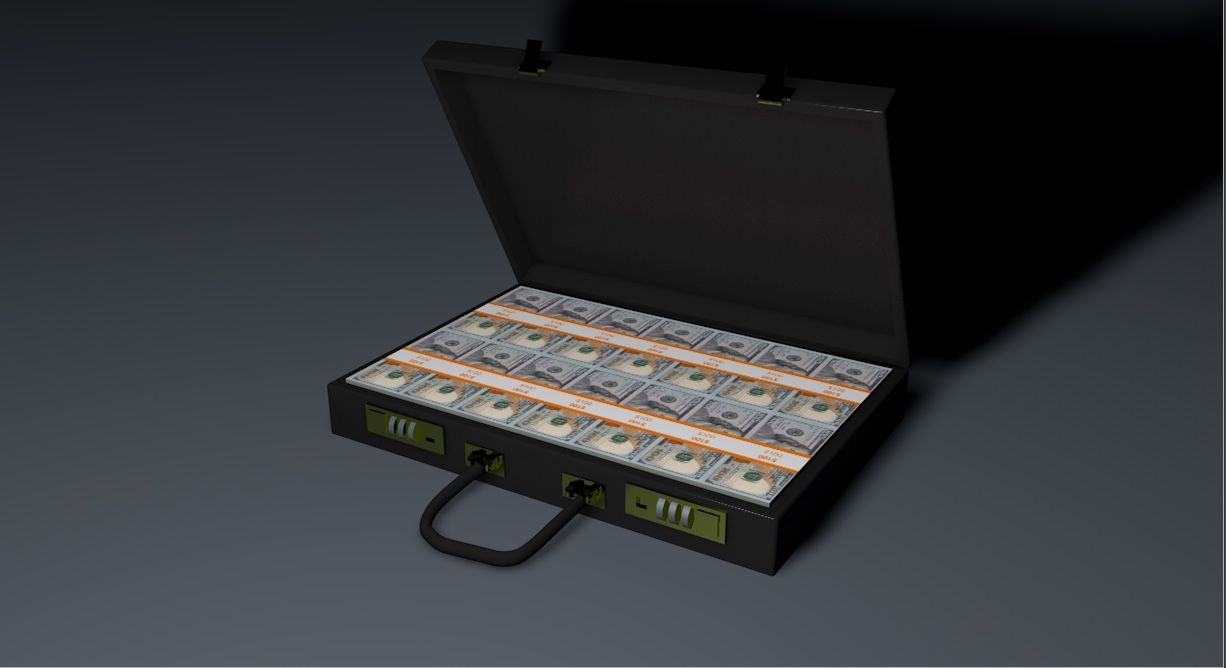
dinero negro modelo 3d

0
dinero negro royalty-free modelo 3d - Preview no. 1
dinero negro royalty-free modelo 3d - Preview no. 2
dinero negro royalty-free modelo 3d - Preview no. 3
dinero negro royalty-free modelo 3d - Preview no. 4
dinero negro royalty-free modelo 3d - Preview no. 5
dinero negro royalty-free modelo 3d - Preview no. 6
dinero negro royalty-free modelo 3d - Preview no. 7
dinero negro royalty-free modelo 3d - Preview no. 8
dinero negro royalty-free modelo 3d - Preview no. 9
dinero negro royalty-free modelo 3d - Preview no. 1
dinero negro royalty-free modelo 3d - Preview no. 2
dinero negro royalty-free modelo 3d - Preview no. 3
dinero negro royalty-free modelo 3d - Preview no. 4
dinero negro royalty-free modelo 3d - Preview no. 5
dinero negro royalty-free modelo 3d - Preview no. 6
dinero negro royalty-free modelo 3d - Preview no. 7
dinero negro royalty-free modelo 3d - Preview no. 8
dinero negro royalty-free modelo 3d - Preview no. 9
Licencia Libre de DerechosTodos los usos extendidos
Devoluciones simples
Mejor precio garantizado
Trabaja fuera de la caja
0 visitas
vicmax

Presupuesto

  • Geometríapolygonal
  • Poligonos9,000
  • Vértices9,000
  • TexturasYes
  • AparejadoYes
  • AnimadoYes
  • Listo para imprimir en 3DNo
  • Juego listo (polietileno baja)No
  • Mapeado UVYes
  • UV sin envolvernon-overlapping

Formatos y archivos

Softimage
(.xsi)
3 MB

mentalray 2
black buck xsi.rar
OBJ
(.obj)
3 MB

black buck obj.rar
3ds Max
(.max)
3 MB

default_scanline
black buck max.rar
Blender
(.blend)
3 MB

black buck.rar

Descripción

3d model of a black buck modeled and rendered in max2008. The Blender version of the model has been rigged and animated with auto IK for 36 frames. A preview video is also being provided. The blender rig is simple. No IK applied to any part. Just enable the auto-ik button in blender and you are ready to animate. If by any chance you mess up the rig, press alt+r and alt+g to revert to the rest position of the model. Blender supports FBX export. If you wish to transfer this rig to max or maya you you export it as fbx and import into max or maya. You could download the present version of Blender from the Blender website.
Nov 12, 2021 Fecha Agregada
Feb 21, 2022 última actualización

Opiniones

Actualmente no hay opiniones para este producto.
¿Por qué no ser el primero en romper el hielo?