

-->
ArkitekturFordonTeckenFlygplanMöbelElektronikDjurVäxterVapenSporterMatAnatomi

More 3D models for your project

Sponsored picks from TurboSquid

bokmärkt
Bokmärke borttagen

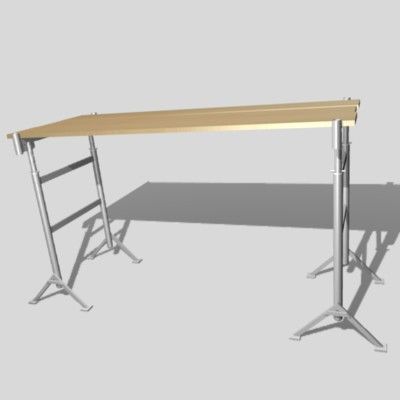
svart bock 3D-modell

0
svart bock royalty-free 3d model - Preview no. 1
svart bock royalty-free 3d model - Preview no. 2
svart bock royalty-free 3d model - Preview no. 3
svart bock royalty-free 3d model - Preview no. 4
svart bock royalty-free 3d model - Preview no. 5
svart bock royalty-free 3d model - Preview no. 6
svart bock royalty-free 3d model - Preview no. 7
svart bock royalty-free 3d model - Preview no. 8
svart bock royalty-free 3d model - Preview no. 9
svart bock royalty-free 3d model - Preview no. 1
svart bock royalty-free 3d model - Preview no. 2
svart bock royalty-free 3d model - Preview no. 3
svart bock royalty-free 3d model - Preview no. 4
svart bock royalty-free 3d model - Preview no. 5
svart bock royalty-free 3d model - Preview no. 6
svart bock royalty-free 3d model - Preview no. 7
svart bock royalty-free 3d model - Preview no. 8
svart bock royalty-free 3d model - Preview no. 9
Royaltyfria LicensAlla utökade användningsområden
Enkel retur
Bästa prisgaranti
Fungerar ur lådan
0 besök
vicmax

Specifikationer

  • Geometripolygonal
  • polygoner9,000
  • hörn9,000
  • strukturerYes
  • riggadeYes
  • AnimeradYes
  • 3D Printable ReadyNo
  • Spelklar (låg poly)No
  • UV MappadYes
  • Unwrapped UVsnon-overlapping

Formater och filer

Softimage
(.xsi)
3 MB

mentalray 2
black buck xsi.rar
OBJ
(.obj)
3 MB

black buck obj.rar
3ds Max
(.max)
3 MB

default_scanline
black buck max.rar
Blender
(.blend)
3 MB

black buck.rar
Blender

blackbuck_trot0001-0036.avi
Blender

blackbuck_trot_20001-0036.avi

Beskrivning

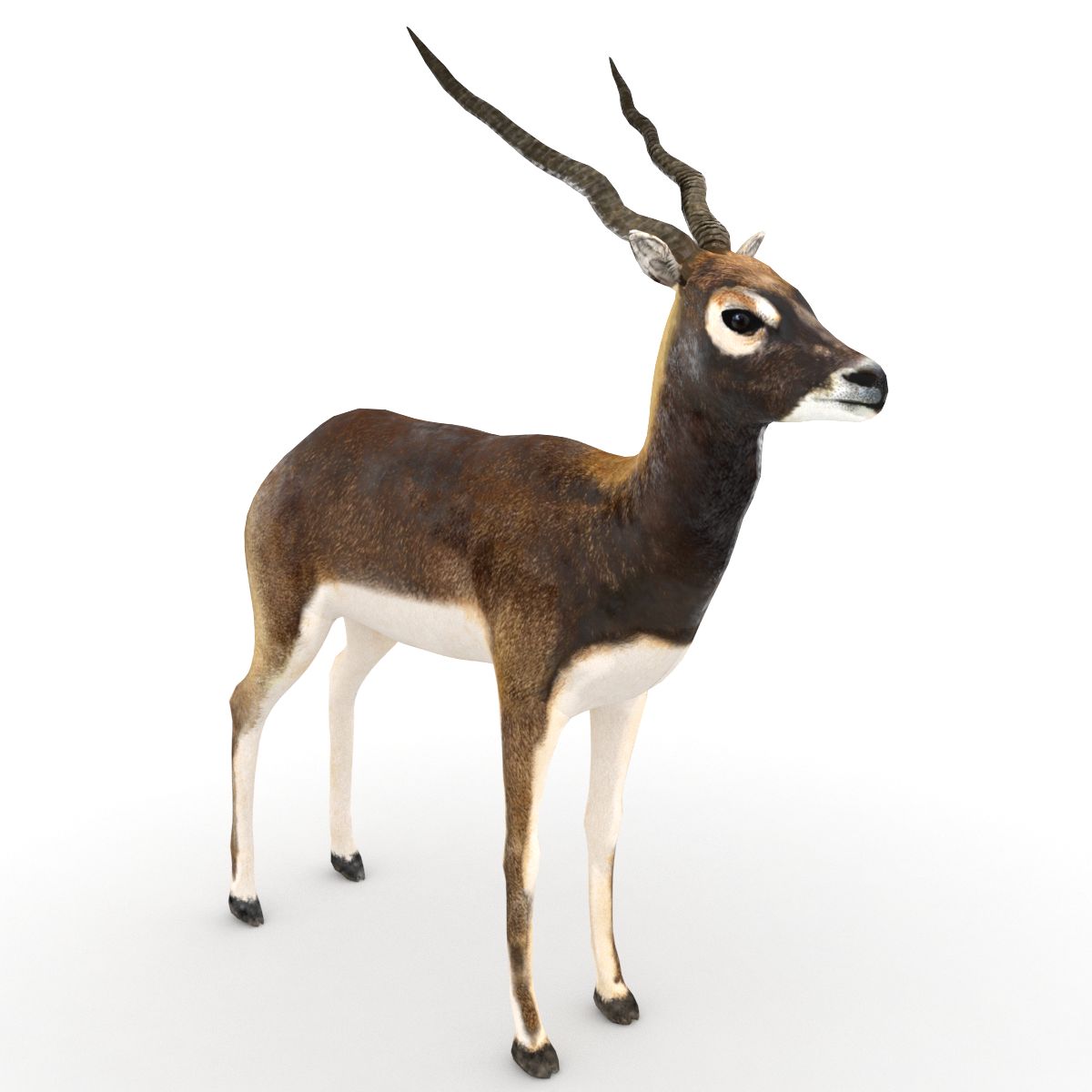
3d model of a black buck modeled and rendered in max2008. The Blender version of the model has been rigged and animated with auto IK for 36 frames. A preview video is also being provided. The blender rig is simple. No IK applied to any part. Just enable the auto-ik button in blender and you are ready to animate. If by any chance you mess up the rig, press alt+r and alt+g to revert to the rest position of the model. Blender supports FBX export. If you wish to transfer this rig to max or maya you you export it as fbx and import into max or maya. You could download the present version of Blender from the Blender website.
Nov 12, 2021 datum tillagt
Feb 21, 2022 senaste uppdateringen

recensioner

Det finns för tillfället inga recensioner för denna produkt.
Varför inte vara den första som bryter isen?