


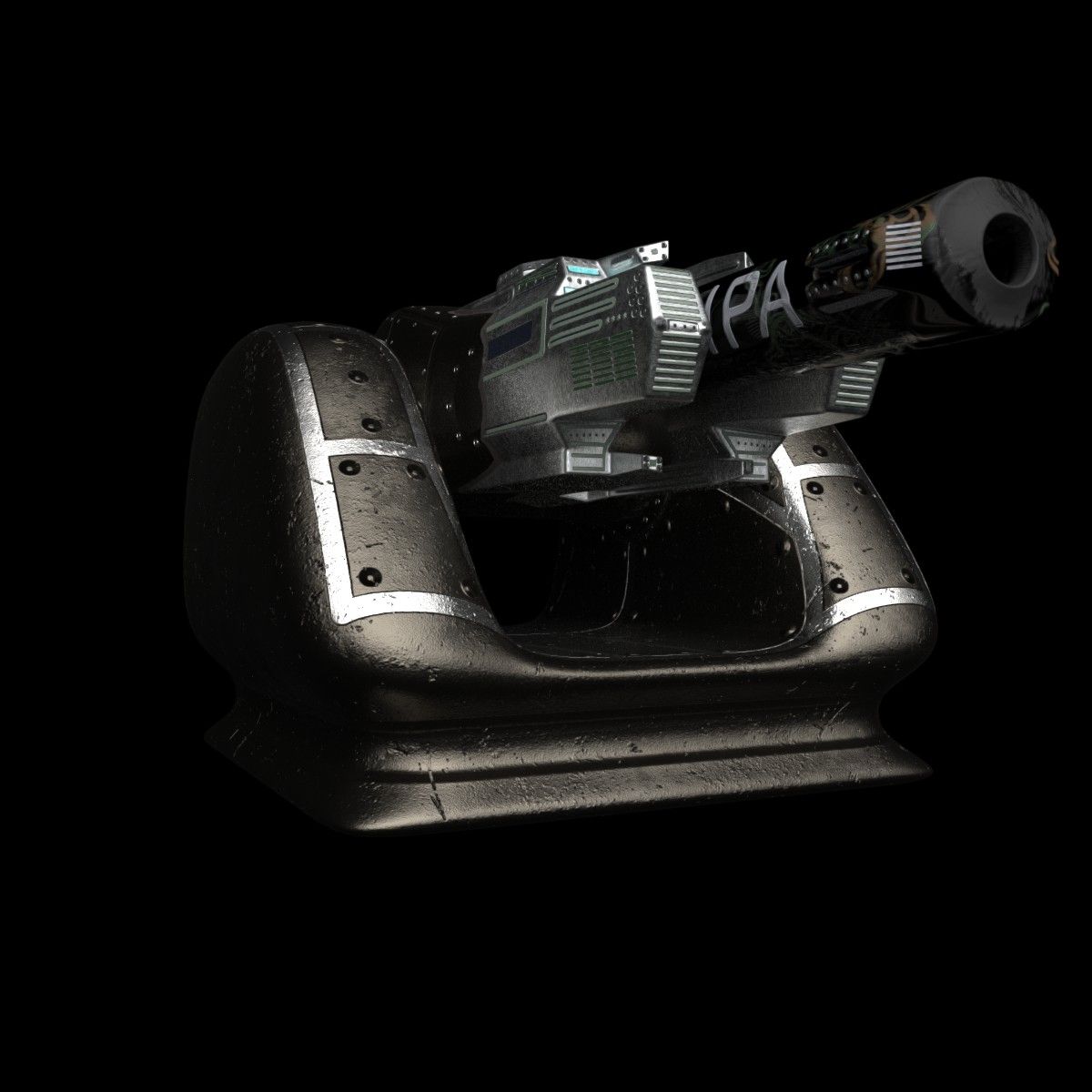
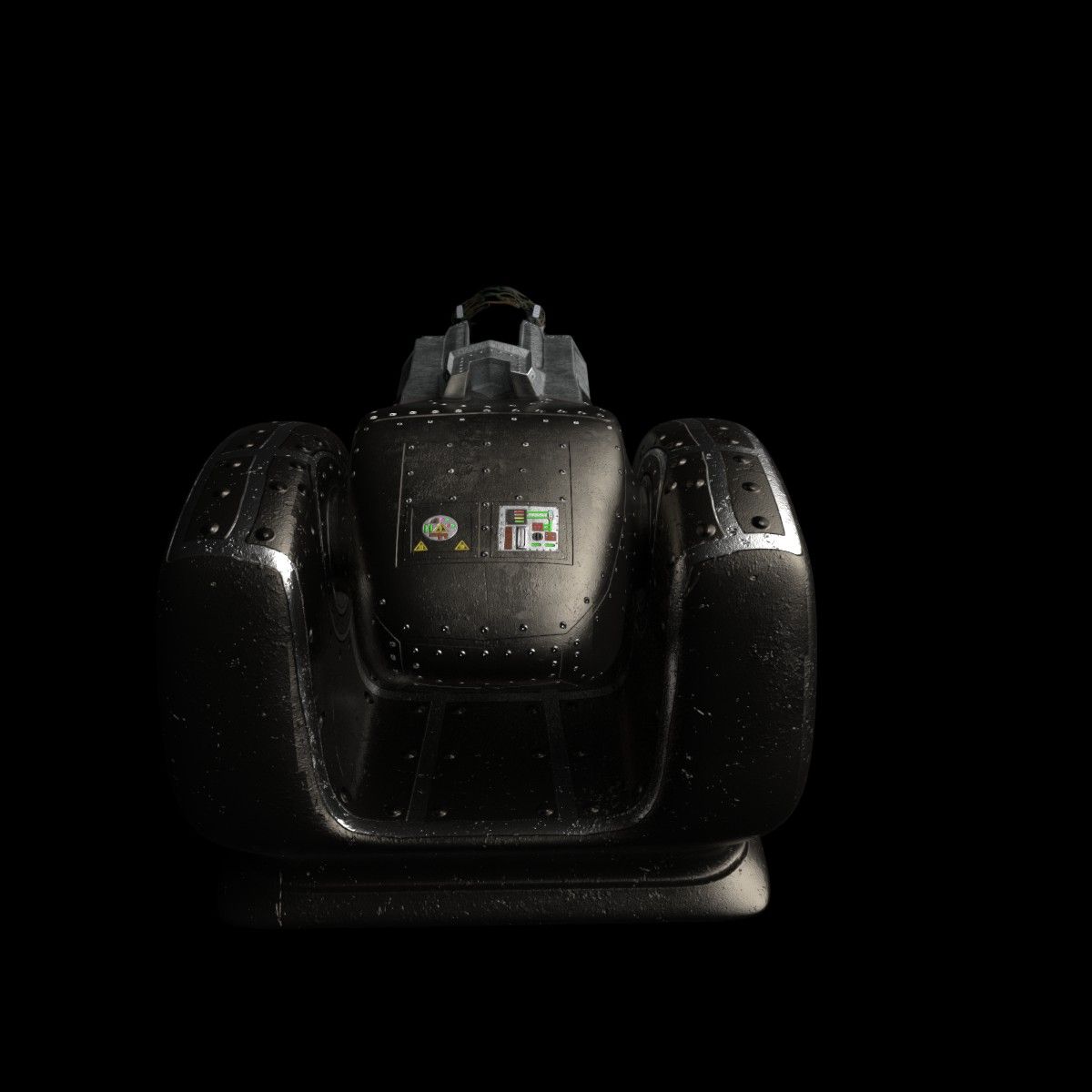
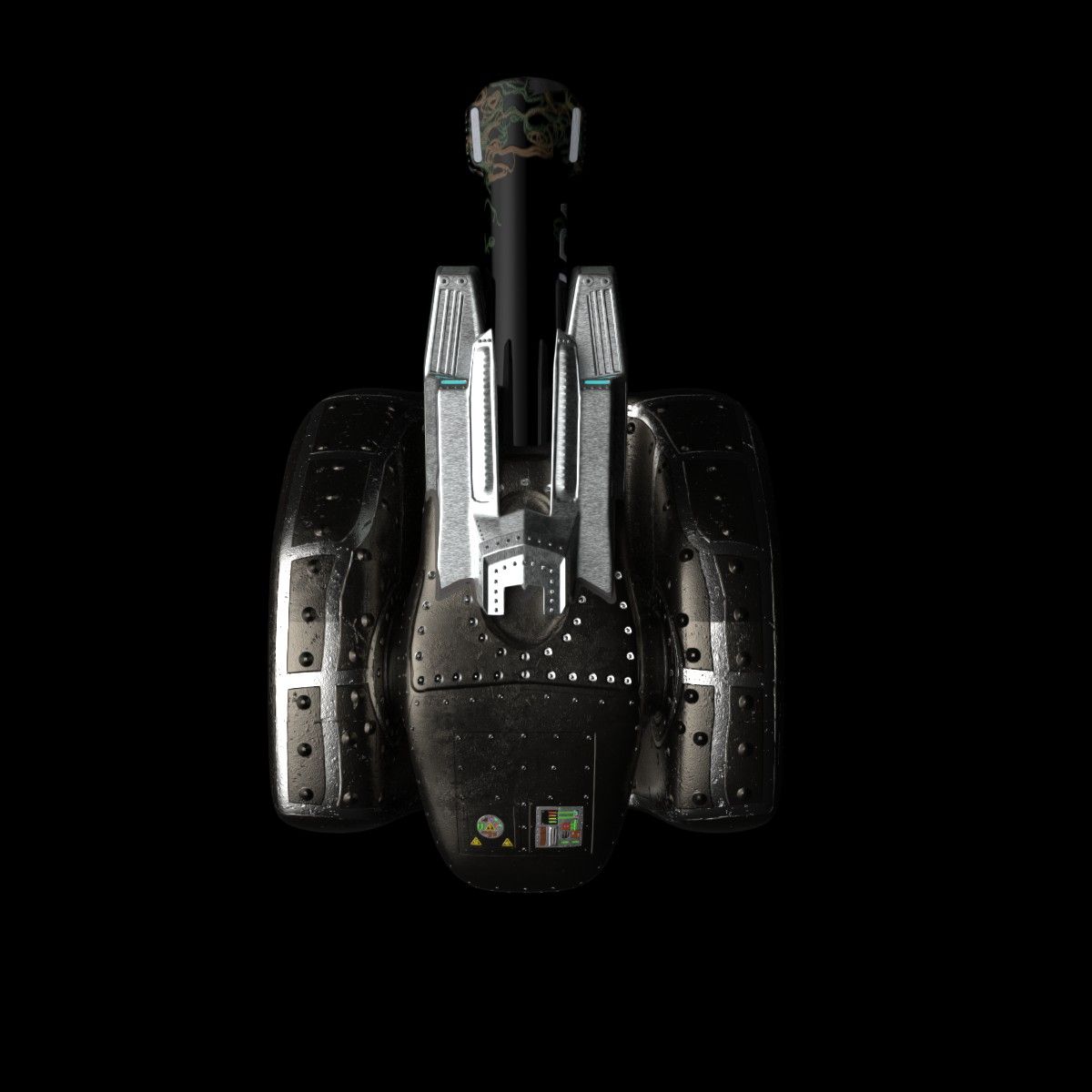
Accelerator Cannon Modello 3D
0






Licenza RoyaltyTutti gli usi estesi
Ritorni semplici
Miglior prezzo garantito
Funziona fuori dalla scatola
1
visite

Inviato da
Stingares
specificazioni
- Geometriapolygonal_quads/tris
- poligoni106,944
- vertici107,477
- TexturesYes
- riggedNo
- AnimatoNo
- Prontabile in 3DNo
- Gioco pronto (low poly)No
- UV mappatoYes
- UV non avvoltomixed
Descrizione
Accelerator Cannon
Designed with Blender.
Package includes:
(.fbx) (.obj) (.3ds) formats.
Three packaged mesh files each that has been UV mapped. The individual packaged mesh folders includes a model of the entire cannon using all four objects. A lower model for the base object, and the upper mesh containing three objects.
Textures / Materials: (4096 x 4096)
*All textures where hand painted using Substance Painter*
Barrel.rar - Color Map, Metallic Map, Normal Map, Roughness Map, and Ambient Occlusion Map.
Base.rar - Color Map, Metallic Map, Normal Map, Roughness Map, and Ambient Occlusion Map.
HeatShield.rar - Color Map, Emissive Map, Metallic Map, Normal Map, Roughness Map, and Ambient Occlusion.
House.rar - Color Map, Emissive Map, Metallic Map, Normal Map, Roughness Map, and Ambient Occlusion.
FBX setup using Unreal Engine 4:
1 - Import the FBX files to a location in UE4 that suits your needs.
2 - When you create materials for the model just connect the nodes to the appropriate map.
3 - Setting the orientation of the upper to the lower as a hinge point:
a. Double click the "Upper" static mesh.
b. Inside the "Details tab" of the mesh, navigate to the
"Transform" section.
c. Modify the "Import Translation" to X = 5, Y = 0, and
Z = -52
d. Reimport the asset and save.
4 - Enjoy!
Nov 19, 2019
Data aggiunta
Dec 06, 2021
ultimo aggiornamento
Recensioni
Al momento non ci sono commenti per questo prodotto.
Perché non essere il primo a rompere il ghiaccio?