


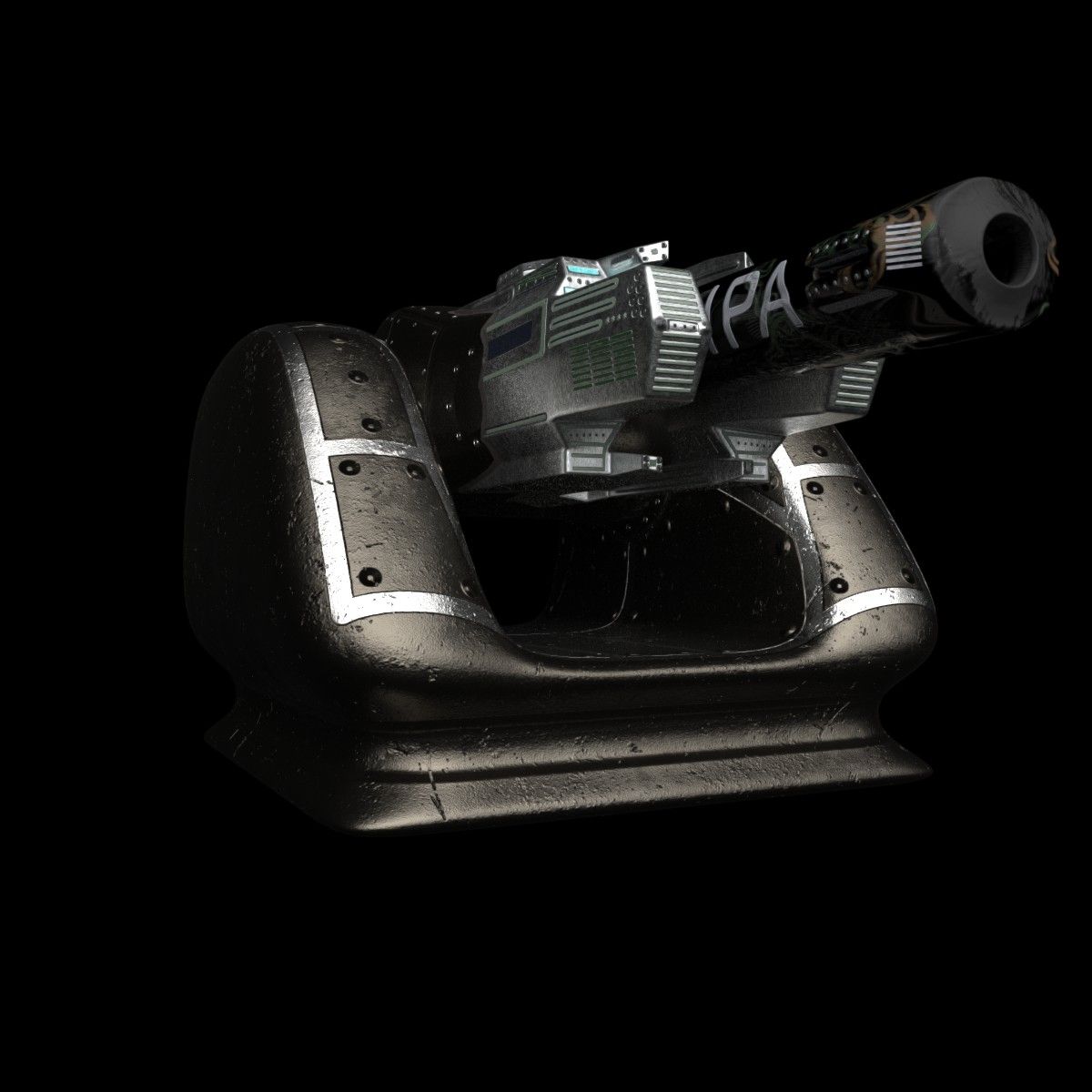
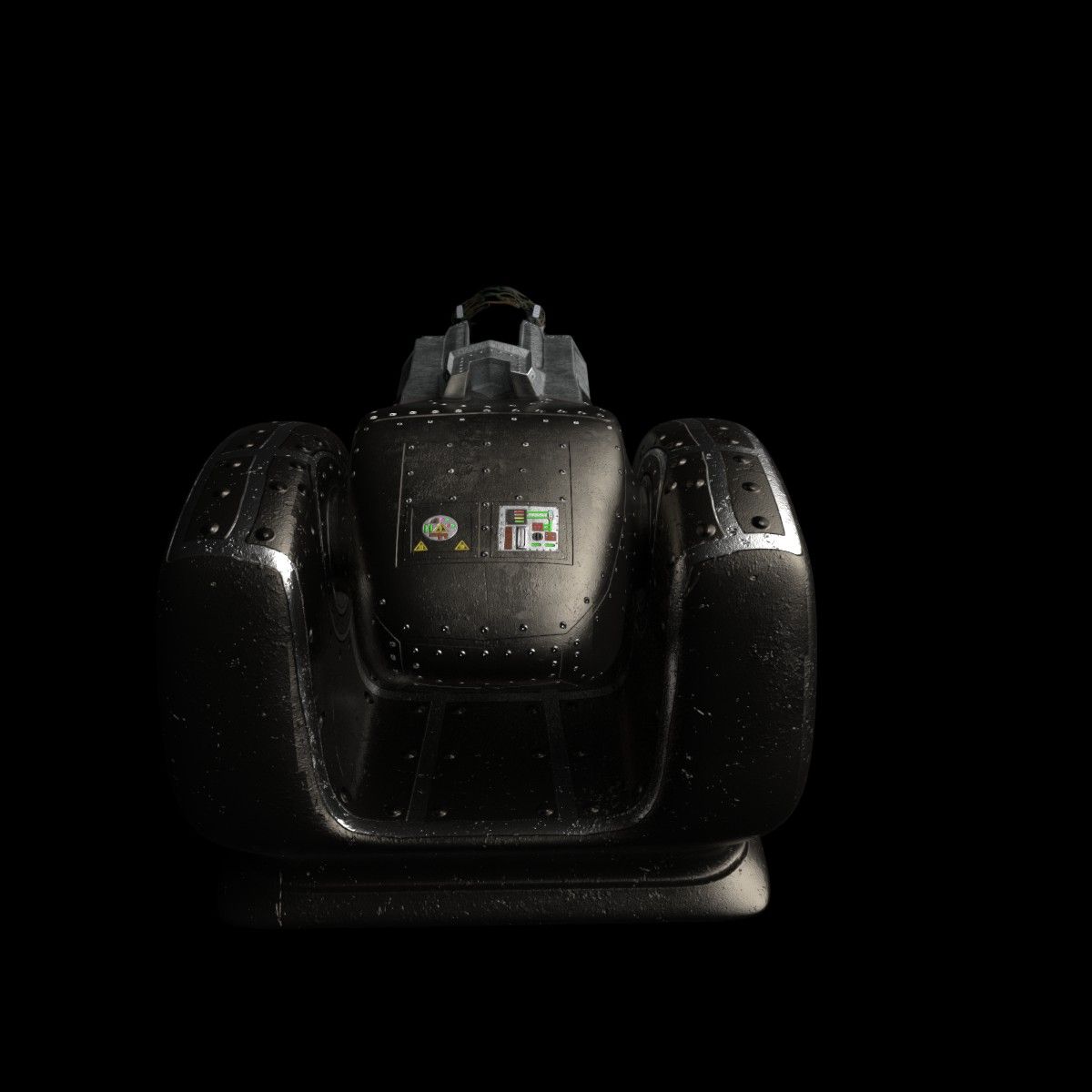
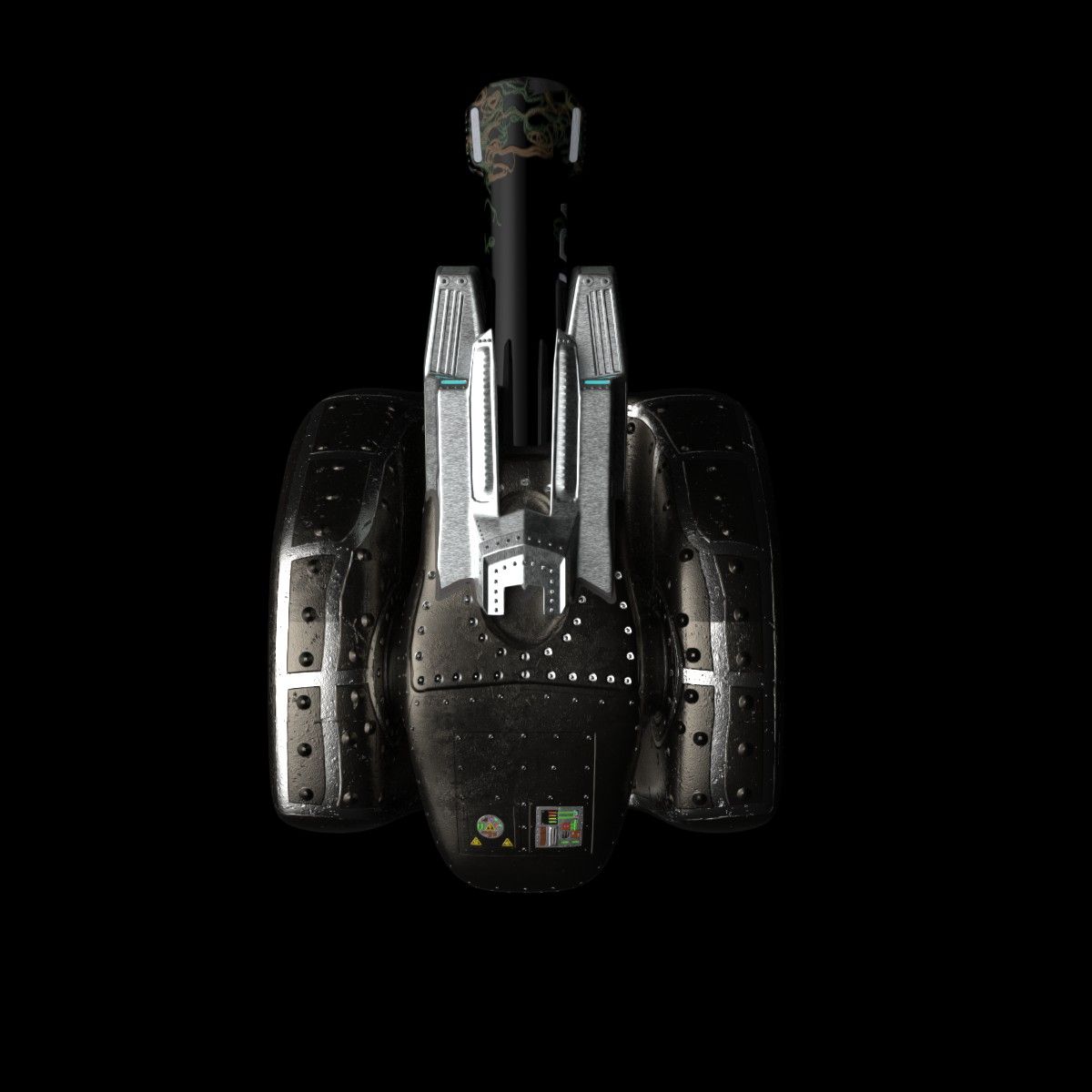
Accelerator Cannon 3D 모델
0






1
방문

에 의해 제출 된
Stingares
명세서
- 기하학polygonal_quads/tris
- 다각형106,944
- 정점들107,477
- 텍스처Yes
- 딱딱한No
- 생기 있는No
- 3D 인쇄 가능 준비No
- 게임 준비 (낮은 폴리)No
- UV 매핑 됨Yes
- 포장되지 않은 자외선mixed
기술
Accelerator Cannon
Designed with Blender.
Package includes:
(.fbx) (.obj) (.3ds) formats.
Three packaged mesh files each that has been UV mapped. The individual packaged mesh folders includes a model of the entire cannon using all four objects. A lower model for the base object, and the upper mesh containing three objects.
Textures / Materials: (4096 x 4096)
*All textures where hand painted using Substance Painter*
Barrel.rar - Color Map, Metallic Map, Normal Map, Roughness Map, and Ambient Occlusion Map.
Base.rar - Color Map, Metallic Map, Normal Map, Roughness Map, and Ambient Occlusion Map.
HeatShield.rar - Color Map, Emissive Map, Metallic Map, Normal Map, Roughness Map, and Ambient Occlusion.
House.rar - Color Map, Emissive Map, Metallic Map, Normal Map, Roughness Map, and Ambient Occlusion.
FBX setup using Unreal Engine 4:
1 - Import the FBX files to a location in UE4 that suits your needs.
2 - When you create materials for the model just connect the nodes to the appropriate map.
3 - Setting the orientation of the upper to the lower as a hinge point:
a. Double click the "Upper" static mesh.
b. Inside the "Details tab" of the mesh, navigate to the
"Transform" section.
c. Modify the "Import Translation" to X = 5, Y = 0, and
Z = -52
d. Reimport the asset and save.
4 - Enjoy!
Nov 19, 2019
추가 된 날짜
Dec 06, 2021
마지막 업데이트
리뷰
현재이 제품에 대한 리뷰가 없습니다.
얼음을 깬 첫 번째 사람이되지 않겠습니까?