








Mech Neck Walker - Blender Game Engine e Unity 3D Modello 3D
374




Licenza d'uso personale
32,855
visite
16,737
download

Inviato da
3dhaupt
specificazioni
- Geometria- Geometrie -
- poligoni35,234
- vertici18,138
- TexturesYes
- materialeYes
- riggedYes
- AnimatoYes
- Prontabile in 3DNo
- Gioco pronto (low poly)Yes
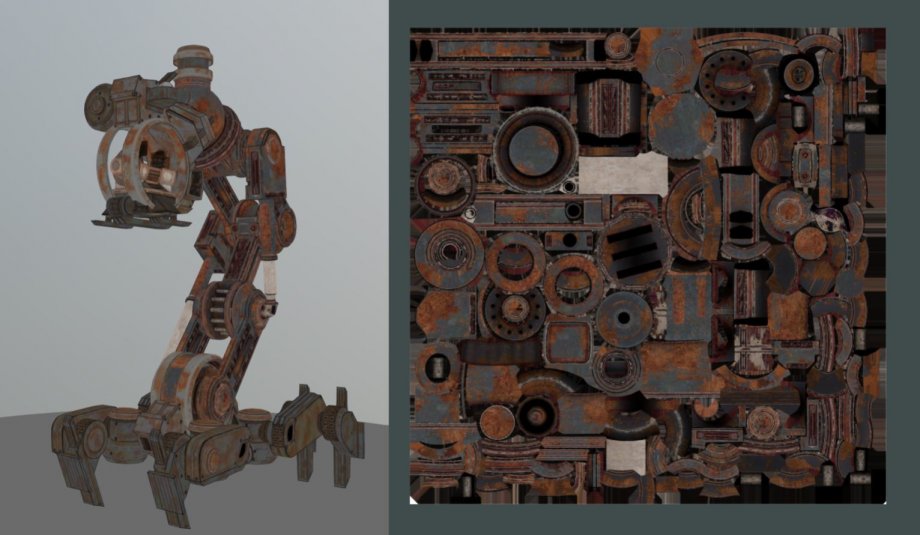
- UV mappatoYes
- UV non avvolto- Unverpackte UVs -
Descrizione
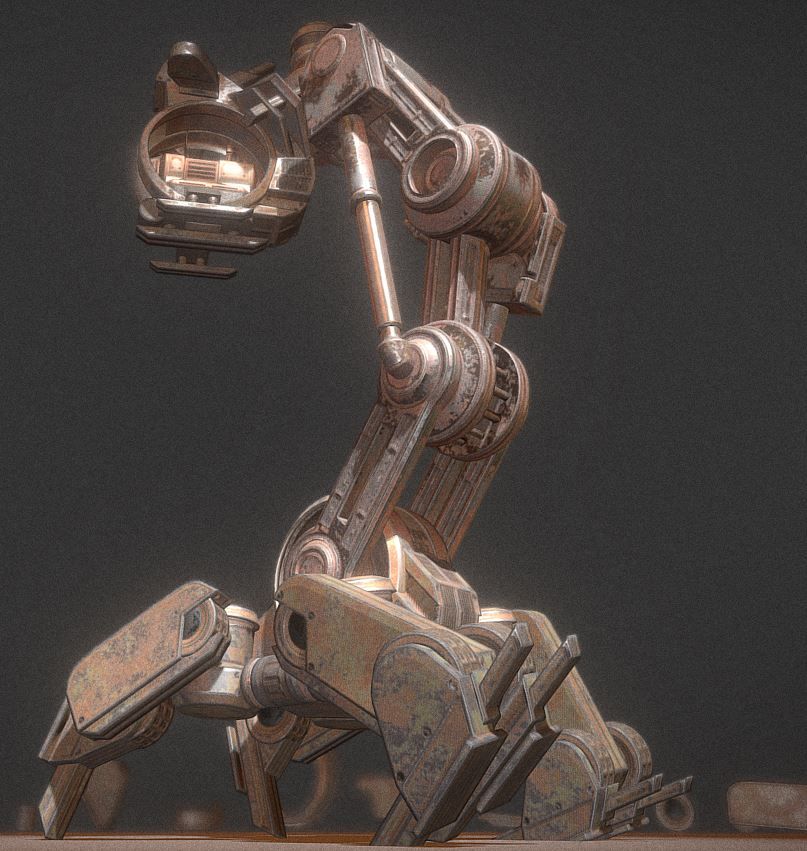
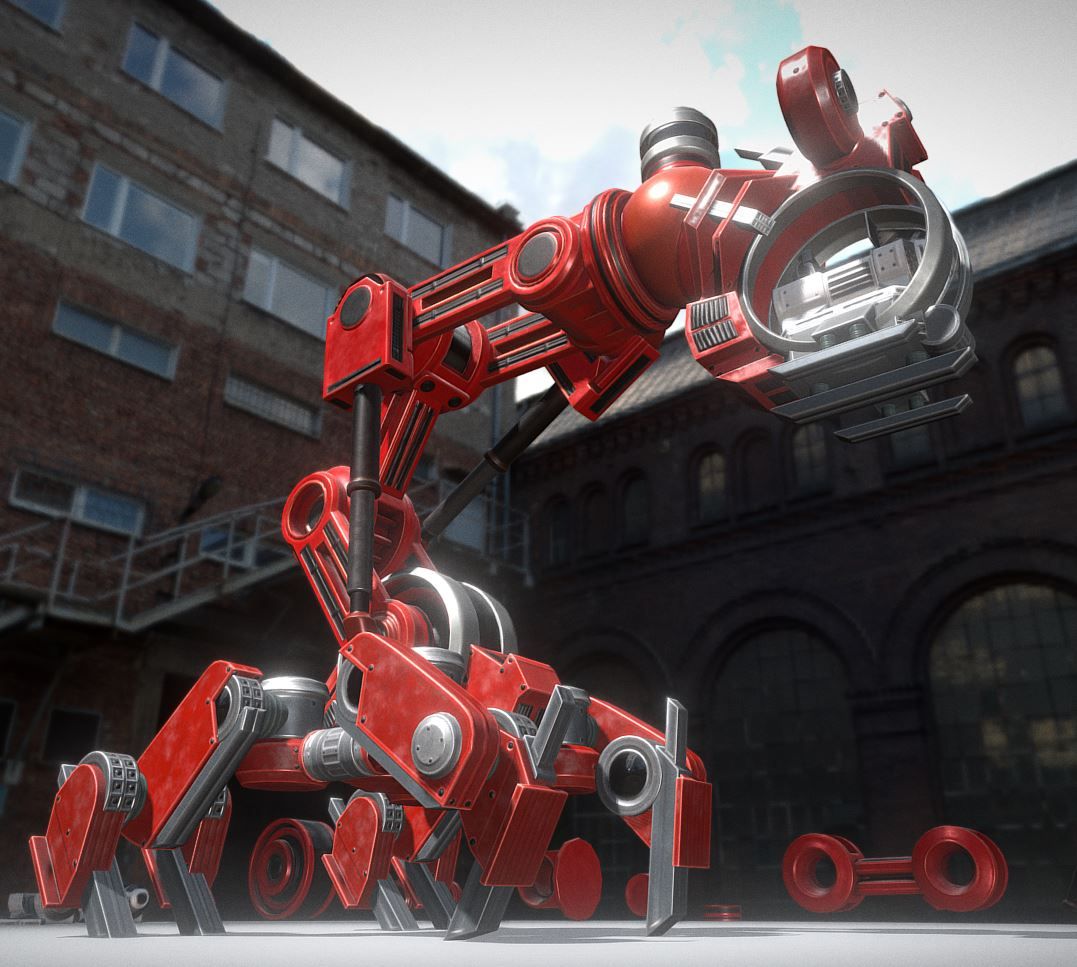
Here is my Mech Neck Walker design with an animation control menu for the Blender Game Engine.

There are three scenes.
1. TestGround scene:

The scene where everything happens. Contains the camera control and the grouped Mech_Neck scene.
2. MechNeck scene:
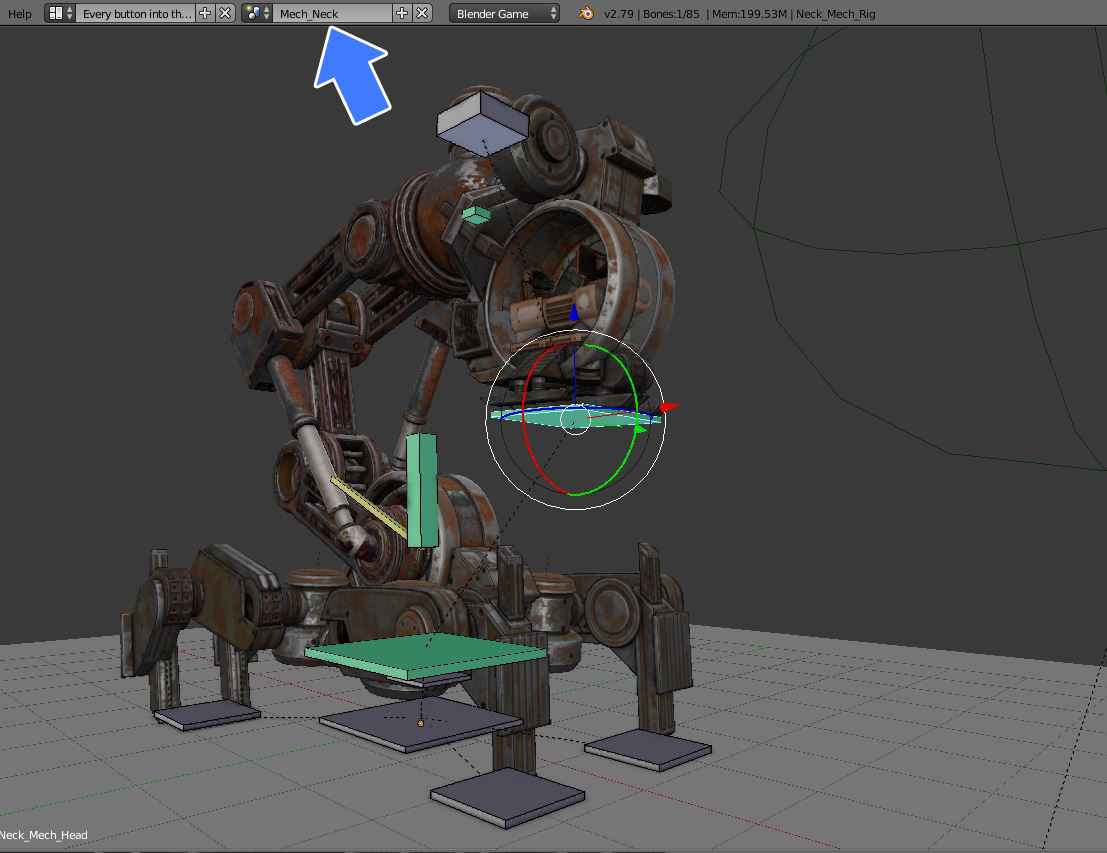
Contains my animated model for editing.
I made this scene because it is a very complex object with many parts and so I wanted to have it separate from the main scene.
3. AnimationMenu scene:

Overlay scene for the mouse input to change the animation and the animation speed.
Game Engine Controls:
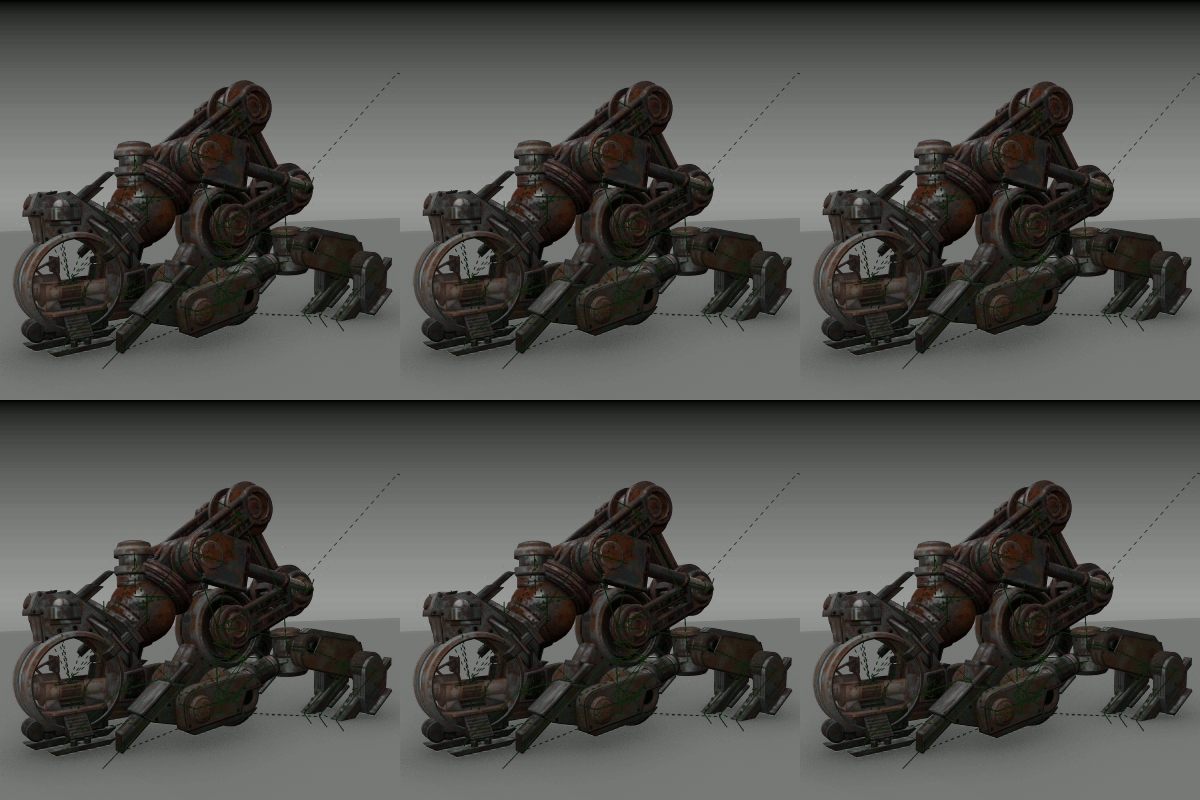
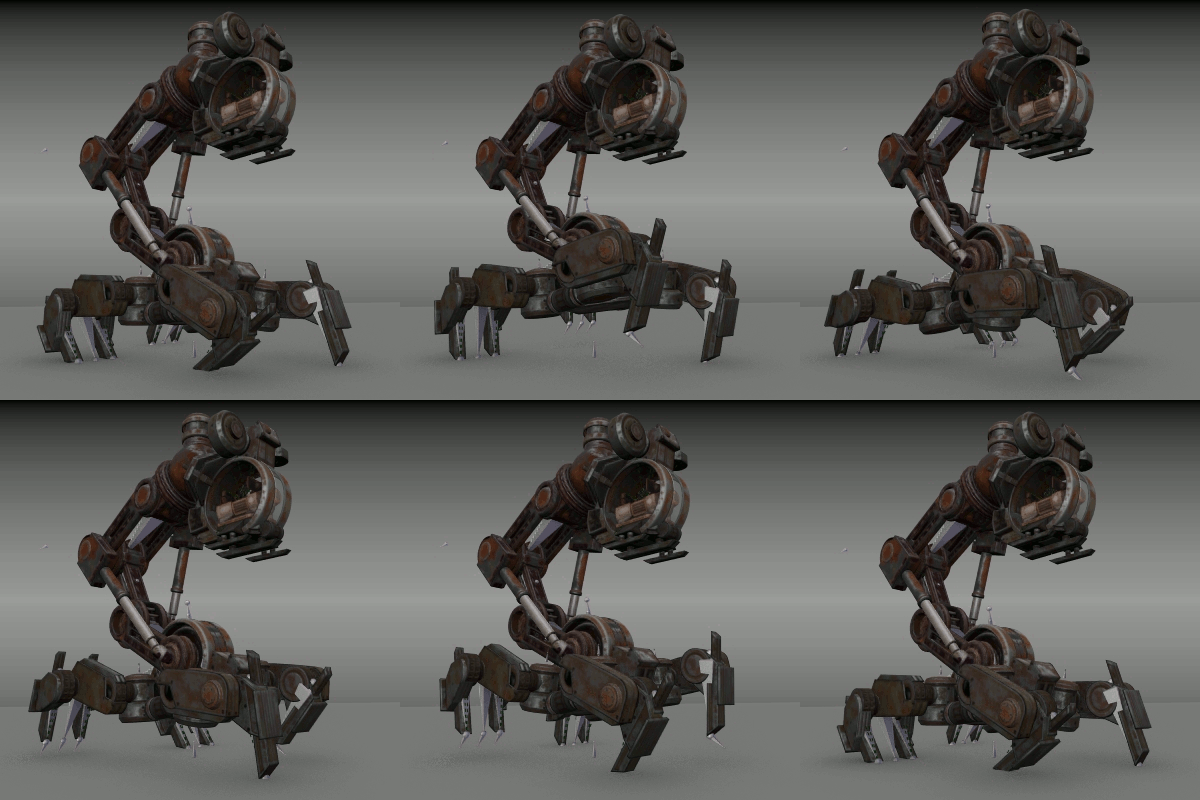
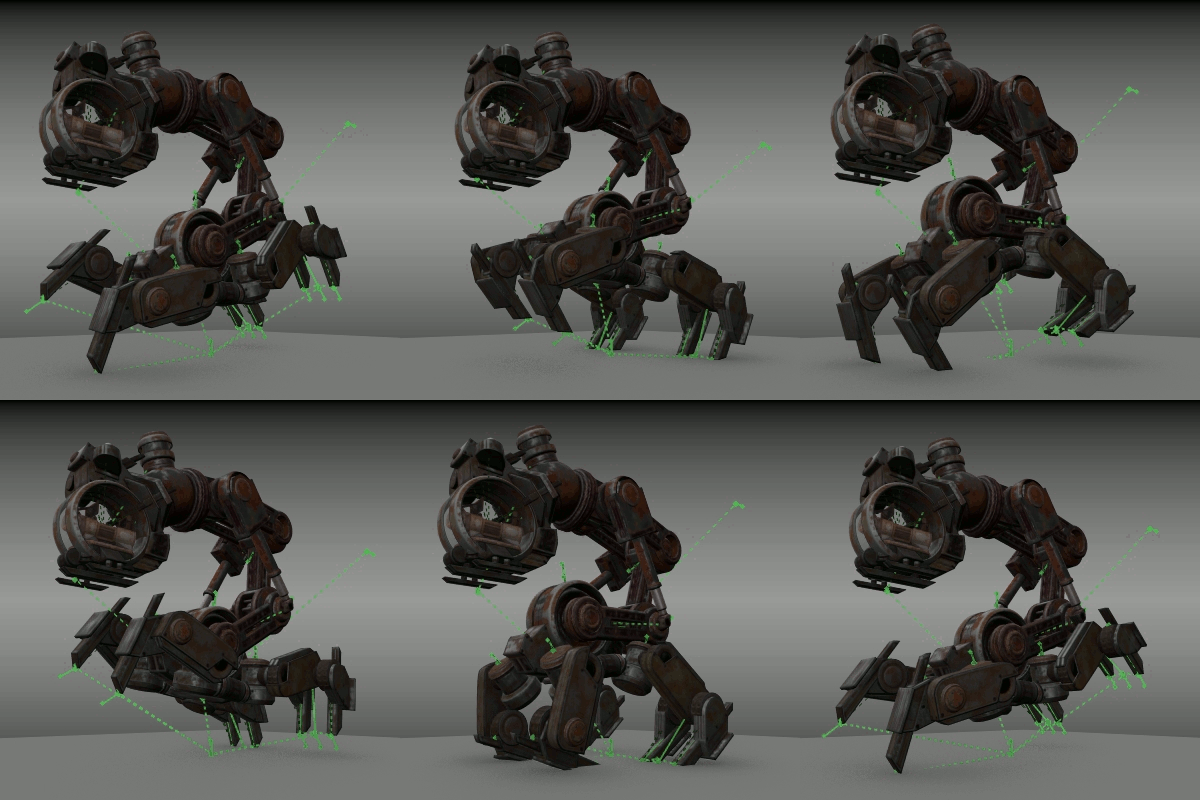
Some animations:


Feel free to use this as a template for your own animated models :)
You have not the right to use the model or the textures for commercial purposes.
You can use my 3d-model only for non-commercial, personal/private and editorial use!
Made by Dennis Haupt aka 3DHaupt
3DHaupt.com
---
My name is Dennis Haupt.
3D-artist for modeling, texturing, rigging and animation since 2008.
My favorite software is Blender 3d but I also work with 3d-Coat or other 3d/2d-programs.
Location: Germany - Thuringia - Ilmenau
---
System:
Alienware 18: Intel(R) Core(TM) i7-4930MX CPU @ 3.00GHz NVIDIA GeForce GTX 780M x2 (SLI) 32,0 GB RAM
---
There are three scenes.
1. TestGround scene:
The scene where everything happens. Contains the camera control and the grouped Mech_Neck scene.
2. MechNeck scene:
Contains my animated model for editing.
I made this scene because it is a very complex object with many parts and so I wanted to have it separate from the main scene.
3. AnimationMenu scene:
Overlay scene for the mouse input to change the animation and the animation speed.
Game Engine Controls:
- Left mouse button for changing the animation and the animationspeed into the menu.
- Hold right mouse button to rotate
- Mouse wheel up/down to zoom in/out
Some animations:
- Idel 1
- Idel 2
- Walk Cycle
- Run Cycle
- Broken
Feel free to use this as a template for your own animated models :)
You have not the right to use the model or the textures for commercial purposes.
You can use my 3d-model only for non-commercial, personal/private and editorial use!
Made by Dennis Haupt aka 3DHaupt
3DHaupt.com
---
My name is Dennis Haupt.
3D-artist for modeling, texturing, rigging and animation since 2008.
My favorite software is Blender 3d but I also work with 3d-Coat or other 3d/2d-programs.
Location: Germany - Thuringia - Ilmenau
---
System:
Alienware 18: Intel(R) Core(TM) i7-4930MX CPU @ 3.00GHz NVIDIA GeForce GTX 780M x2 (SLI) 32,0 GB RAM
---
Ecco il mio design di Mech Neck Walker con un menu di controllo dell'animazione per il motore di gioco Blender.
Ci sono tre scene.
1. Scena TestGround:
La scena in cui tutto accade. Contiene il controllo della videocamera e la scena Mech_Neck raggruppata.
2. Scena di MechNeck:
Contiene il mio modello animato per la modifica.
Ho realizzato questa scena perché è un oggetto molto complesso con molte parti e quindi volevo che fosse separato dalla scena principale.
3. Scena AnimationMenu:
Sovrapponi la scena per l'input del mouse per cambiare l'animazione e la velocità dell'animazione.
Controlli del motore di gioco:
Alcune animazioni:
Sentiti libero di usarlo come modello per i tuoi modelli animati :)
Non hai il diritto di usare il modello o le trame per scopi commerciali.
3dhaupt.com
Ci sono tre scene.
1. Scena TestGround:
La scena in cui tutto accade. Contiene il controllo della videocamera e la scena Mech_Neck raggruppata.
2. Scena di MechNeck:
Contiene il mio modello animato per la modifica.
Ho realizzato questa scena perché è un oggetto molto complesso con molte parti e quindi volevo che fosse separato dalla scena principale.
3. Scena AnimationMenu:
Sovrapponi la scena per l'input del mouse per cambiare l'animazione e la velocità dell'animazione.
Controlli del motore di gioco:
- Pulsante sinistro del mouse per modificare l'animazione e le animazioni nel menu.
- Tieni premuto il tasto destro del mouse per ruotare
- Rotellina del mouse su / giù per ingrandire / ridurre
Alcune animazioni:
- Idel 1
- Idel 2
- Walk Cycle
- Esegui ciclo
- Rotto
Sentiti libero di usarlo come modello per i tuoi modelli animati :)
Non hai il diritto di usare il modello o le trame per scopi commerciali.
3dhaupt.com
Nov 04, 2018
Data aggiunta
Nov 20, 2019
ultimo aggiornamento
Commenti