




Eroe maschio generico morphing Modello 3D
0


Licenza RoyaltyTutti gli usi estesi
Ritorni semplici
Miglior prezzo garantito
Funziona fuori dalla scatola
64
visite

Inviato da
yourTurboModeler
specificazioni
- Geometriapolygonal
- poligoni5,692
- vertici5,699
- TexturesNo
- riggedYes
- AnimatoYes
- Prontabile in 3DNo
- Gioco pronto (low poly)No
- UV mappatoYes
- UV non avvoltonon-overlapping
Descrizione
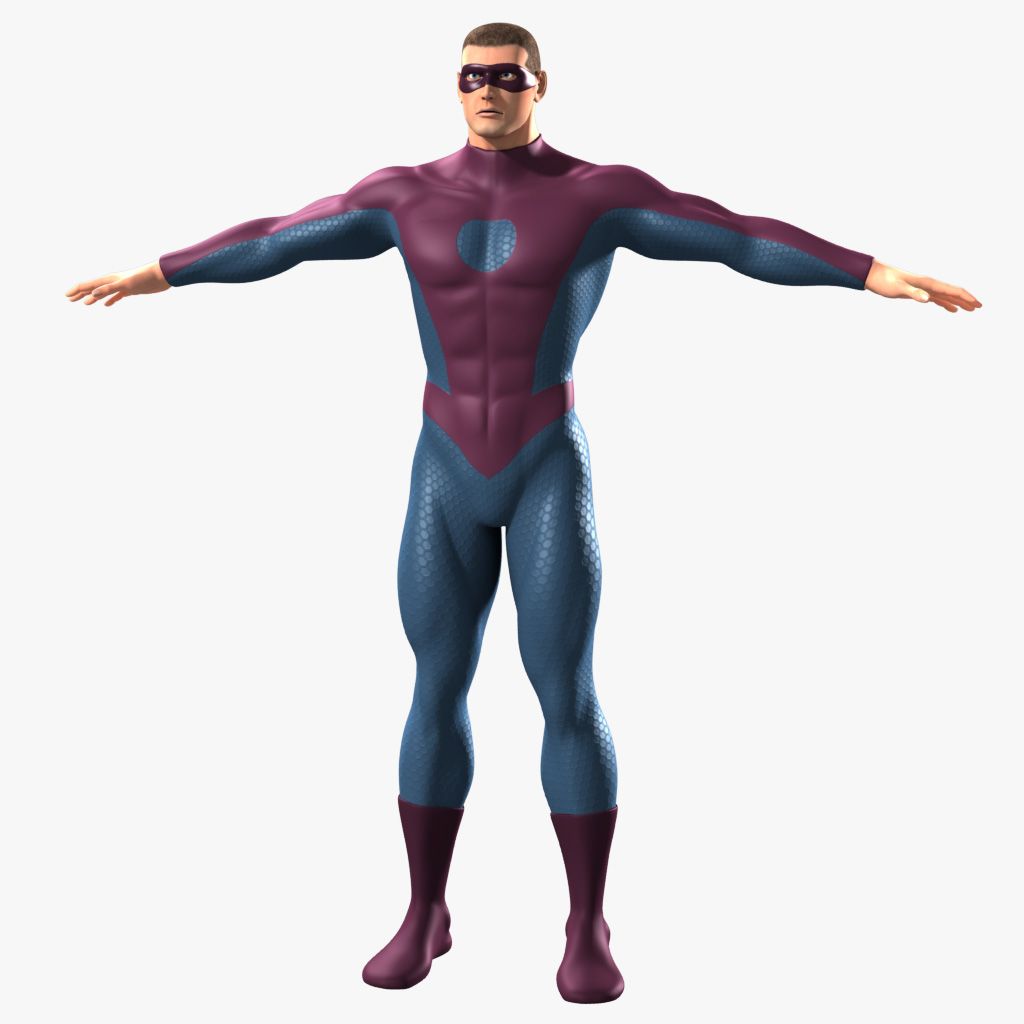
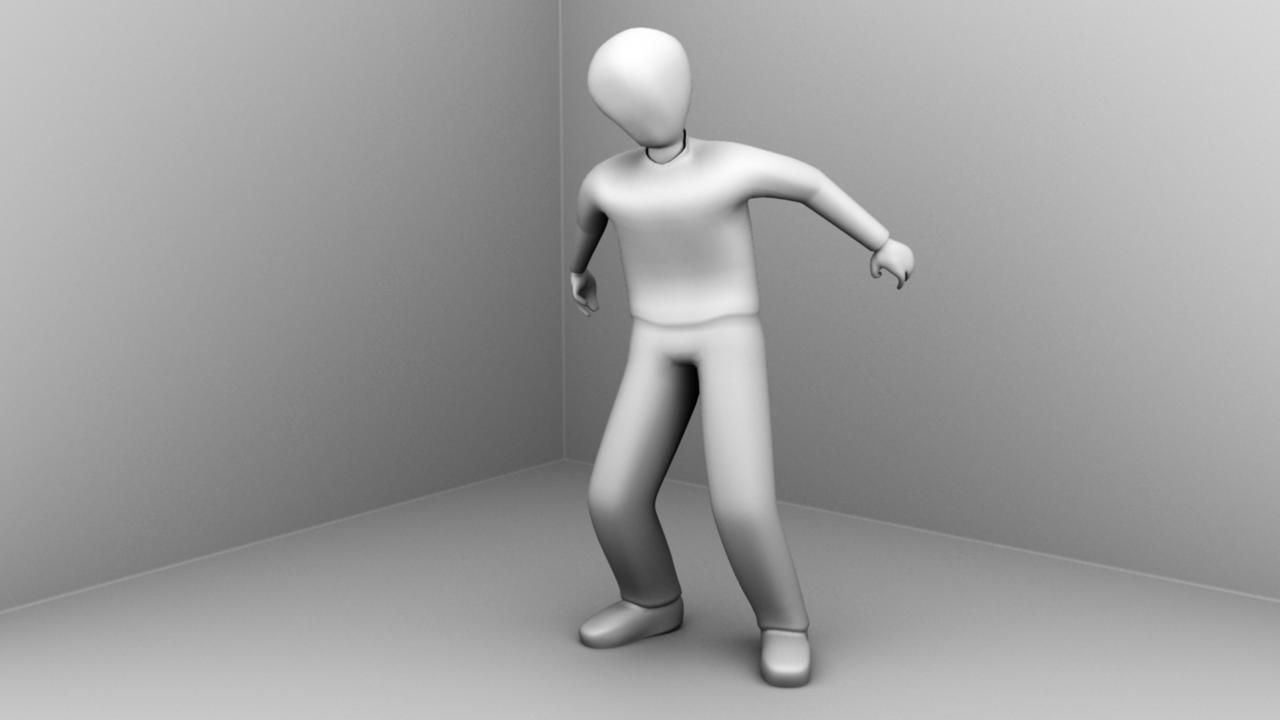
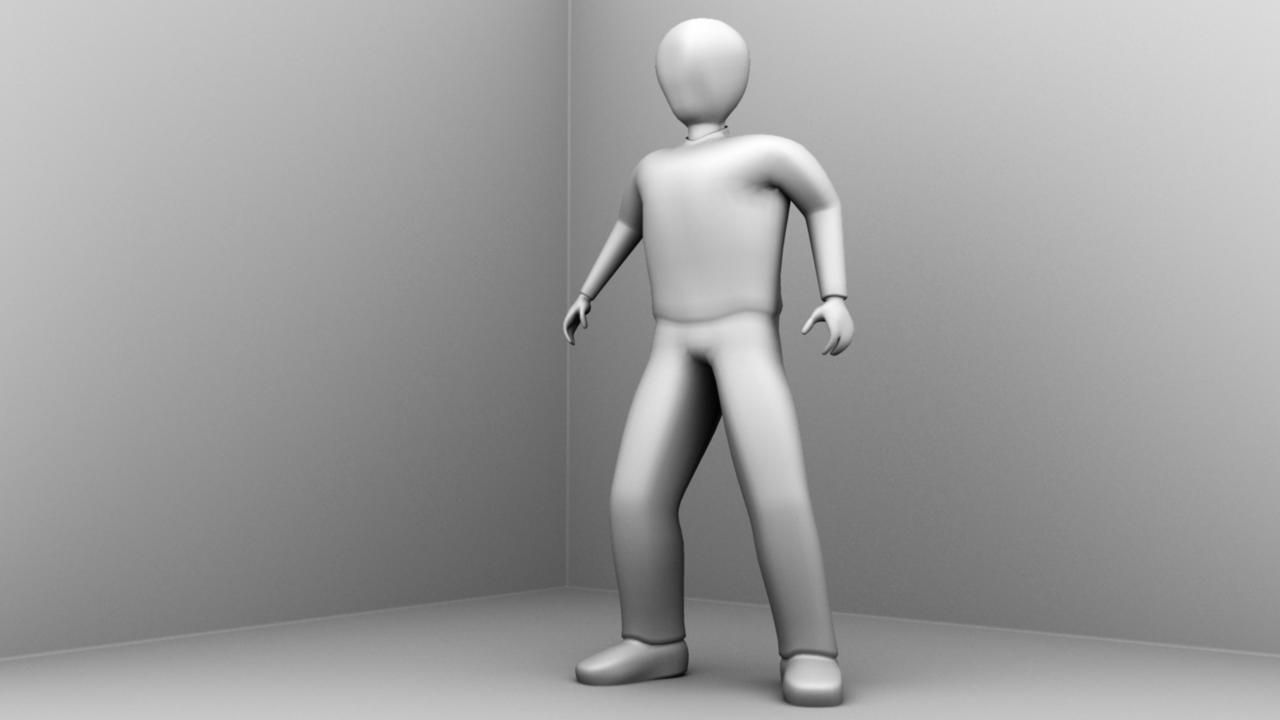
The Transforming Generic Hero was authored in Maya 2010 and rendered in Mental Ray.
The renders were done strictly with Ambient Occlusion as this is
intended to be a multi-purpose, generic male character. The UVs are unwrapped, however,
and ready for texture maps.
The model is parented to a control curve called: genericHeroTransform_v1a1:topCtrl.
This control curve is locked but if you wish to change the character
scale, you can unlock the attributes - (MAYA only) - and the character
should scale with the rig properly. NOTE: You must use this node
if you wish to change the scale and keep the rig in tact.
The model has a simple animation intended to demonstrate how the blend
shape transforms the hero from weak character to heroic character.
Return the timeline to fame 0 or earlier to get the model back in
bind pose.
Use the blend shape window to clear keys on the heroic transformation
blend.
Note on smoothing.
The Ctrl top curve also contains a custom attribute called 'smooth'.
Use this smooth attribute to control subdivision levels if desired.
The smooth node allows for
multiple subdivision settings. 0 - 2. Vert and face numbers were taken from the setting 1.
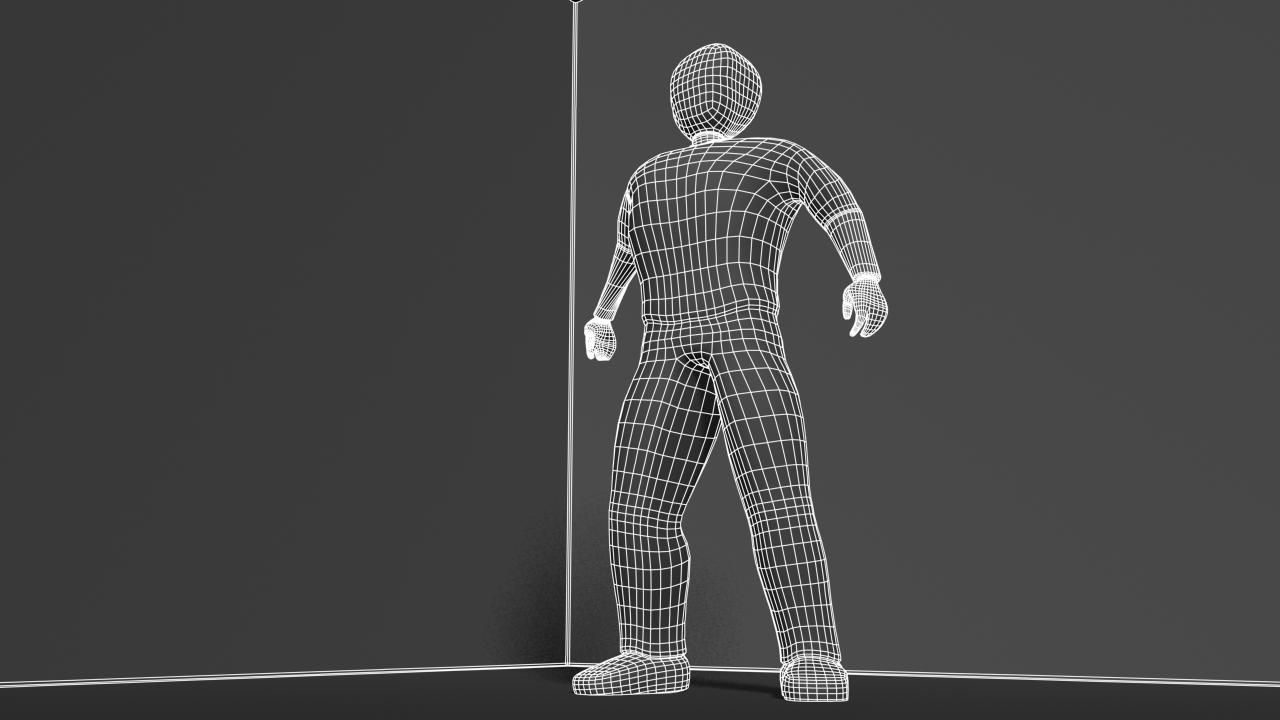
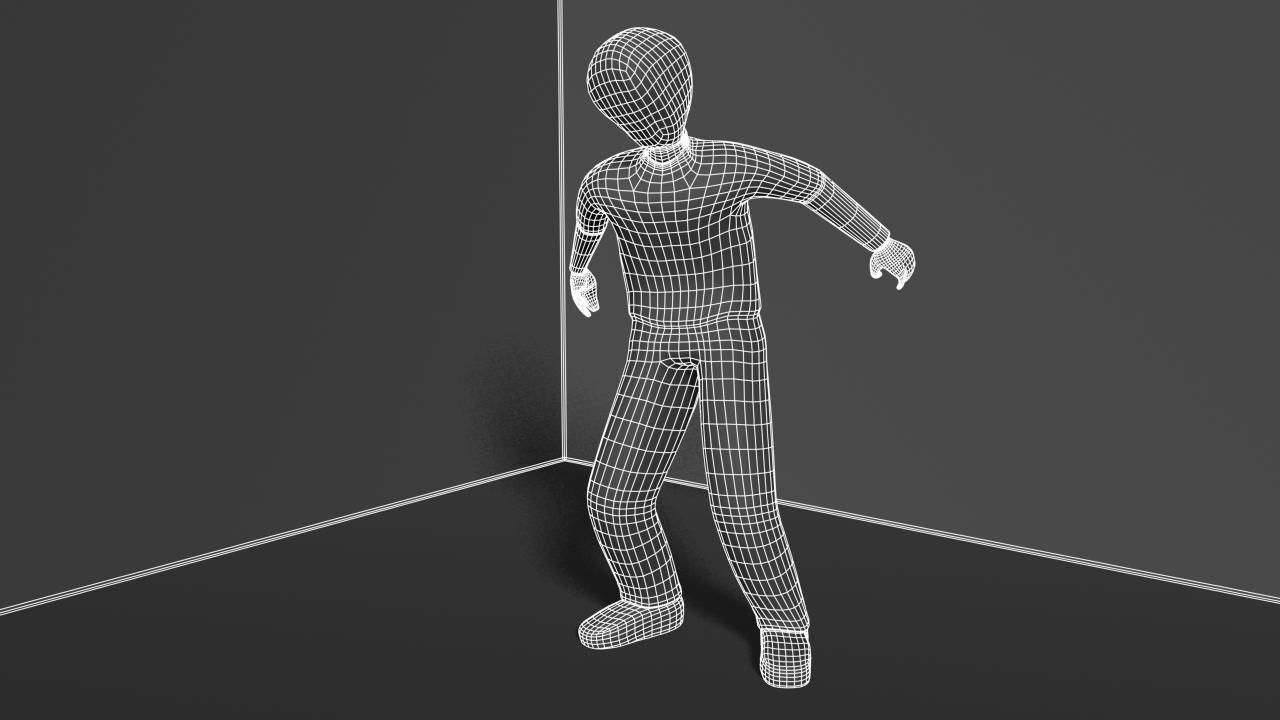
Occlusion renders were done at smooth setting 1 while outlines were done at setting 1.
The Vertice and poly counts were taken at the 0 setting.
Verts: 5699
Faces: 5692
Sep 25, 2019
Data aggiunta
Feb 06, 2022
ultimo aggiornamento
Recensioni
Al momento non ci sono commenti per questo prodotto.
Perché non essere il primo a rompere il ghiaccio?