






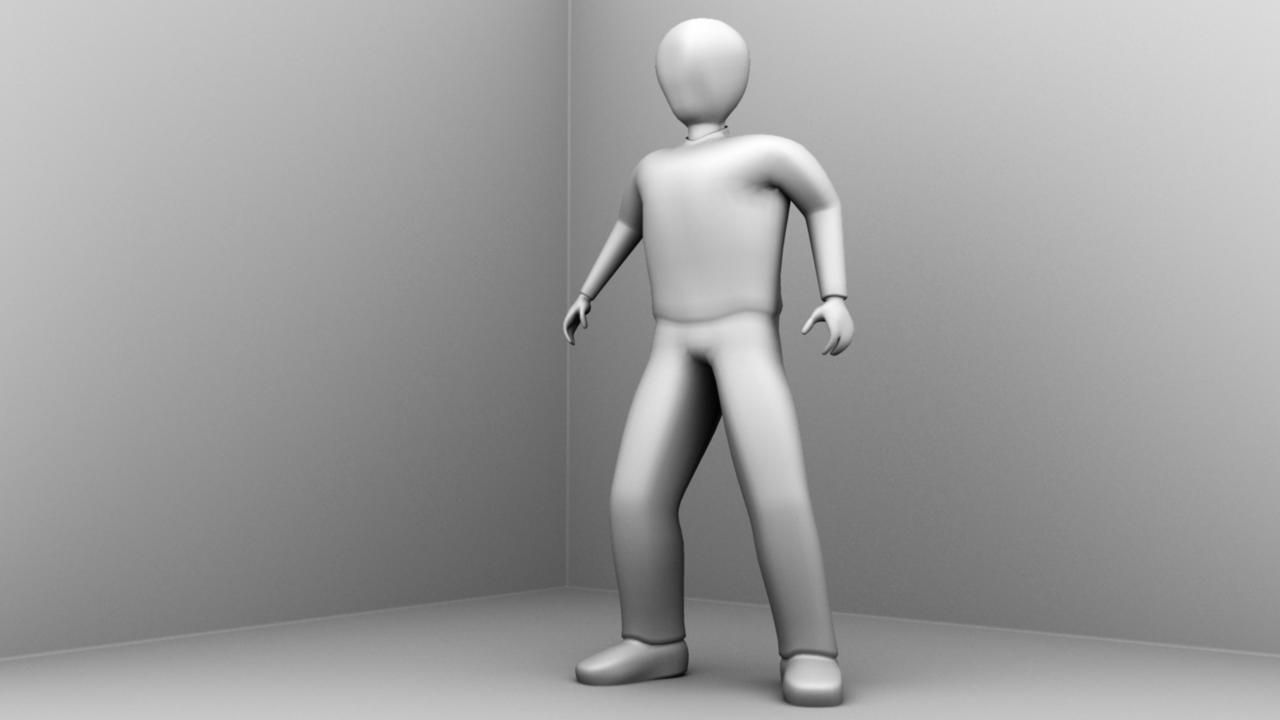
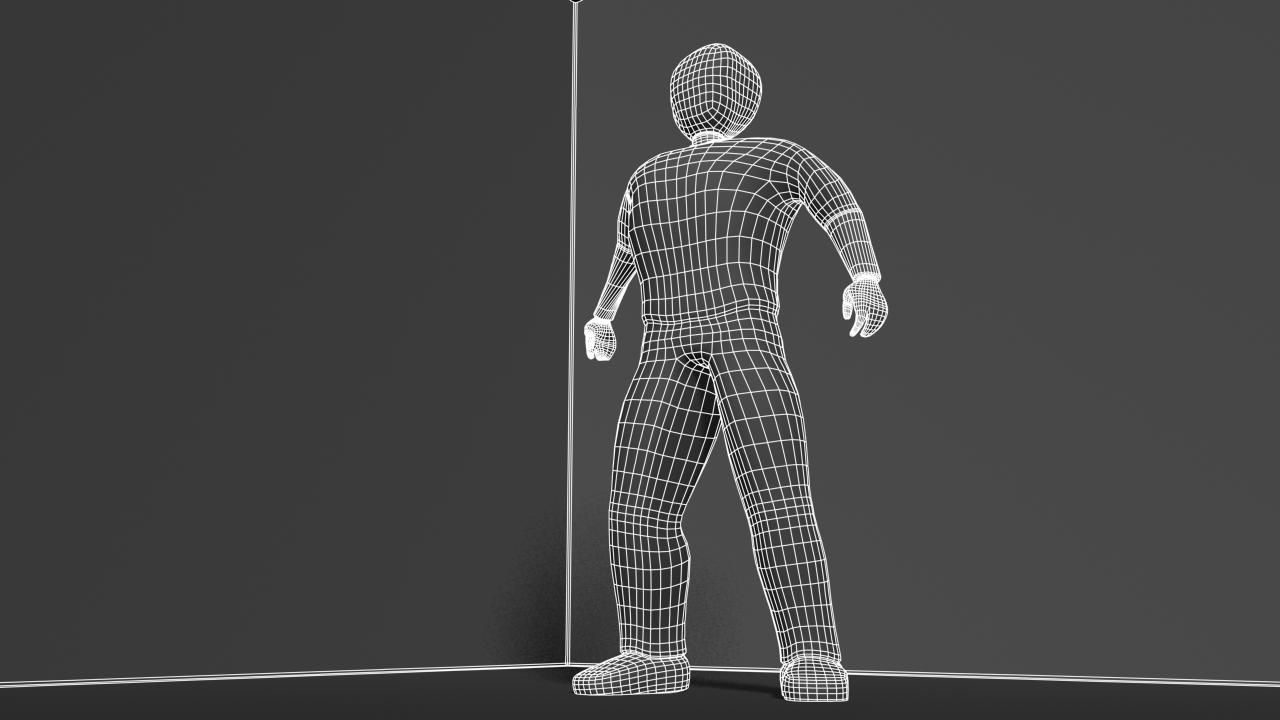
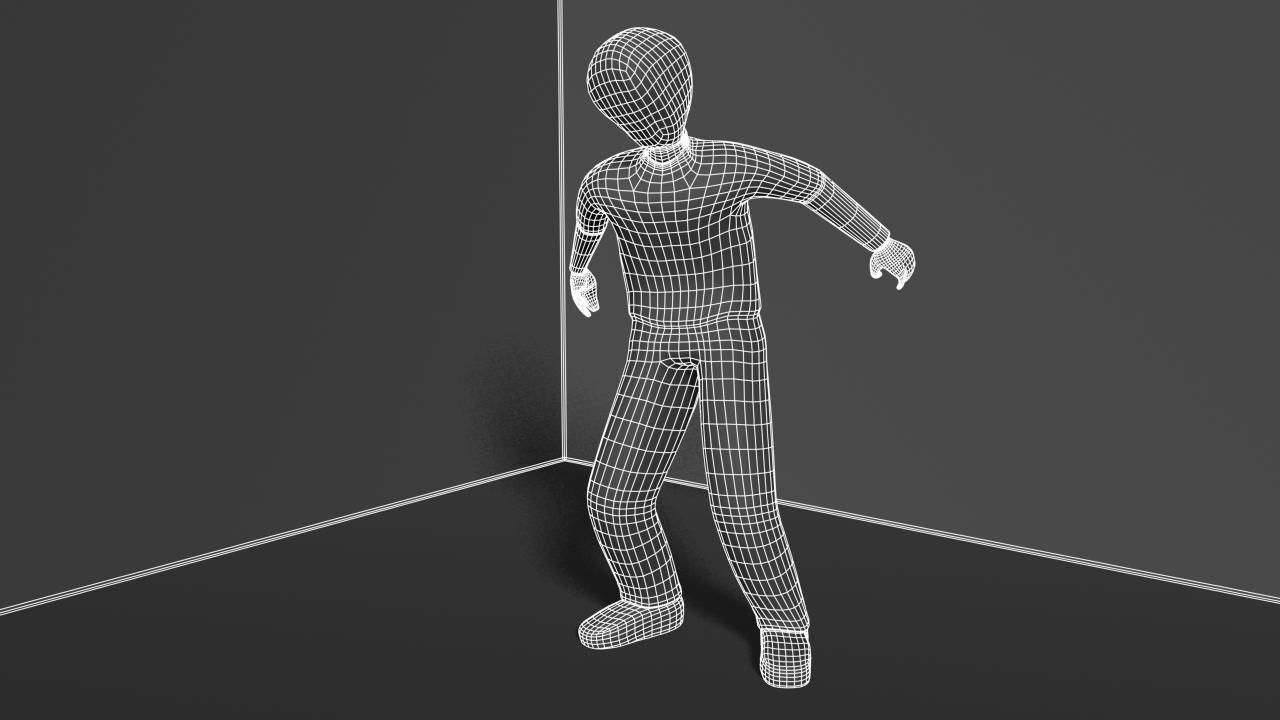
变形普通男英雄 3D模型
0


64
访问量

提交者
yourTurboModeler
规格
- 几何polygonal
- 多边形5,692
- 顶点5,699
- 纹理No
- 索具化Yes
- 动画Yes
- 适合3D打印No
- 适合游戏(低多边形)No
- UV映射Yes
- 未封装UVnon-overlapping
描述
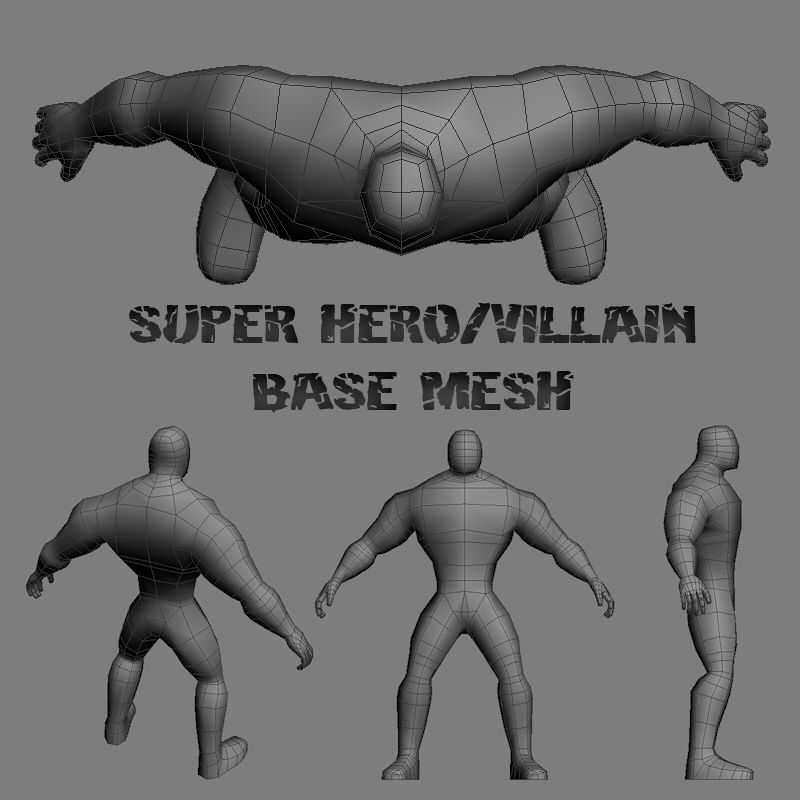
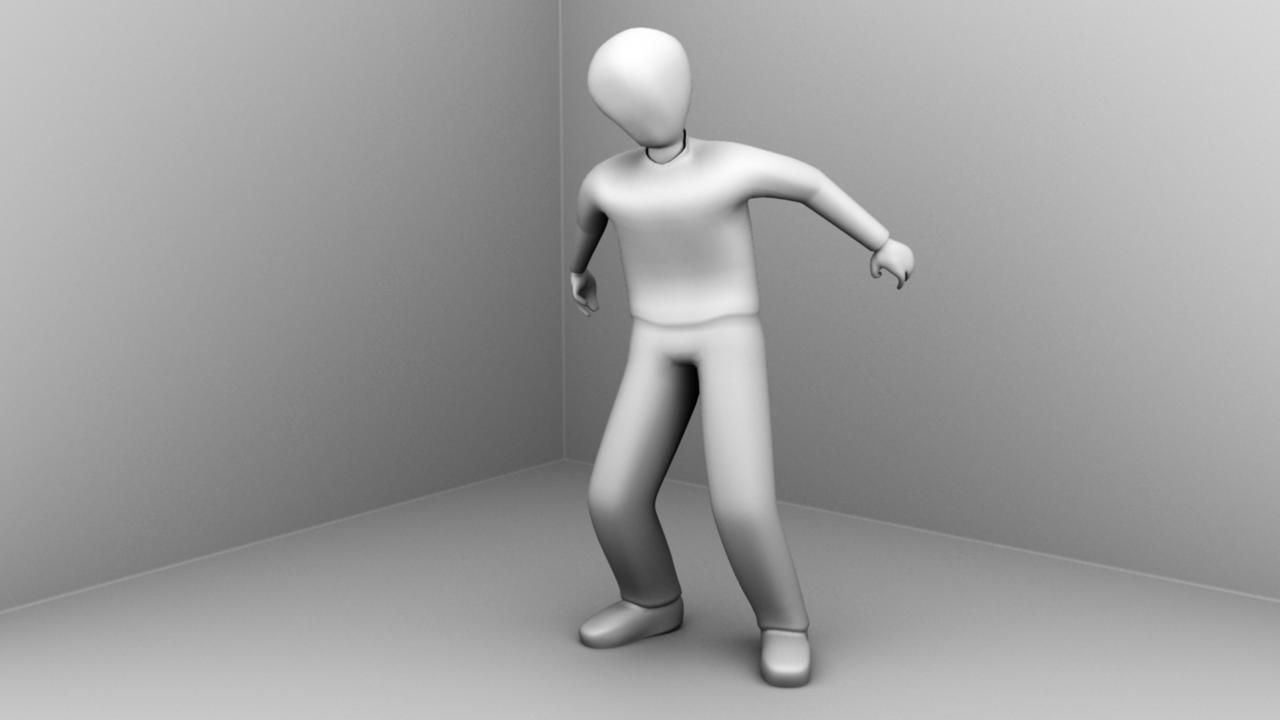
The Transforming Generic Hero was authored in Maya 2010 and rendered in Mental Ray.
The renders were done strictly with Ambient Occlusion as this is
intended to be a multi-purpose, generic male character. The UVs are unwrapped, however,
and ready for texture maps.
The model is parented to a control curve called: genericHeroTransform_v1a1:topCtrl.
This control curve is locked but if you wish to change the character
scale, you can unlock the attributes - (MAYA only) - and the character
should scale with the rig properly. NOTE: You must use this node
if you wish to change the scale and keep the rig in tact.
The model has a simple animation intended to demonstrate how the blend
shape transforms the hero from weak character to heroic character.
Return the timeline to fame 0 or earlier to get the model back in
bind pose.
Use the blend shape window to clear keys on the heroic transformation
blend.
Note on smoothing.
The Ctrl top curve also contains a custom attribute called 'smooth'.
Use this smooth attribute to control subdivision levels if desired.
The smooth node allows for
multiple subdivision settings. 0 - 2. Vert and face numbers were taken from the setting 1.
Occlusion renders were done at smooth setting 1 while outlines were done at setting 1.
The Vertice and poly counts were taken at the 0 setting.
Verts: 5699
Faces: 5692
Sep 25, 2019
添加日期
Feb 06, 2022
最后更新
评测
此产品当前没有评测。
为什么不做第一个评测者呢?