



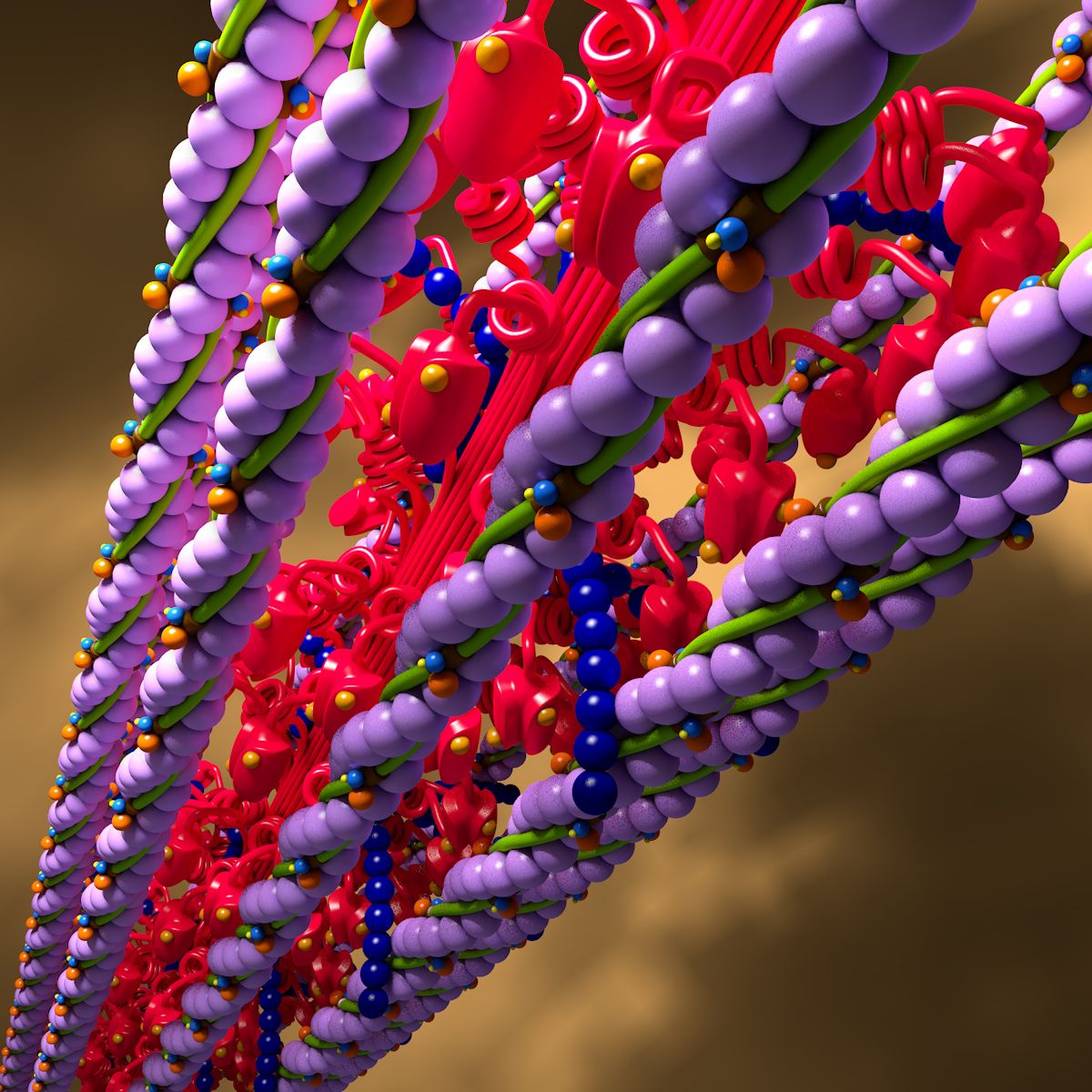

ケラチンタンパク質分子[3TNU] 3Dモデル
0
![ケラチンタンパク質分子[3TNU] royalty-free 3d model - Preview no. 1](https://preview.free3d.com/img/2015/05/2146727764282049874/87wkfoxv.jpg)
![ケラチンタンパク質分子[3TNU] royalty-free 3d model - Preview no. 2](https://preview.free3d.com/img/2015/05/2146727764282049874/yrgexbde.jpg)
![ケラチンタンパク質分子[3TNU] royalty-free 3d model - Preview no. 3](https://preview.free3d.com/img/2015/05/2146727764282049874/2b26h0fy.jpg)
![ケラチンタンパク質分子[3TNU] royalty-free 3d model - Preview no. 4](https://preview.free3d.com/img/2015/05/2146727764282049874/fx64duqp.jpg)
![ケラチンタンパク質分子[3TNU] royalty-free 3d model - Preview no. 5](https://preview.free3d.com/img/2015/05/2146727764282049874/obarc1e2.jpg)
34
訪問

から提出された
Thunderossa
仕様
- ジオメトリpolygonal
- 多角形1,449,600
- 頂点727,820
- テクスチャNo
- 堅いNo
- アニメ化No
- 3Dプリント可能No
- ゲームレディ(低ポリ)No
- UVマップYes
- ラップされていないUVnone
説明
3TNU Keratin Model by Thunderossa
Polys: 1,449,600
Verts: 727,820
Animated: No
Included Files:
Keratin.max (v. 2011)
Keratin-Front.png
Keratin-Left.png
Keratin-Perspective.png
Keratin-Pretty.jpg
Keratin-Top.png
Atomic Structure of this model:
Carbon 921 (Grey)
Nitrogen 273 (Blue)
Oxygen 304 (Red)
Sulfer 12 (Yellow)
NOTES:
Keratin is the fibrous organic protein substance that makes up our hair & fingernails. This model is just one molecule.
I left this model in it's basic form so that you could manipulate it to your needs. It's extremely heavy on the polygon count, so you may want to optimize. I created this model when I was making videos for a vitamin company. Steps to optimize are below.
THERE MAY BE A STRAY ATOM OR TWO. This was my original and I've since manipulated it several different ways for various uses. This is why you'll want to progressively save.
TIPS:
As you edit the file, you'll want to progressively save. ie Keratin-001.max, Keratin-002.max etc. Or Keratin-001-start.max, Keratin-002-attach-Carbon-01.max, Keratin-003-attach-Nitrogen.max, etc.
Because of the heavy poly count, you may want to create single renders and layer them appropriately in your image editing programs.
What I did to optimize:
1. Select a Carbon atom.
2. Convert that Sphere to Editible Mesh.
3. In the roll-out menu: Attach from List (Select ALL the Carbon atoms)
4. Repeat for Nitrogen, Oxygen, and Sulfer. (Progressively save!!)
5. either pro-optimize each group or attach all and optimize the entire model.
Oct 04, 2019
追加日
Feb 20, 2022
最後の更新
レビュー
この商品のレビューはまだありません。
氷を砕いた最初の人になろう。