-->
건축물차량문자항공기가구전자 제품동물식물무기스포츠식품해부
북마크 됨
북마크 삭제됨

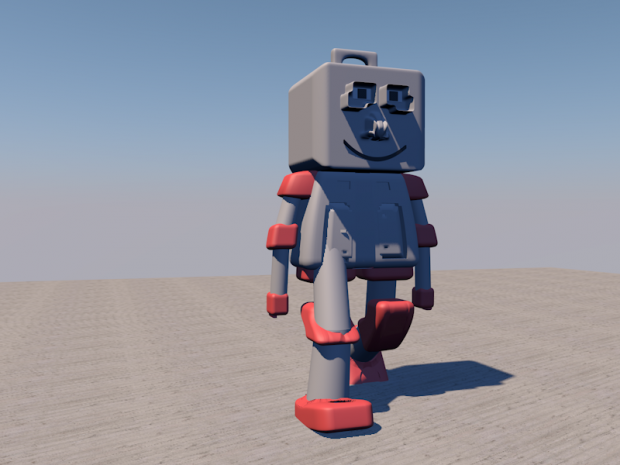
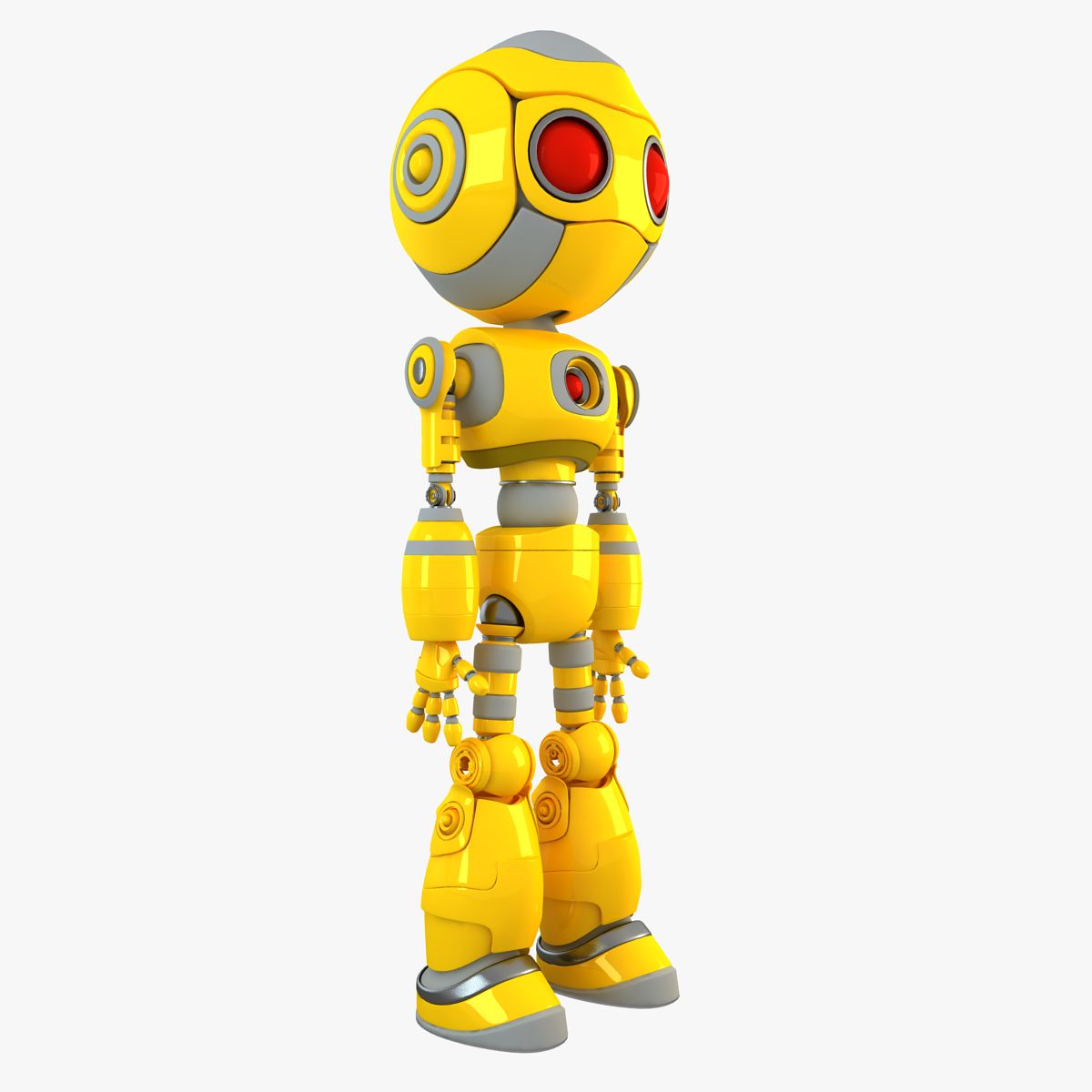
플라스틱 로봇 3D 모델

6
플라스틱 로봇 royalty-free 3d model - Preview no. 1
플라스틱 로봇 royalty-free 3d model - Preview no. 2
플라스틱 로봇 royalty-free 3d model - Preview no. 1
플라스틱 로봇 royalty-free 3d model - Preview no. 2
개인 사용 라이센스
6,859 방문
943 다운로드 수
graphiczous

명세서

  • 기하학Polygon Mesh
  • 다각형0
  • 정점들0
  • 텍스처No
  • 기재No
  • 딱딱한No
  • 생기 있는No
  • 3D 인쇄 가능 준비No
  • 게임 준비 (낮은 폴리)No
  • UV 매핑 됨No
  • 포장되지 않은 자외선Unknown

형식 및 파일

OBJ, Cinema 4D
(.obj, .c4d)

mwgetebuftog-robot2.rar

기술

With Textures = Yes
Rigged = No

Jun 01, 2016 추가 된 날짜
Nov 20, 2019 마지막 업데이트

코멘트

댓글을 게시하려면 해야합니다.
The little 'like' heart doesn't seem to ever work on this site so i thought I'd express my appreciation for your efforts here in the comments.
haremcinema 5 년 전 대답 2
where can i download tutorial am a begginner
numba 11 년 전 대답 2
Under the image,there will be a blue button, click it and wait
graphiczous 11 년 전 대답 2
Hi, can you tell me how you create the texture for each side of your model? I mean on one jpg or png file.
benchabin 11 년 전 대답 2
Are you talking about shadows? or the floor? I turned on shadows using a light >> Shadows >> None to Area, but I found the floor texture online, also, the sky is a physical sky that can be edited in its properties (Time and sky)
graphiczous 11 년 전 대답 2
사용 가능한 파일