


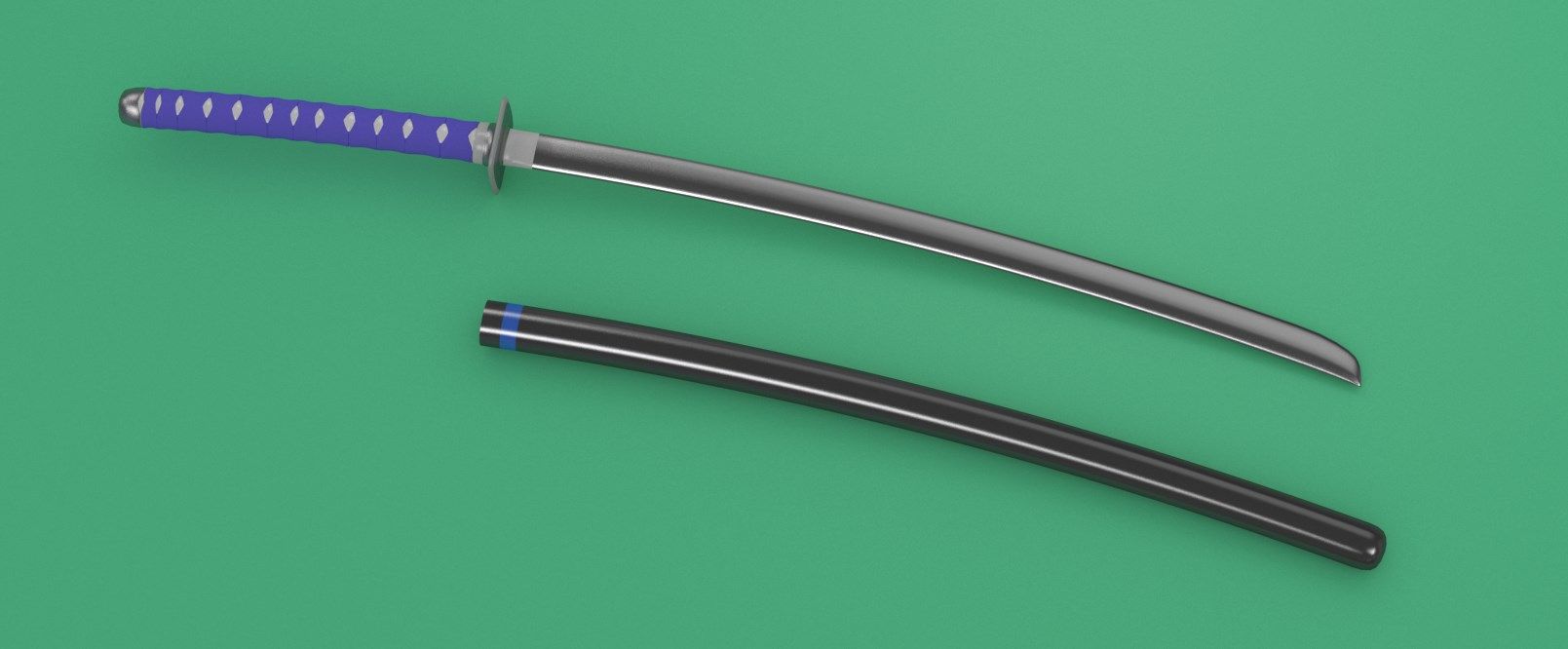


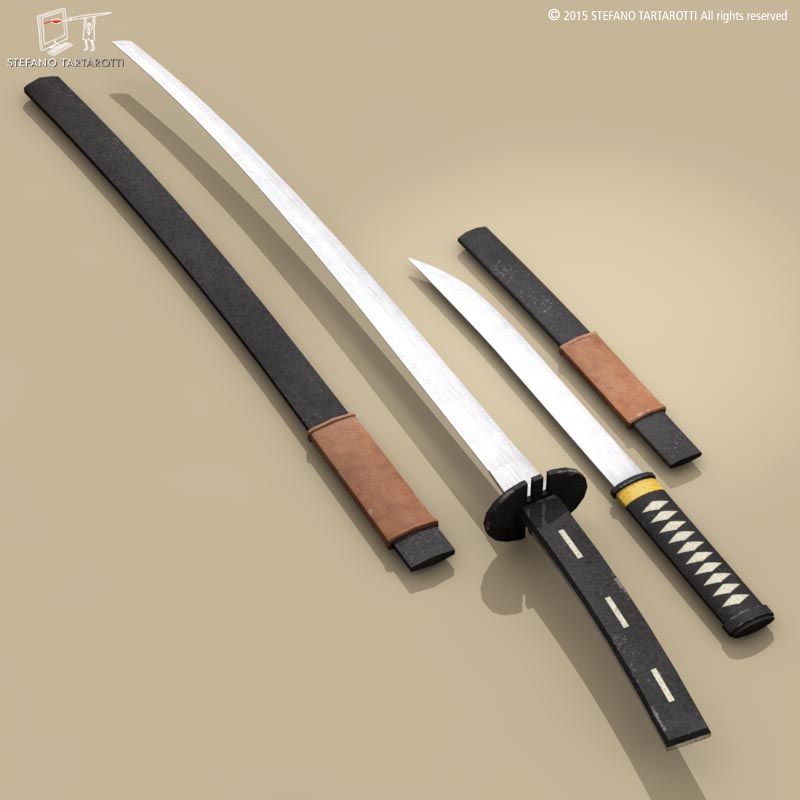


Katana with Sheath 3D Model
913


Personal Use License
33,283
visits
11,038
downloads

Submitted by
recon656
Specifications
- GeometryPolygon Mesh
- Polygons0
- Vertices0
- TexturesNo
- MaterialsNo
- RiggedNo
- AnimatedNo
- 3D Printable ReadyNo
- Game Ready (low poly)No
- UV MappedNo
- Unwrapped UVsUnknown
Description
NOTICE: The renders were created using an HDR which cannot be provided in the download. Use the Etnies Park HDR on hdrlabs.
Textures:
camo_cloth_black_512 - Use this for the Cloth on the
handle
Ice0002_1_M - Use this for all roughness maps on metal parts except blade
Katana Blade.png - Use this for roughness on blade
KatanaHiltDesign - Use this for the bump map on the hilt
Texture For Handle - Use this as the handle texture, bump, and roughness
-WoodFine0017_S - This is the roughness and bump map texture on the sheath.
This Katana has mirrored pieces and is ready for subdivision.
Each Piece is a separate mesh and has a node setup with materials.
The katana has realistic materials with details on the hilt and blade.
It comes with a sheath which has full materials and textures as well.
All parts use the same roughness map for ease of use.
Base metals are made from nodes and not images.I hope you will enjoy playing with this as much as I enjoyed making it, and maybe
you'll find a use for it.
Textures:
camo_cloth_black_512 - Use this for the Cloth on the
handle
Ice0002_1_M - Use this for all roughness maps on metal parts except blade
Katana Blade.png - Use this for roughness on blade
KatanaHiltDesign - Use this for the bump map on the hilt
Texture For Handle - Use this as the handle texture, bump, and roughness
-WoodFine0017_S - This is the roughness and bump map texture on the sheath.
This Katana has mirrored pieces and is ready for subdivision.
Each Piece is a separate mesh and has a node setup with materials.
The katana has realistic materials with details on the hilt and blade.
It comes with a sheath which has full materials and textures as well.
All parts use the same roughness map for ease of use.
Base metals are made from nodes and not images.I hope you will enjoy playing with this as much as I enjoyed making it, and maybe
you'll find a use for it.
Apr 28, 2016
date added
Nov 20, 2019
last update
Comments