-->
ArchitetturaVeicoliPersonaggiAereoMobiliaElettronicaAnimaliPianteArmiGli SportCiboAnatomia
segnalibro
Segnalibro rimosso

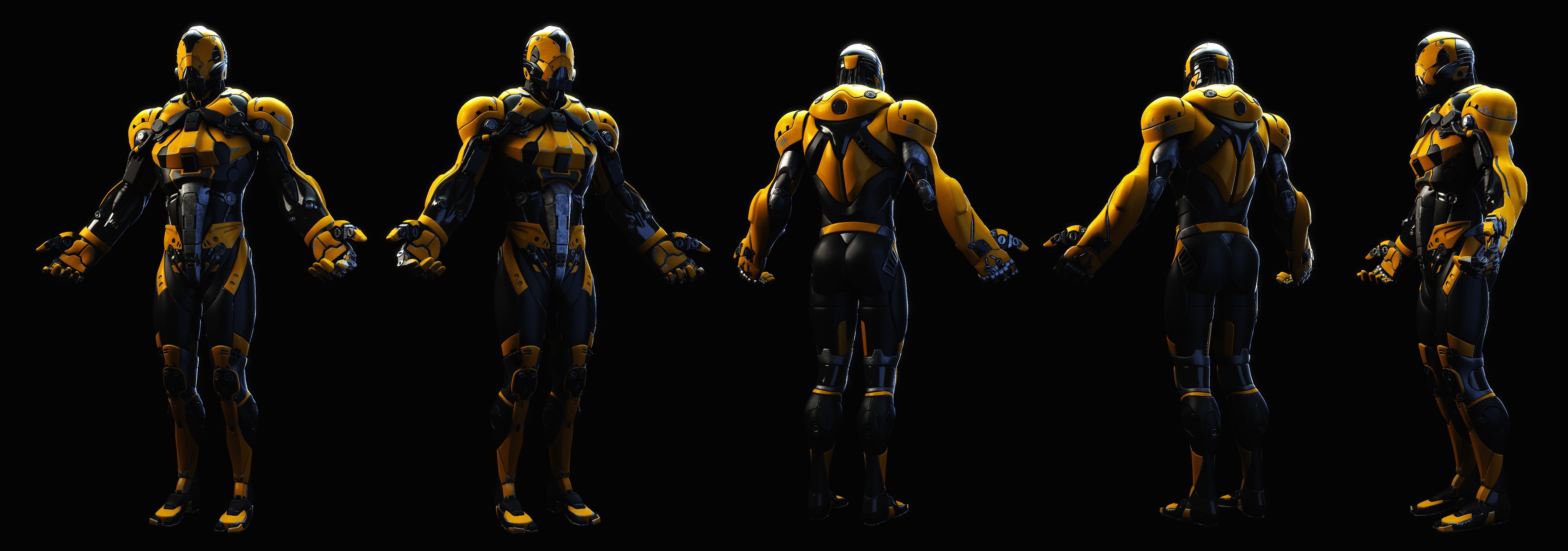
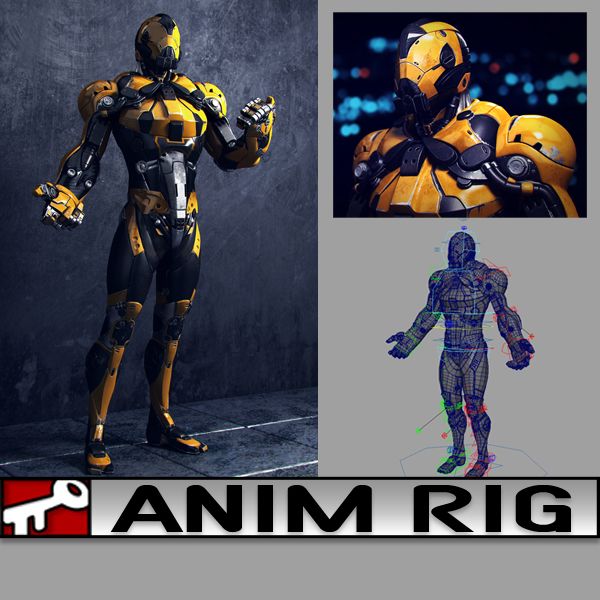
Amico giallo Modello 3D
1
Amico giallo royalty-free 3d model - Preview no. 1
Amico giallo royalty-free 3d model - Preview no. 2
Amico giallo royalty-free 3d model - Preview no. 3
Amico giallo royalty-free 3d model - Preview no. 4
Amico giallo royalty-free 3d model - Preview no. 5
Amico giallo royalty-free 3d model - Preview no. 6
Amico giallo royalty-free 3d model - Preview no. 7
Amico giallo royalty-free 3d model - Preview no. 8
Amico giallo royalty-free 3d model - Preview no. 9
Amico giallo royalty-free 3d model - Preview no. 10
Amico giallo royalty-free 3d model - Preview no. 11
Amico giallo royalty-free 3d model - Preview no. 12
Amico giallo royalty-free 3d model - Preview no. 1
Amico giallo royalty-free 3d model - Preview no. 2
Amico giallo royalty-free 3d model - Preview no. 3
Amico giallo royalty-free 3d model - Preview no. 4
Amico giallo royalty-free 3d model - Preview no. 5
Amico giallo royalty-free 3d model - Preview no. 6
Amico giallo royalty-free 3d model - Preview no. 7
Amico giallo royalty-free 3d model - Preview no. 8
Amico giallo royalty-free 3d model - Preview no. 9
Amico giallo royalty-free 3d model - Preview no. 10
Amico giallo royalty-free 3d model - Preview no. 11
Amico giallo royalty-free 3d model - Preview no. 12
Licenza RoyaltyTutti gli usi estesi
Ritorni semplici
Miglior prezzo garantito
Funziona fuori dalla scatola
0 visite
kielfiggins

specificazioni

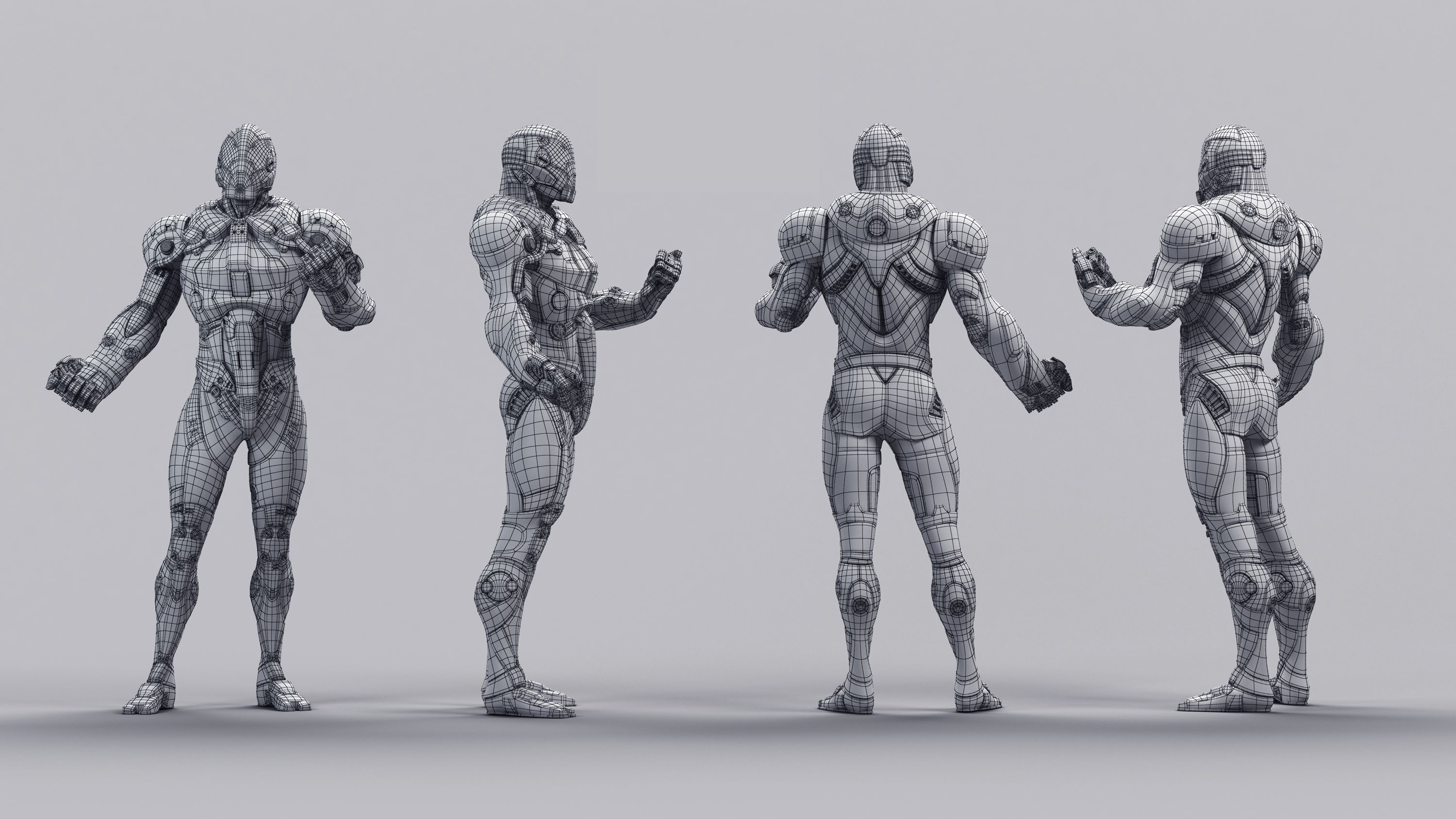
  • Geometriapolygonal
  • poligoni69,023
  • vertici73,504
  • TexturesYes
  • riggedYes
  • AnimatoNo
  • Prontabile in 3DNo
  • Gioco pronto (low poly)No
  • UV mappatoYes
  • UV non avvoltonon-overlapping

Formati e file

Maya
(.ma)
31 MB

maya_software Default
AnimRig_YellowDude_Anim.ma
Maya
(.ma)
10 MB

maya_software Default
AnimRig_YellowDude_Proxy.ma
Maya
(.ma)
38 MB

maya_software Default
AnimRig_YellowDude_Render.ma

Descrizione

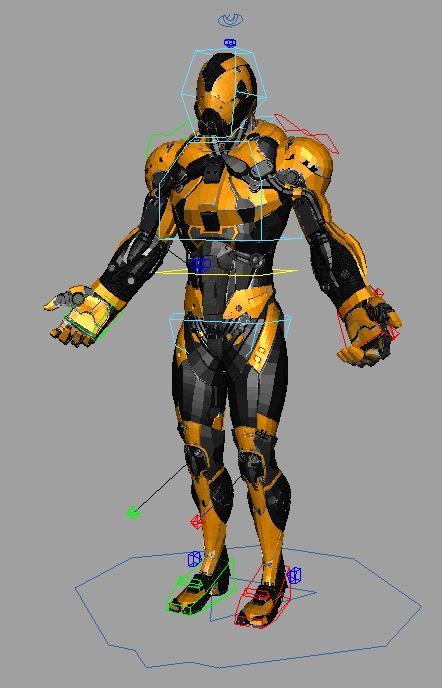
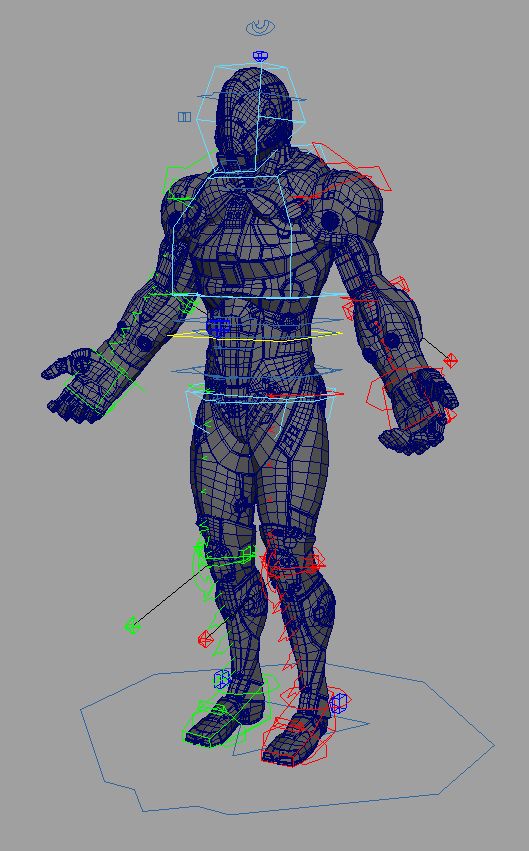
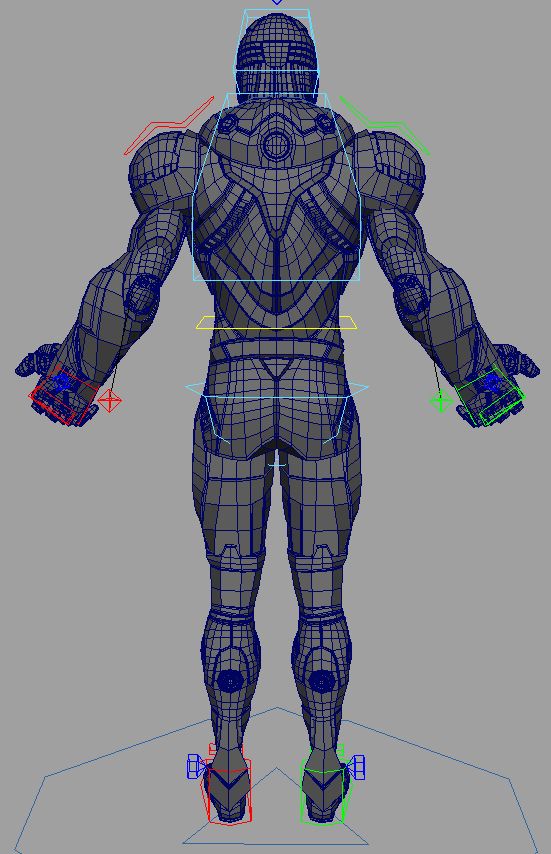
**UPDATE - 2016-12-27** To help animate faster and increase playback speed, toggle the _Render/_Anim/_Proxy version of the file by following the steps below:

Finger controls accessed on the controls by the knuckles CTRL_L_Fingers.

To toggle between the Render Rig (for renderings) and the Proxy Rig (for realtime playback/anim blocking), following these steps:

1. Reference in animRig_YellowDude_Render.ma into your scene ( File > Create Reference > Option Box > Use Selected NameSpace > "give the character a name like, char" )

(If your machine can handle the full res rig, great, if not, you can toggle the reference by)

2. File > Reference Editor

3. Select your "char" reference of the rig

4. R-Click > Reference > Replace Reference

5. Select the animRig_YellowDude_Proxy file

You can toggle back and forth as needed without lossing animation.

A rig from a personal project. Created and Rigged in Maya 2014. A full range of animation controls are available.

Jul 16, 2020 Data aggiunta
Nov 20, 2024 ultimo aggiornamento

Recensioni

Al momento non ci sono commenti per questo prodotto.
Perché non essere il primo a rompere il ghiaccio?