-->
MimariAraçlarKarakterlerUçakMobilyaElektronikHayvanlarBitkilerSilahlarSpor DallarıGıdaAnatomi
Yer işareti
Yer imi kaldırıldı

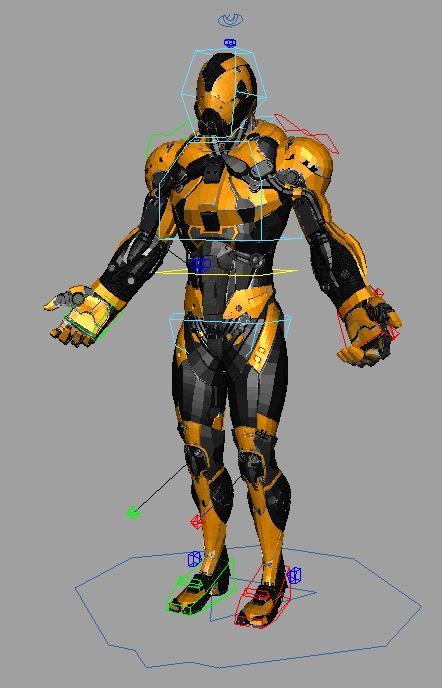
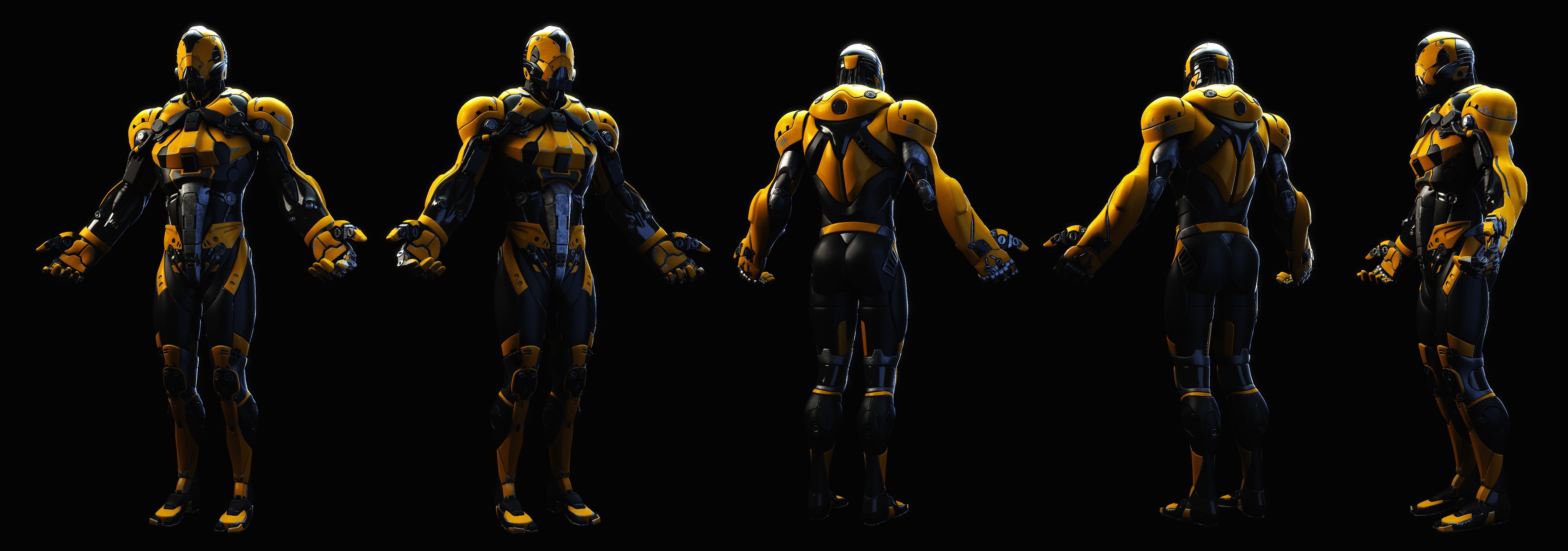
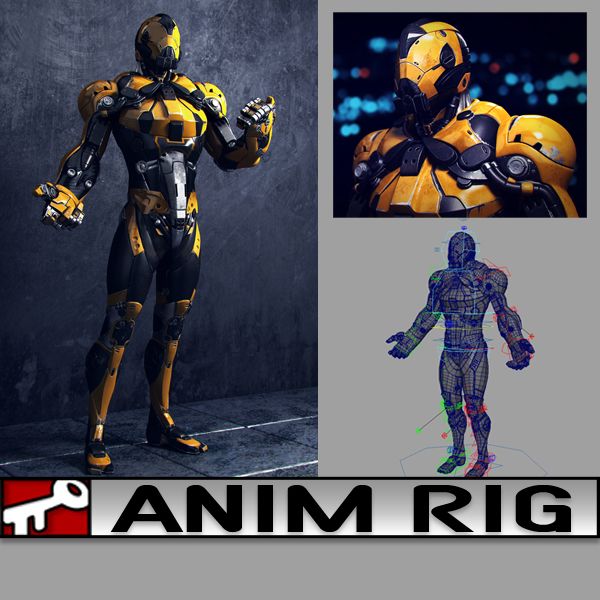
Yellow Dude 3D model
1
Yellow Dude royalty-free 3d model - Preview no. 1
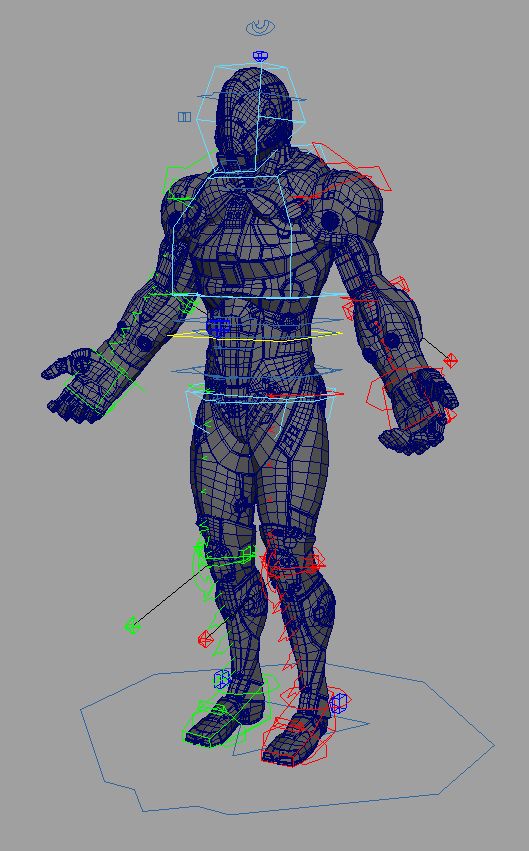
Yellow Dude royalty-free 3d model - Preview no. 2
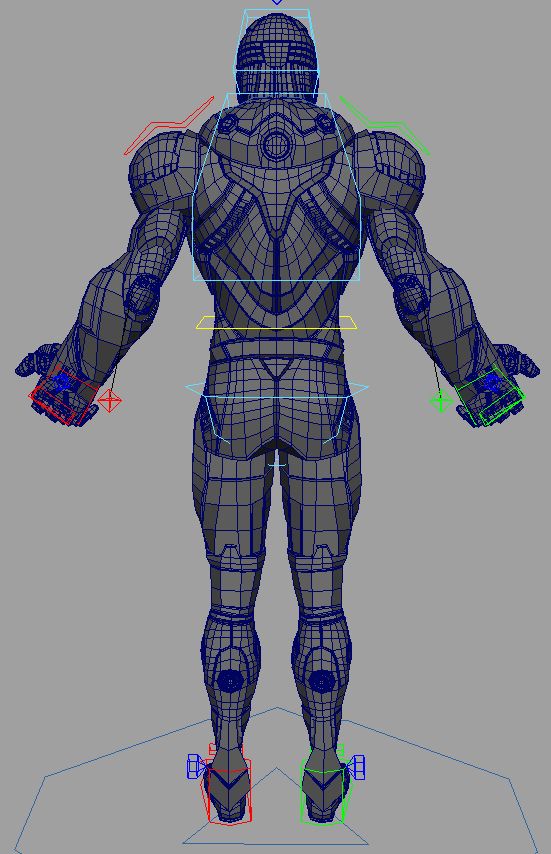
Yellow Dude royalty-free 3d model - Preview no. 3
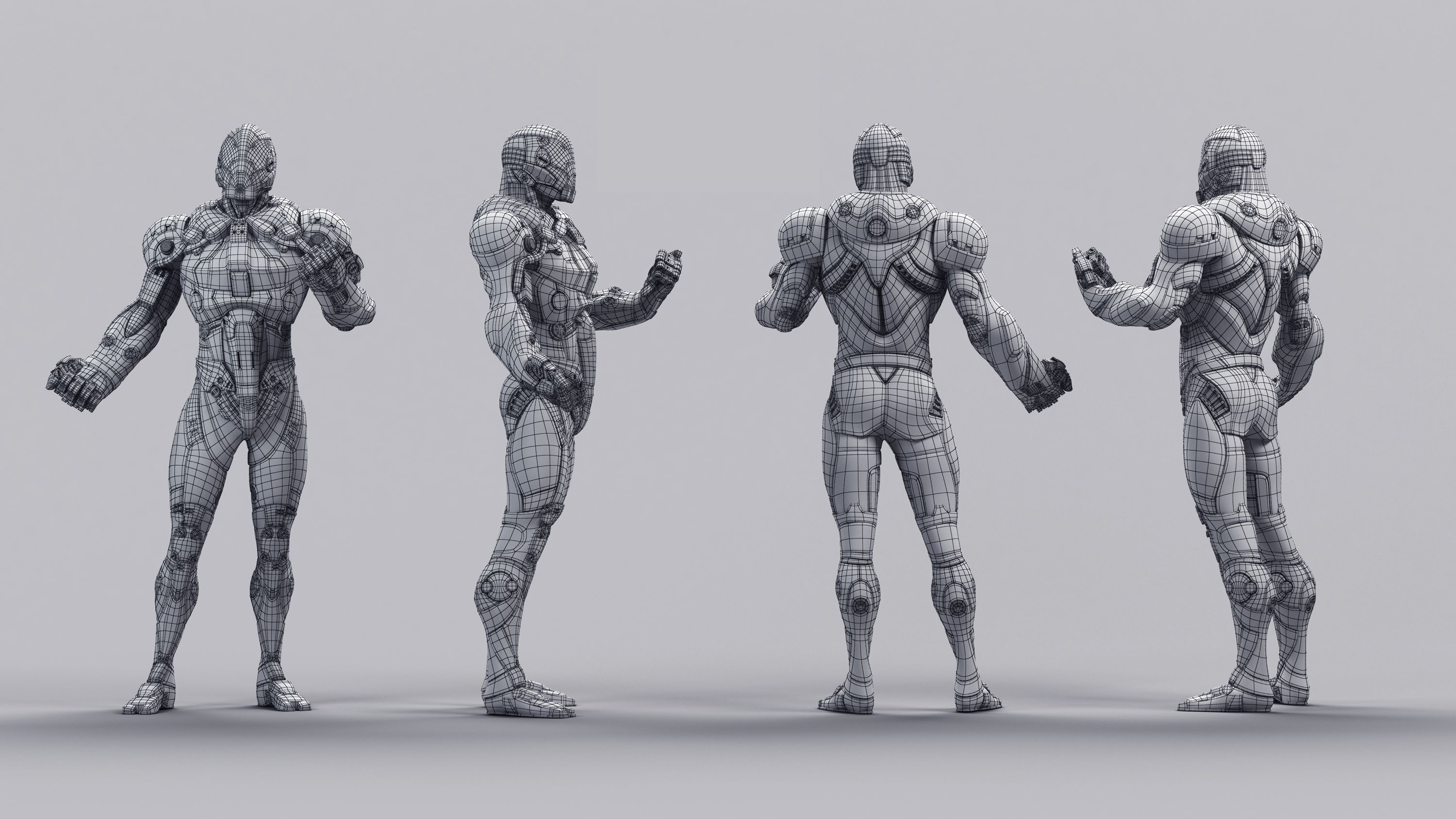
Yellow Dude royalty-free 3d model - Preview no. 4
Yellow Dude royalty-free 3d model - Preview no. 5
Yellow Dude royalty-free 3d model - Preview no. 6
Yellow Dude royalty-free 3d model - Preview no. 7
Yellow Dude royalty-free 3d model - Preview no. 8
Yellow Dude royalty-free 3d model - Preview no. 9
Yellow Dude royalty-free 3d model - Preview no. 10
Yellow Dude royalty-free 3d model - Preview no. 11
Yellow Dude royalty-free 3d model - Preview no. 12
Yellow Dude royalty-free 3d model - Preview no. 1
Yellow Dude royalty-free 3d model - Preview no. 2
Yellow Dude royalty-free 3d model - Preview no. 3
Yellow Dude royalty-free 3d model - Preview no. 4
Yellow Dude royalty-free 3d model - Preview no. 5
Yellow Dude royalty-free 3d model - Preview no. 6
Yellow Dude royalty-free 3d model - Preview no. 7
Yellow Dude royalty-free 3d model - Preview no. 8
Yellow Dude royalty-free 3d model - Preview no. 9
Yellow Dude royalty-free 3d model - Preview no. 10
Yellow Dude royalty-free 3d model - Preview no. 11
Yellow Dude royalty-free 3d model - Preview no. 12
35
00
Royalty Free LisansTüm genişletilmiş kullanımlar
Basit iadeler
En iyi fiyat garantisi
Kutunun dışında çalışır
0 ziyaret
kielfiggins

Özellikler

  • Geometripolygonal
  • Çokgenler69,023
  • Tepe Noktaları73,504
  • DokularYes
  • hileliYes
  • canlandırılmışNo
  • 3D Yazdırılabilir HazırNo
  • Oyuna Hazır (düşük poli)No
  • UV HaritalıYes
  • Sarılmamış UV'lernon-overlapping

Biçimler ve Dosyalar

Maya
(.ma)
31 MB

maya_software Default
AnimRig_YellowDude_Anim.ma
Maya
(.ma)
10 MB

maya_software Default
AnimRig_YellowDude_Proxy.ma
Maya
(.ma)
38 MB

maya_software Default
AnimRig_YellowDude_Render.ma

Açıklama

**UPDATE - 2016-12-27** To help animate faster and increase playback speed, toggle the _Render/_Anim/_Proxy version of the file by following the steps below:

Finger controls accessed on the controls by the knuckles CTRL_L_Fingers.

To toggle between the Render Rig (for renderings) and the Proxy Rig (for realtime playback/anim blocking), following these steps:

1. Reference in animRig_YellowDude_Render.ma into your scene ( File > Create Reference > Option Box > Use Selected NameSpace > "give the character a name like, char" )

(If your machine can handle the full res rig, great, if not, you can toggle the reference by)

2. File > Reference Editor

3. Select your "char" reference of the rig

4. R-Click > Reference > Replace Reference

5. Select the animRig_YellowDude_Proxy file

You can toggle back and forth as needed without lossing animation.

A rig from a personal project. Created and Rigged in Maya 2014. A full range of animation controls are available.

Jul 16, 2020 Ekleme Tarihi
Nov 20, 2024 son Güncelleme

Yorumlar

Bu ürün için henüz hiç yorum yapılmamış.
Neden buzu kıran ilk kişi değilsin?