
-->
ArchitekturaPojazdyPostacieSamolotMebleElektronikaZwierzątRoślinyBronieSportJedzenieAnatomia
Zaznaczone
Usunięto zakładkę

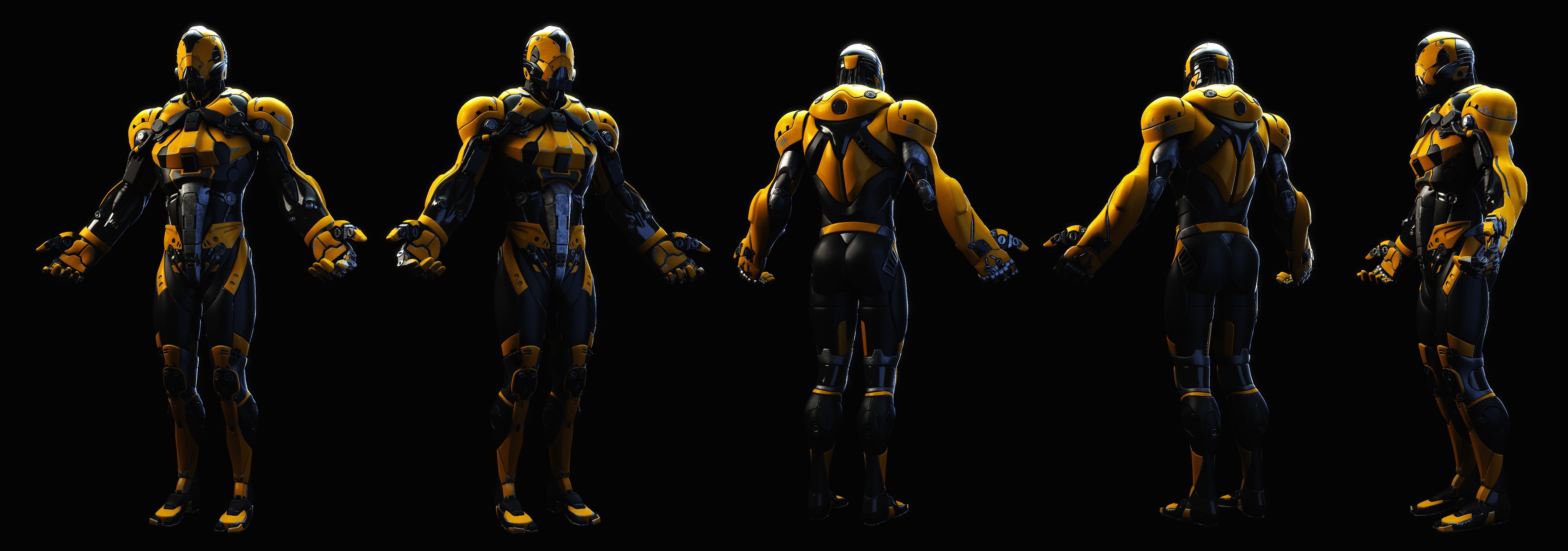
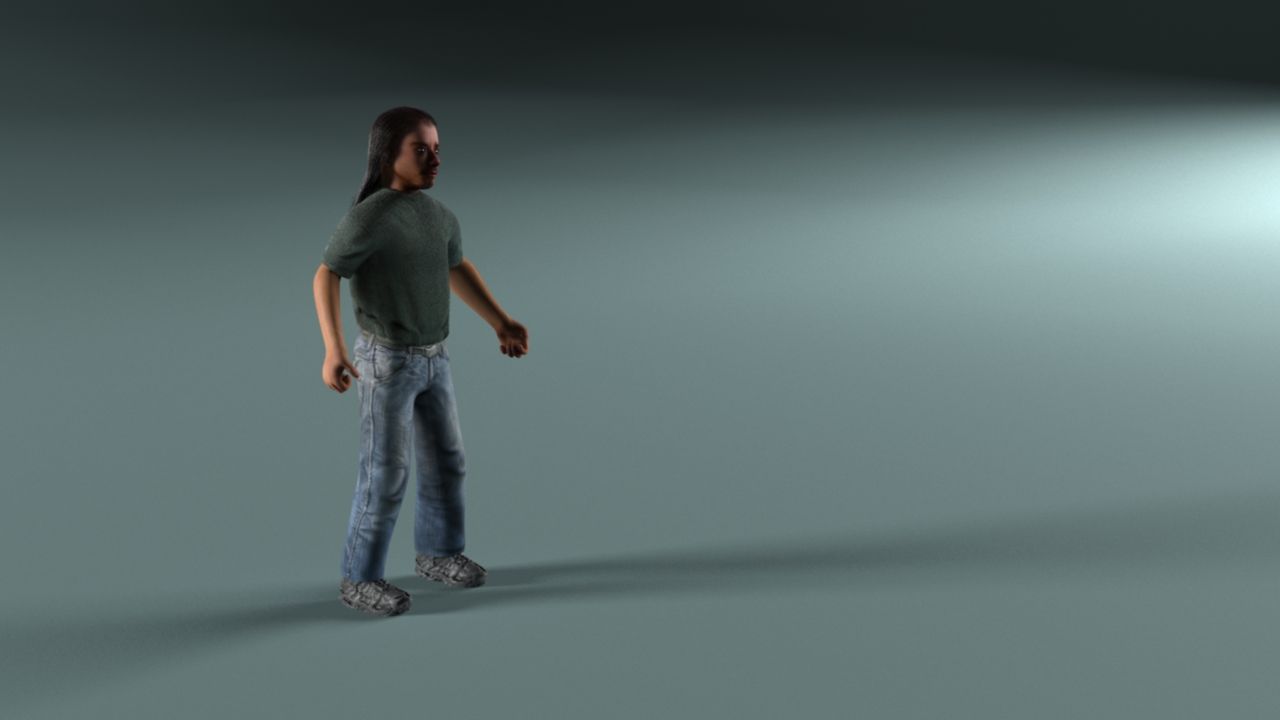
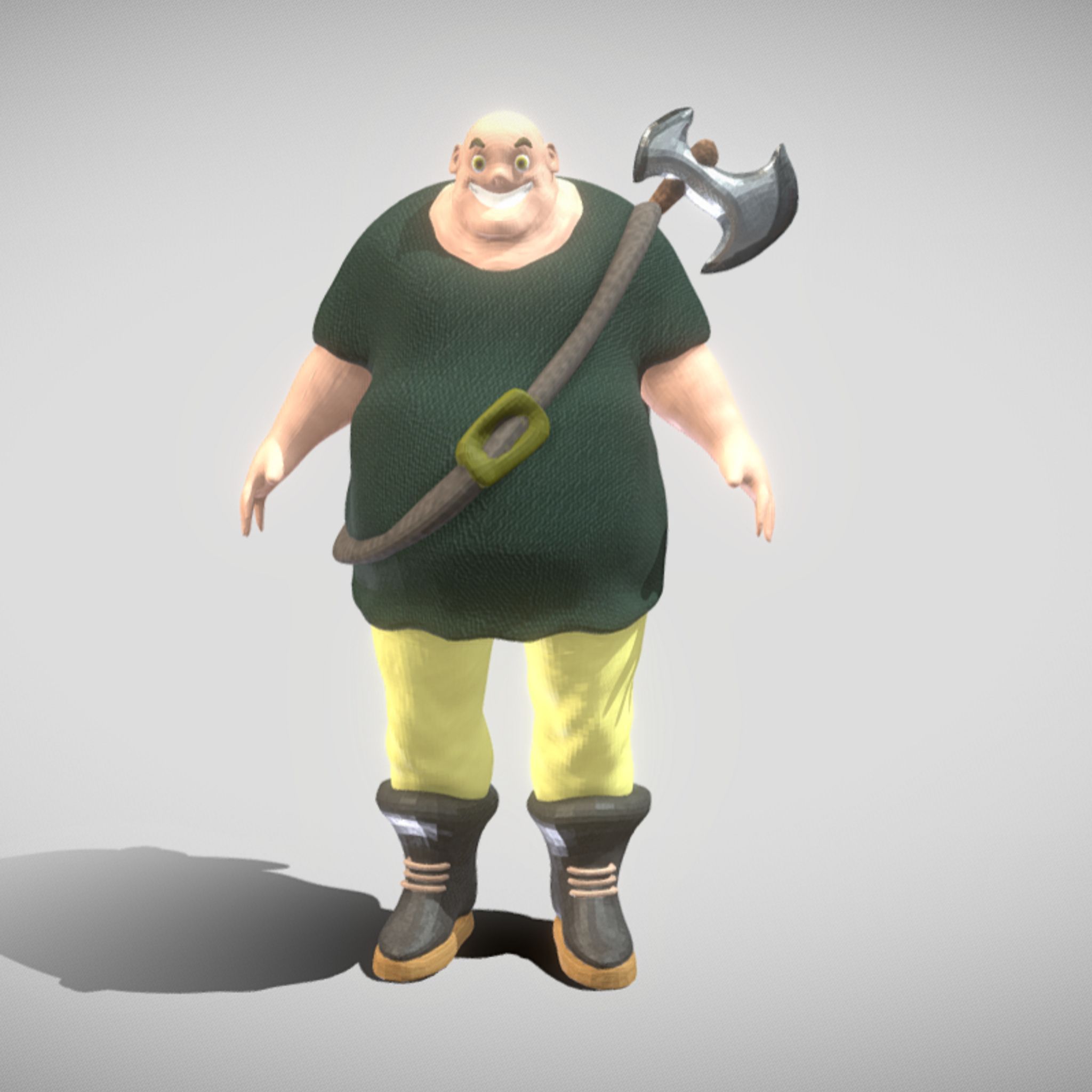
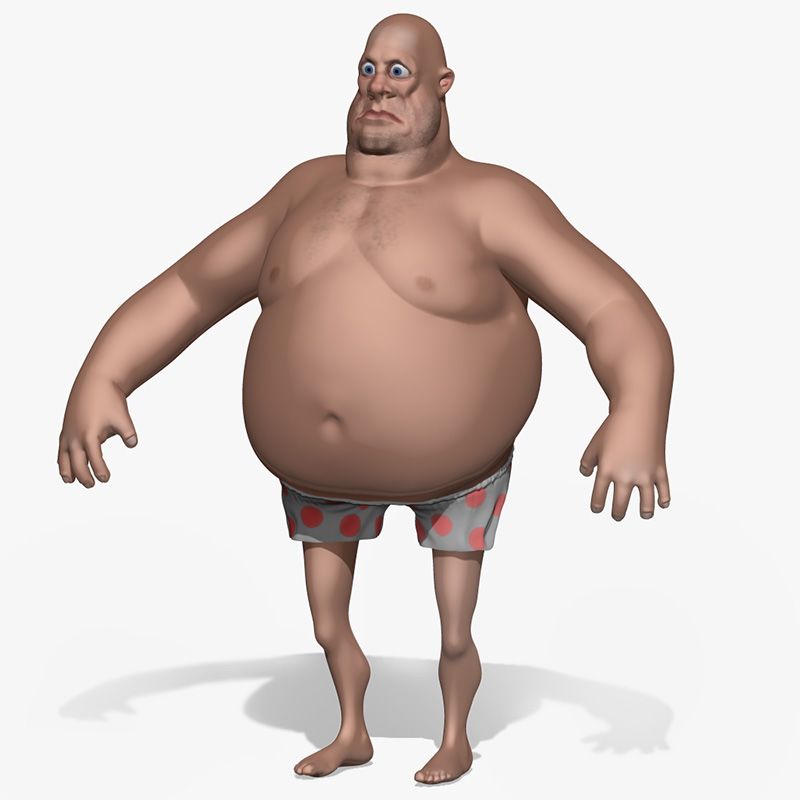
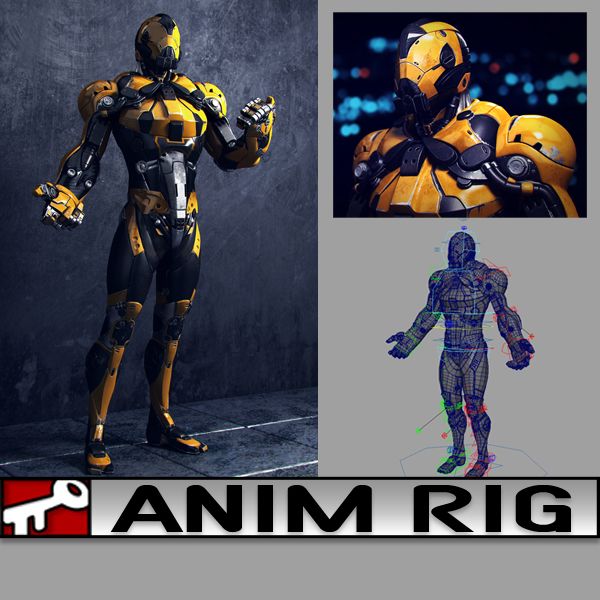
Żółty koleś Model 3D
1
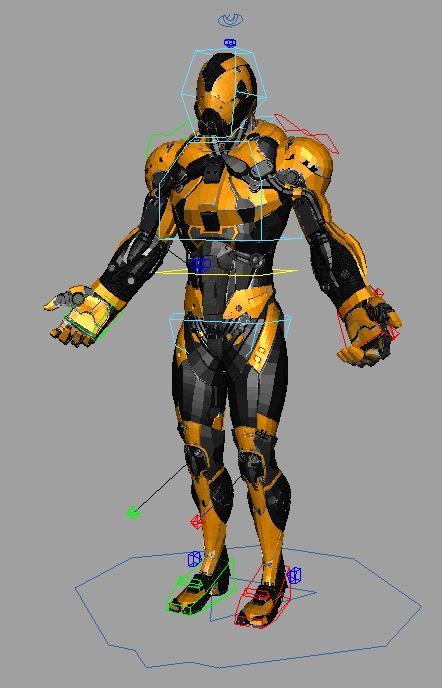
Żółty koleś royalty-free 3d model - Preview no. 1
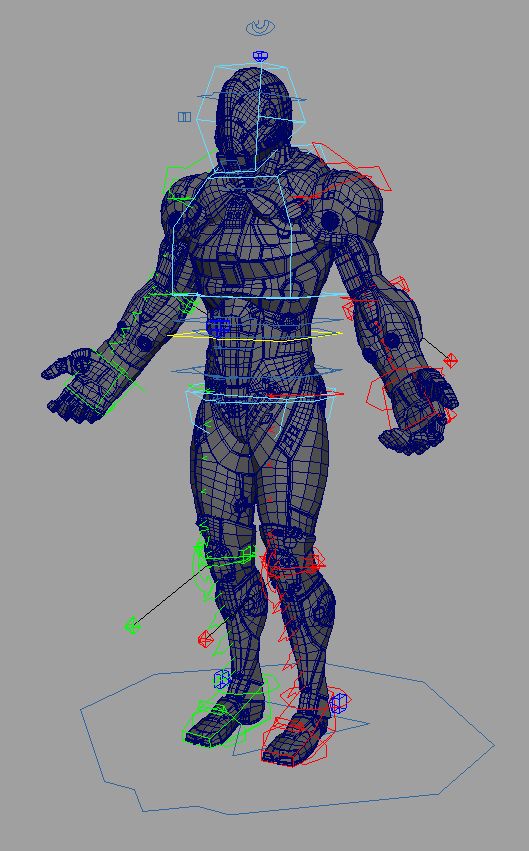
Żółty koleś royalty-free 3d model - Preview no. 2
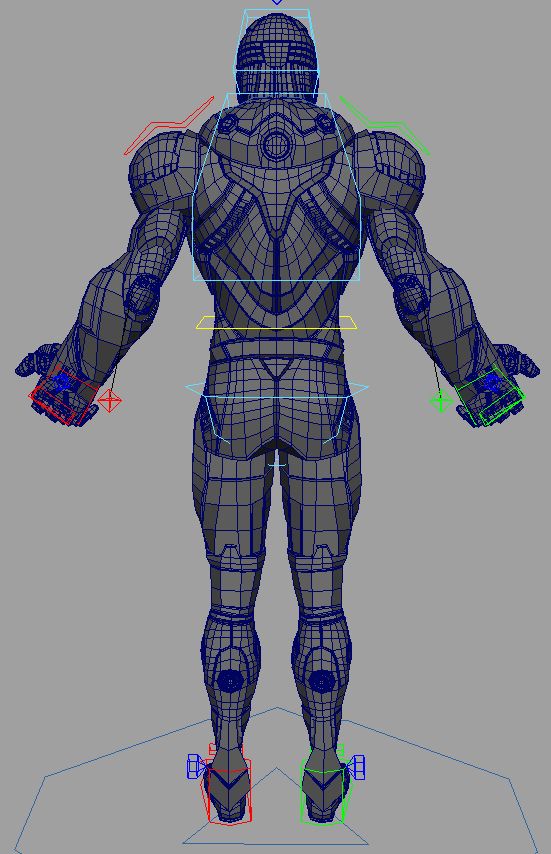
Żółty koleś royalty-free 3d model - Preview no. 3
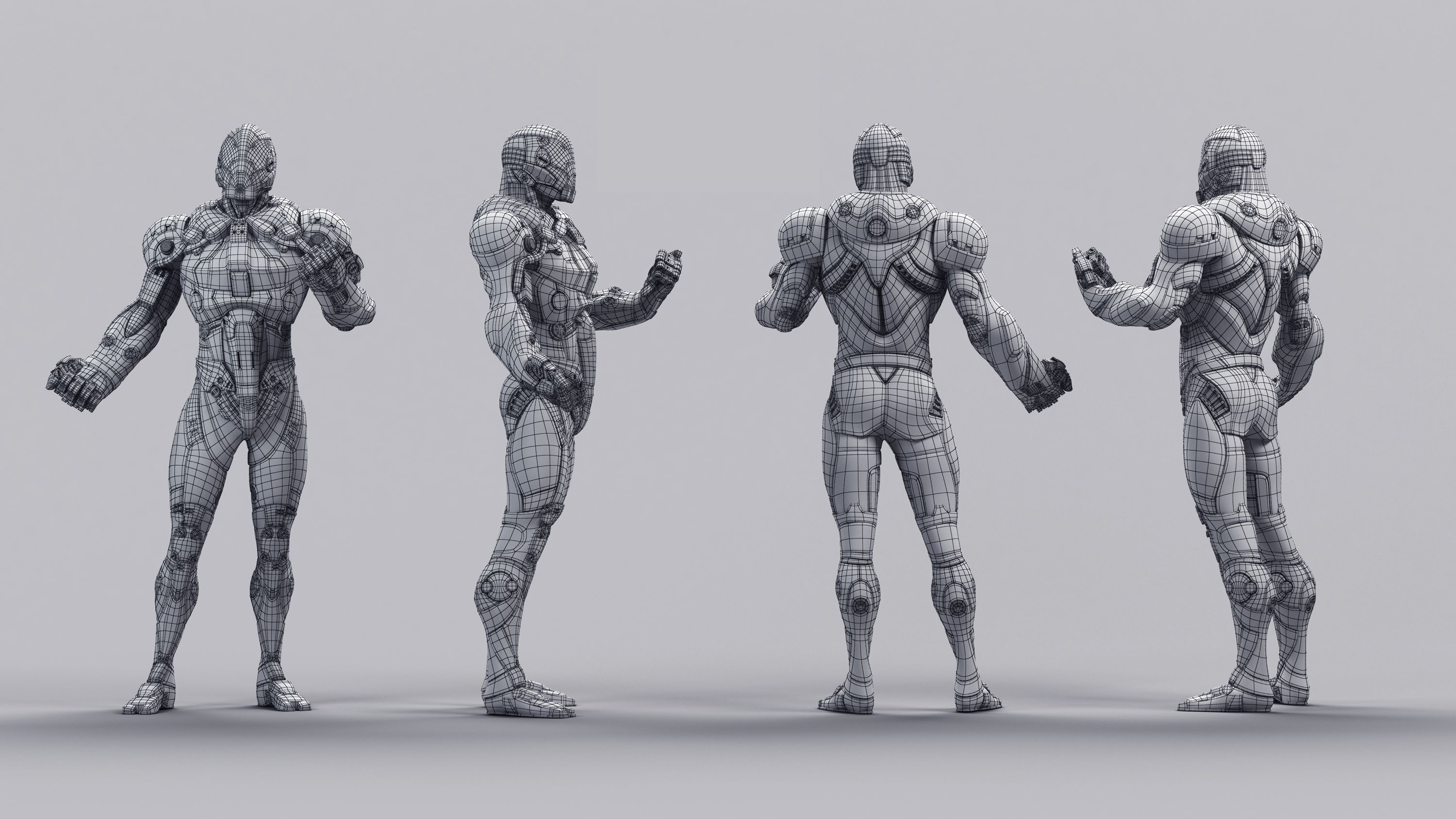
Żółty koleś royalty-free 3d model - Preview no. 4
Żółty koleś royalty-free 3d model - Preview no. 5
Żółty koleś royalty-free 3d model - Preview no. 6
Żółty koleś royalty-free 3d model - Preview no. 7
Żółty koleś royalty-free 3d model - Preview no. 8
Żółty koleś royalty-free 3d model - Preview no. 9
Żółty koleś royalty-free 3d model - Preview no. 10
Żółty koleś royalty-free 3d model - Preview no. 11
Żółty koleś royalty-free 3d model - Preview no. 12
Żółty koleś royalty-free 3d model - Preview no. 1
Żółty koleś royalty-free 3d model - Preview no. 2
Żółty koleś royalty-free 3d model - Preview no. 3
Żółty koleś royalty-free 3d model - Preview no. 4
Żółty koleś royalty-free 3d model - Preview no. 5
Żółty koleś royalty-free 3d model - Preview no. 6
Żółty koleś royalty-free 3d model - Preview no. 7
Żółty koleś royalty-free 3d model - Preview no. 8
Żółty koleś royalty-free 3d model - Preview no. 9
Żółty koleś royalty-free 3d model - Preview no. 10
Żółty koleś royalty-free 3d model - Preview no. 11
Żółty koleś royalty-free 3d model - Preview no. 12
Licencja bezpłatnaWszystkie rozszerzone zastosowania
Proste zwroty
Gwarancja najlepszej ceny
Działa po wyjęciu z pudełka
0 Odwiedziny
kielfiggins

Specyfikacje

  • Geometriapolygonal
  • Wieloboki69,023
  • Wierzchołki73,504
  • TeksturyYes
  • RiggedYes
  • OżywionyNo
  • Gotowy do druku 3DNo
  • Game Ready (low poly)No
  • Mapowanie UVYes
  • Nieopakowane UVnon-overlapping

Formaty i pliki

Maya
(.ma)
31 MB

maya_software Default
AnimRig_YellowDude_Anim.ma
Maya
(.ma)
10 MB

maya_software Default
AnimRig_YellowDude_Proxy.ma
Maya
(.ma)
38 MB

maya_software Default
AnimRig_YellowDude_Render.ma

Opis

**UPDATE - 2016-12-27** To help animate faster and increase playback speed, toggle the _Render/_Anim/_Proxy version of the file by following the steps below:

Finger controls accessed on the controls by the knuckles CTRL_L_Fingers.

To toggle between the Render Rig (for renderings) and the Proxy Rig (for realtime playback/anim blocking), following these steps:

1. Reference in animRig_YellowDude_Render.ma into your scene ( File > Create Reference > Option Box > Use Selected NameSpace > "give the character a name like, char" )

(If your machine can handle the full res rig, great, if not, you can toggle the reference by)

2. File > Reference Editor

3. Select your "char" reference of the rig

4. R-Click > Reference > Replace Reference

5. Select the animRig_YellowDude_Proxy file

You can toggle back and forth as needed without lossing animation.

A rig from a personal project. Created and Rigged in Maya 2014. A full range of animation controls are available.

Jul 16, 2020 Data dodania
Nov 20, 2024 Ostatnia aktualizacja

Recenzje

Obecnie nie ma recenzji tego produktu.
Dlaczego nie być pierwszym, który złamie lód?