-->
건축물차량문자항공기가구전자 제품동물식물무기스포츠식품해부
북마크 됨
북마크 삭제됨

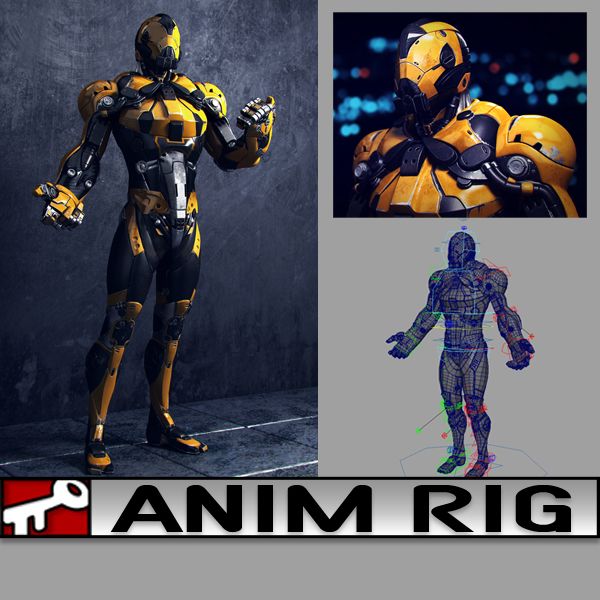
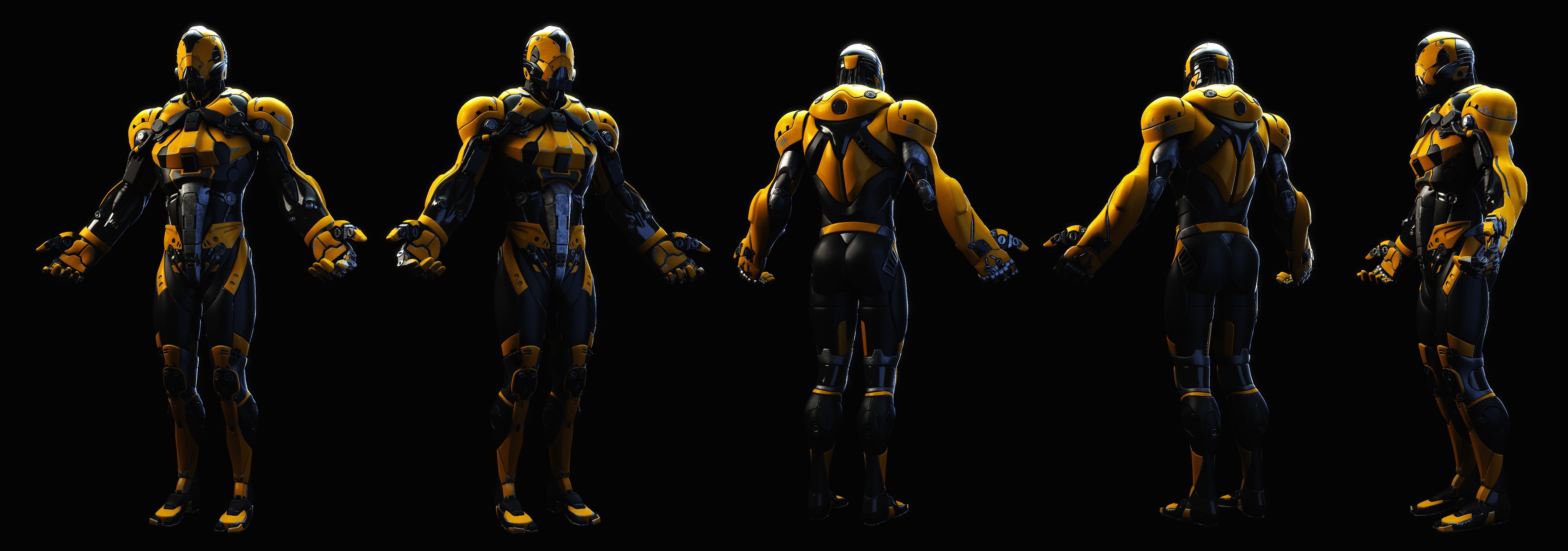
노란 친구 3D 모델

1
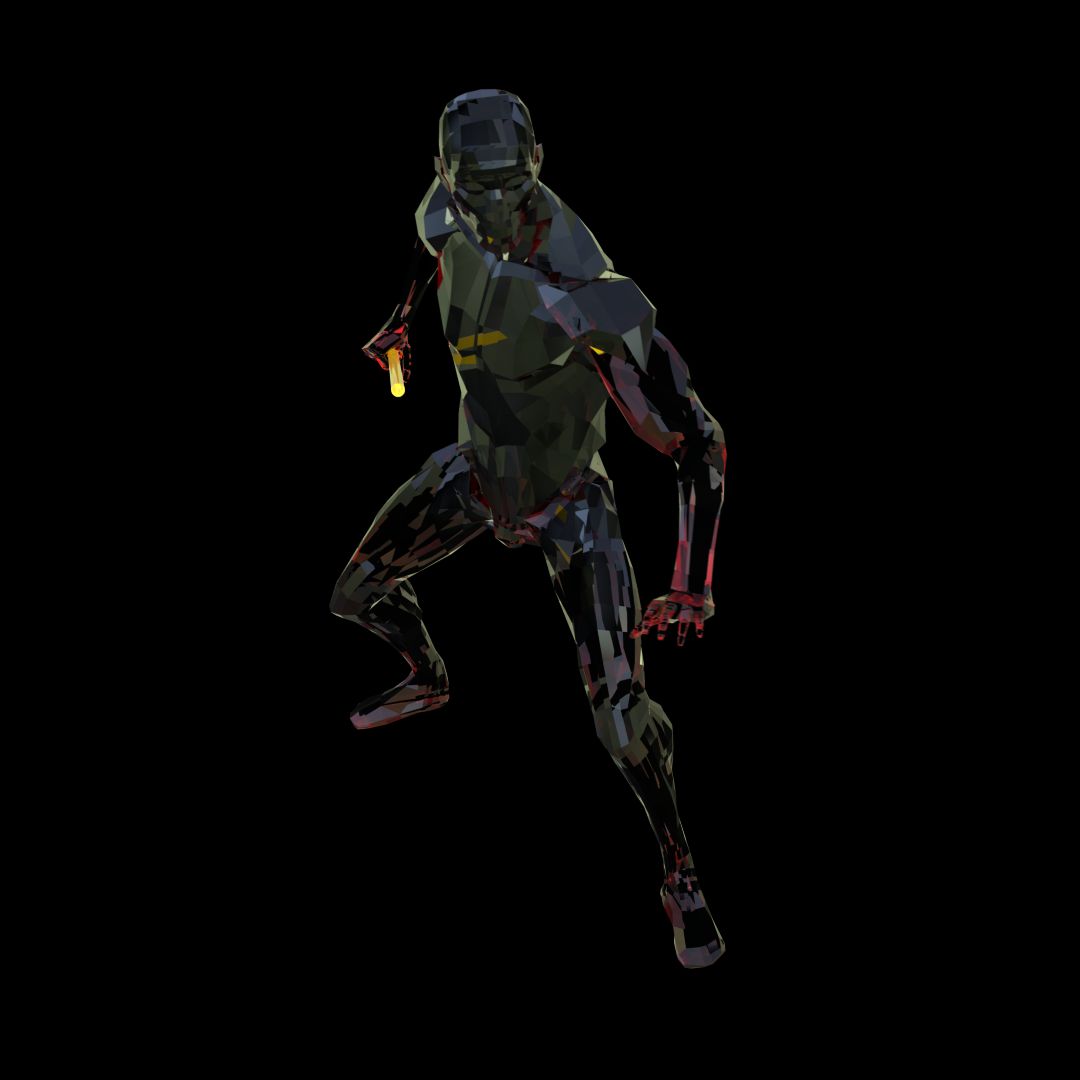
노란 친구 royalty-free 3d model - Preview no. 1
노란 친구 royalty-free 3d model - Preview no. 2
노란 친구 royalty-free 3d model - Preview no. 3
노란 친구 royalty-free 3d model - Preview no. 4
노란 친구 royalty-free 3d model - Preview no. 5
노란 친구 royalty-free 3d model - Preview no. 6
노란 친구 royalty-free 3d model - Preview no. 7
노란 친구 royalty-free 3d model - Preview no. 8
노란 친구 royalty-free 3d model - Preview no. 9
노란 친구 royalty-free 3d model - Preview no. 10
노란 친구 royalty-free 3d model - Preview no. 11
노란 친구 royalty-free 3d model - Preview no. 12
노란 친구 royalty-free 3d model - Preview no. 1
노란 친구 royalty-free 3d model - Preview no. 2
노란 친구 royalty-free 3d model - Preview no. 3
노란 친구 royalty-free 3d model - Preview no. 4
노란 친구 royalty-free 3d model - Preview no. 5
노란 친구 royalty-free 3d model - Preview no. 6
노란 친구 royalty-free 3d model - Preview no. 7
노란 친구 royalty-free 3d model - Preview no. 8
노란 친구 royalty-free 3d model - Preview no. 9
노란 친구 royalty-free 3d model - Preview no. 10
노란 친구 royalty-free 3d model - Preview no. 11
노란 친구 royalty-free 3d model - Preview no. 12
로열티 무료 라이센스모든 확장 용도
단순 반품
최저가 보장
상자에서 작동 함
0 방문
kielfiggins

명세서

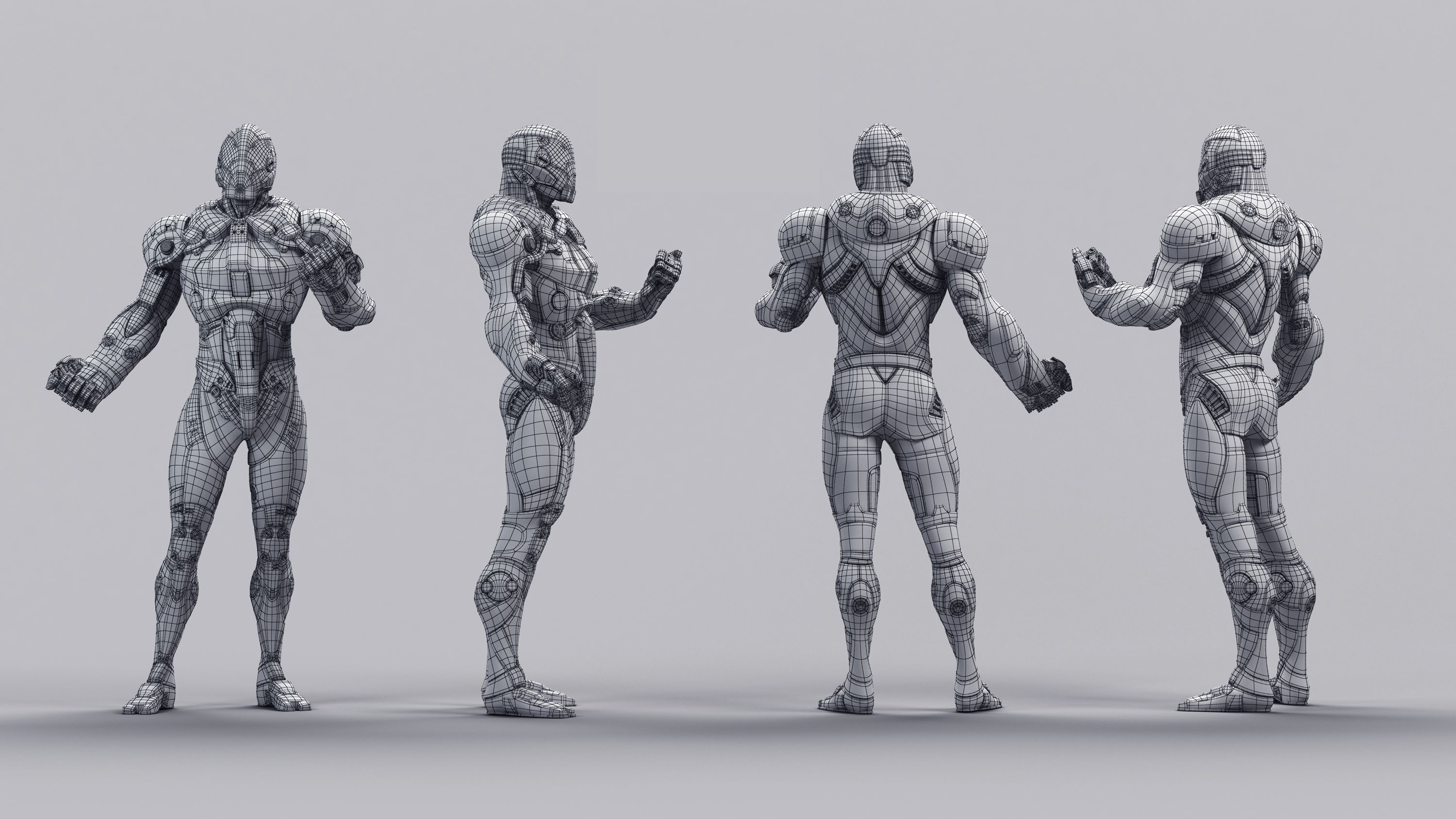
  • 기하학polygonal
  • 다각형69,023
  • 정점들73,504
  • 텍스처Yes
  • 딱딱한Yes
  • 생기 있는No
  • 3D 인쇄 가능 준비No
  • 게임 준비 (낮은 폴리)No
  • UV 매핑 됨Yes
  • 포장되지 않은 자외선non-overlapping

형식 및 파일

Maya
(.ma)
31 MB

maya_software Default
AnimRig_YellowDude_Anim.ma
Maya
(.ma)
10 MB

maya_software Default
AnimRig_YellowDude_Proxy.ma
Maya
(.ma)
38 MB

maya_software Default
AnimRig_YellowDude_Render.ma

기술

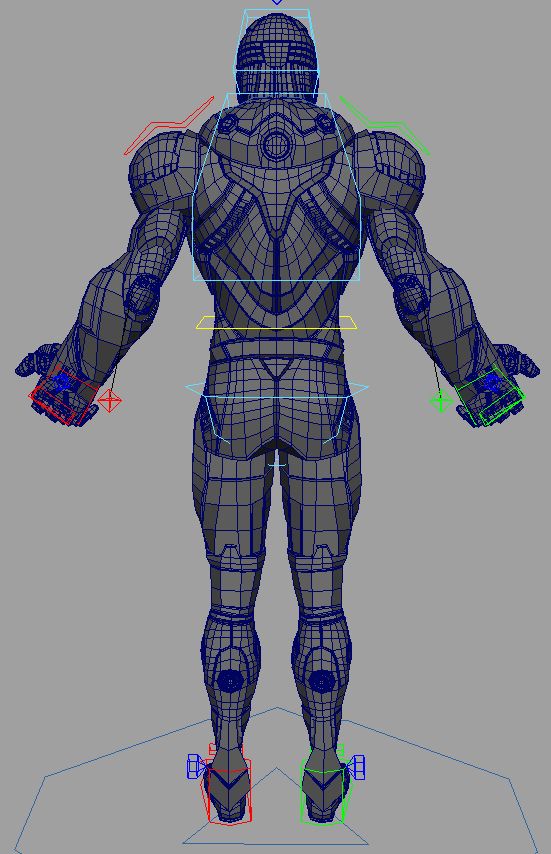
**UPDATE - 2016-12-27** To help animate faster and increase playback speed, toggle the _Render/_Anim/_Proxy version of the file by following the steps below:

Finger controls accessed on the controls by the knuckles CTRL_L_Fingers.

To toggle between the Render Rig (for renderings) and the Proxy Rig (for realtime playback/anim blocking), following these steps:

1. Reference in animRig_YellowDude_Render.ma into your scene ( File > Create Reference > Option Box > Use Selected NameSpace > "give the character a name like, char" )

(If your machine can handle the full res rig, great, if not, you can toggle the reference by)

2. File > Reference Editor

3. Select your "char" reference of the rig

4. R-Click > Reference > Replace Reference

5. Select the animRig_YellowDude_Proxy file

You can toggle back and forth as needed without lossing animation.

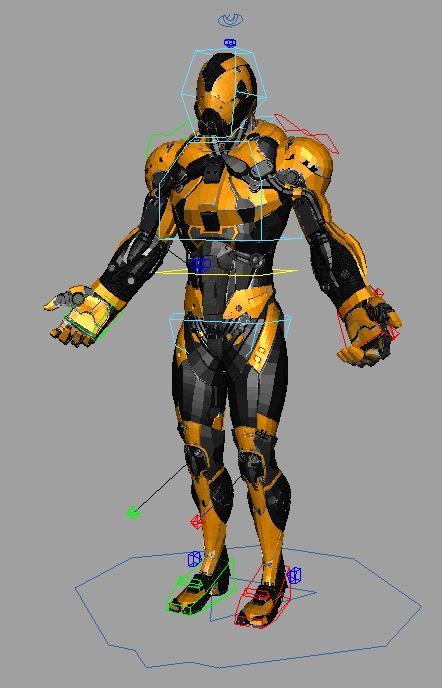
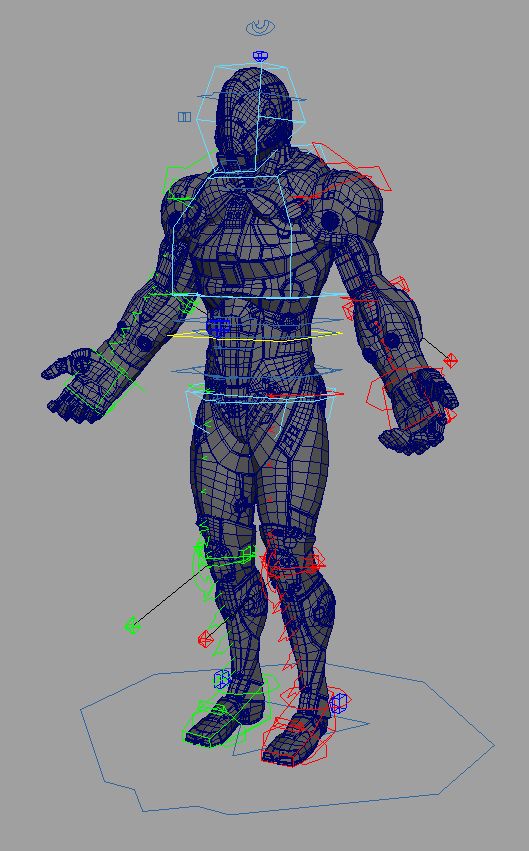
A rig from a personal project. Created and Rigged in Maya 2014. A full range of animation controls are available.

Jul 16, 2020 추가 된 날짜
Nov 20, 2024 마지막 업데이트

리뷰

현재이 제품에 대한 리뷰가 없습니다.
얼음을 깬 첫 번째 사람이되지 않겠습니까?