-->
ArchitectureVehiclesCharactersAircraftFurnitureElectronicsAnimalsPlantsWeaponsSportsFoodAnatomy
Bookmarked
Bookmark removed

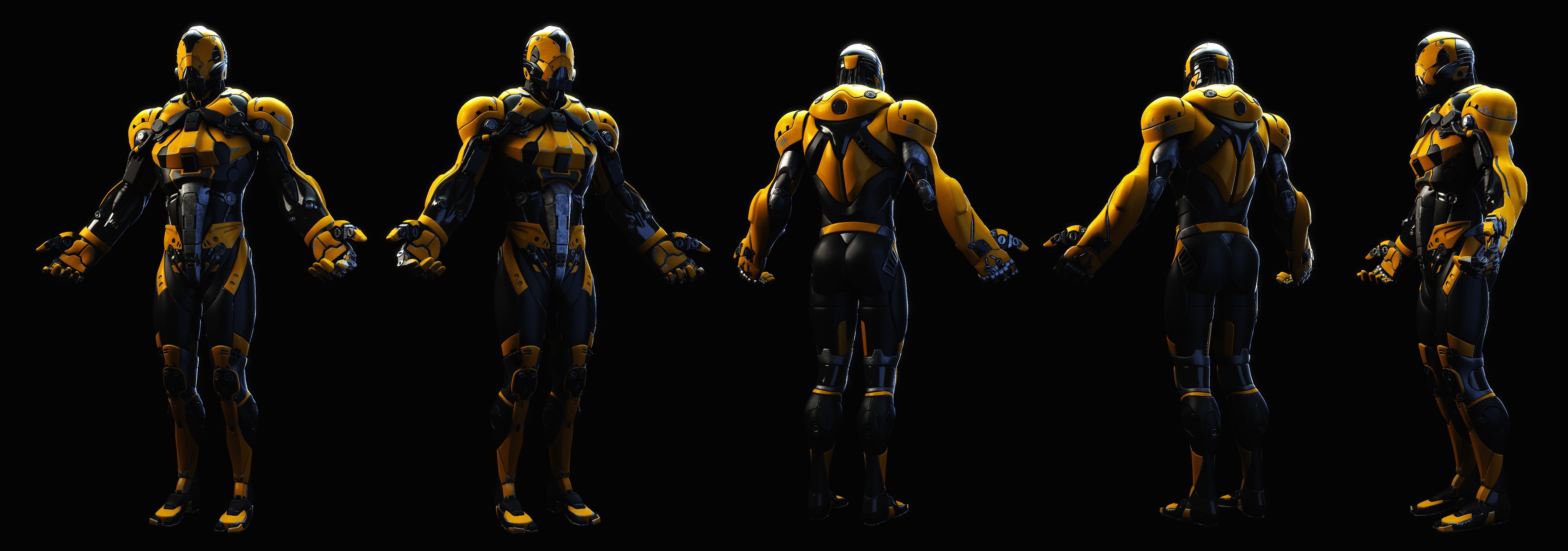
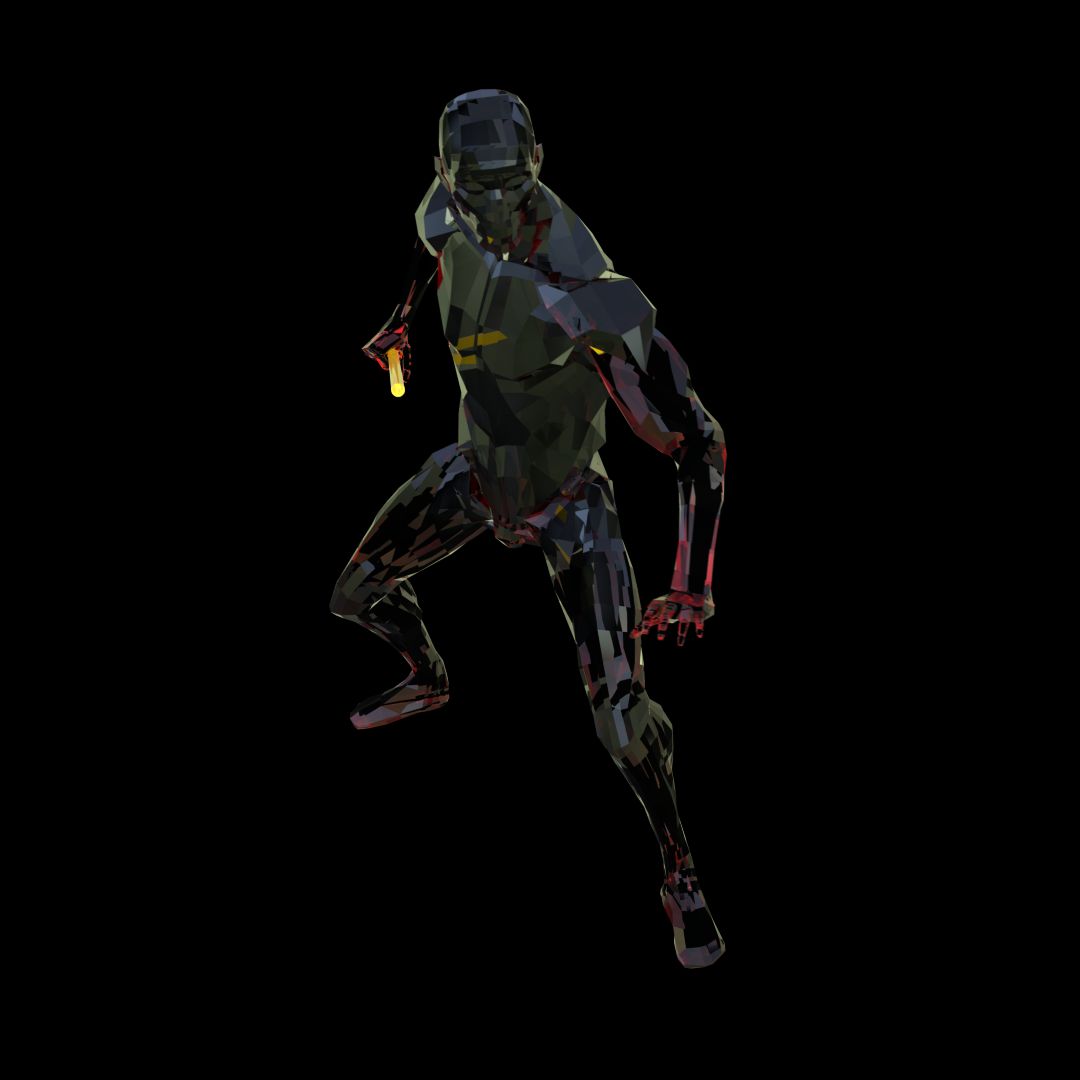
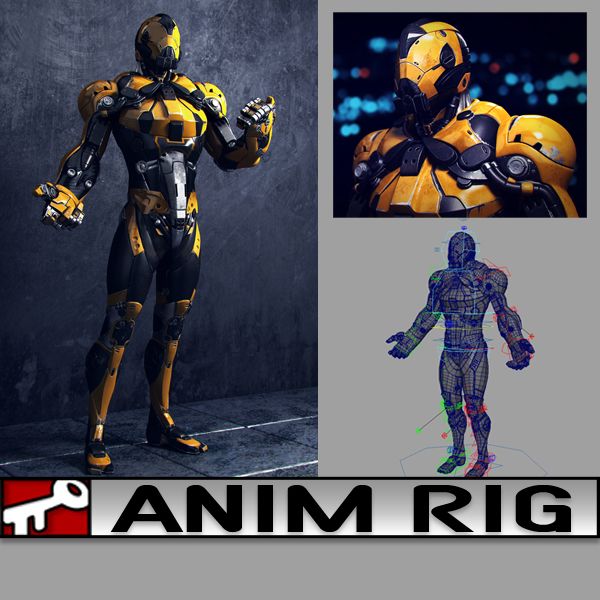
Yellow Dude 3D Model
1
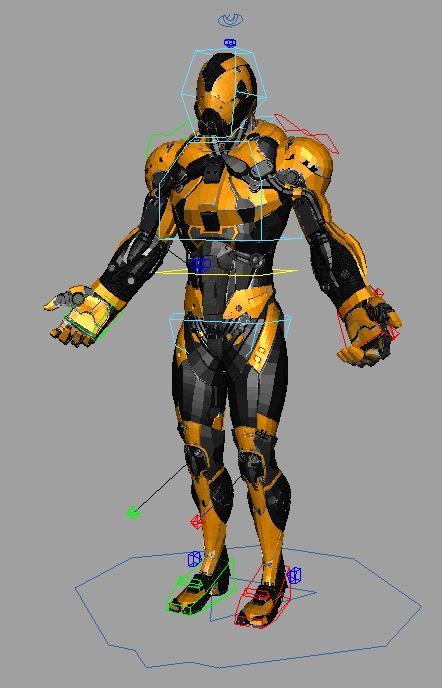
Yellow Dude royalty-free 3d model - Preview no. 1
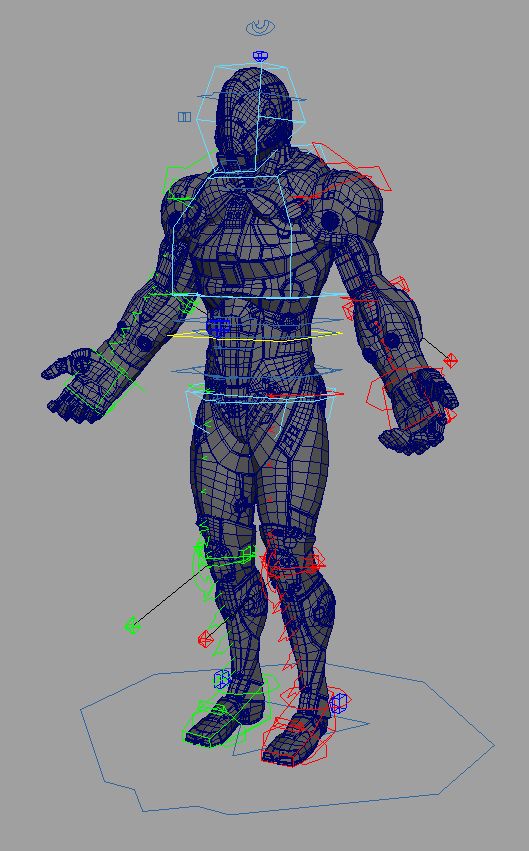
Yellow Dude royalty-free 3d model - Preview no. 2
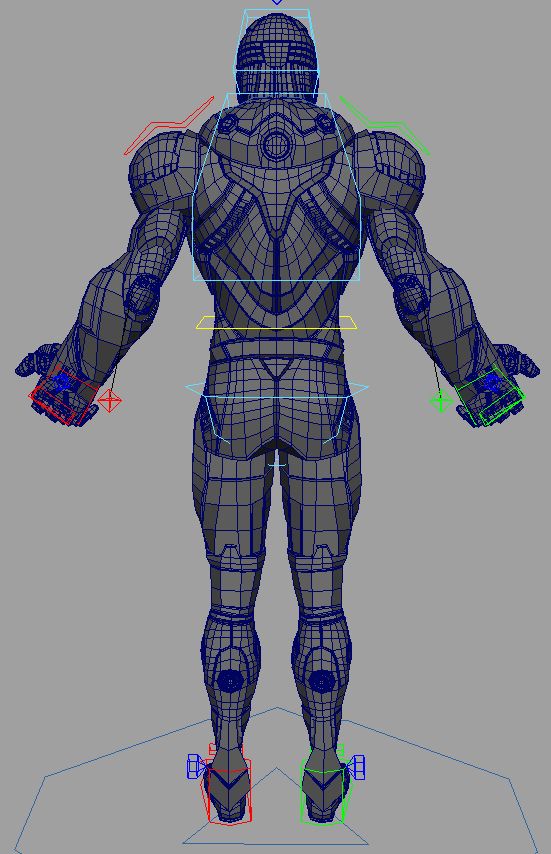
Yellow Dude royalty-free 3d model - Preview no. 3
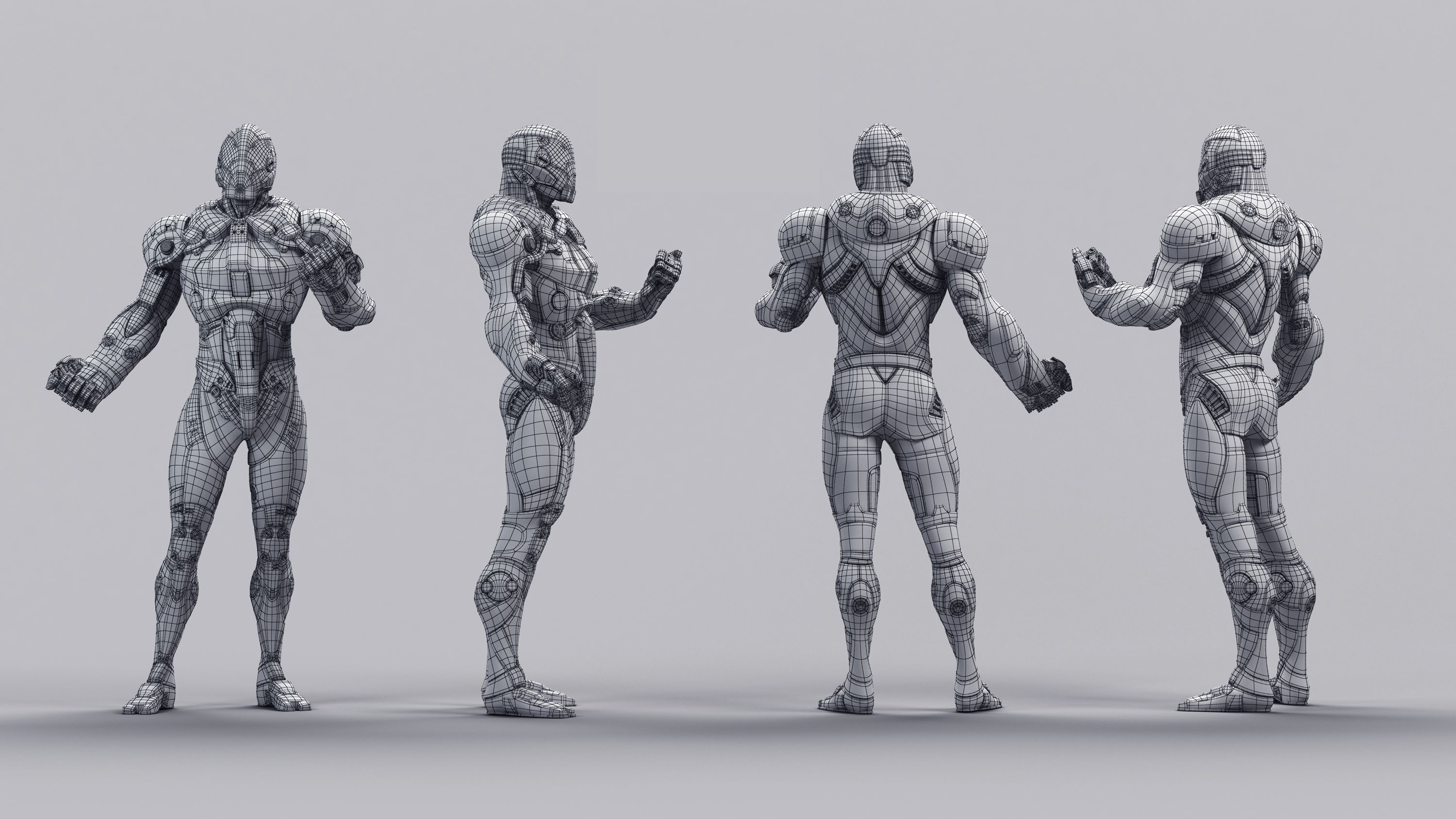
Yellow Dude royalty-free 3d model - Preview no. 4
Yellow Dude royalty-free 3d model - Preview no. 5
Yellow Dude royalty-free 3d model - Preview no. 6
Yellow Dude royalty-free 3d model - Preview no. 7
Yellow Dude royalty-free 3d model - Preview no. 8
Yellow Dude royalty-free 3d model - Preview no. 9
Yellow Dude royalty-free 3d model - Preview no. 10
Yellow Dude royalty-free 3d model - Preview no. 11
Yellow Dude royalty-free 3d model - Preview no. 12
Yellow Dude royalty-free 3d model - Preview no. 1
Yellow Dude royalty-free 3d model - Preview no. 2
Yellow Dude royalty-free 3d model - Preview no. 3
Yellow Dude royalty-free 3d model - Preview no. 4
Yellow Dude royalty-free 3d model - Preview no. 5
Yellow Dude royalty-free 3d model - Preview no. 6
Yellow Dude royalty-free 3d model - Preview no. 7
Yellow Dude royalty-free 3d model - Preview no. 8
Yellow Dude royalty-free 3d model - Preview no. 9
Yellow Dude royalty-free 3d model - Preview no. 10
Yellow Dude royalty-free 3d model - Preview no. 11
Yellow Dude royalty-free 3d model - Preview no. 12
35
00
Royalty Free LicenseAll extended uses
Simple returns
Best Price Guarantee
Works out of the box
0 visits
kielfiggins

Specifications

  • Geometrypolygonal
  • Polygons69,023
  • Vertices73,504
  • TexturesYes
  • RiggedYes
  • AnimatedNo
  • 3D Printable ReadyNo
  • Game Ready (low poly)No
  • UV MappedYes
  • Unwrapped UVsnon-overlapping

Formats & Files

Maya
(.ma)
31 MB

maya_software Default
AnimRig_YellowDude_Anim.ma
Maya
(.ma)
10 MB

maya_software Default
AnimRig_YellowDude_Proxy.ma
Maya
(.ma)
38 MB

maya_software Default
AnimRig_YellowDude_Render.ma

Description

**UPDATE - 2016-12-27** To help animate faster and increase playback speed, toggle the _Render/_Anim/_Proxy version of the file by following the steps below:

Finger controls accessed on the controls by the knuckles CTRL_L_Fingers.

To toggle between the Render Rig (for renderings) and the Proxy Rig (for realtime playback/anim blocking), following these steps:

1. Reference in animRig_YellowDude_Render.ma into your scene ( File > Create Reference > Option Box > Use Selected NameSpace > "give the character a name like, char" )

(If your machine can handle the full res rig, great, if not, you can toggle the reference by)

2. File > Reference Editor

3. Select your "char" reference of the rig

4. R-Click > Reference > Replace Reference

5. Select the animRig_YellowDude_Proxy file

You can toggle back and forth as needed without lossing animation.

A rig from a personal project. Created and Rigged in Maya 2014. A full range of animation controls are available.

Jul 16, 2020 date added
Nov 20, 2024 last update

Reviews

There are currently no reviews for this product.
Why not be the first one to break the ice?