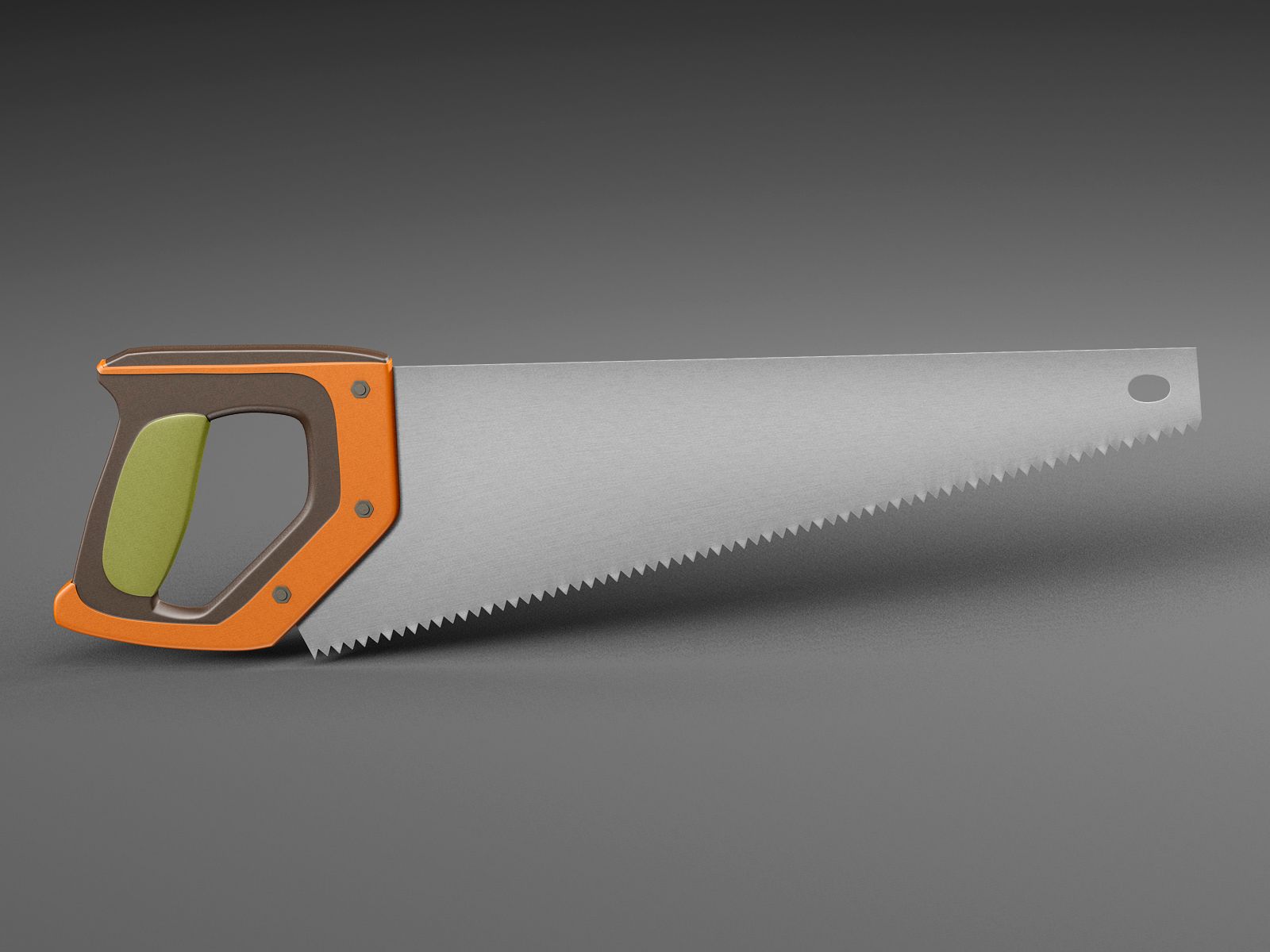
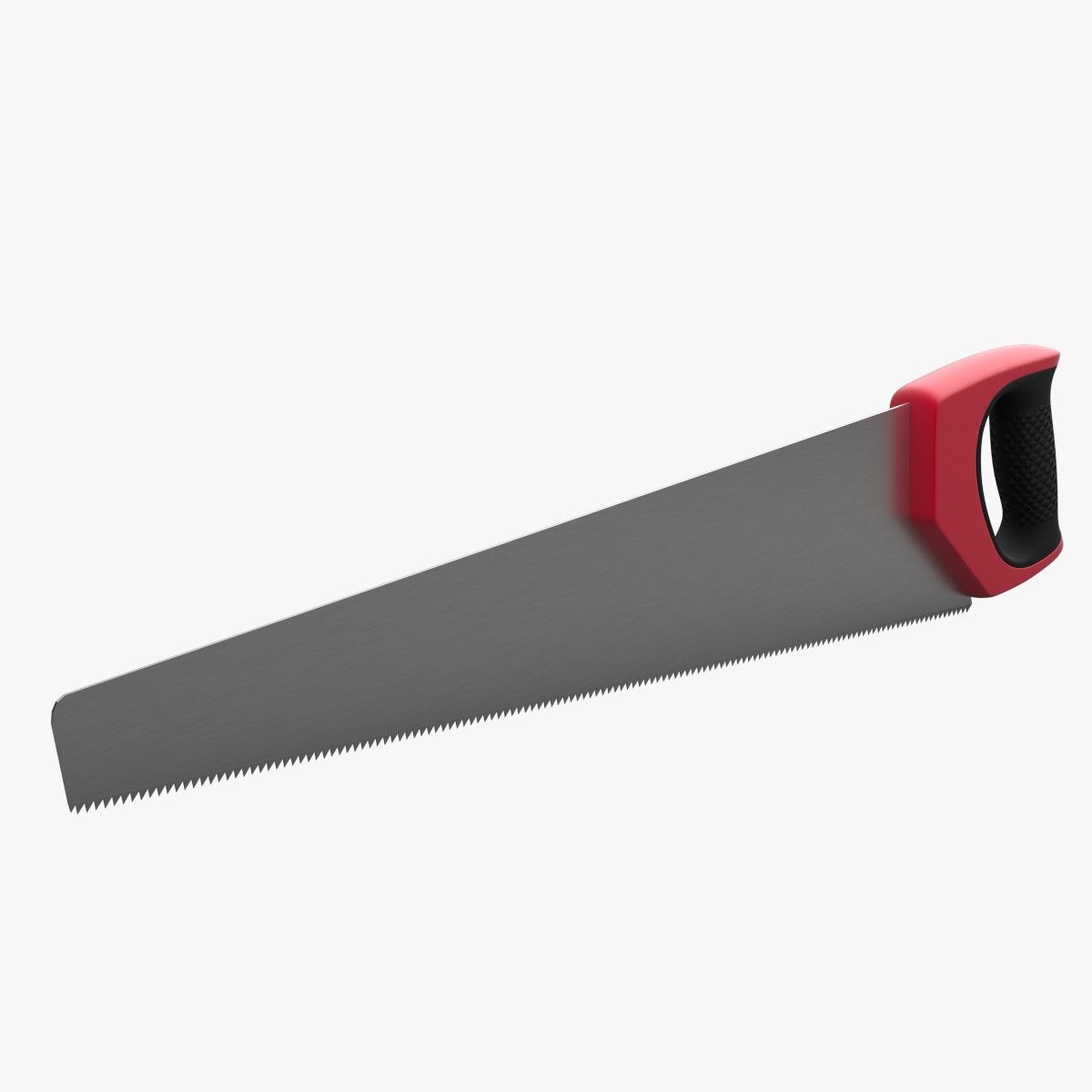
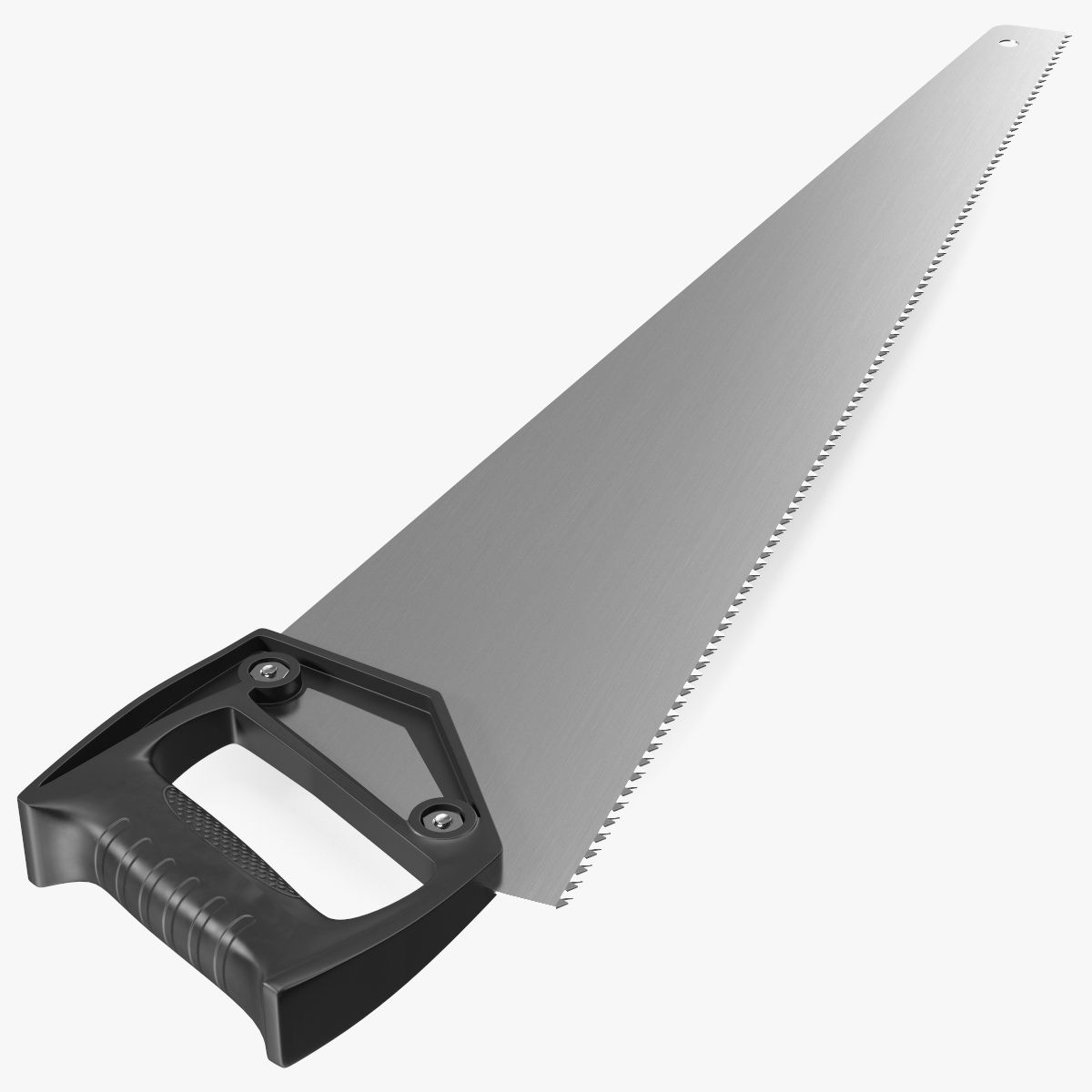


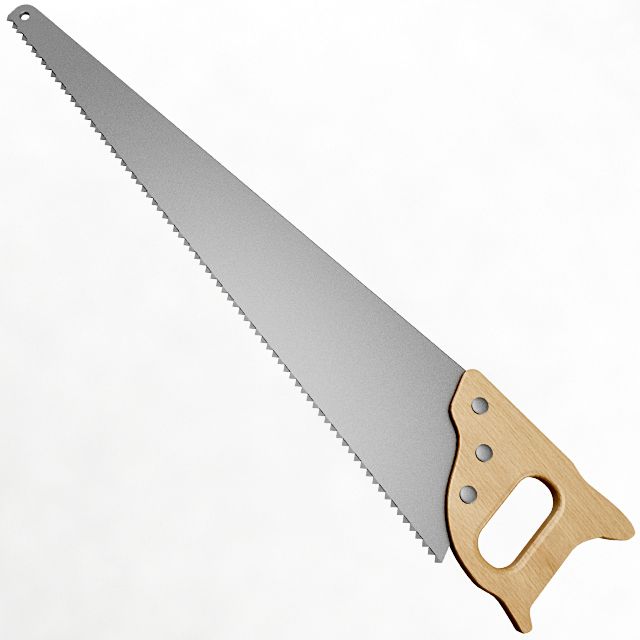
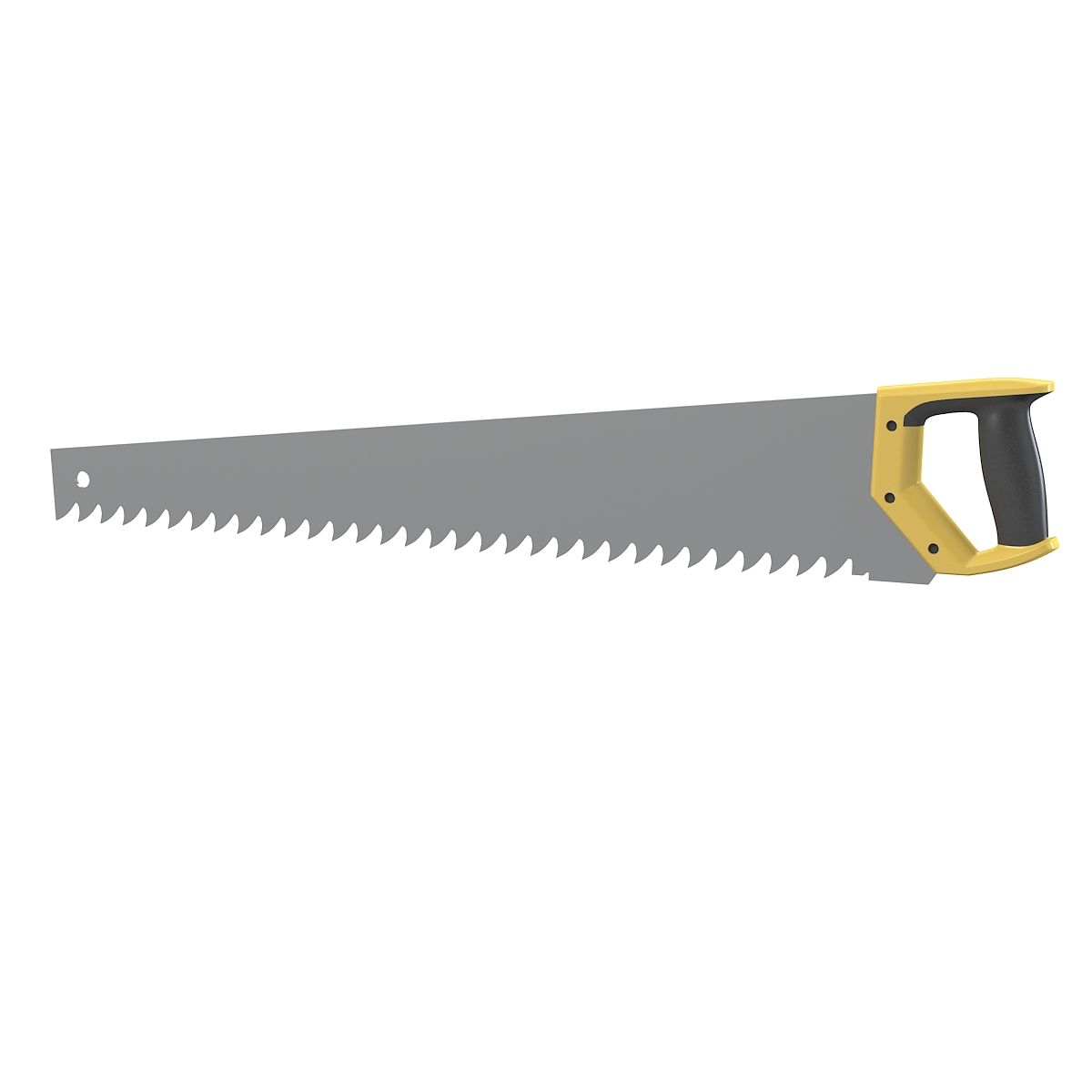
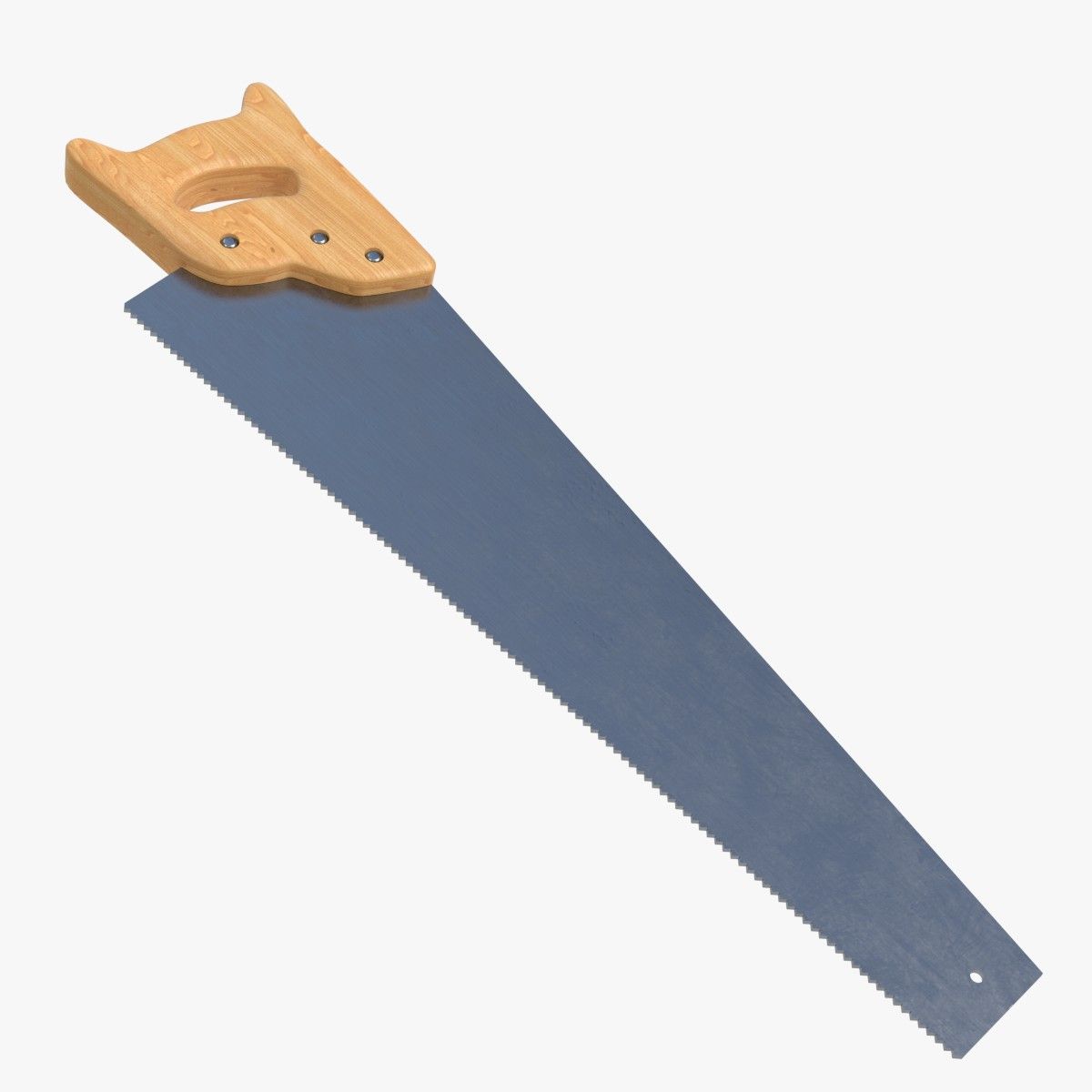
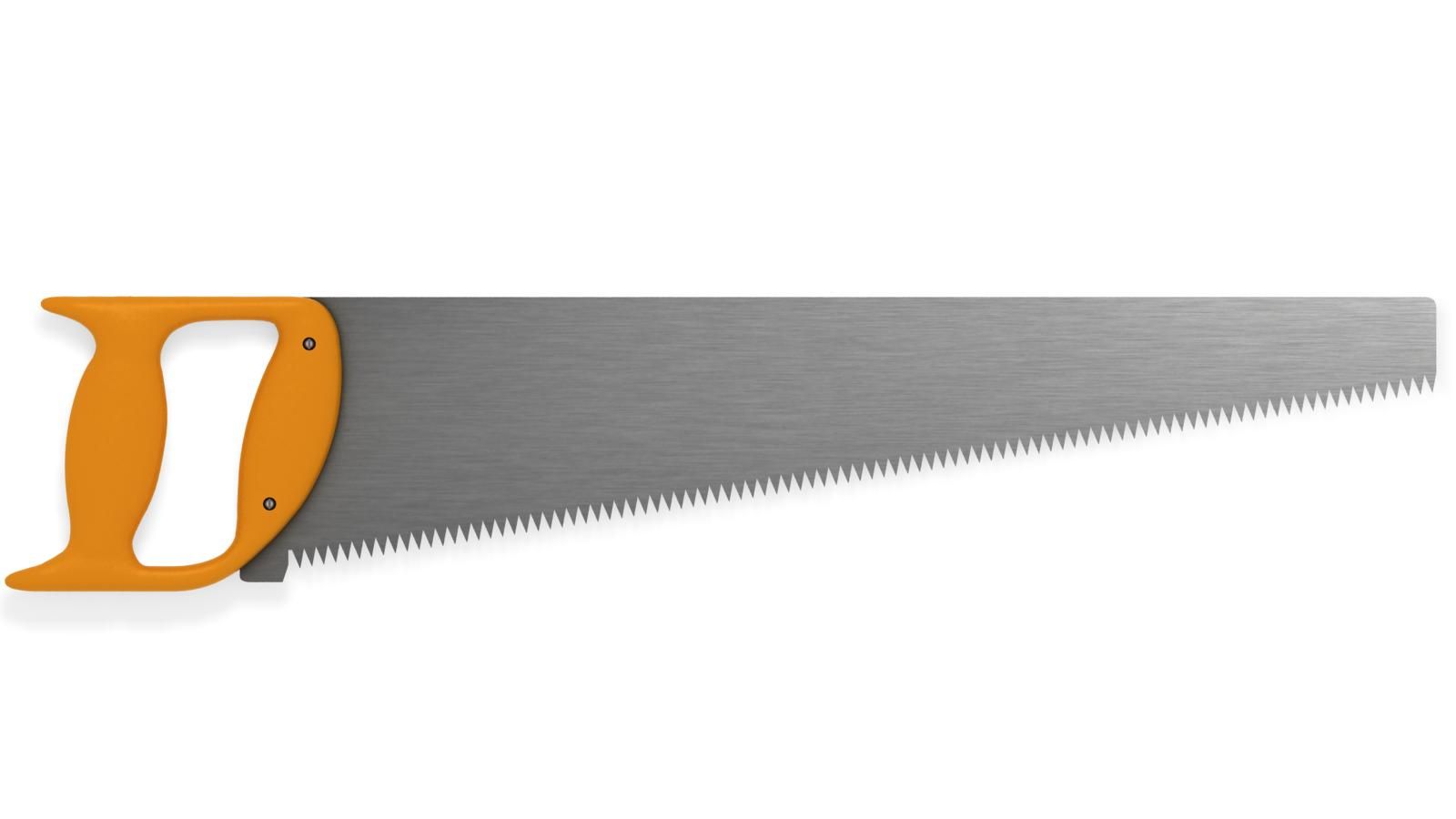
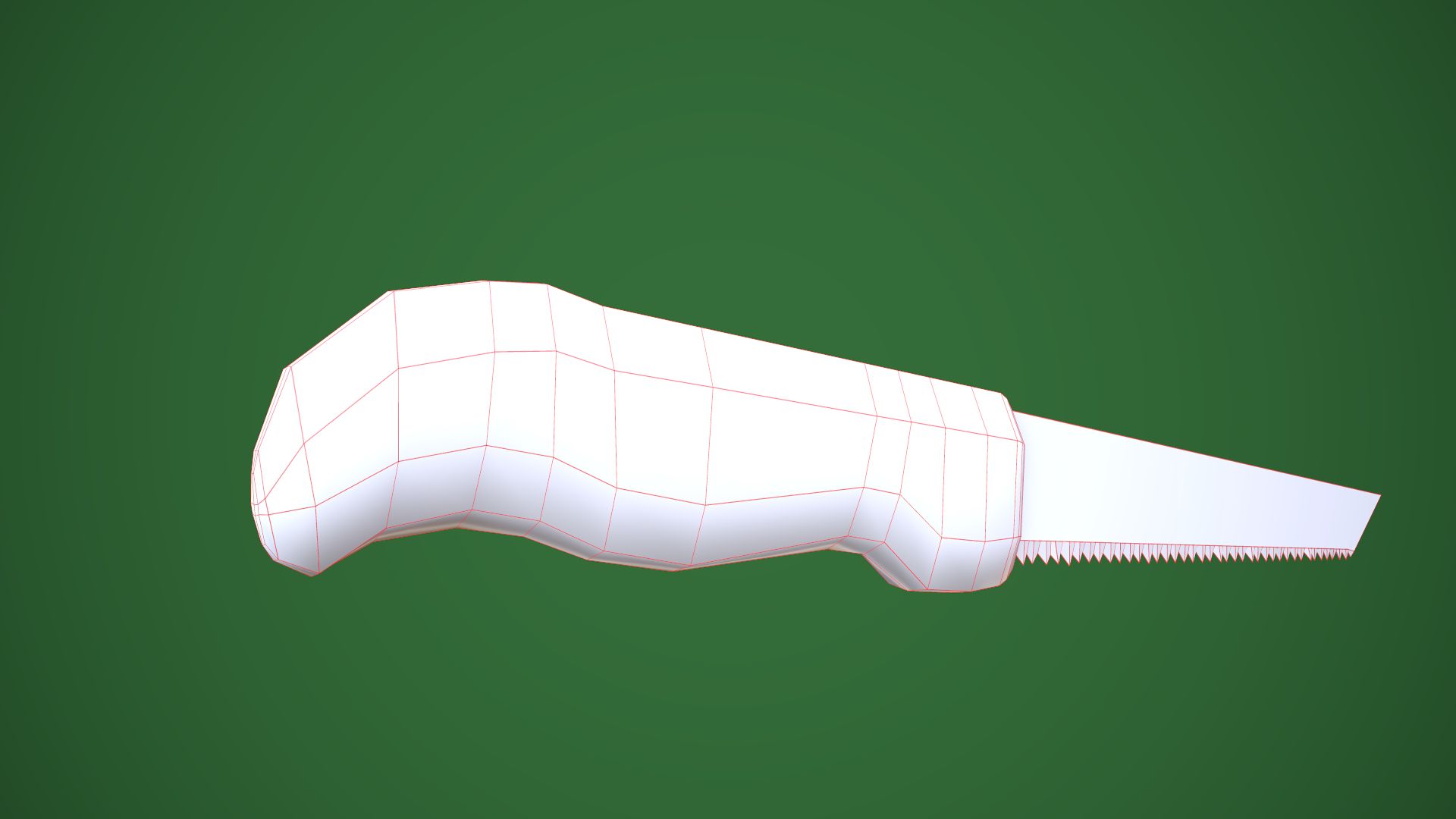
手のこぎり 3Dモデル
0




0
訪問

から提出された
3DVoid
仕様
- ジオメトリpolygonal
- 多角形324
- 頂点409
- テクスチャYes
- 堅いNo
- アニメ化No
- 3Dプリント可能No
- ゲームレディ(低ポリ)No
- UVマップYes
- ラップされていないUVnon-overlapping
説明
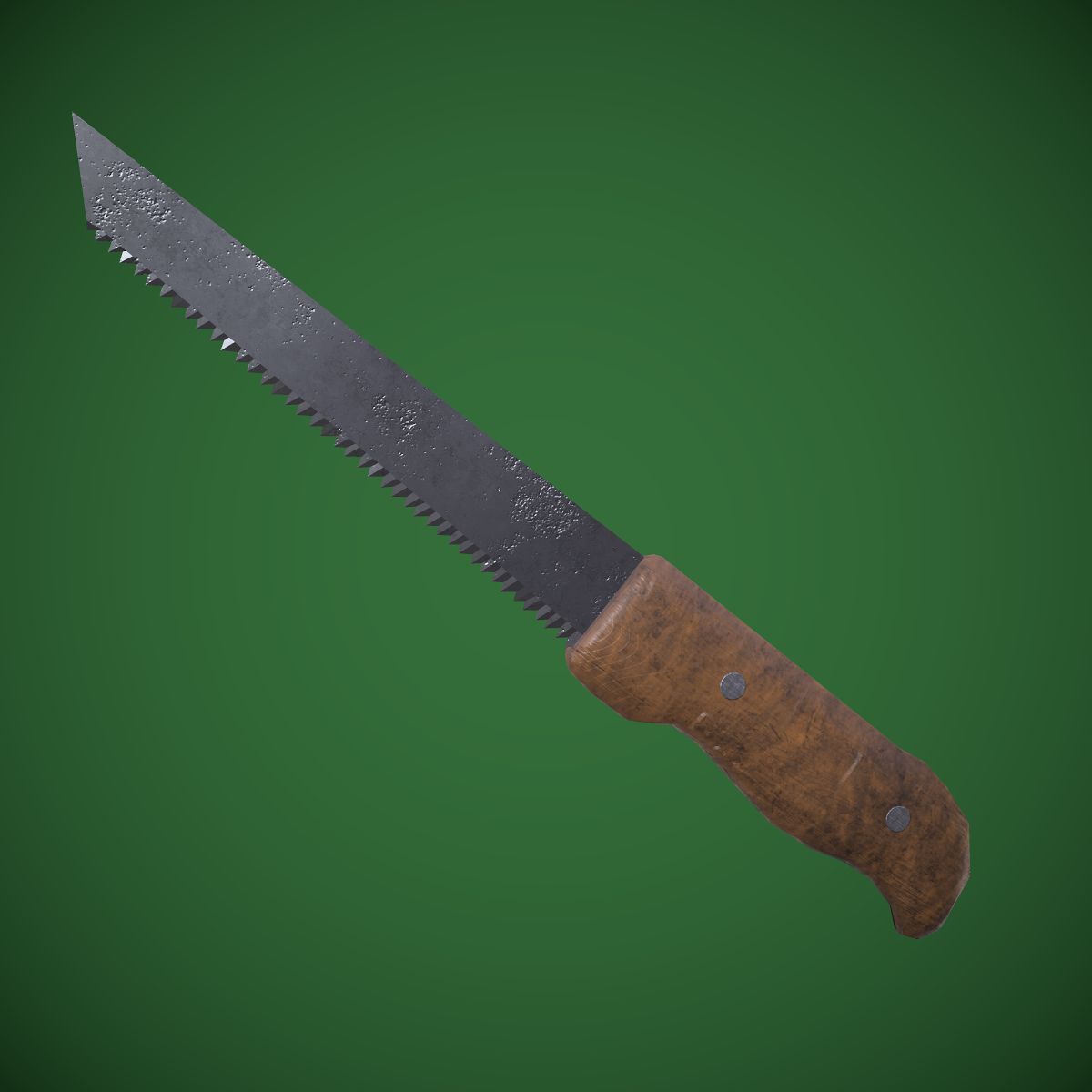
Hand saw - PBR, Low poly - game ready.
Made in Blender, textured in Substance Painter and Rendered in Marmoset Toolbag 3
Contains: 1 Hand saw -> 409_verts, 324_faces, 810_tris
Texture Workflow: Metallic
Texture Sets: Standard, Unity, UE4
Texture Size: 2k, PNG (Textures can always be scaled down, in any software if needed)
[For texture setup read my short tutorial at the end of this description]
Formats: FBX, OBJ, COLLAD[DAE], BLENDER[ORIGINAL]
Real-world size: 33x1.6x4.5cm System units: centimeters
NOTE: I only provide you with Unity and Unreal Engine Textures and Not project examples. You have to Drag in, Textures and file formats into your project yourself.
NOTE: Screenshots that are taken in unity and UE4 are in default projects, no lighting or anything has been altered. Depending on your project's settings results may be different or even better.
____UE4 Textures Setup____
Import Base color, Normal map and Roughness-AO-Mettalic (all baked into one map) Double click Roughness-AO-Metallic and disable sRGB.
Create Material: Drag these 3 maps into it. Base color and normal map connect to their inputs. [Some of my assets don't have a normal map, so proceed without it]
Set Roughness-AO-Metallic node to linear color (Only works if you turned off sRGB before)
Connect RED channel to AO GREEN to Roughness BLUE to Metallic
That's it.
__Unity Note____
To change to Linear Color Space:
I went to Edit>Project Settings>Player>Other Settings>ColorSpace and set it to Linear.
Jun 08, 2020
追加日
Dec 06, 2021
最後の更新
レビュー
この商品のレビューはまだありません。
氷を砕いた最初の人になろう。