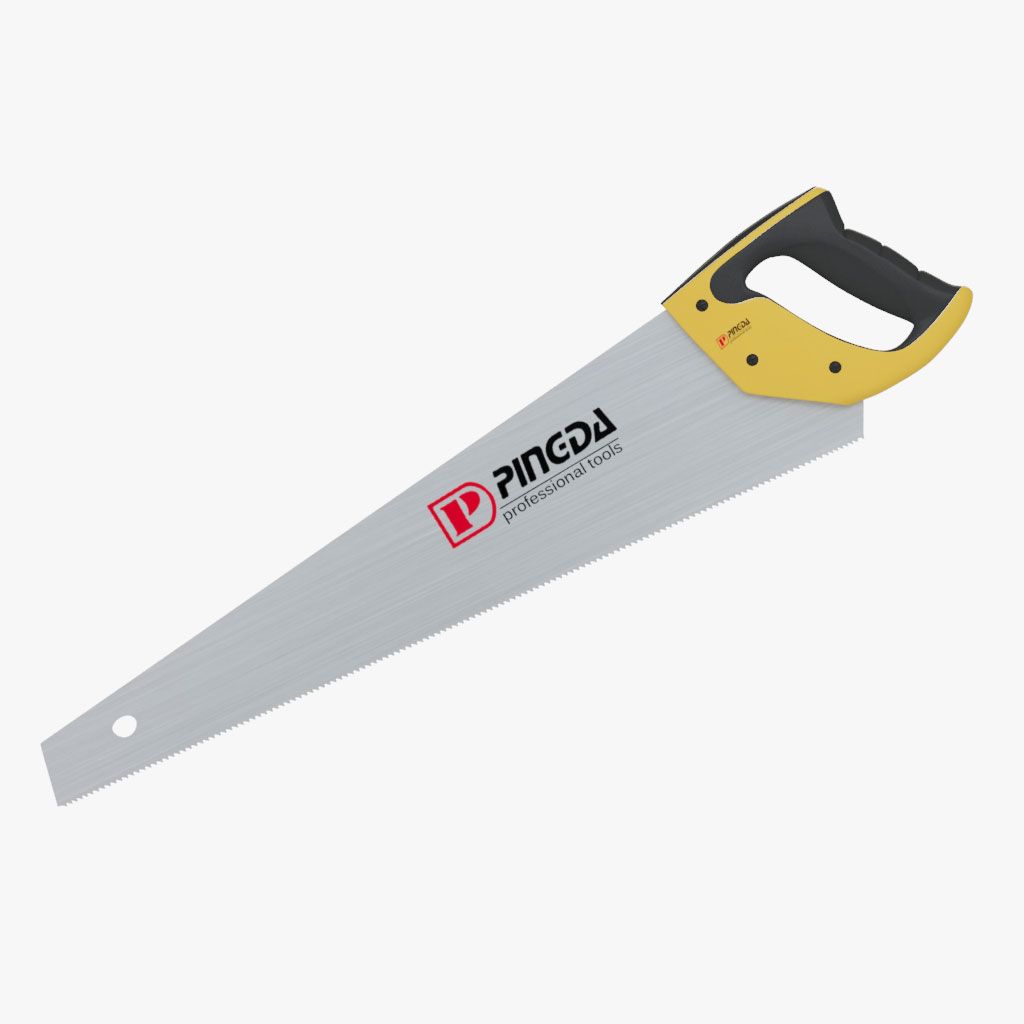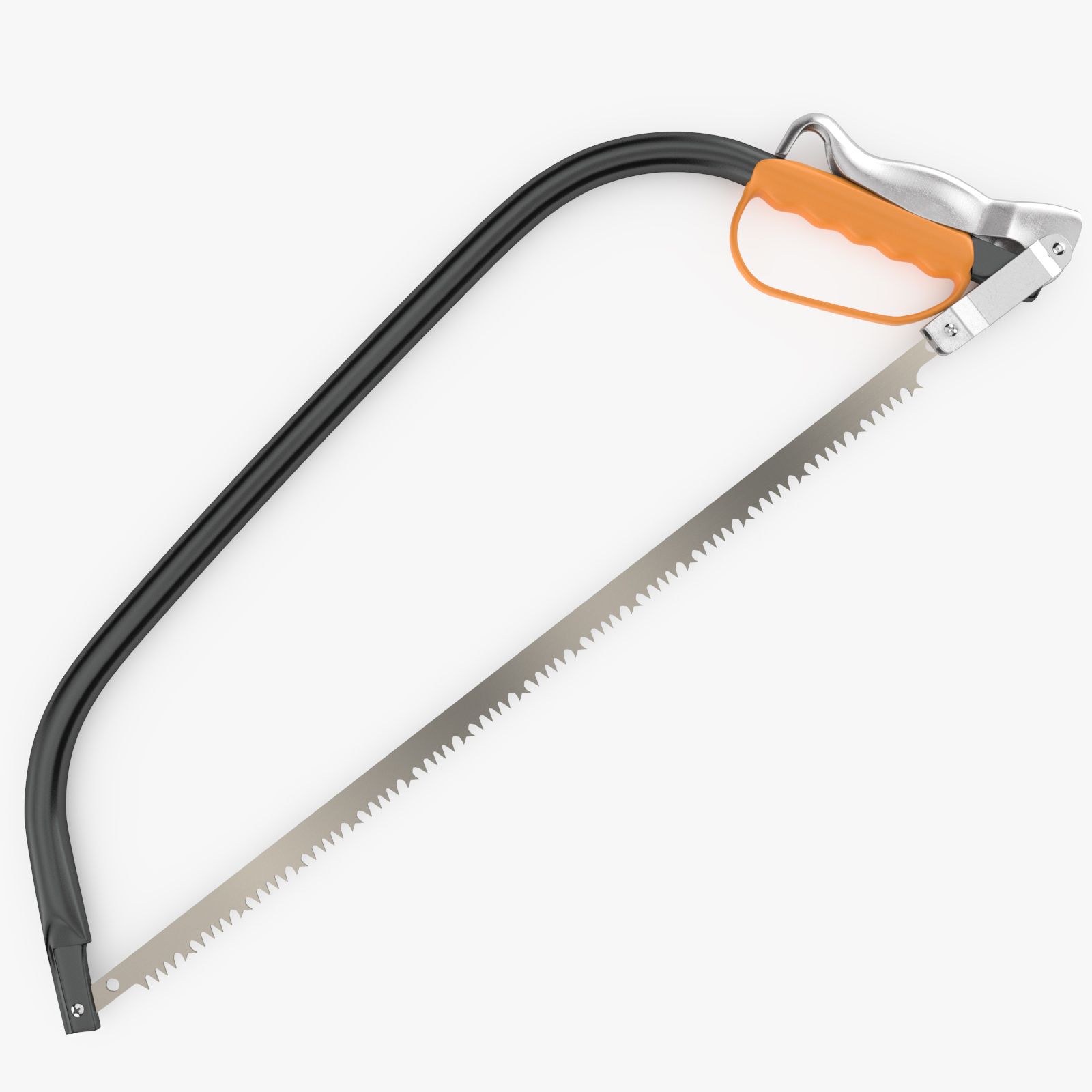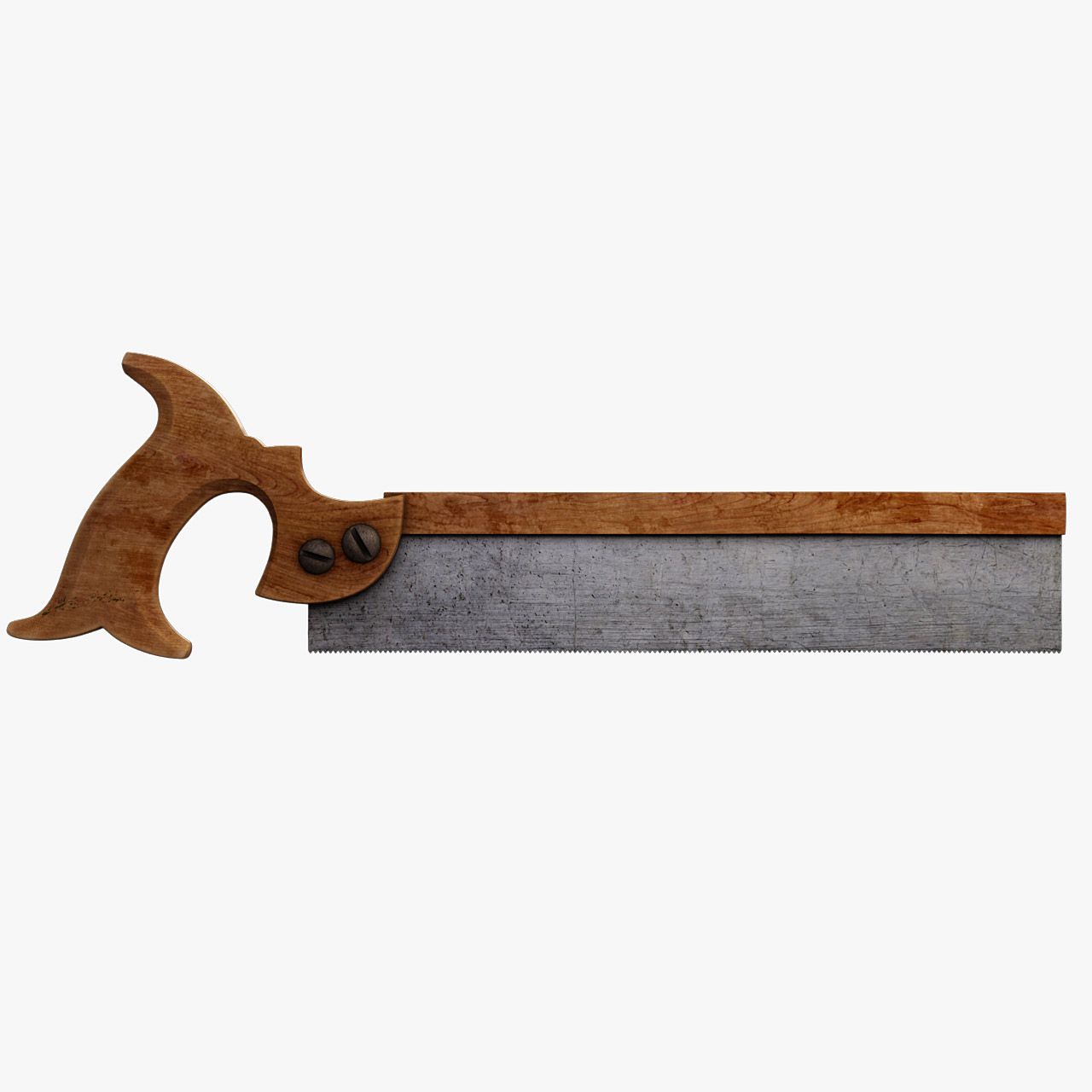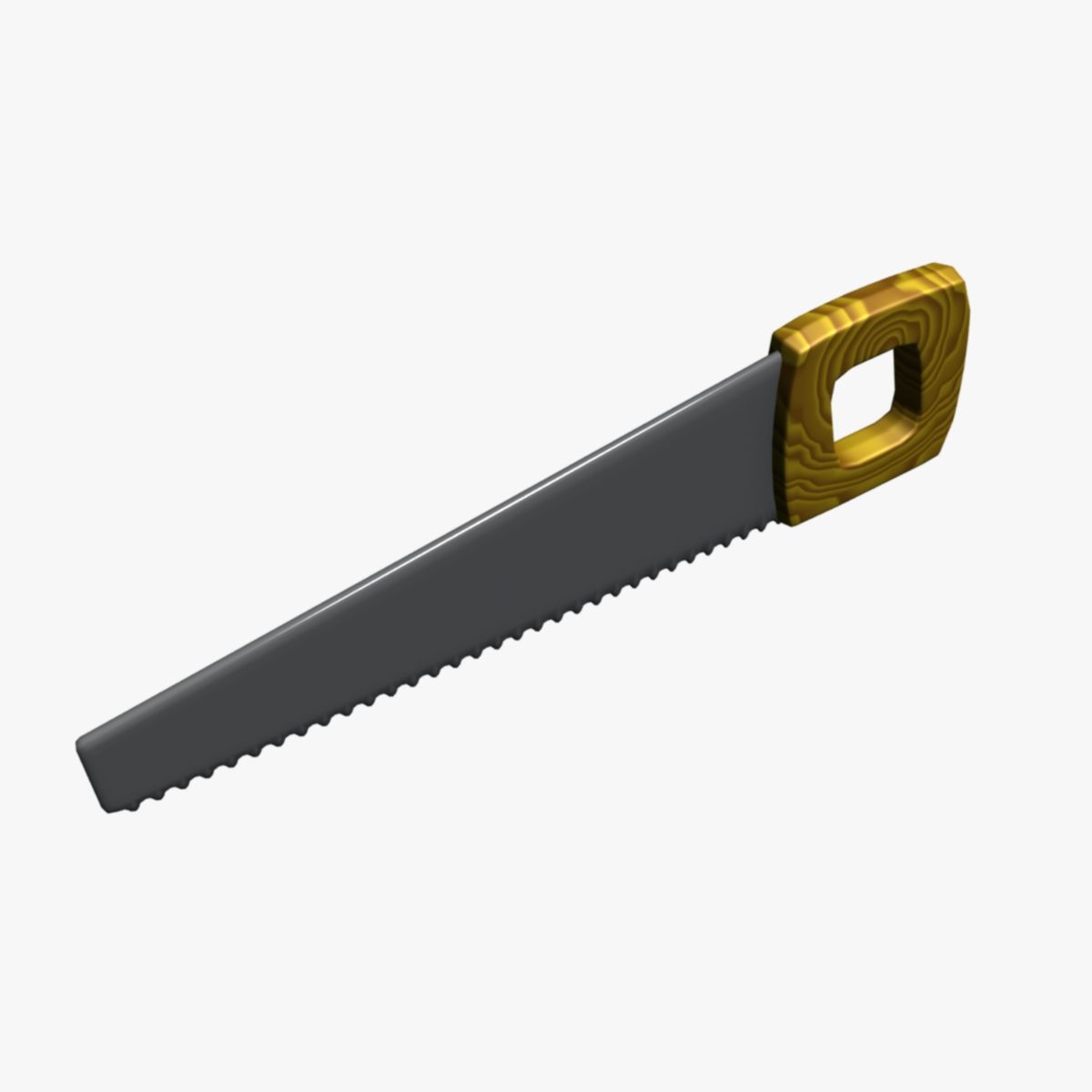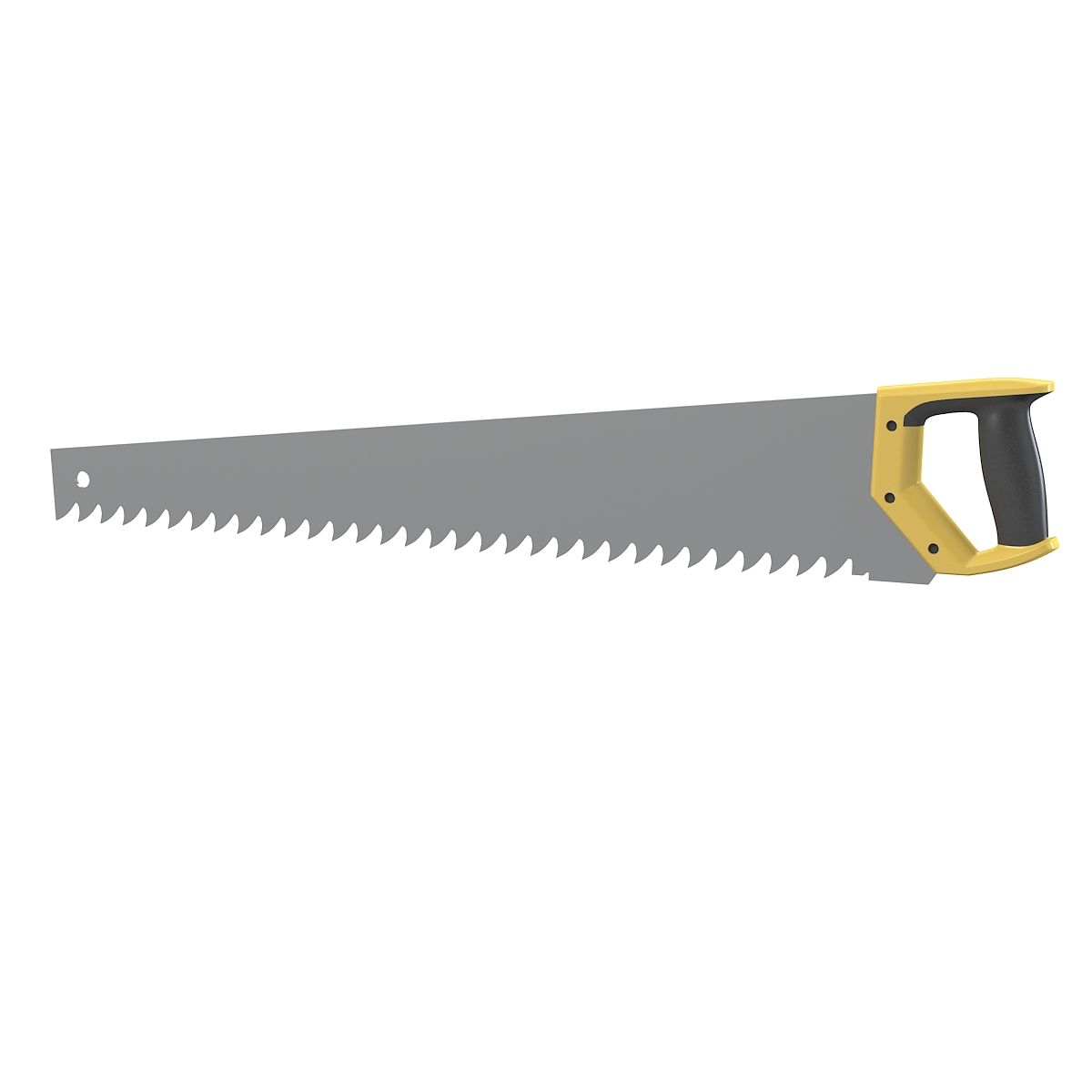
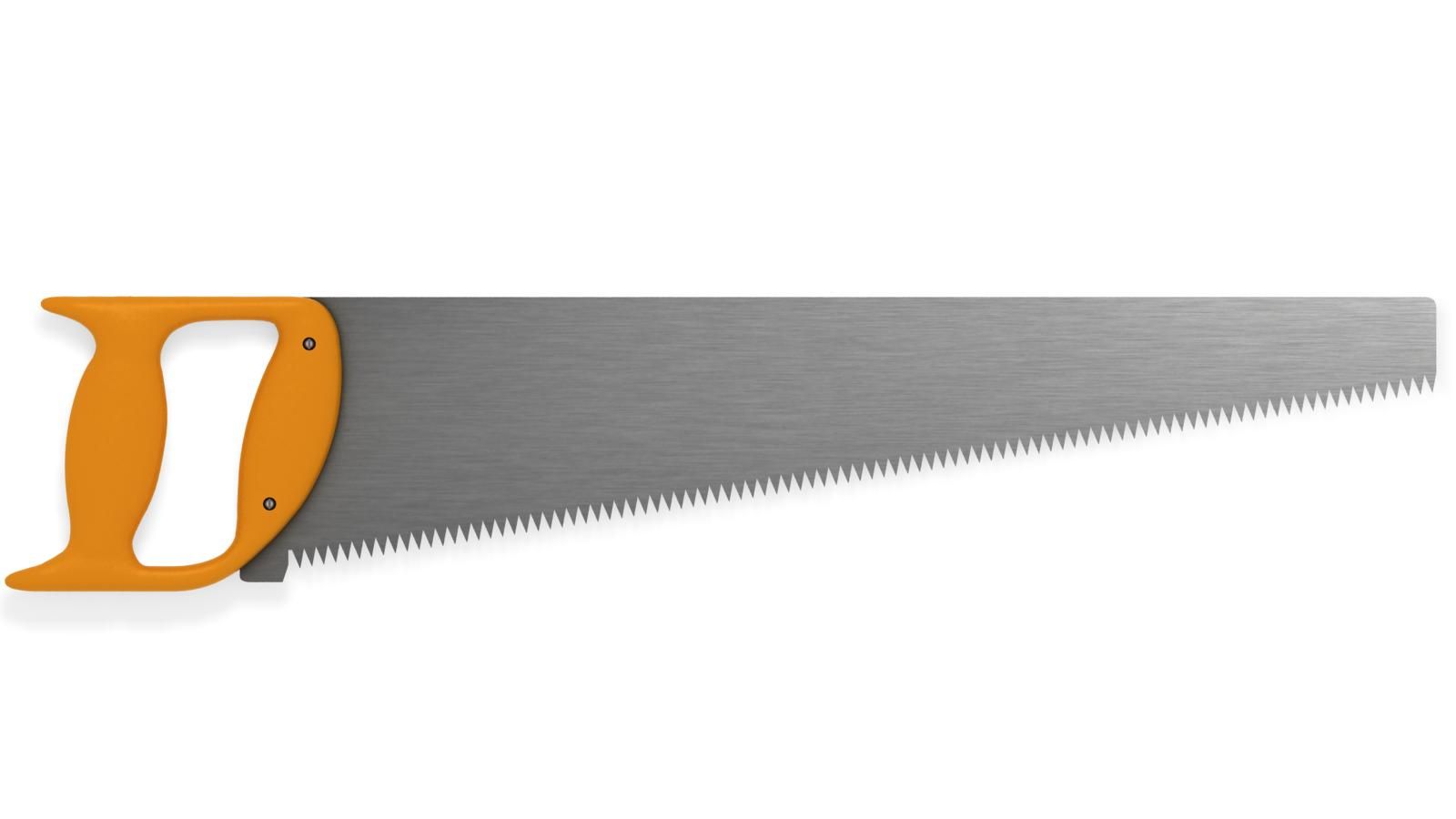
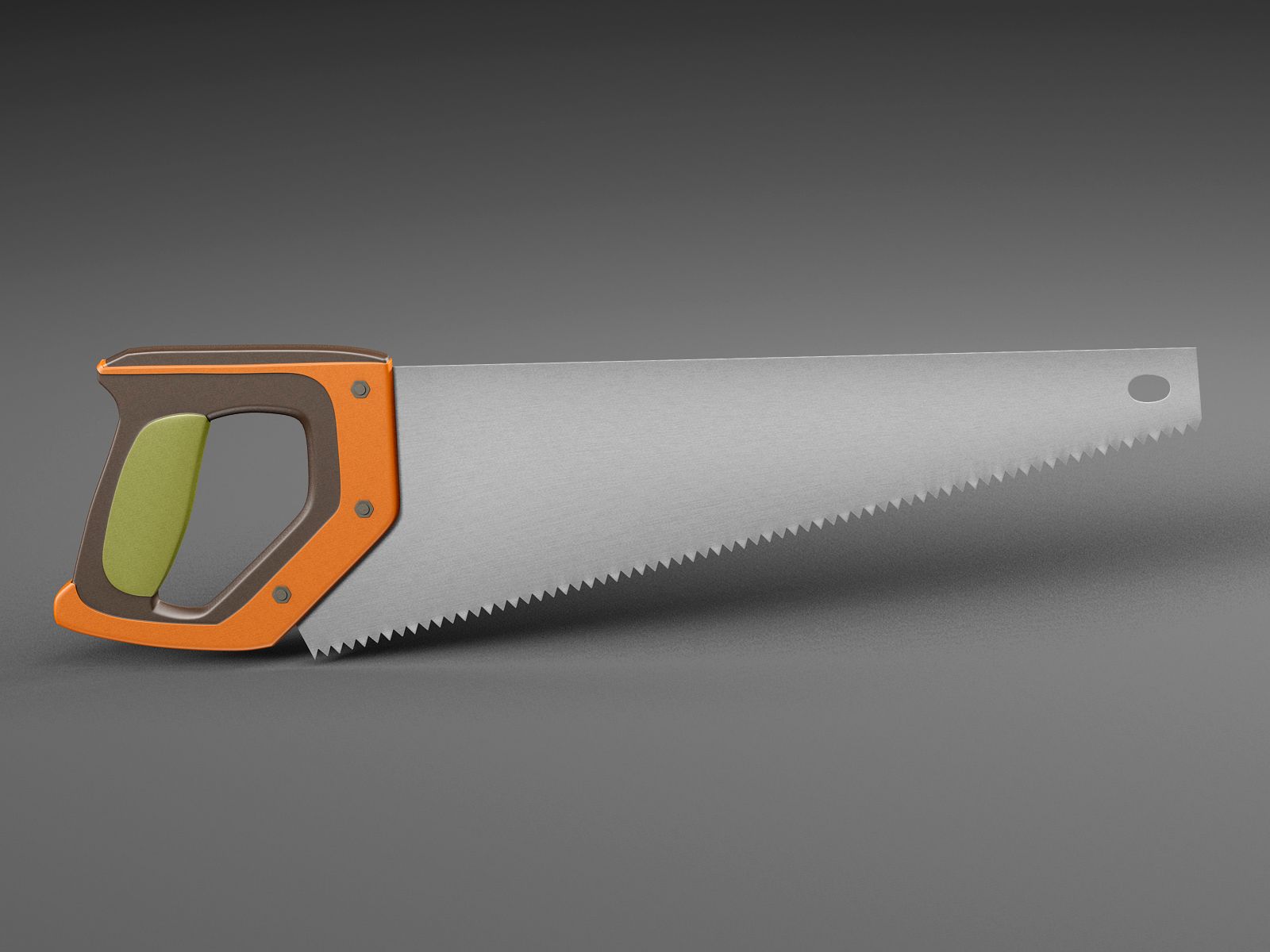
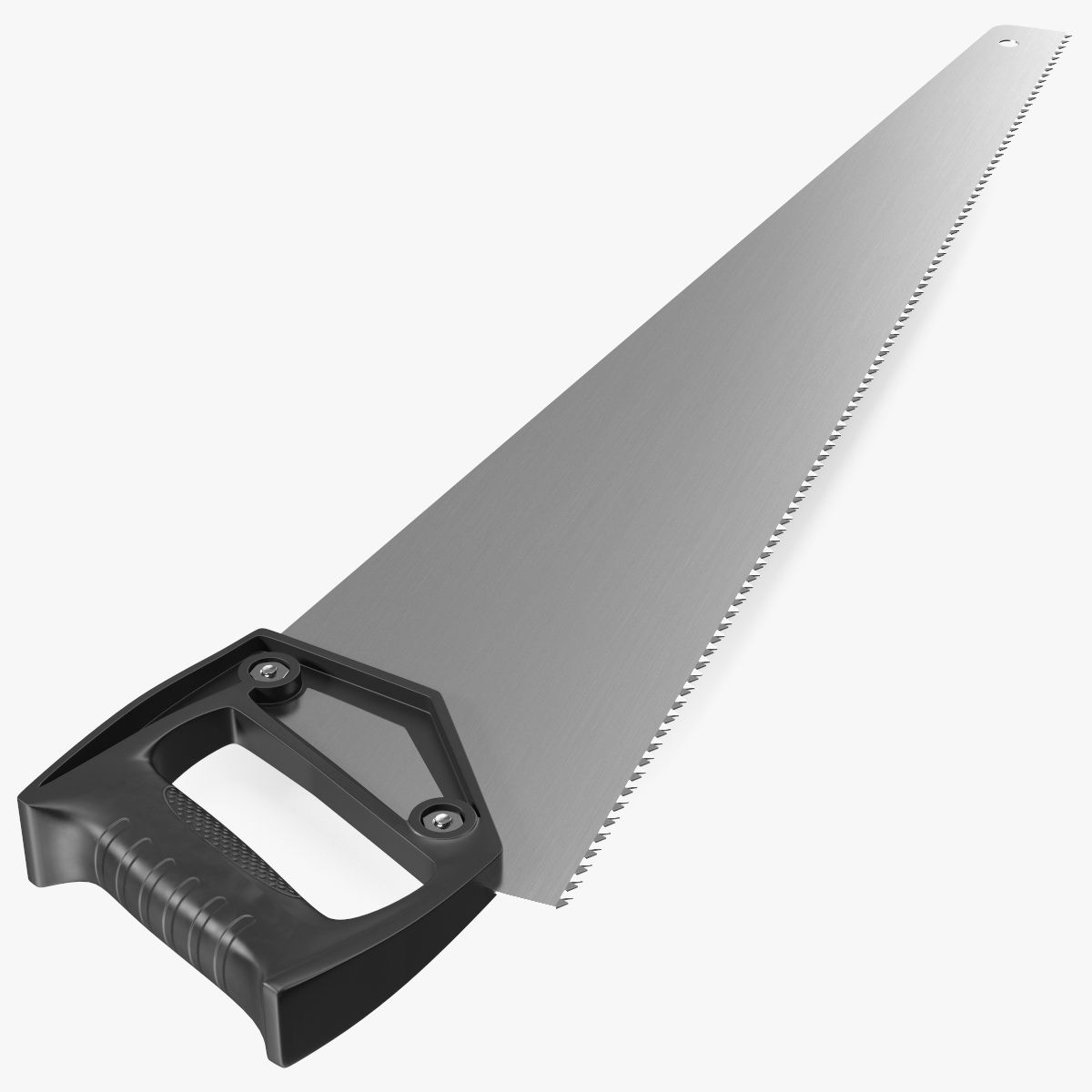
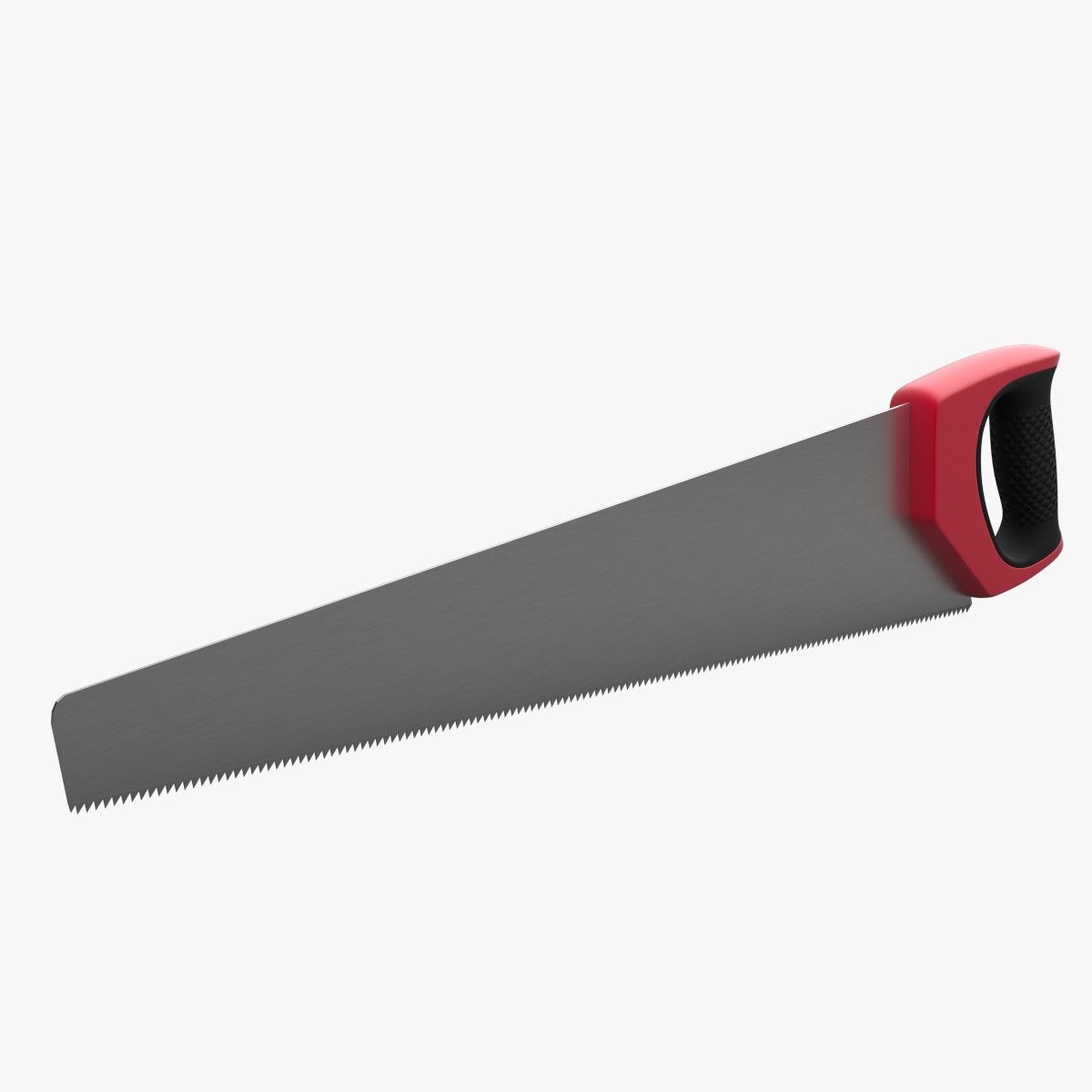


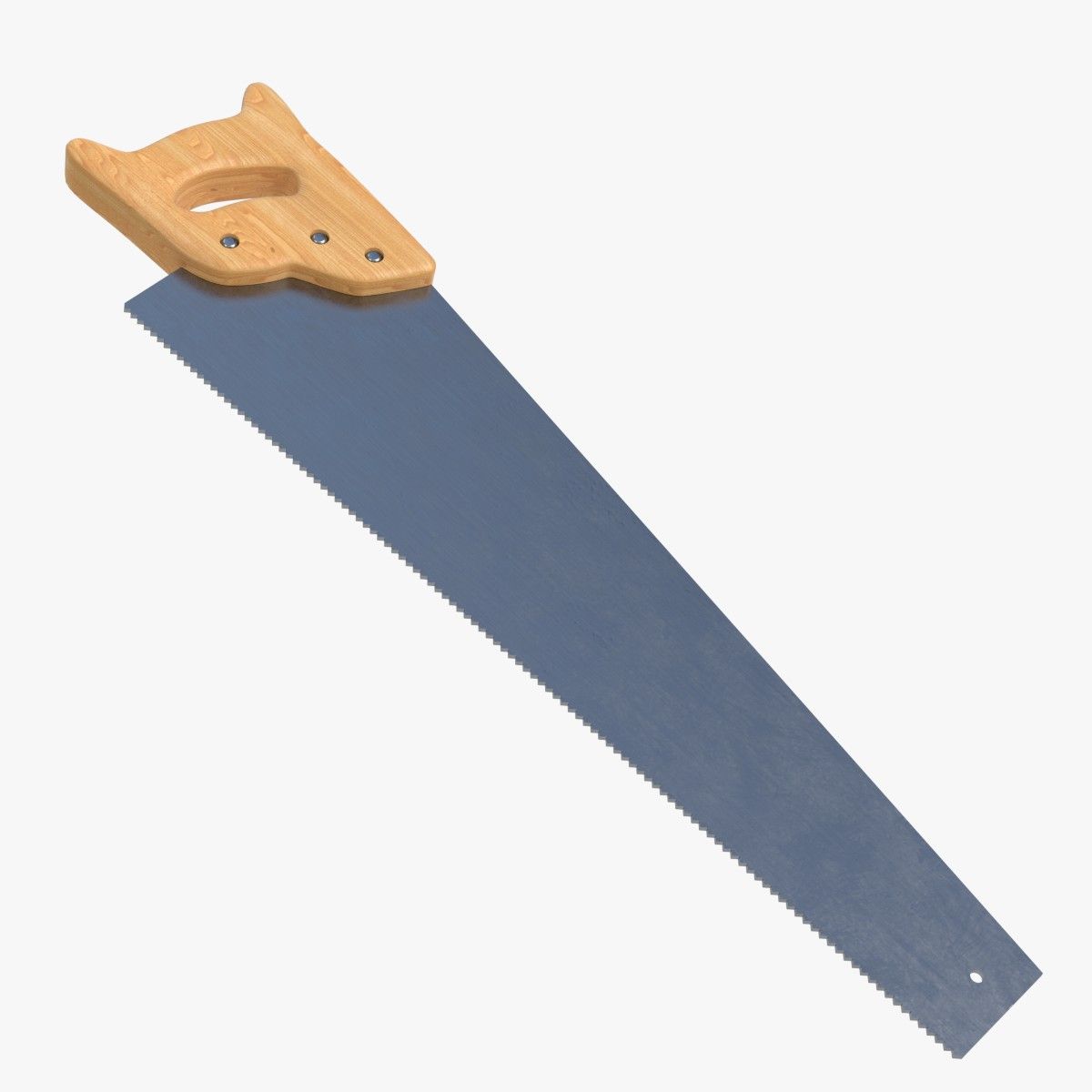


手锯 3D模型
0




0
访问量

提交者
3DVoid
规格
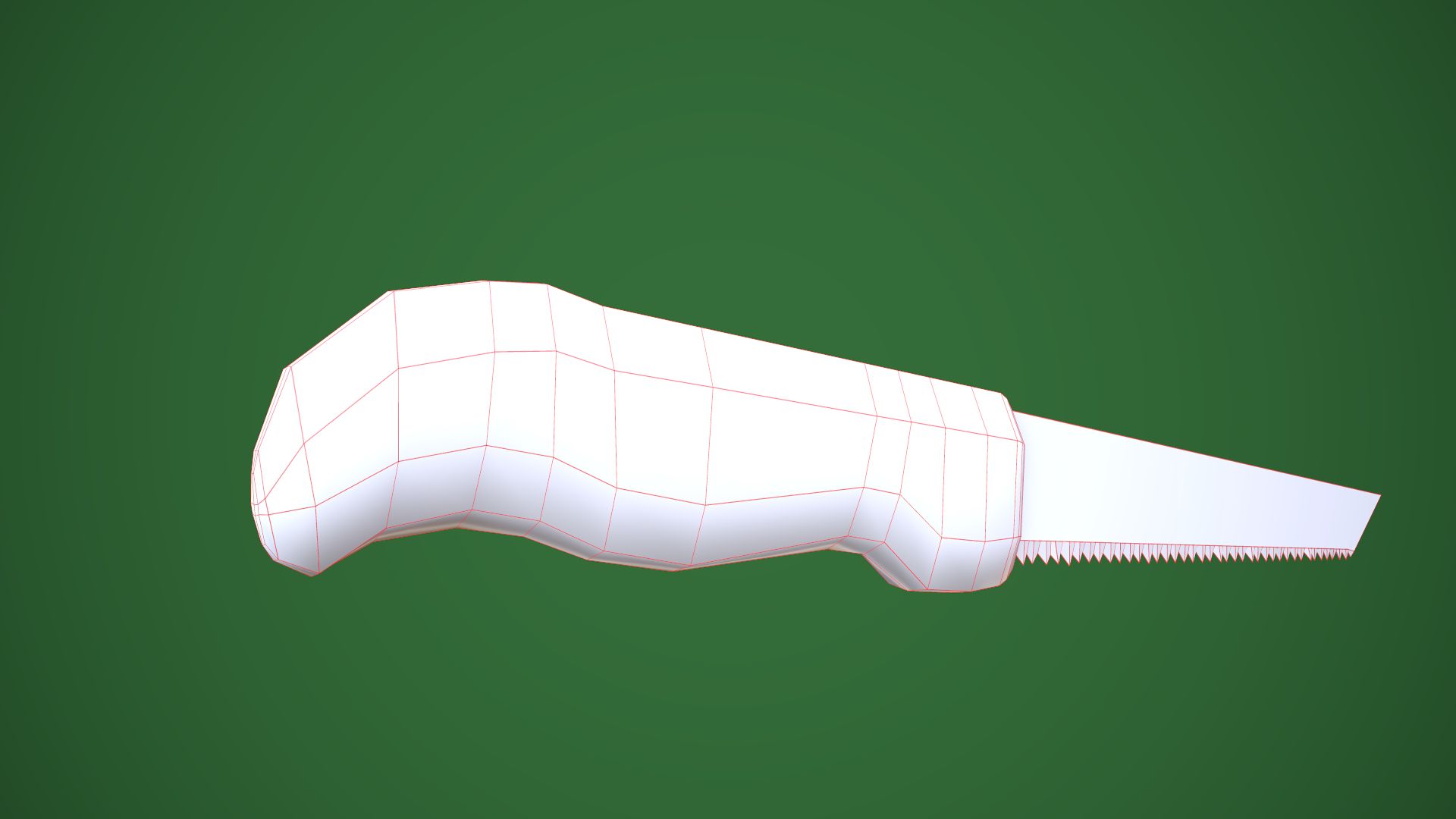
- 几何polygonal
- 多边形324
- 顶点409
- 纹理Yes
- 索具化No
- 动画No
- 适合3D打印No
- 适合游戏(低多边形)No
- UV映射Yes
- 未封装UVnon-overlapping
描述
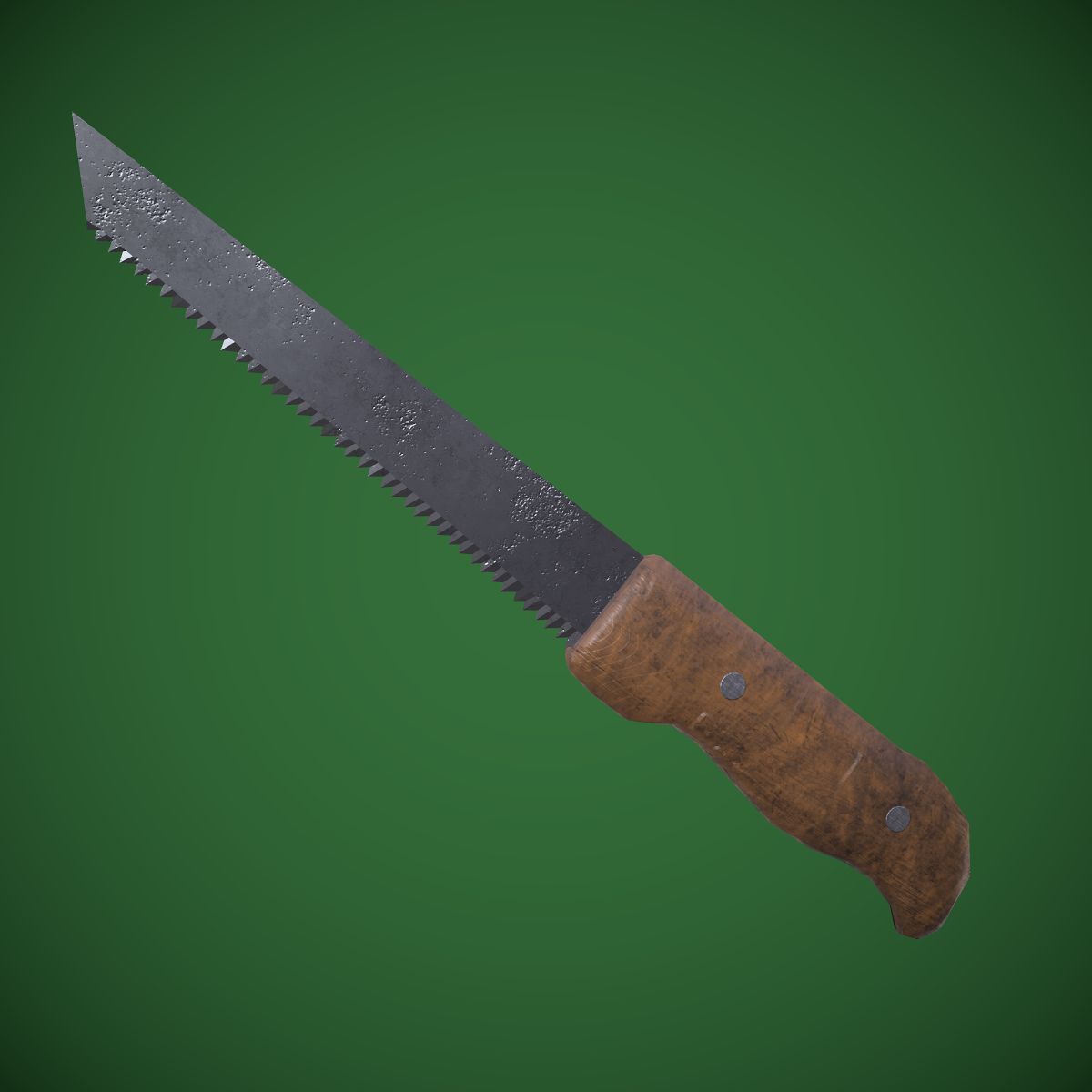
Hand saw - PBR, Low poly - game ready.
Made in Blender, textured in Substance Painter and Rendered in Marmoset Toolbag 3
Contains: 1 Hand saw -> 409_verts, 324_faces, 810_tris
Texture Workflow: Metallic
Texture Sets: Standard, Unity, UE4
Texture Size: 2k, PNG (Textures can always be scaled down, in any software if needed)
[For texture setup read my short tutorial at the end of this description]
Formats: FBX, OBJ, COLLAD[DAE], BLENDER[ORIGINAL]
Real-world size: 33x1.6x4.5cm System units: centimeters
NOTE: I only provide you with Unity and Unreal Engine Textures and Not project examples. You have to Drag in, Textures and file formats into your project yourself.
NOTE: Screenshots that are taken in unity and UE4 are in default projects, no lighting or anything has been altered. Depending on your project's settings results may be different or even better.
____UE4 Textures Setup____
Import Base color, Normal map and Roughness-AO-Mettalic (all baked into one map) Double click Roughness-AO-Metallic and disable sRGB.
Create Material: Drag these 3 maps into it. Base color and normal map connect to their inputs. [Some of my assets don't have a normal map, so proceed without it]
Set Roughness-AO-Metallic node to linear color (Only works if you turned off sRGB before)
Connect RED channel to AO GREEN to Roughness BLUE to Metallic
That's it.
__Unity Note____
To change to Linear Color Space:
I went to Edit>Project Settings>Player>Other Settings>ColorSpace and set it to Linear.
Jun 08, 2020
添加日期
Dec 06, 2021
最后更新
评测
此产品当前没有评测。
为什么不做第一个评测者呢?