


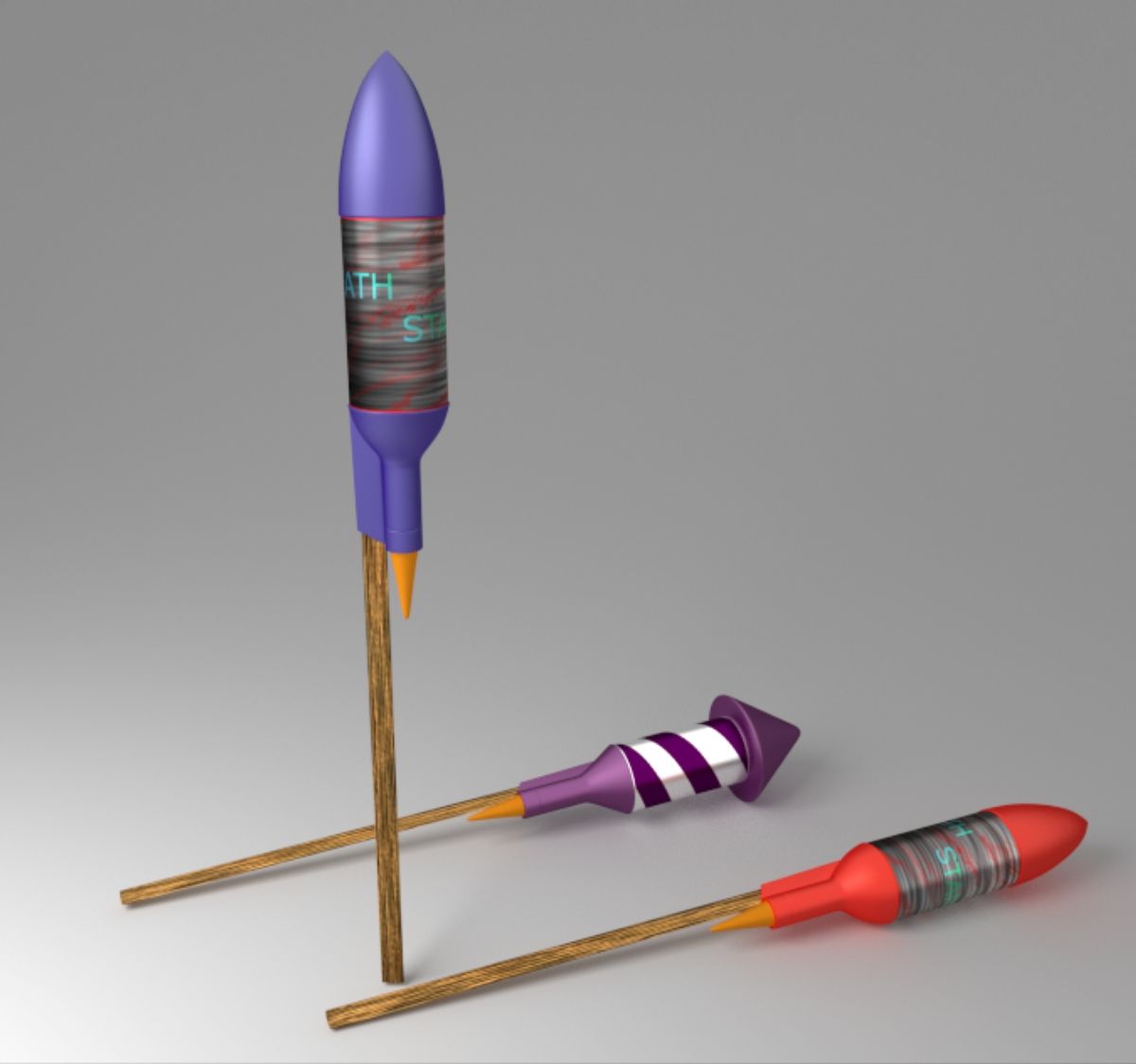
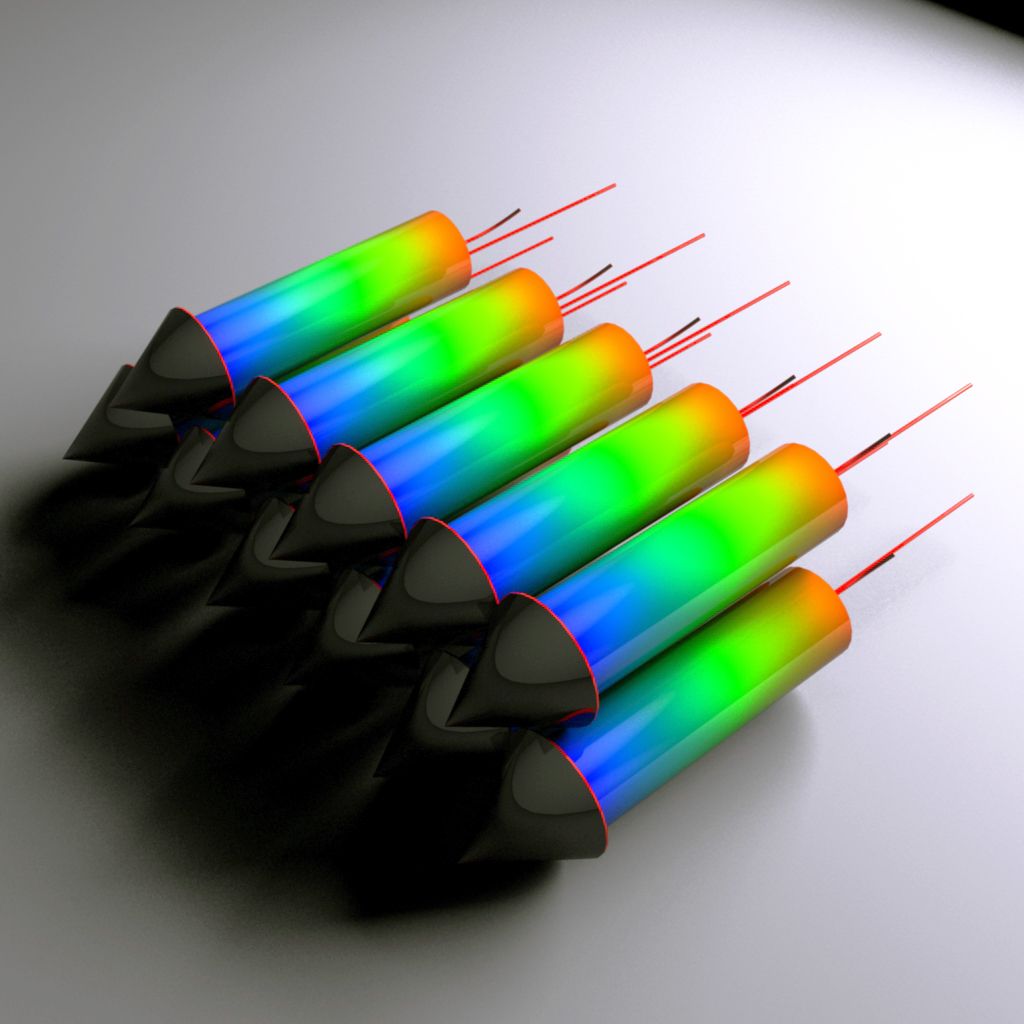

FireWorks 3D 모델
0


0
방문

에 의해 제출 된
Ricmage
명세서
- 기하학polygonal_quads only
- 다각형999,999
- 정점들999,999
- 텍스처No
- 딱딱한No
- 생기 있는Yes
- 3D 인쇄 가능 준비No
- 게임 준비 (낮은 폴리)No
- UV 매핑 됨Yes
- 포장되지 않은 자외선non-overlapping
기술
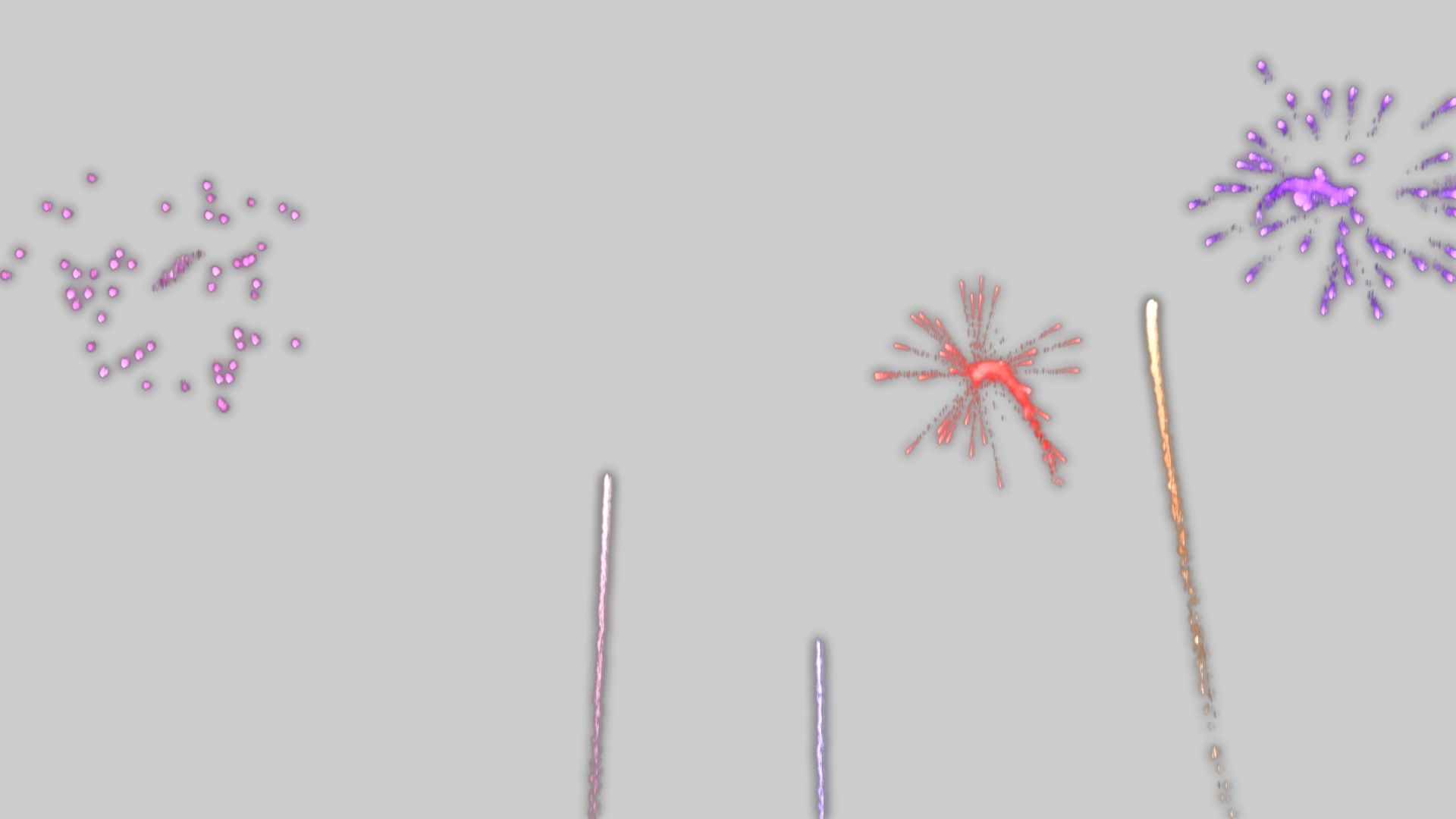
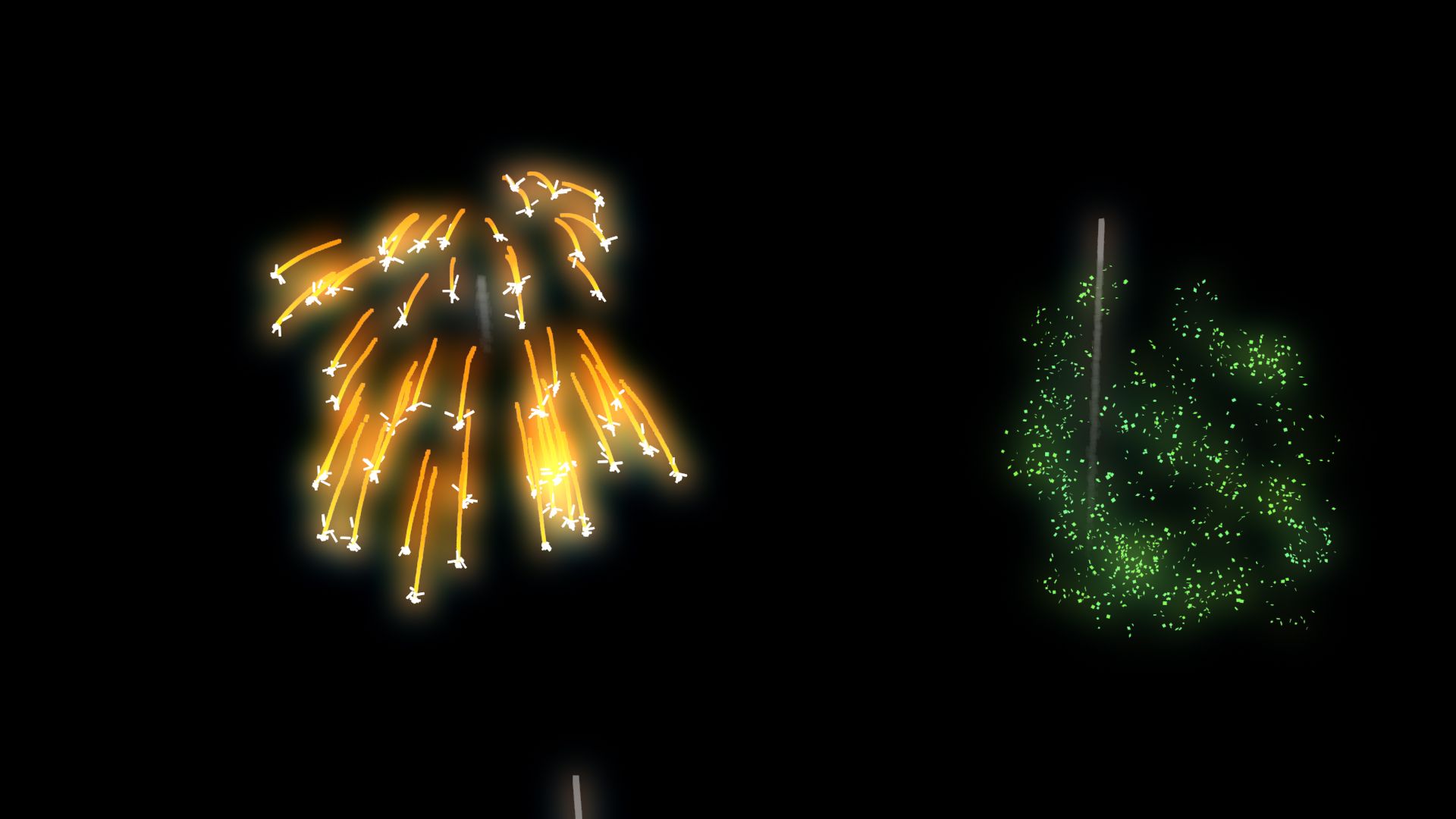
ANIMATED FIREWORKS
made with PFlow 3dsMax 2014 scanline,
Using Facing with opacity to particles
Maps used ALL procedurals standard from 3dsmax
Initially configured with
5000 Frames Duration ;
6 FireWorks Explode Types chosen by percent
6 Colors of FireWorks randomly chosen ;
Works also with Vray and Mental Ray ;
Easy transfer to some another 3dsMax render ;
RENDER TIME average,
on i7 6gb ram, 720p Frame:
Scanline: ~8 Sec ;
V-ray : ~1:05 min ;
Mental Ray: ~1:21 min ;
Used "Glow Effects" in hot key " 8 " / Environment Effects,
by id material;
With some knowledge in PFlow, almost all can be edited.
Percent of apear to each FiewWork Types, Colors,
Start, End, Amount of Rockets, Origin place, Speeds, Explosions Heights....
Ps.:
01 - Was Used Facing to particles that will ever looking to a camera, so...
If will use Other camera, have to align and link this "Camera001" already in original FireWorks scene and your target, to respective camera and target in Your scene;
Or Replace "Camera001"
on each module in PFlow where have " ShapeFacing / Look At Camera/Object " for the camera on your scene.
02 - To origin of fireworks, have one object in the scene named "FireworkPlace", you can change him, or create news and replace on module "Rockets_MainFireWorks / Position Object / Emitter Objects " in PFlow Particle View, HotKey " 6 ".
03 - The file was done in 3dsMax 2014 and salved to previous versions, but was tested only on 3ds 2014.
Aug 06, 2020
추가 된 날짜
May 27, 2025
마지막 업데이트
리뷰
현재이 제품에 대한 리뷰가 없습니다.
얼음을 깬 첫 번째 사람이되지 않겠습니까?