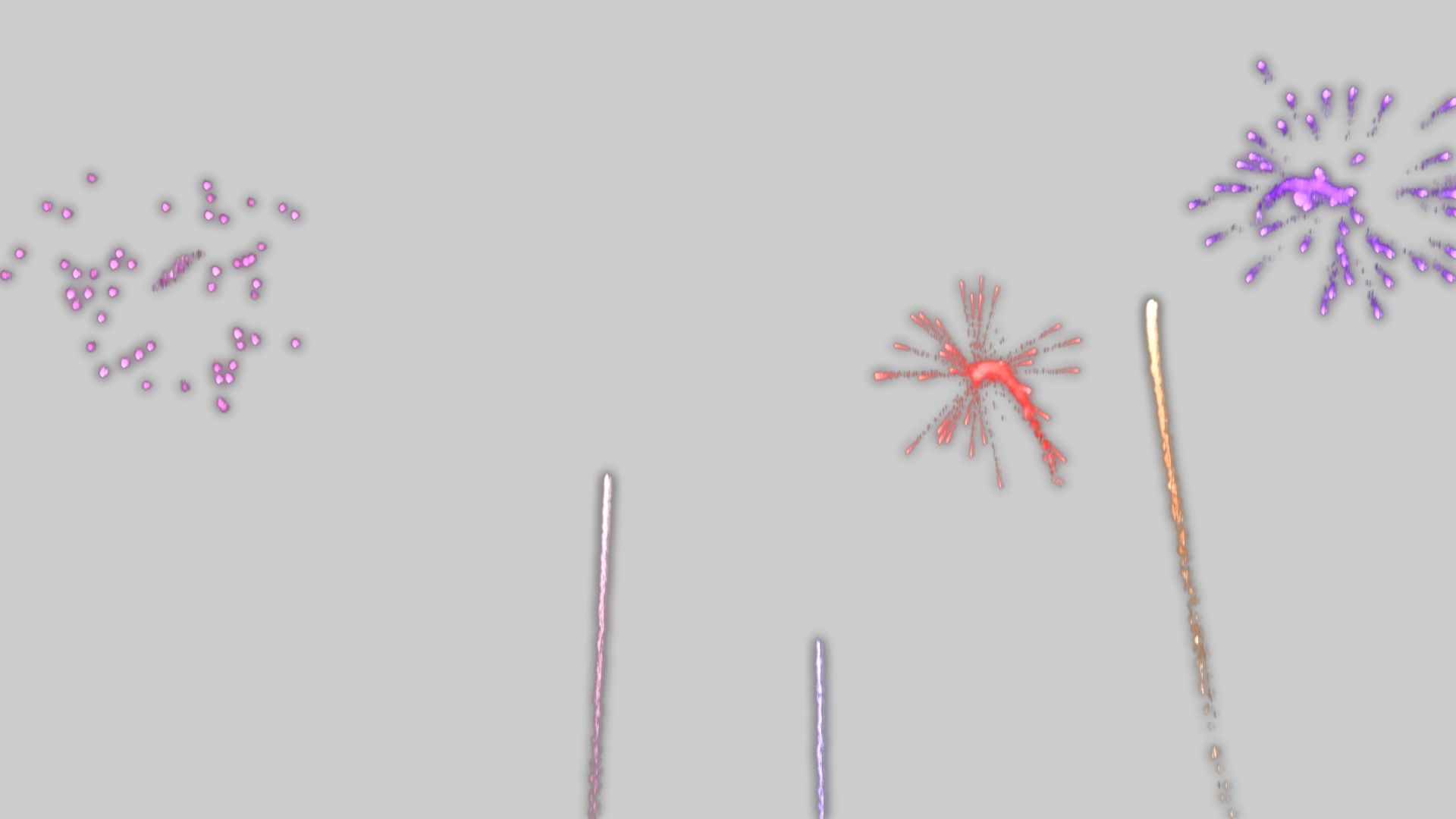

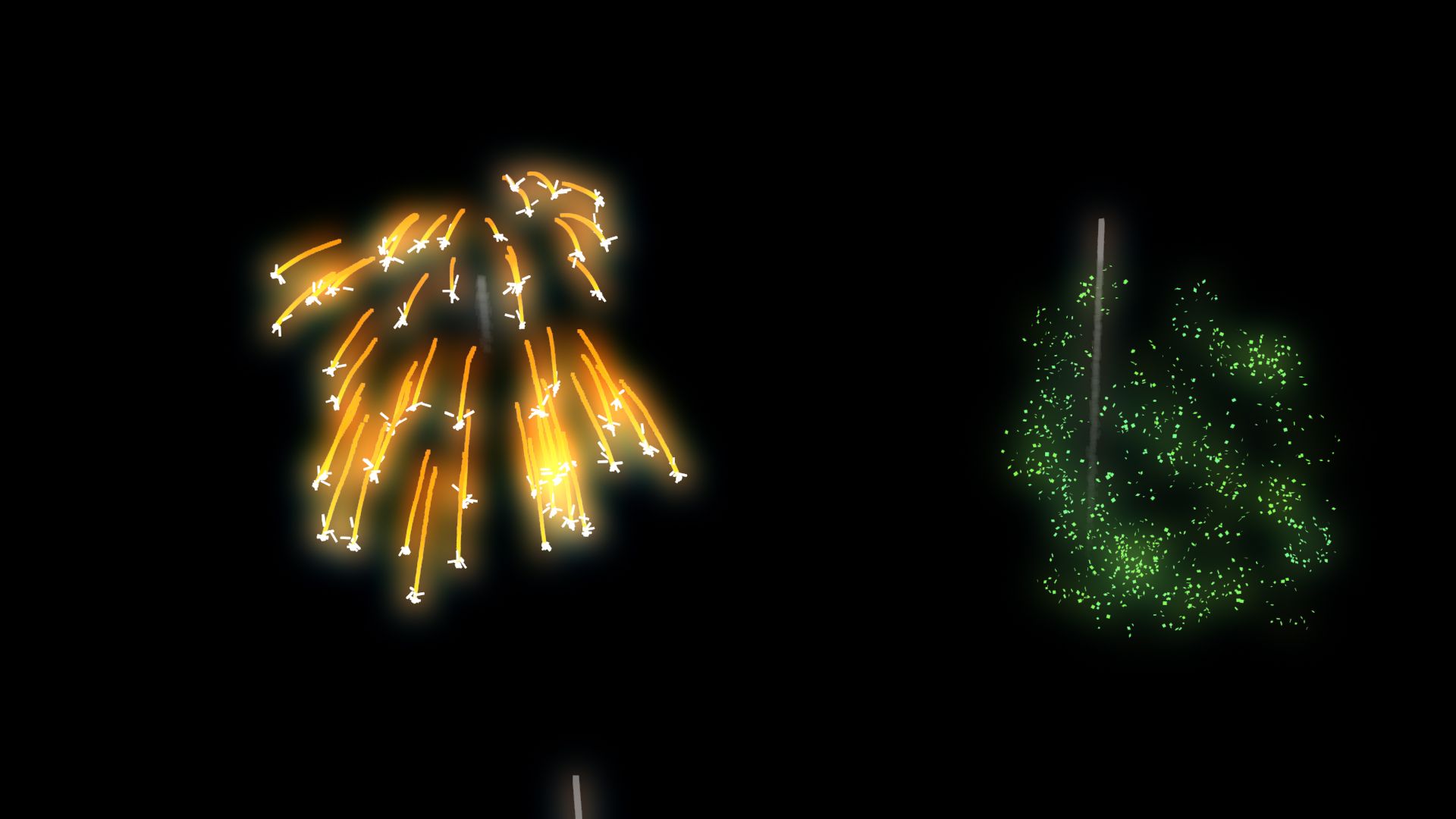


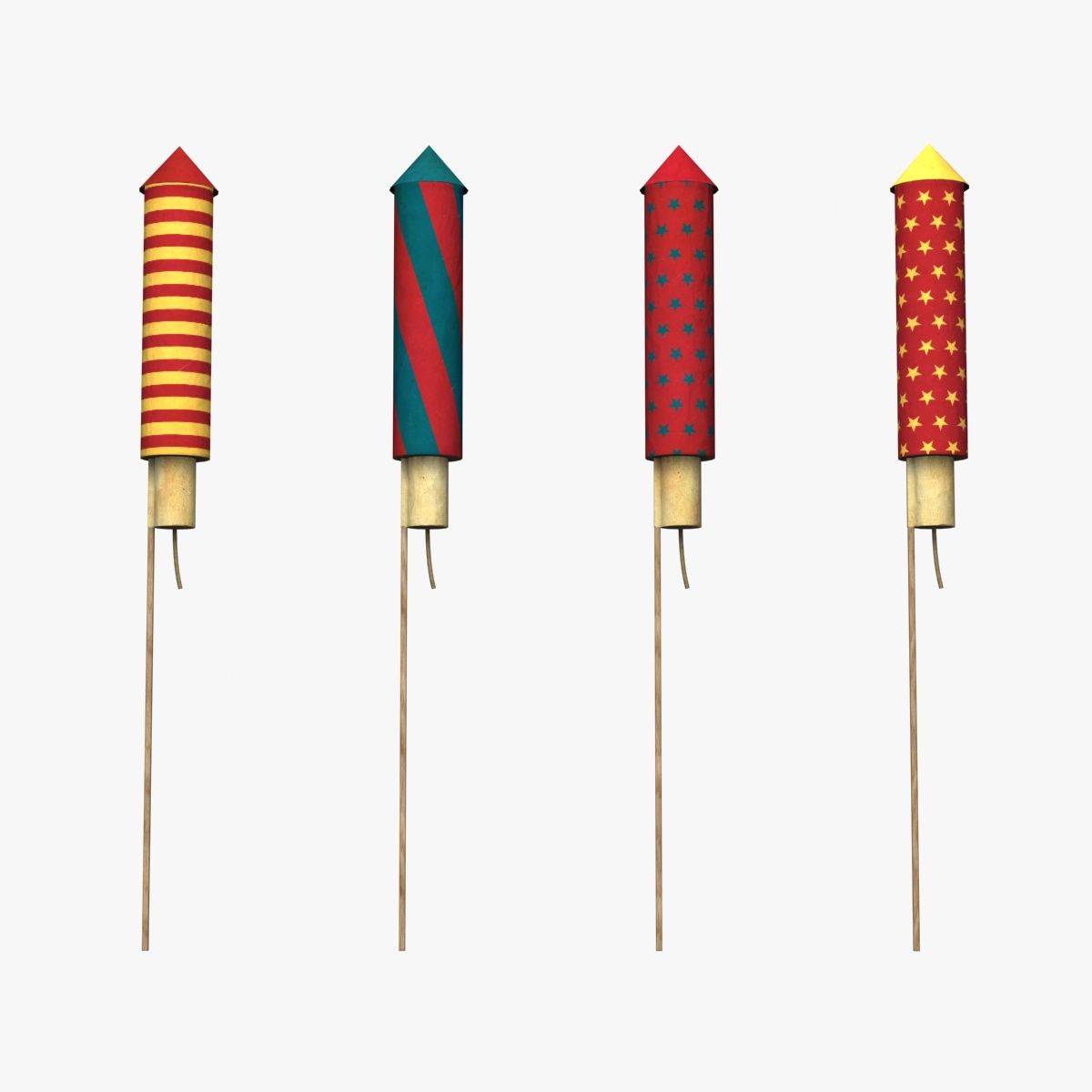
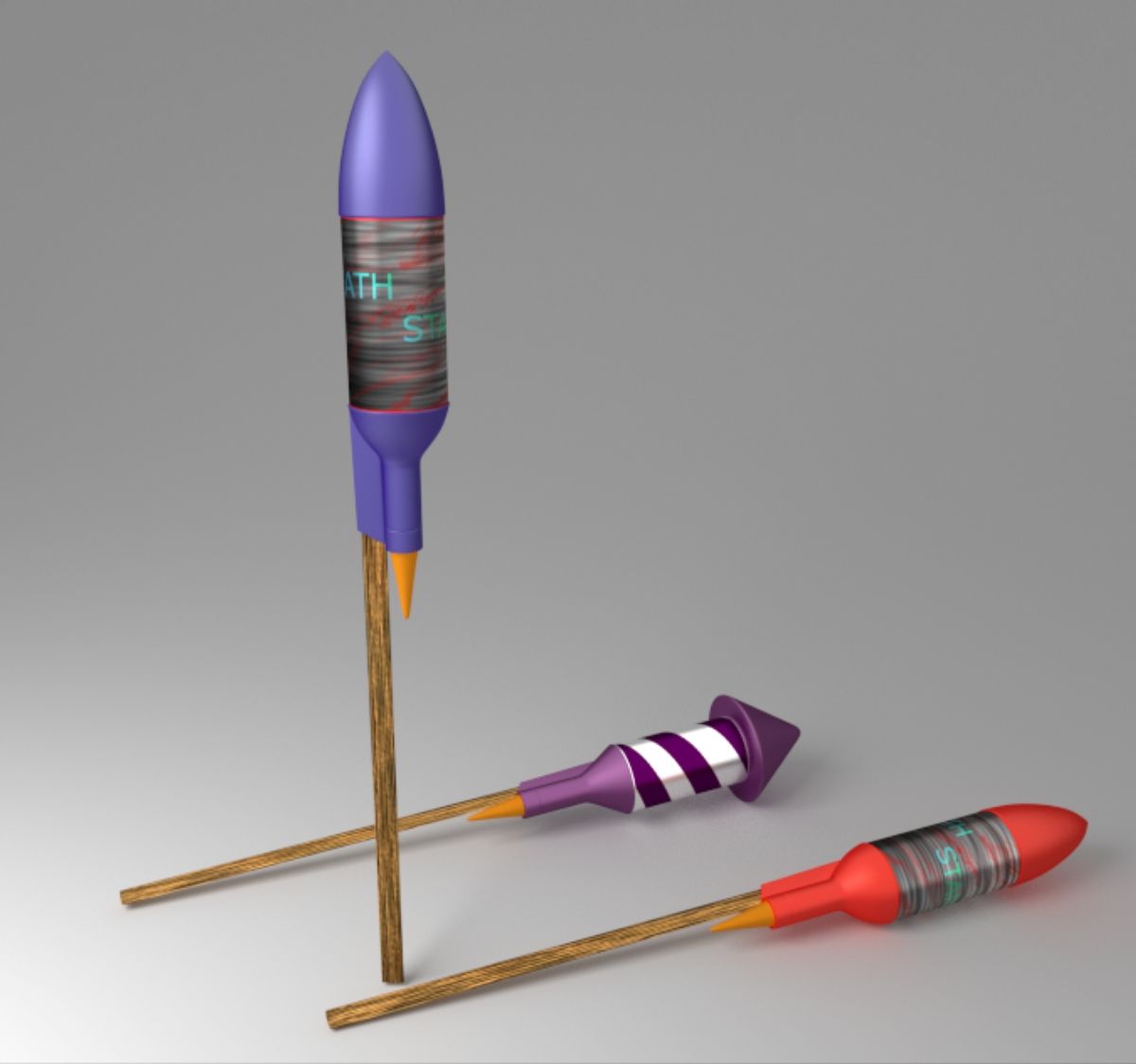
FireWorks 3D model
0


Royalty Free LisansTüm genişletilmiş kullanımlar
Basit iadeler
En iyi fiyat garantisi
Kutunun dışında çalışır
0
ziyaret

Tarafından gönderilmiştir
Ricmage
Özellikler
- Geometripolygonal_quads only
- Çokgenler999,999
- Tepe Noktaları999,999
- DokularNo
- hileliNo
- canlandırılmışYes
- 3D Yazdırılabilir HazırNo
- Oyuna Hazır (düşük poli)No
- UV HaritalıYes
- Sarılmamış UV'lernon-overlapping
Açıklama
ANIMATED FIREWORKS
made with PFlow 3dsMax 2014 scanline,
Using Facing with opacity to particles
Maps used ALL procedurals standard from 3dsmax
Initially configured with
5000 Frames Duration ;
6 FireWorks Explode Types chosen by percent
6 Colors of FireWorks randomly chosen ;
Works also with Vray and Mental Ray ;
Easy transfer to some another 3dsMax render ;
RENDER TIME average,
on i7 6gb ram, 720p Frame:
Scanline: ~8 Sec ;
V-ray : ~1:05 min ;
Mental Ray: ~1:21 min ;
Used "Glow Effects" in hot key " 8 " / Environment Effects,
by id material;
With some knowledge in PFlow, almost all can be edited.
Percent of apear to each FiewWork Types, Colors,
Start, End, Amount of Rockets, Origin place, Speeds, Explosions Heights....
Ps.:
01 - Was Used Facing to particles that will ever looking to a camera, so...
If will use Other camera, have to align and link this "Camera001" already in original FireWorks scene and your target, to respective camera and target in Your scene;
Or Replace "Camera001"
on each module in PFlow where have " ShapeFacing / Look At Camera/Object " for the camera on your scene.
02 - To origin of fireworks, have one object in the scene named "FireworkPlace", you can change him, or create news and replace on module "Rockets_MainFireWorks / Position Object / Emitter Objects " in PFlow Particle View, HotKey " 6 ".
03 - The file was done in 3dsMax 2014 and salved to previous versions, but was tested only on 3ds 2014.
Aug 06, 2020
Ekleme Tarihi
May 27, 2025
son Güncelleme
Yorumlar
Bu ürün için henüz hiç yorum yapılmamış.
Neden buzu kıran ilk kişi değilsin?