


烟花 3D模型
0


0
访问量

提交者
Ricmage
规格
- 几何polygonal_quads only
- 多边形999,999
- 顶点999,999
- 纹理No
- 索具化No
- 动画Yes
- 适合3D打印No
- 适合游戏(低多边形)No
- UV映射Yes
- 未封装UVnon-overlapping
描述
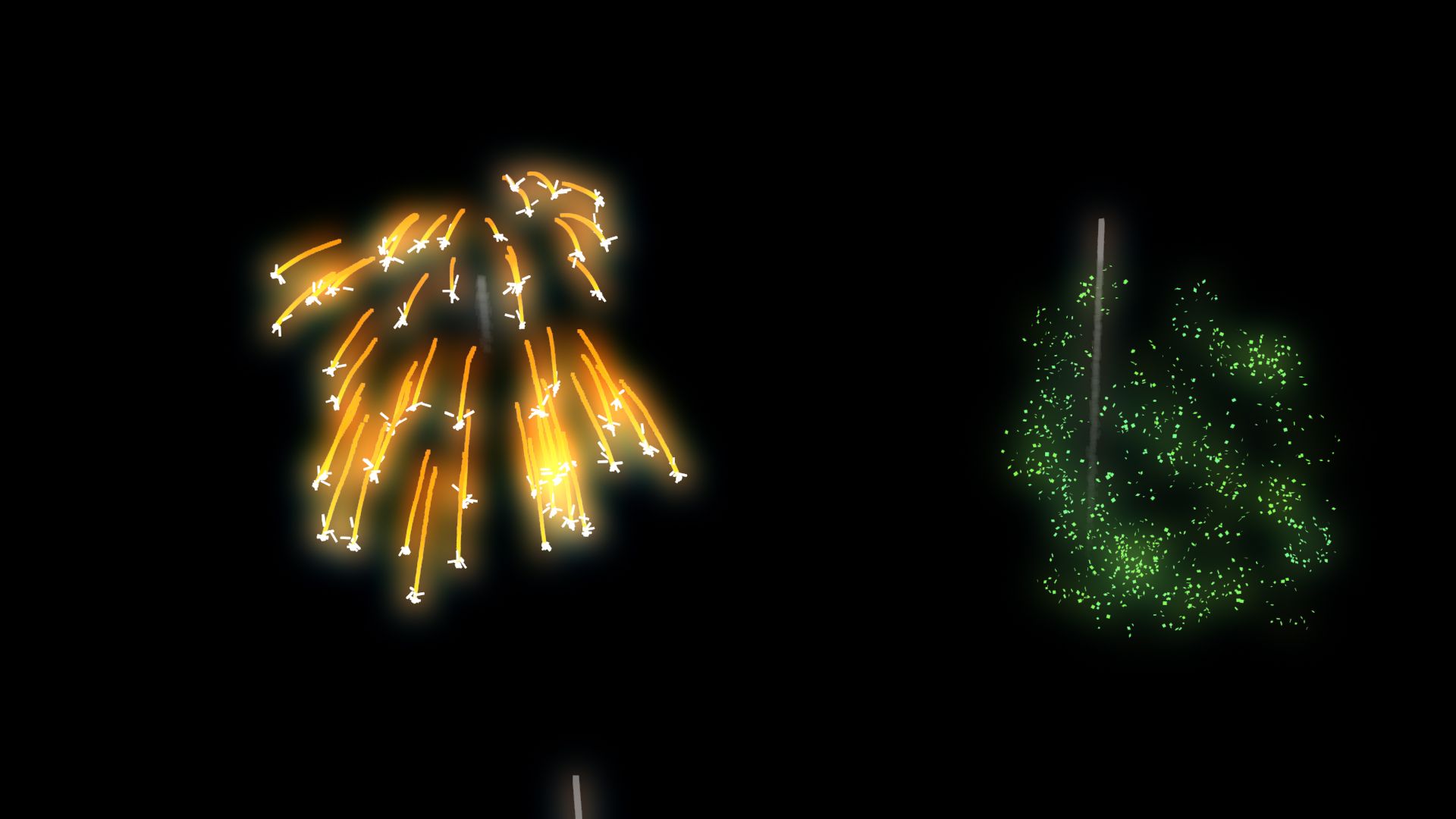
ANIMATED FIREWORKS
made with PFlow 3dsMax 2014 scanline,
Using Facing with opacity to particles
Maps used ALL procedurals standard from 3dsmax
Initially configured with
5000 Frames Duration ;
6 FireWorks Explode Types chosen by percent
6 Colors of FireWorks randomly chosen ;
Works also with Vray and Mental Ray ;
Easy transfer to some another 3dsMax render ;
RENDER TIME average,
on i7 6gb ram, 720p Frame:
Scanline: ~8 Sec ;
V-ray : ~1:05 min ;
Mental Ray: ~1:21 min ;
Used "Glow Effects" in hot key " 8 " / Environment Effects,
by id material;
With some knowledge in PFlow, almost all can be edited.
Percent of apear to each FiewWork Types, Colors,
Start, End, Amount of Rockets, Origin place, Speeds, Explosions Heights....
Ps.:
01 - Was Used Facing to particles that will ever looking to a camera, so...
If will use Other camera, have to align and link this "Camera001" already in original FireWorks scene and your target, to respective camera and target in Your scene;
Or Replace "Camera001"
on each module in PFlow where have " ShapeFacing / Look At Camera/Object " for the camera on your scene.
02 - To origin of fireworks, have one object in the scene named "FireworkPlace", you can change him, or create news and replace on module "Rockets_MainFireWorks / Position Object / Emitter Objects " in PFlow Particle View, HotKey " 6 ".
03 - The file was done in 3dsMax 2014 and salved to previous versions, but was tested only on 3ds 2014.
Aug 06, 2020
添加日期
May 27, 2025
最后更新
评测
此产品当前没有评测。
为什么不做第一个评测者呢?