
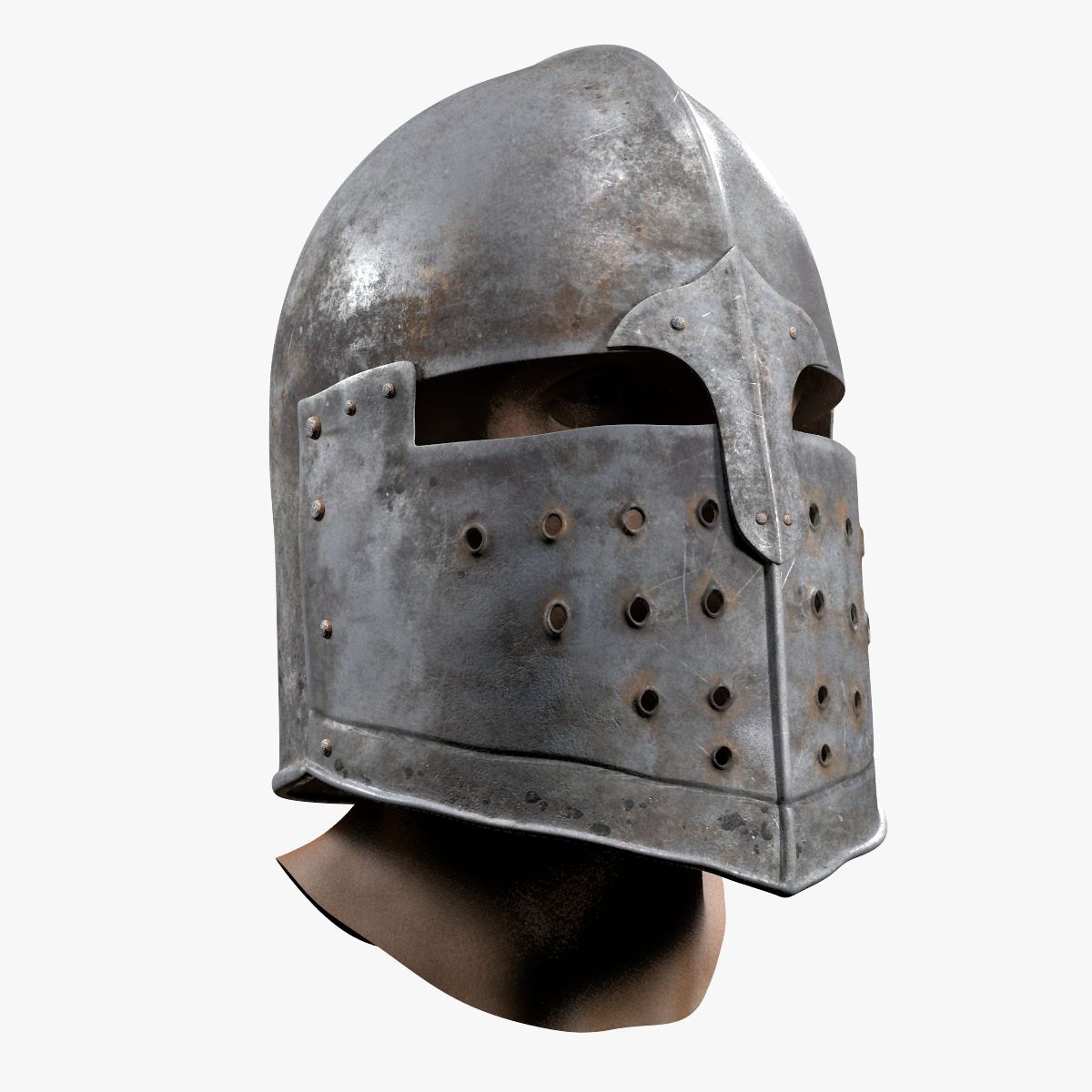


medieval helmet 3D Model
0


0
visits

Submitted by
hanuman006
Specifications
- Geometrypolygonal
- Polygons2,546
- Vertices2,665
- TexturesYes
- RiggedNo
- AnimatedNo
- 3D Printable ReadyNo
- Game Ready (low poly)No
- UV MappedYes
- Unwrapped UVsnon-overlapping
Description
texture resolution 4096x4096
you will get OBJ and FBX:
*lowpoly model
* hipoly model (hipoly model dont have UVs!)
*aditional maps for baking textures:
ambient_occlusion
curvature
normal map
position map
thickness
world_space_normals
*textures for arnold renderer:
Diffuse
Height
Normal
Roughness
Specular
fresnel (f0 texture)
*textures for corona renderer:
Diffuse
Glossiness
Height
ior
Reflection
*textures for unity engine (standard specular and unityStandardMetalic):
Albedo
Normal
SpecularSmoothness
MetallicSmoothness
*textures for unreal engine:
BaseColor
Normal
OcclusionRoughnessMetallic
*textures for vray renderer:
Diffuse
Glossiness
Height
ior
Reflection
Unreal Material Setup
Import the textures into your project.
Double-click the OcclusionRoughnessMetallic packed texture and in the Texture Editor, uncheck sRGB.
Open the material in the Material Editor and assign the maps as follows:
Base Color-------------------------------------------------sRGB---Base Color
OcclusionRoughnessMetallic-(Green Channel)-Linear-Roughess
OcclusionRoughnessMetallic-(Blue Channel)--Linear-Metallic
OcclusionRoughnessMetallic-(Red Channel)---Linear-Ambient Occlusion
Normal------------------------------------------------------Normal-Normal
Apr 15, 2020
date added
Sep 28, 2021
last update
Reviews
There are currently no reviews for this product.
Why not be the first one to break the ice?
