








BGE Building Modello 3D
116


Licenza d'uso personale
19,426
visite
4,378
download

Inviato da
3dhaupt
specificazioni
- Geometria- Geometrie -
- poligoni0
- vertici0
- TexturesYes
- materialeYes
- riggedYes
- AnimatoYes
- Prontabile in 3DNo
- Gioco pronto (low poly)Yes
- UV mappatoYes
- UV non avvolto- Unverpackte UVs -
Descrizione
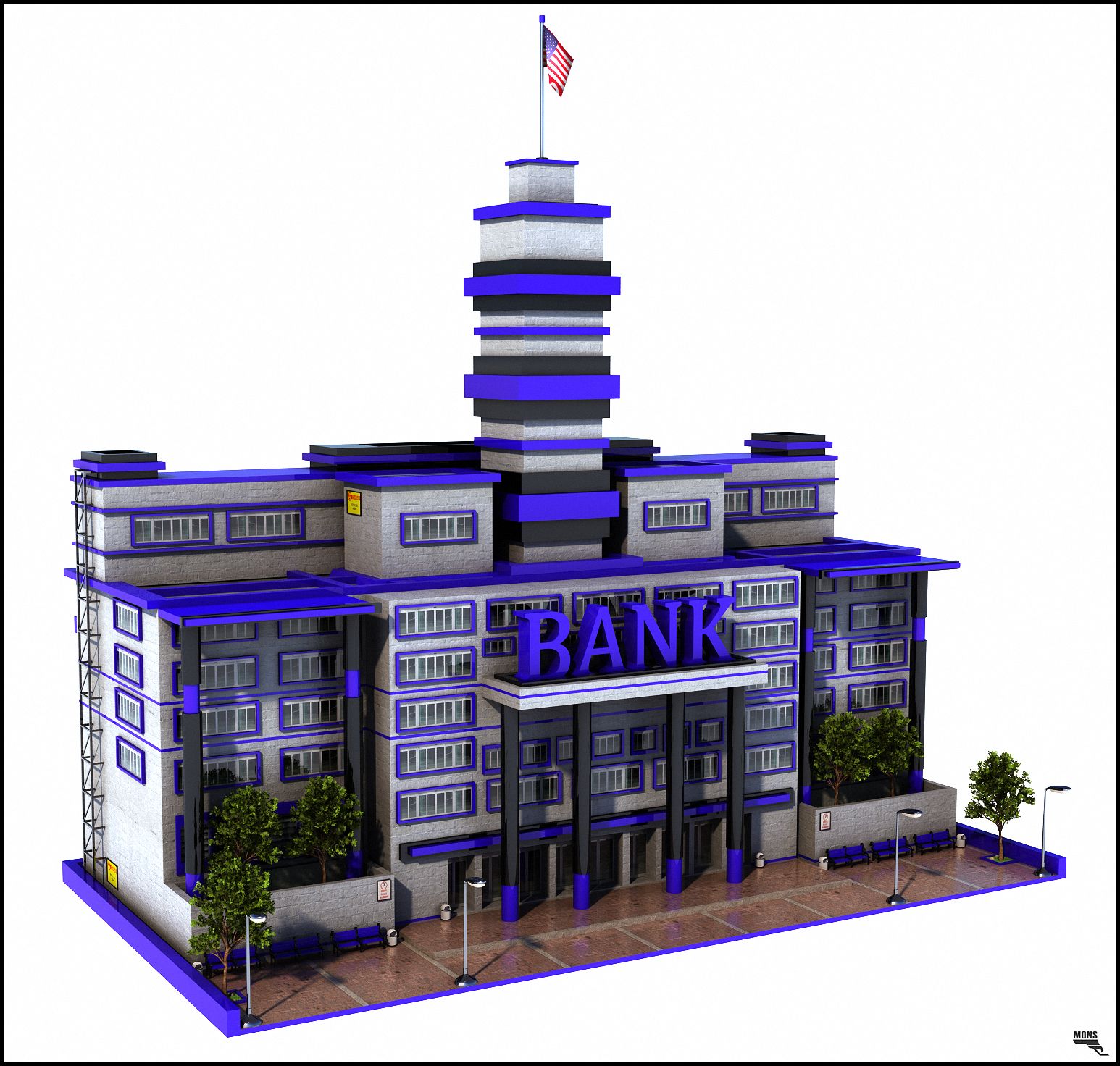
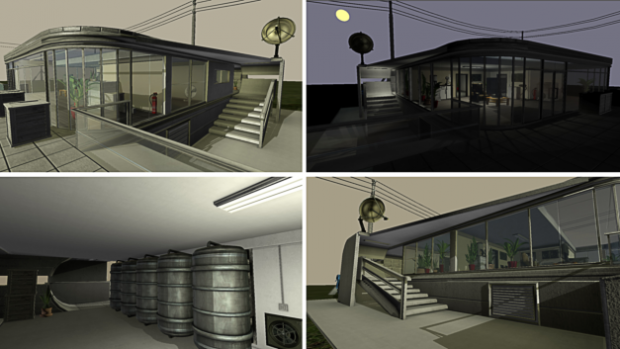
This is my BGE-Playground,
which I had created in Blender from 17.11.2013 to 10.12.2013
for fun.
 Video - BGE Test Building 1.0
Basic control:
Fun with Suspend and Restore Dynamics
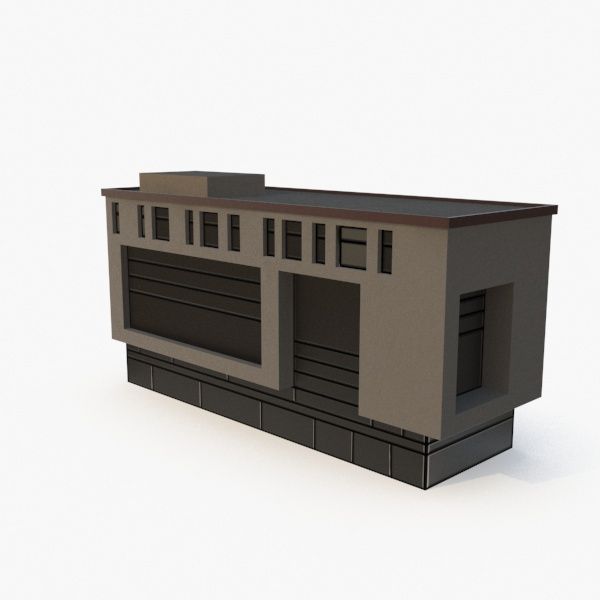
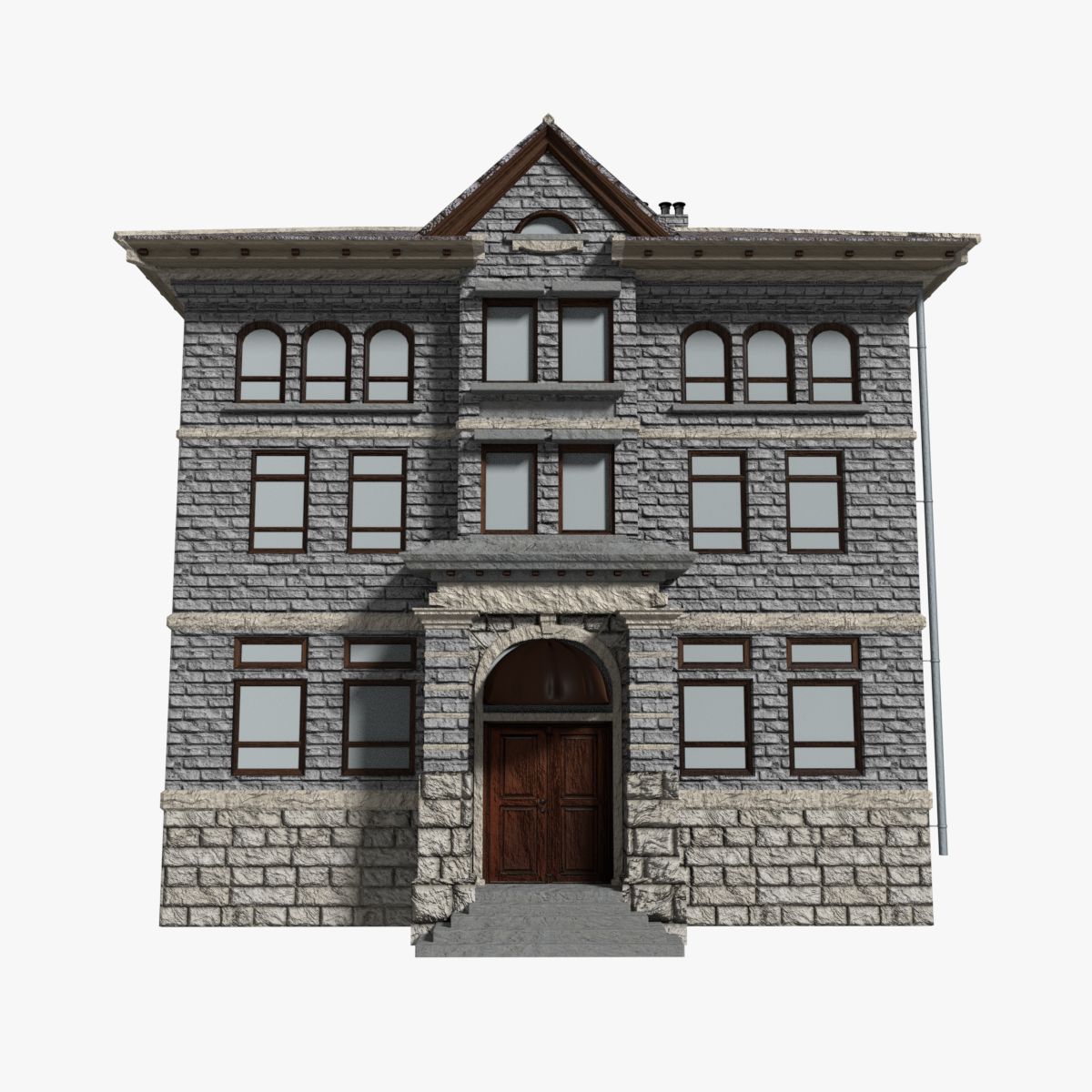
Building Update (just added some old 3d Models)
Building Update (controllable ceiling lights and doors)
You can use my 3d-model only for non-commercial, personal/private and editorial use!
Made by Dennis Haupt aka 3DHaupt
3DHaupt.com
---
My name is Dennis Haupt.
3D-artist for modeling, texturing, rigging and animation since 2008.
My favorite software is Blender 3d but I also work with 3d-Coat or other 3d/2d-programs.
Location: Germany - Thuringia - Ilmenau
---
System:
Alienware 18: Intel(R) Core(TM) i7-4930MX CPU @ 3.00GHz NVIDIA GeForce GTX 780M x2 (SLI) 32,0 GB RAM
---
Basic control:
- W-Key - move forward
- S-Key - move back
- A-Key - move to the left
- D-Key - move to the right
- F-Key - jump
- Left Mouse Button - activate the lights
- E-Key - open Doors
- Left-Shift-Key - zoom in and out
- Space-Key - hold to run
- Right Mouse Button -throw the green navigation spheres which interact with the navigation mesh and tries to follow the PlayerBox-Object
- E-Key - throw the red navigation spheres which do not interact with the navigation mesh and tries to follow the PlayerBox-Object
- T-Key - throw the blue spheres which flee from the PlayerBox-Object
- Z-Key - throw the metallic spheres which lose their dynamics on 3 meters distance to the PlayerBox-Object
- G-Key - throw a simple sphere without special properties
- H-Key - throw the soft body object number 1, a softbody plane
- J-Key - throw the soft body object number 2, a softbody cube
- B-Key - throw a destructible box
- Q-Key - restores the dynamics of all the objects which have suspended their dynamics
- you can control the daylight/daytime by pressing the + and - key right to the Numpad.
- you can activate and deactivate the standard 2D-filter by pressing 1,2,3,4,5,6,7,8,9,0-key on the Numpad
Fun with Suspend and Restore Dynamics
Building Update (just added some old 3d Models)
Building Update (controllable ceiling lights and doors)
You can use my 3d-model only for non-commercial, personal/private and editorial use!
Made by Dennis Haupt aka 3DHaupt
3DHaupt.com
---
My name is Dennis Haupt.
3D-artist for modeling, texturing, rigging and animation since 2008.
My favorite software is Blender 3d but I also work with 3d-Coat or other 3d/2d-programs.
Location: Germany - Thuringia - Ilmenau
---
System:
Alienware 18: Intel(R) Core(TM) i7-4930MX CPU @ 3.00GHz NVIDIA GeForce GTX 780M x2 (SLI) 32,0 GB RAM
---
Questo è il mio BGE-Playground , che ho creato a Blender dal 17.11.2013 al 10.12.2013 per divertimento.
Video - BGE Test Building 1.0
Controllo di base:
Divertimento con Suspend e Restore Dynamics
Aggiornamento dell'edificio (sono stati aggiunti alcuni vecchi modelli 3D)
Aggiornamento dell'edificio (plafoniere e porte controllabili)
Controllo di base:
- Tasto W: andare avanti
- Tasto S - torna indietro
- A-Key - sposta a sinistra
- Tasto D: sposta a destra
- Tasto F: saltare
- Pulsante sinistro del mouse - attiva le luci
- E-Key: apri le porte
- Tasto Maiusc-Maiusc: zoom avanti e indietro
- Space-Key: tieni premuto per correre
- Pulsante destro del mouse: apre le sfere di navigazione verdi che interagiscono con la mesh di navigazione e tenta di seguire l'oggetto PlayerBox
- E-Key: lancia le sfere di navigazione rosse che non interagiscono con la mesh di navigazione e cerca di seguire l'oggetto PlayerBox-Object
- T-Key: lancia le sfere blu che fuggono dall'oggetto PlayerBox
- Z-Key: lancia le sfere metalliche che perdono la loro dinamica a una distanza di 3 metri dall'oggetto PlayerBox
- G-Key: lancia una sfera semplice senza proprietà speciali
- H-Key: lancia il numero 1 dell'oggetto soft body, un piano Softbody
- J-Key: lancia l'oggetto soft body numero 2, un cubo softbody
- B-Key: lancia una scatola distruttibile
- Q-Key: ripristina le dinamiche di tutti gli oggetti che hanno sospeso la loro dinamica
- puoi controllare la luce diurna / diurna premendo i tasti + e - a destra sul tastierino numerico.
- puoi attivare e disattivare il filtro 2D standard premendo 1,2,3,4,5,6,7,8,9,0-chiave sul tastierino numerico
Divertimento con Suspend e Restore Dynamics
Aggiornamento dell'edificio (sono stati aggiunti alcuni vecchi modelli 3D)
Aggiornamento dell'edificio (plafoniere e porte controllabili)
Jul 04, 2016
Data aggiunta
Nov 20, 2019
ultimo aggiornamento




Commenti