


Bonfire 3D Model
0


0
visits

Submitted by
Ricmage
Specifications
- Geometrypolygonal_quads/tris
- Polygons1
- Vertices1
- TexturesYes
- RiggedYes
- AnimatedYes
- 3D Printable ReadyNo
- Game Ready (low poly)No
- UV MappedYes
- Unwrapped UVsmixed
Description
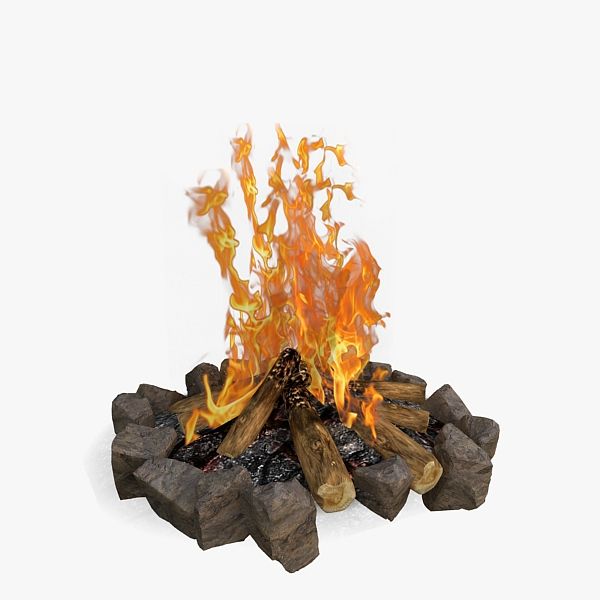
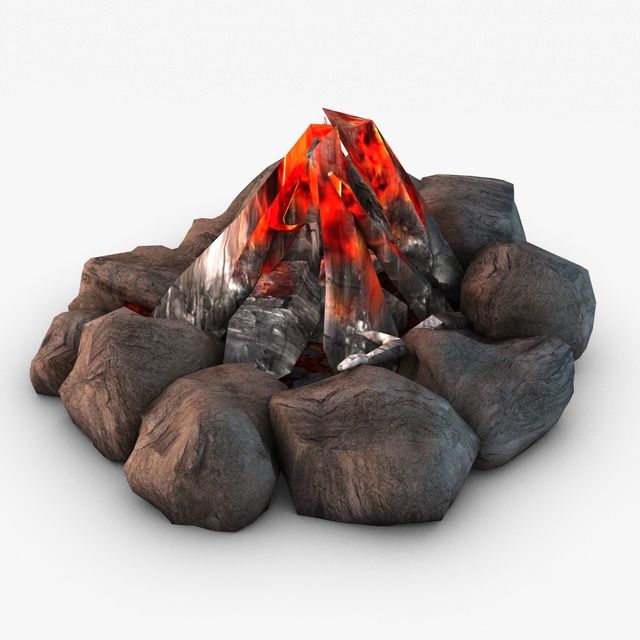
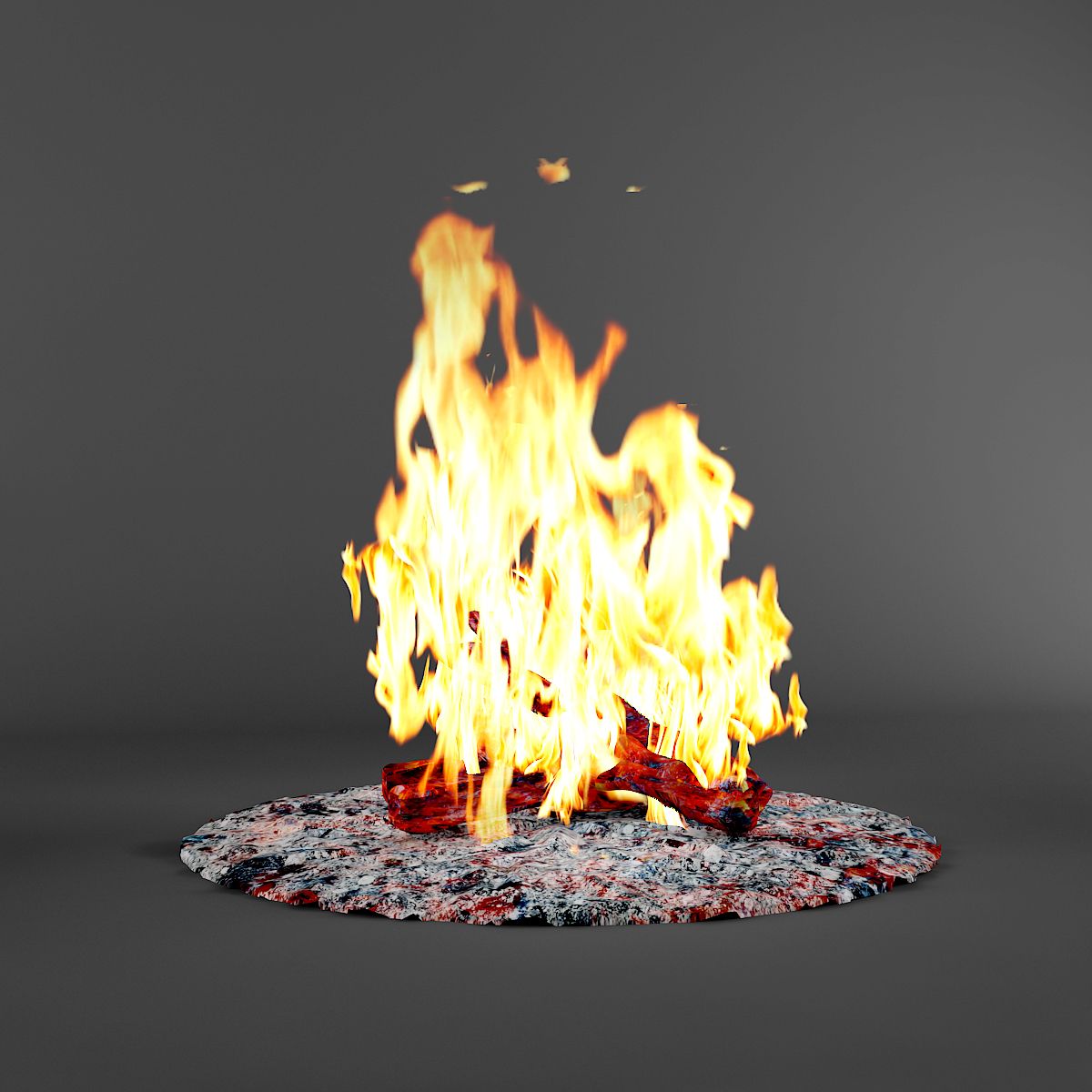
A Animated Bonfire, with Fire, Flamecrow,Sparks and Smoke.
Made in 3dsMax WITHOUT PLUGUINS ,
with Pflow, Procedural maps, modifiers and others.
DOWNLOAD the full Animation to feel real time animation and atmosphere in PREVIEWS ==>>>>^^
Render time: ~40 sec per frame 720p; in a i7 6gb ram.
1 - Use the Dummy "Bonfire_PositionCtrl" to Move or rotate the Bonfire;
2 - With some knowledge in 3dsMax and Pflow
you got put Fire, Smoke or Sparks on anyother objects that you want.
3 - Three diferent Wind types that you can turn on/off(put zero in your turbulence values) or ajust;
4 - Are used Facing particle type that ever look at to camera "Cambonfire" in scene. So if you will use a other camera,
Align and link source and target of the "CamBonfire" in scene to your new Camera;
5 - The Smoke are not receiving light, are using Selflumination on your Materials to give your color on Diffuse channel, And Opacity to your facing cut and fade;
6 - All maps and texture used are procedural or are included in substance ready that comes with 3dsMax.
Sep 28, 2020
date added
May 27, 2025
last update
Reviews
There are currently no reviews for this product.
Why not be the first one to break the ice?