


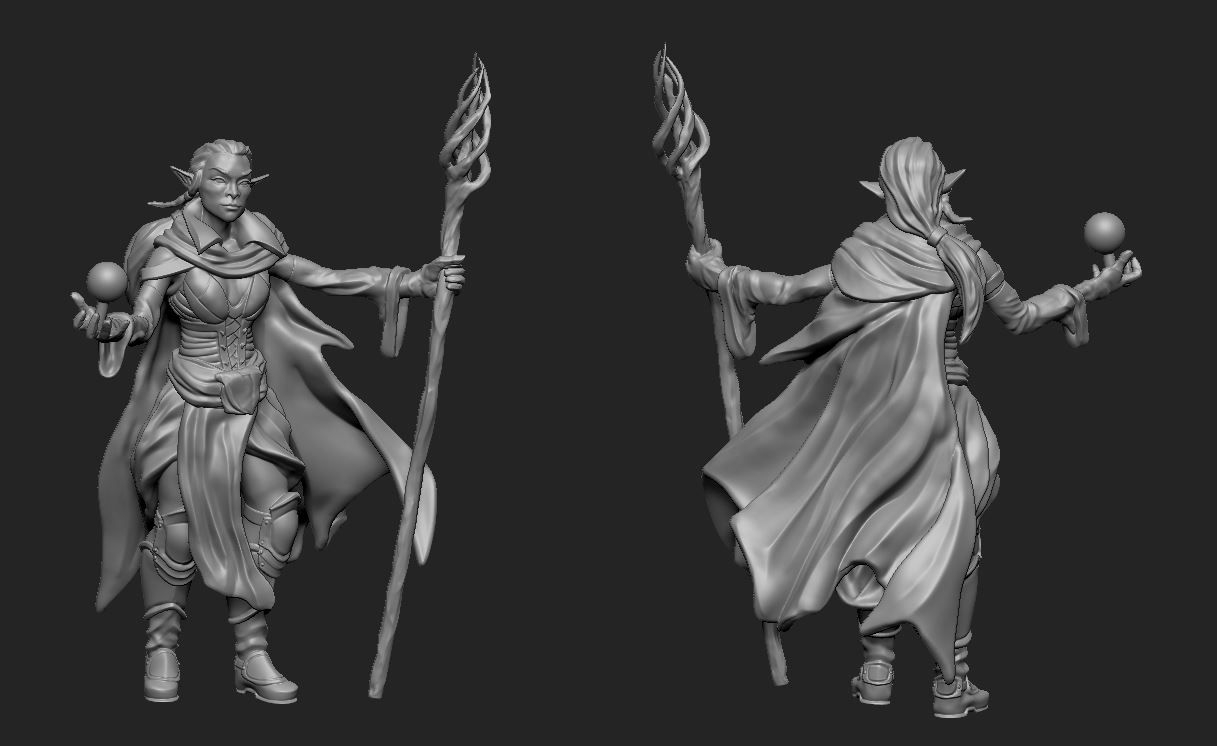


Female_Mage modèle 3D
0


Licence Libre de DroitsToutes les utilisations prolongées
Retours simples
Garantie du meilleur prix
Fonctionne hors de la boîte
0
visites

Proposé par
honglong99
Caractéristiques
- Géométriepolygonal_quads/tris
- Des polygones60,000
- Sommets35,000
- Les texturesYes
- GrééNo
- AniméNo
- Prêt pour l'impression 3DNo
- Jeu Prêt (low poly)No
- UV mappéYes
- UV non emballésoverlapping
La description
Maya: 2016
Material : PBR material
Type: Game
Texture size: 2048x2048
Folders included:
+ Maya: .ma , .mb files
+mesh: . obj, .mtl, .fbx
+ Textures: .png, .tga
Note:
- I seperated Model into : Hair, Eyes, Body, Teeth, Cloth (upper), Pant ( lower) , Boots, Girmoire. That's why we have a lot of textures. I think it's good for modifying model when you want.
- Roughness and Glossness ( Smoothness ) are same slot. But it depends on what your engine uses. If it writes "Roughness" >>> you don't need INVERT . If it writes " Glossness" >>> Please check INVERT.
- Normal: some engines use DirectX Normal, some engines use OpenGL Normal. If you assign Normal and feel wrong direction >>>> Just "FLIP Y"
- You should check both OBJ and FBX.
- NO RIGGING ( I'm an amateur RIGGING, I only rig for my pose and render for my artwork)
Dec 18, 2019
date ajoutée
Oct 14, 2021
dernière mise à jour
Avis
Il n'y a actuellement aucun avis sur ce produit.
Pourquoi ne pas être le premier à briser la glace?