

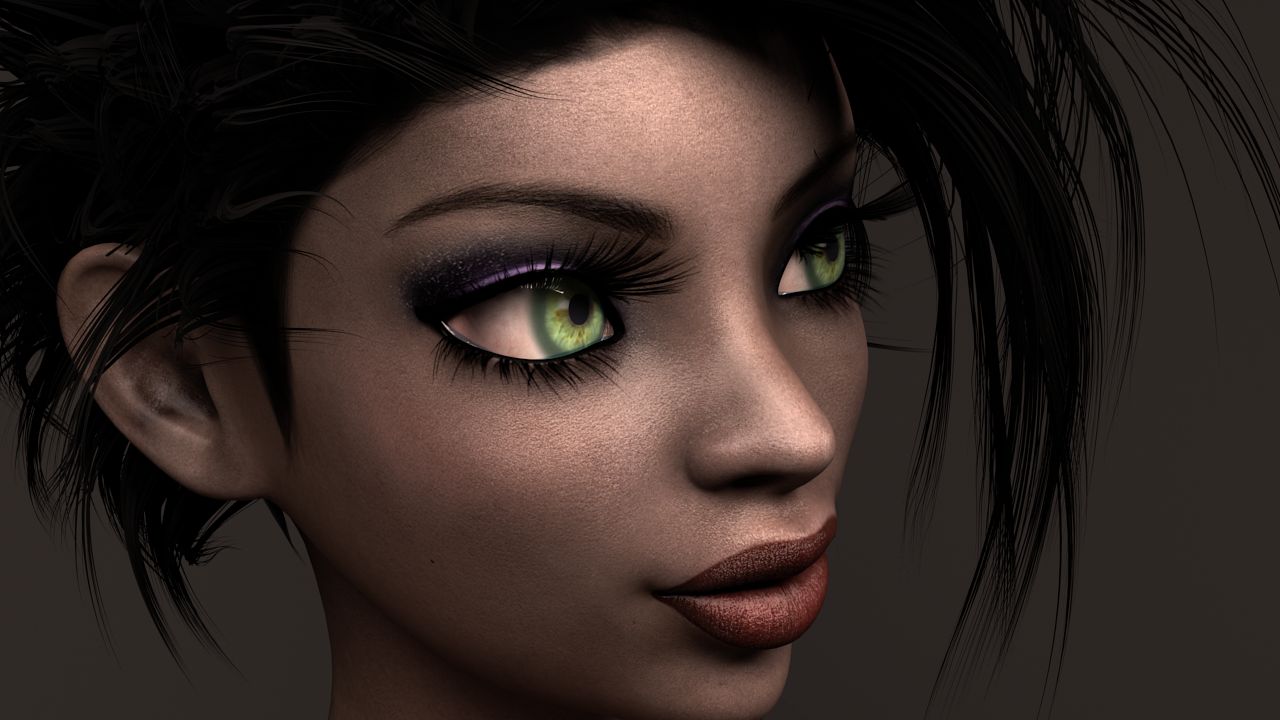




Female_Mage 3D модель
0


Бесплатная лицензияВсе расширенное использование
Простые возвращения
Гарантия лучшей цены
Работает из коробки
0
посещения

Представленный
honglong99
Характеристики
- Геометрияpolygonal_quads/tris
- Полигоны60,000
- вершины35,000
- текстурыYes
- подстроенныйNo
- мультипликационныйNo
- Готов к печати в 3DNo
- Игра готова (низкополигональная)No
- UV MappedYes
- Развернутые уфoverlapping
Описание
Maya: 2016
Material : PBR material
Type: Game
Texture size: 2048x2048
Folders included:
+ Maya: .ma , .mb files
+mesh: . obj, .mtl, .fbx
+ Textures: .png, .tga
Note:
- I seperated Model into : Hair, Eyes, Body, Teeth, Cloth (upper), Pant ( lower) , Boots, Girmoire. That's why we have a lot of textures. I think it's good for modifying model when you want.
- Roughness and Glossness ( Smoothness ) are same slot. But it depends on what your engine uses. If it writes "Roughness" >>> you don't need INVERT . If it writes " Glossness" >>> Please check INVERT.
- Normal: some engines use DirectX Normal, some engines use OpenGL Normal. If you assign Normal and feel wrong direction >>>> Just "FLIP Y"
- You should check both OBJ and FBX.
- NO RIGGING ( I'm an amateur RIGGING, I only rig for my pose and render for my artwork)
Dec 18, 2019
Дата Добавлена
Oct 14, 2021
последнее обновление
Отзывы
На данный момент нет отзывов об этом продукте.
Почему бы не первым сломать лед?
