

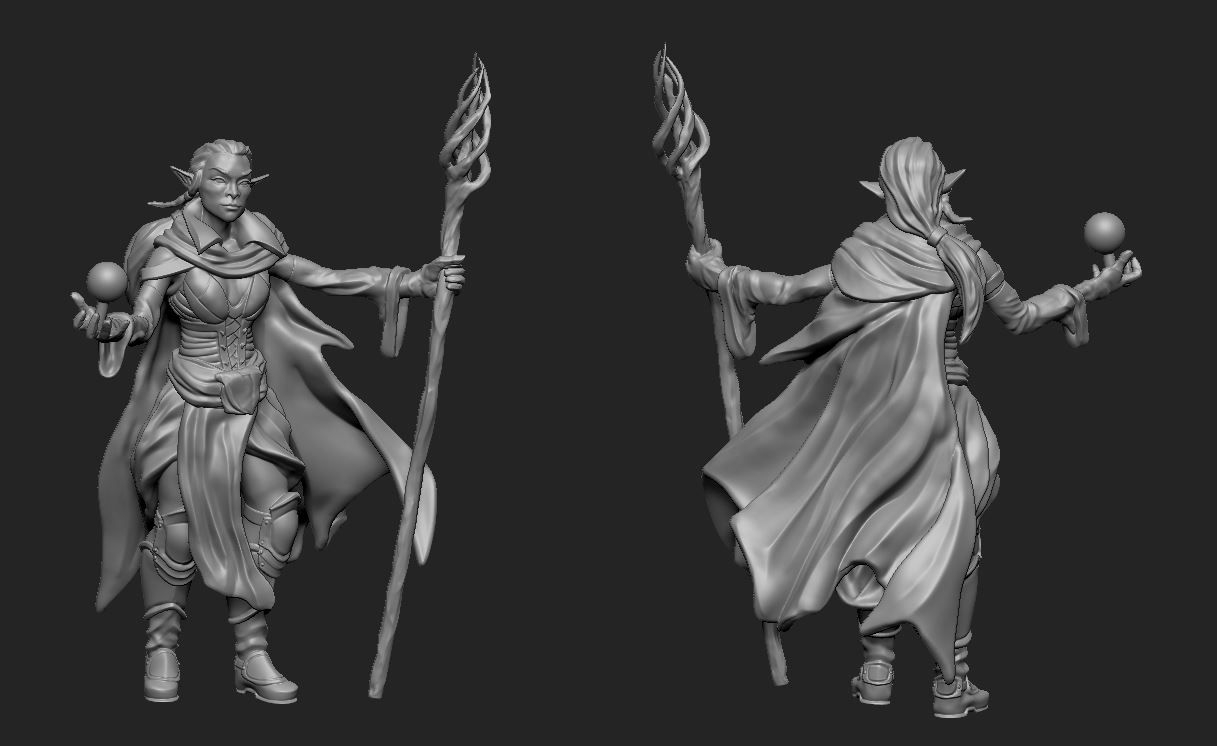


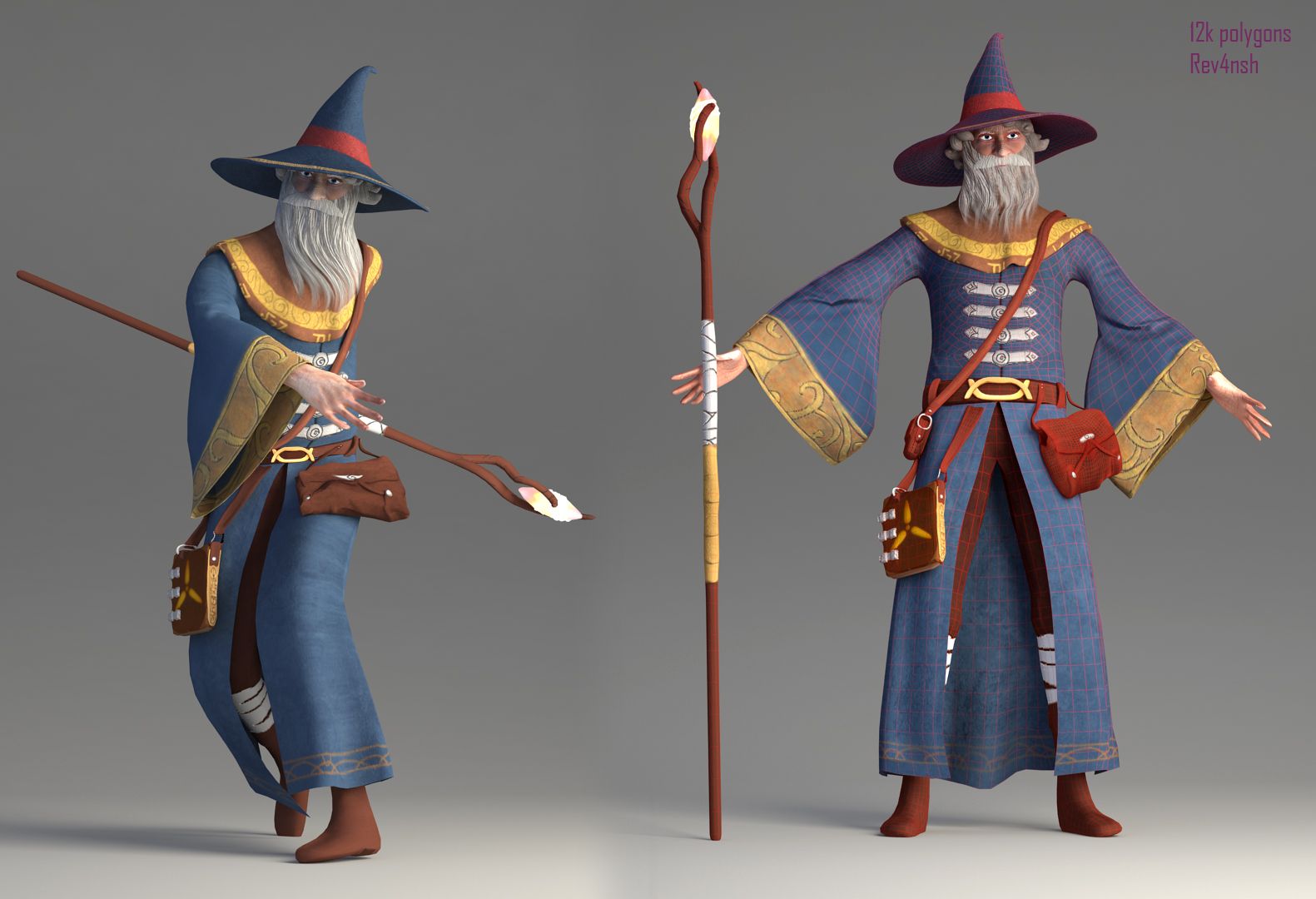

Female_Mage 3D model
0


Royalty Free LisansTüm genişletilmiş kullanımlar
Basit iadeler
En iyi fiyat garantisi
Kutunun dışında çalışır
0
ziyaret

Tarafından gönderilmiştir
honglong99
Özellikler
- Geometripolygonal_quads/tris
- Çokgenler60,000
- Tepe Noktaları35,000
- DokularYes
- hileliNo
- canlandırılmışNo
- 3D Yazdırılabilir HazırNo
- Oyuna Hazır (düşük poli)No
- UV HaritalıYes
- Sarılmamış UV'leroverlapping
Açıklama
Maya: 2016
Material : PBR material
Type: Game
Texture size: 2048x2048
Folders included:
+ Maya: .ma , .mb files
+mesh: . obj, .mtl, .fbx
+ Textures: .png, .tga
Note:
- I seperated Model into : Hair, Eyes, Body, Teeth, Cloth (upper), Pant ( lower) , Boots, Girmoire. That's why we have a lot of textures. I think it's good for modifying model when you want.
- Roughness and Glossness ( Smoothness ) are same slot. But it depends on what your engine uses. If it writes "Roughness" >>> you don't need INVERT . If it writes " Glossness" >>> Please check INVERT.
- Normal: some engines use DirectX Normal, some engines use OpenGL Normal. If you assign Normal and feel wrong direction >>>> Just "FLIP Y"
- You should check both OBJ and FBX.
- NO RIGGING ( I'm an amateur RIGGING, I only rig for my pose and render for my artwork)
Dec 18, 2019
Ekleme Tarihi
Oct 14, 2021
son Güncelleme
Yorumlar
Bu ürün için henüz hiç yorum yapılmamış.
Neden buzu kıran ilk kişi değilsin?