

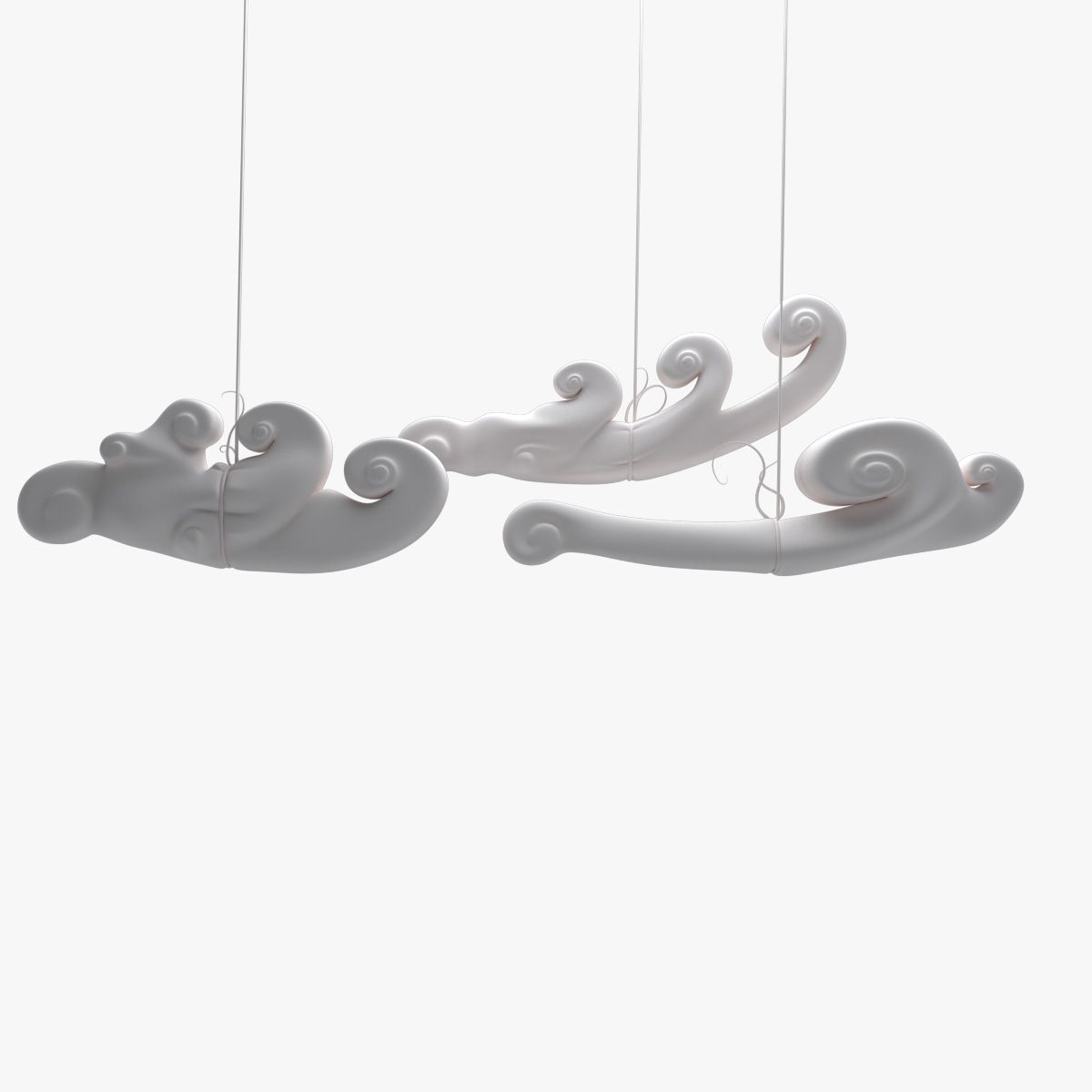

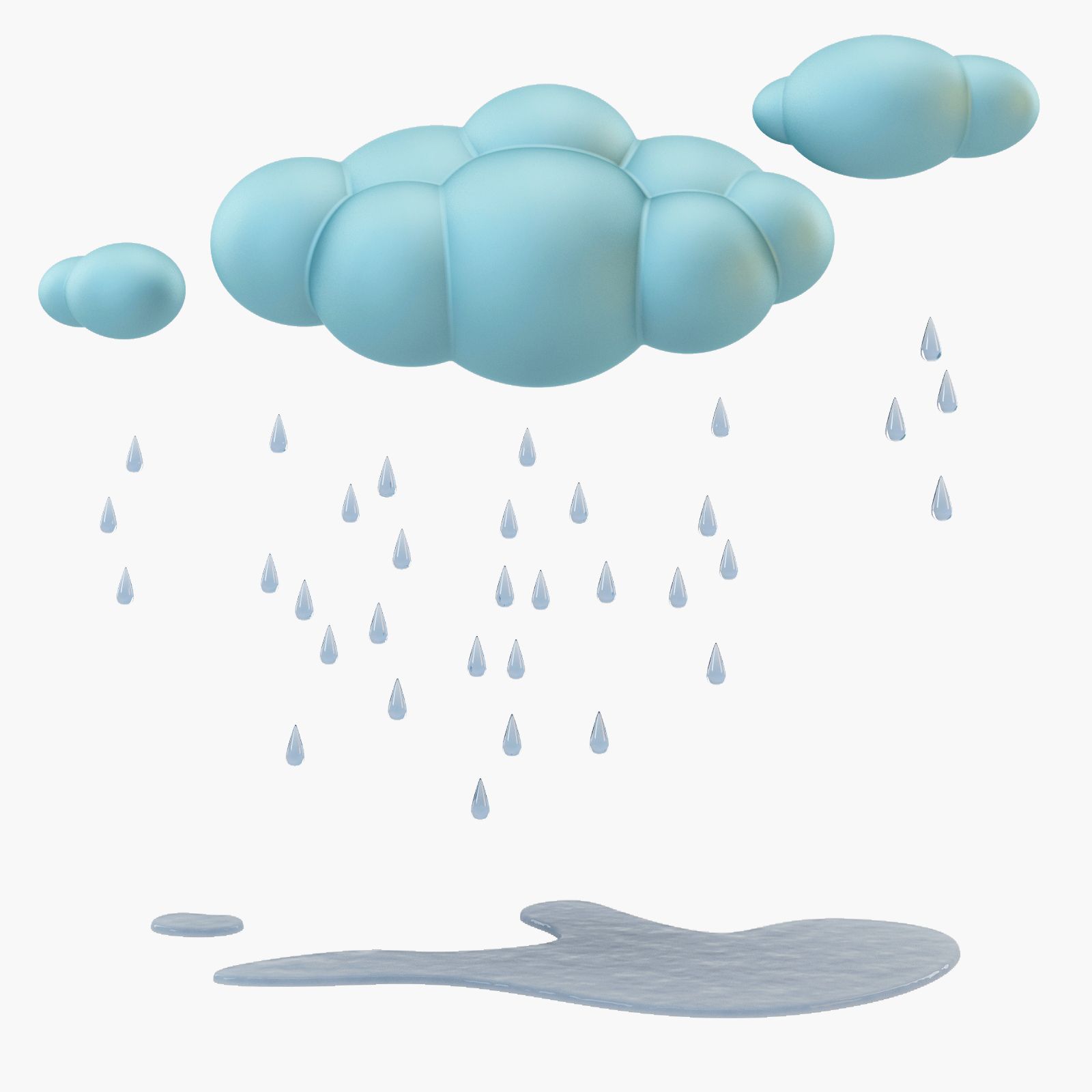


2xクラウド高積雲(VDB / OBJ) 3Dモデル
0


0
訪問

から提出された
dennisvolkerts
仕様
- ジオメトリpolygonal
- 多角形1
- 頂点1
- テクスチャNo
- 堅いNo
- アニメ化No
- 3Dプリント可能No
- ゲームレディ(低ポリ)No
- UVマップYes
- ラップされていないUVnone
説明
USAGES:
VDB
- For Houdini users, just Import the Clouds as .(VDB).
- For 3d Studio Max users who uses 3Delight render Just use the 'OpenVDB' button.
- In Maya there is a plug-In to open .vdb files called: Soup.
If you are using Arnold renderer, you can import the vdb via the arnold menu > volume > then just assign a aivolume shader.
OBJ
If you have no other options, you can get a .obj, wich can be verry intensive in the viewport.You can also use the .OBJ files:
- For All 3d Applications you can simply import the cloud .obj file as polygon, and add a VolumeShader to it from your render engine. Al shaders comes with a density slider to control the density.
ps. vdb is the fastest for rendering and for your viewport
Nov 04, 2019
追加日
Feb 26, 2022
最後の更新
レビュー
この商品のレビューはまだありません。
氷を砕いた最初の人になろう。

