


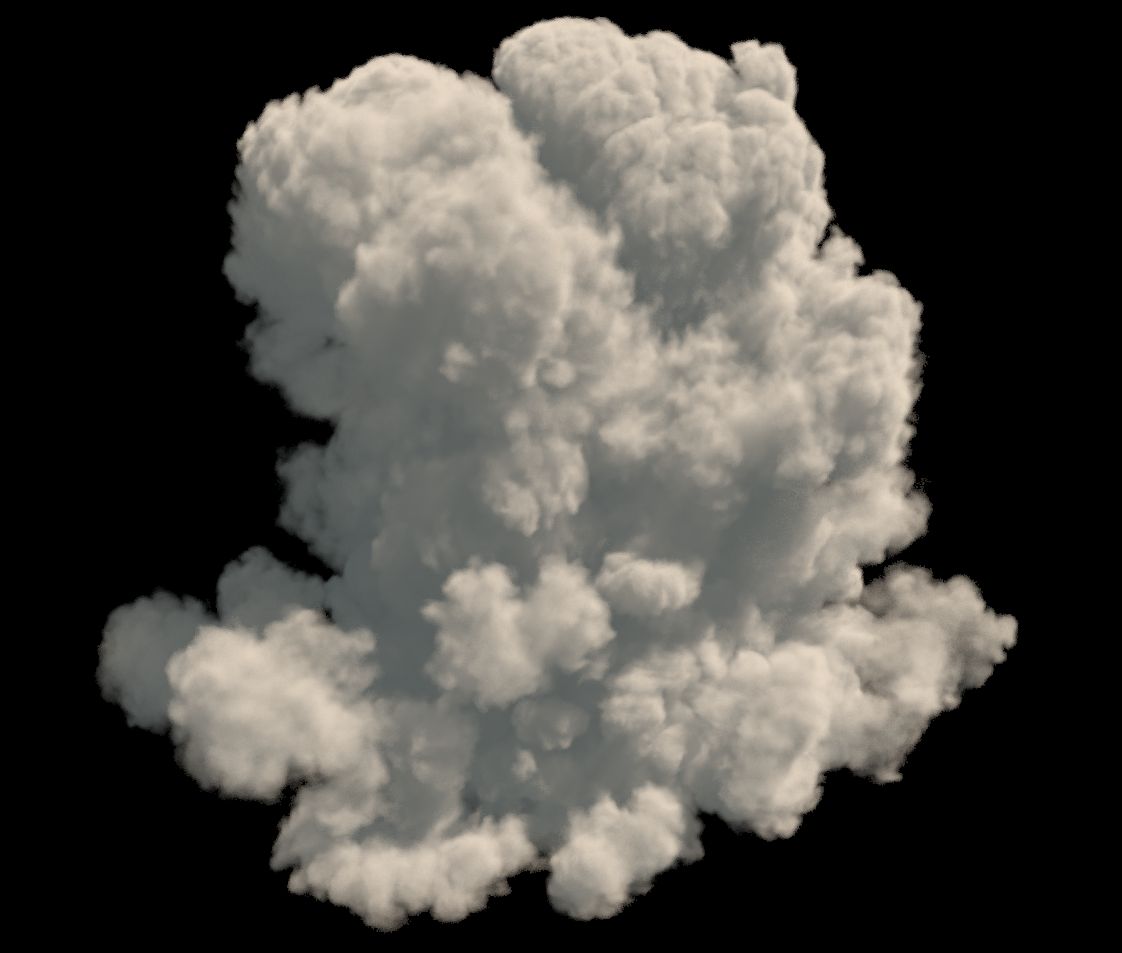

2x cloud altocumulus (VDB / OBJ) 3d model
0


Royalty-vrije LicentieAlle uitgebreide toepassingen
Eenvoudig rendement
Beste prijsgarantie
Werkt uit de doos
0
bezoeken

Ingezonden door
dennisvolkerts
bestek
- Geometriepolygonal
- polygonen1
- hoekpunten1
- texturesNo
- opgetuigdNo
- AnimatedNo
- Geschikt voor 3D-afdrukNo
- Game Ready (laag poly)No
- UV-gemappedYes
- Onverpakte UV'snone
Omschrijving
USAGES:
VDB
- For Houdini users, just Import the Clouds as .(VDB).
- For 3d Studio Max users who uses 3Delight render Just use the 'OpenVDB' button.
- In Maya there is a plug-In to open .vdb files called: Soup.
If you are using Arnold renderer, you can import the vdb via the arnold menu > volume > then just assign a aivolume shader.
OBJ
If you have no other options, you can get a .obj, wich can be verry intensive in the viewport.You can also use the .OBJ files:
- For All 3d Applications you can simply import the cloud .obj file as polygon, and add a VolumeShader to it from your render engine. Al shaders comes with a density slider to control the density.
ps. vdb is the fastest for rendering and for your viewport
Nov 04, 2019
Datum toegevoegd
Feb 26, 2022
laatste update
beoordelingen
Er zijn momenteel geen beoordelingen voor dit product.
Waarom niet de eerste zijn om het ijs te breken?