





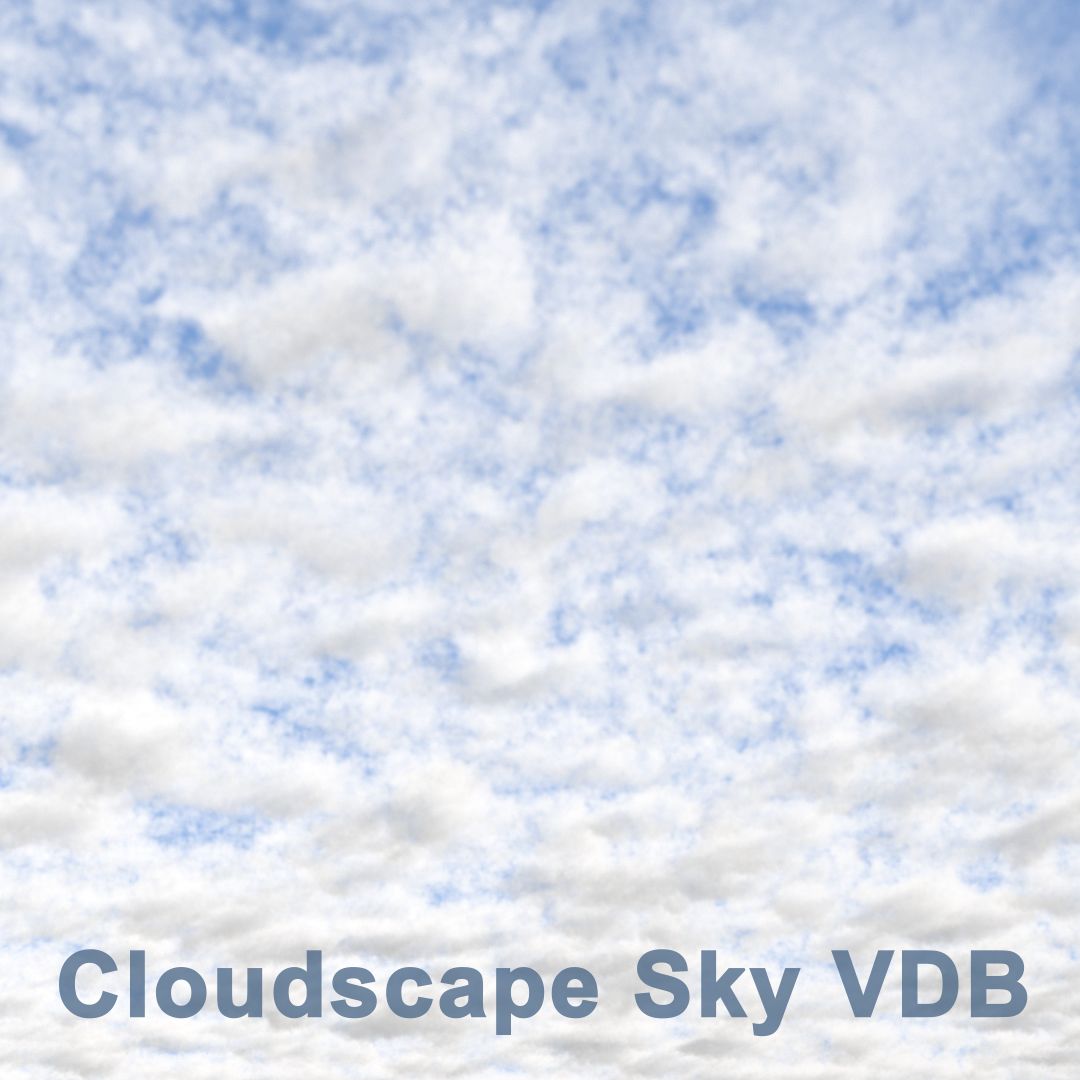

2x cloud altocumulus (VDB /OBJ) 3D модель
0


Бесплатная лицензияВсе расширенное использование
Простые возвращения
Гарантия лучшей цены
Работает из коробки
0
посещения

Представленный
dennisvolkerts
Характеристики
- Геометрияpolygonal
- Полигоны1
- вершины1
- текстурыNo
- подстроенныйNo
- мультипликационныйNo
- Готов к печати в 3DNo
- Игра готова (низкополигональная)No
- UV MappedYes
- Развернутые уфnone
Описание
USAGES:
VDB
- For Houdini users, just Import the Clouds as .(VDB).
- For 3d Studio Max users who uses 3Delight render Just use the 'OpenVDB' button.
- In Maya there is a plug-In to open .vdb files called: Soup.
If you are using Arnold renderer, you can import the vdb via the arnold menu > volume > then just assign a aivolume shader.
OBJ
If you have no other options, you can get a .obj, wich can be verry intensive in the viewport.You can also use the .OBJ files:
- For All 3d Applications you can simply import the cloud .obj file as polygon, and add a VolumeShader to it from your render engine. Al shaders comes with a density slider to control the density.
ps. vdb is the fastest for rendering and for your viewport
Nov 04, 2019
Дата Добавлена
Feb 26, 2022
последнее обновление
Отзывы
На данный момент нет отзывов об этом продукте.
Почему бы не первым сломать лед?
