








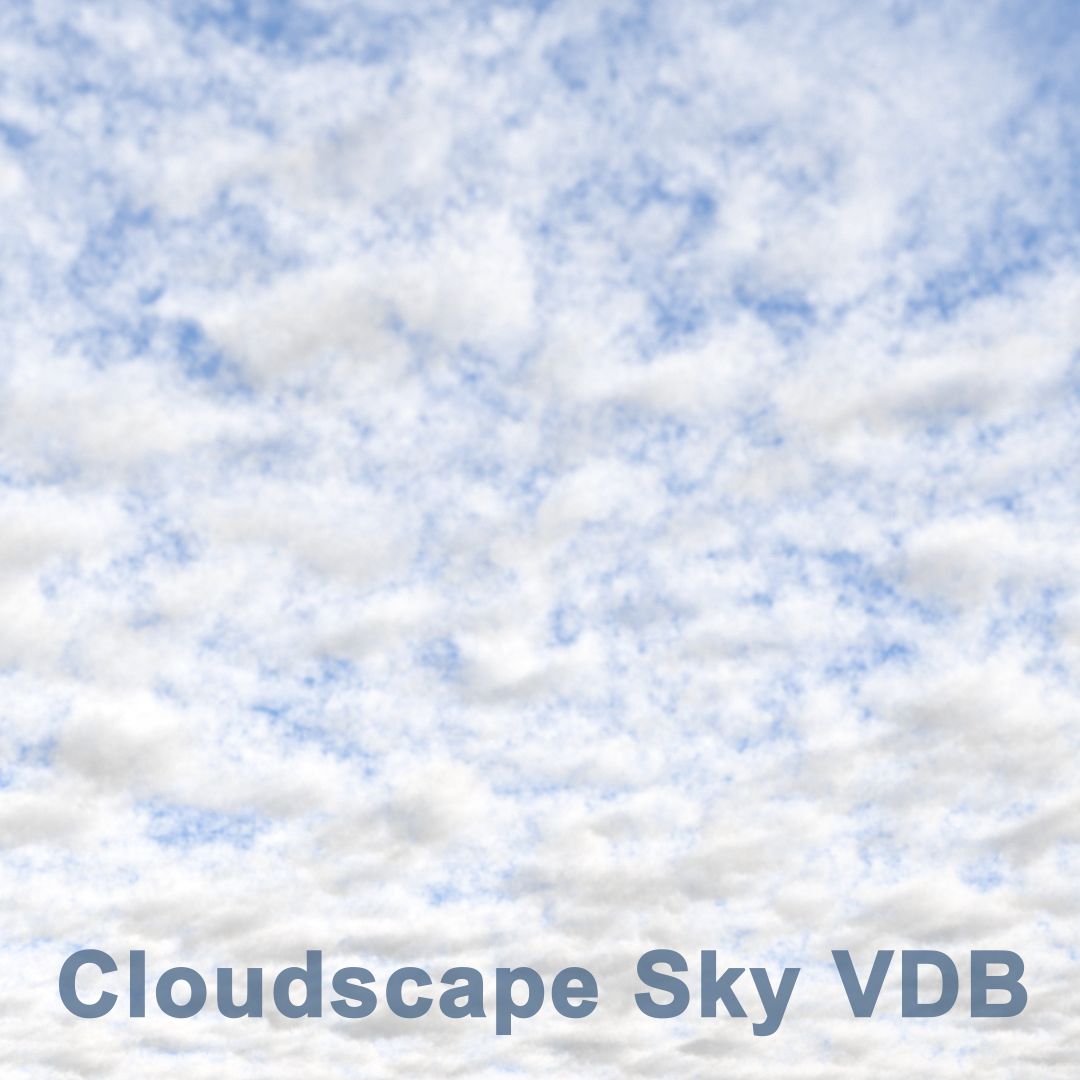


2x cloud altocumulus (VDB /OBJ) 3D 모델
0


0
방문

에 의해 제출 된
dennisvolkerts
명세서
- 기하학polygonal
- 다각형1
- 정점들1
- 텍스처No
- 딱딱한No
- 생기 있는No
- 3D 인쇄 가능 준비No
- 게임 준비 (낮은 폴리)No
- UV 매핑 됨Yes
- 포장되지 않은 자외선none
기술
USAGES:
VDB
- For Houdini users, just Import the Clouds as .(VDB).
- For 3d Studio Max users who uses 3Delight render Just use the 'OpenVDB' button.
- In Maya there is a plug-In to open .vdb files called: Soup.
If you are using Arnold renderer, you can import the vdb via the arnold menu > volume > then just assign a aivolume shader.
OBJ
If you have no other options, you can get a .obj, wich can be verry intensive in the viewport.You can also use the .OBJ files:
- For All 3d Applications you can simply import the cloud .obj file as polygon, and add a VolumeShader to it from your render engine. Al shaders comes with a density slider to control the density.
ps. vdb is the fastest for rendering and for your viewport
Nov 04, 2019
추가 된 날짜
Feb 26, 2022
마지막 업데이트
리뷰
현재이 제품에 대한 리뷰가 없습니다.
얼음을 깬 첫 번째 사람이되지 않겠습니까?