
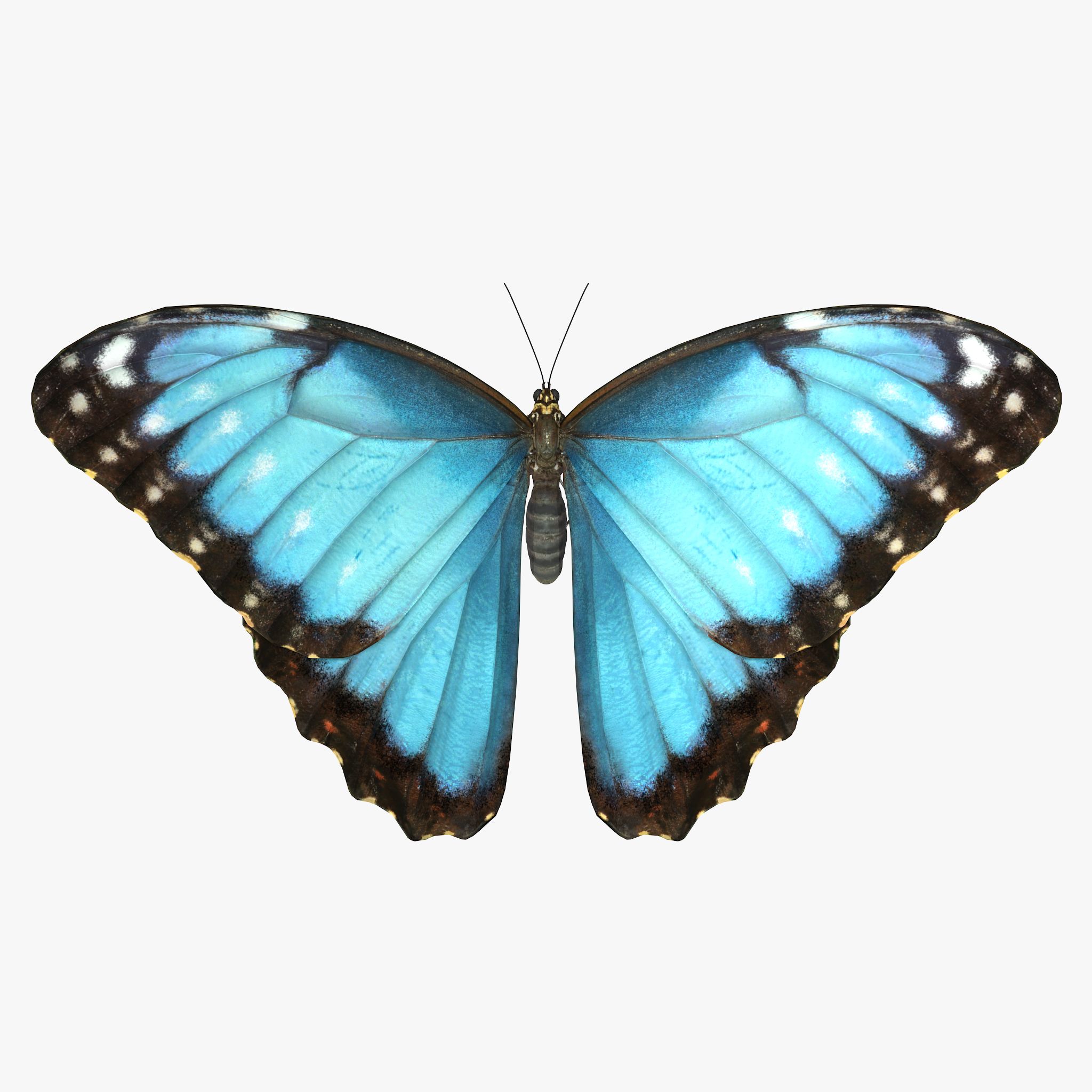


mariposa modelo 3d
0


Licencia Libre de DerechosTodos los usos extendidos
Devoluciones simples
Mejor precio garantizado
Trabaja fuera de la caja
81
visitas

Presentado por
jinyingzhe
Presupuesto
- Geometríapolygonal
- Poligonos2,084
- Vértices3,362
- TexturasYes
- AparejadoNo
- AnimadoNo
- Listo para imprimir en 3DNo
- Juego listo (polietileno baja)No
- Mapeado UVNo
- UV sin envolverunknown
Descripción
PLEASE NOTE:
FIXING FUR MAPS PATH
Create new project. Copy .mb files to scenes folder, textures to sourceimages folder and owerwrite renderData folder from archive to projects folder.
Sometimes Maya not update relative path for fur maps and automatically convert them to absolute, you need to check and fix them manually.
In Attribute Editor open Fur properties.
Expand: Details -> Base Color -> Maps
Click on path and delete everything before renderData - this will make file path relative.
Scroll down and repeat this operation for all fur maps
Make sure that you checked all files connected to Fur, you can see all of them in renderData/fur/furAttrMap folder.
FUR_README file added to archive.
Sep 25, 2019
Fecha Agregada
Mar 02, 2022
última actualización
Opiniones
Actualmente no hay opiniones para este producto.
¿Por qué no ser el primero en romper el hielo?