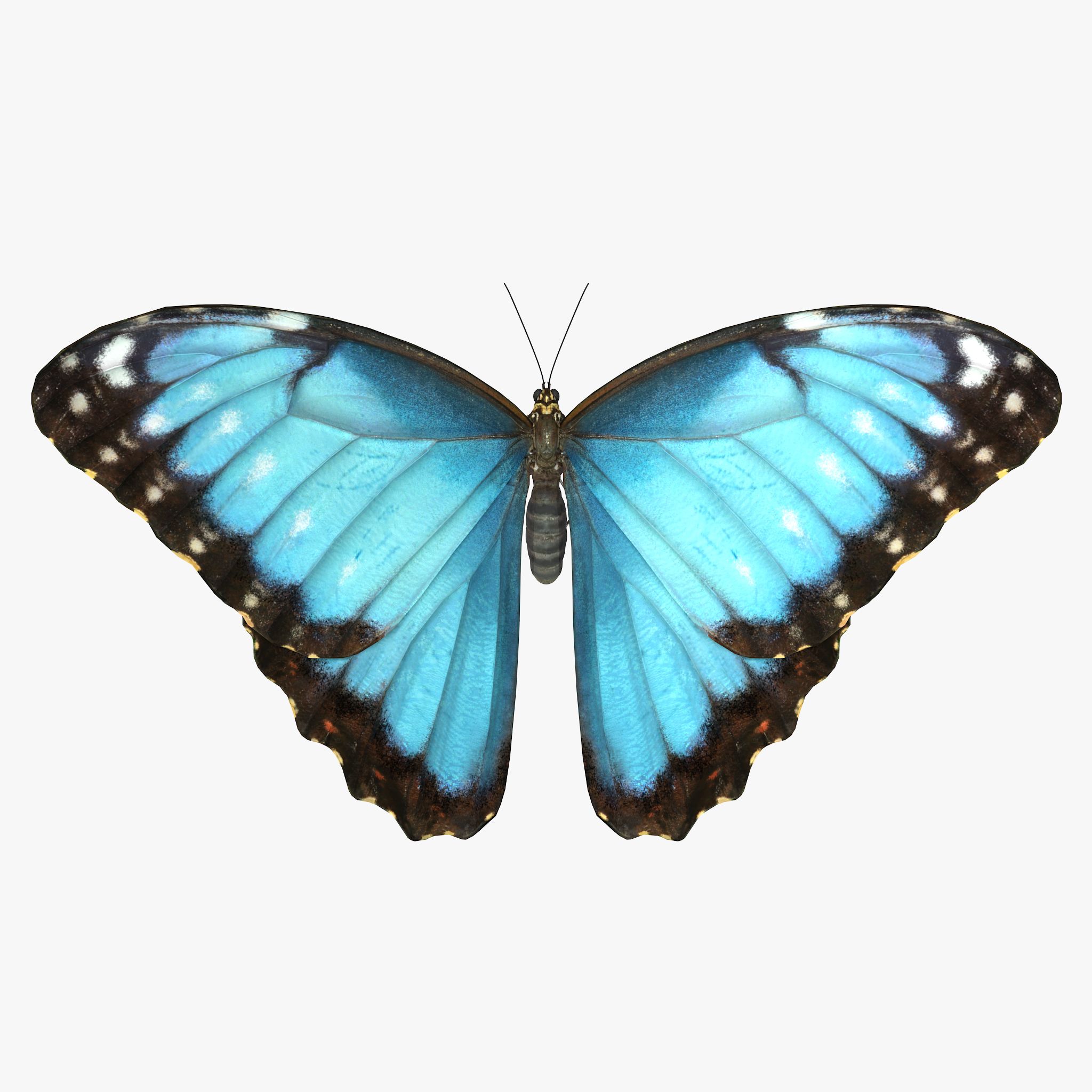


butterfly 3D модель
0


Бесплатная лицензияВсе расширенное использование
Простые возвращения
Гарантия лучшей цены
Работает из коробки
81
посещения

Представленный
jinyingzhe
Характеристики
- Геометрияpolygonal
- Полигоны2,084
- вершины3,362
- текстурыYes
- подстроенныйNo
- мультипликационныйNo
- Готов к печати в 3DNo
- Игра готова (низкополигональная)No
- UV MappedNo
- Развернутые уфunknown
Описание
PLEASE NOTE:
FIXING FUR MAPS PATH
Create new project. Copy .mb files to scenes folder, textures to sourceimages folder and owerwrite renderData folder from archive to projects folder.
Sometimes Maya not update relative path for fur maps and automatically convert them to absolute, you need to check and fix them manually.
In Attribute Editor open Fur properties.
Expand: Details -> Base Color -> Maps
Click on path and delete everything before renderData - this will make file path relative.
Scroll down and repeat this operation for all fur maps
Make sure that you checked all files connected to Fur, you can see all of them in renderData/fur/furAttrMap folder.
FUR_README file added to archive.
Sep 25, 2019
Дата Добавлена
Mar 02, 2022
последнее обновление
Отзывы
На данный момент нет отзывов об этом продукте.
Почему бы не первым сломать лед?