





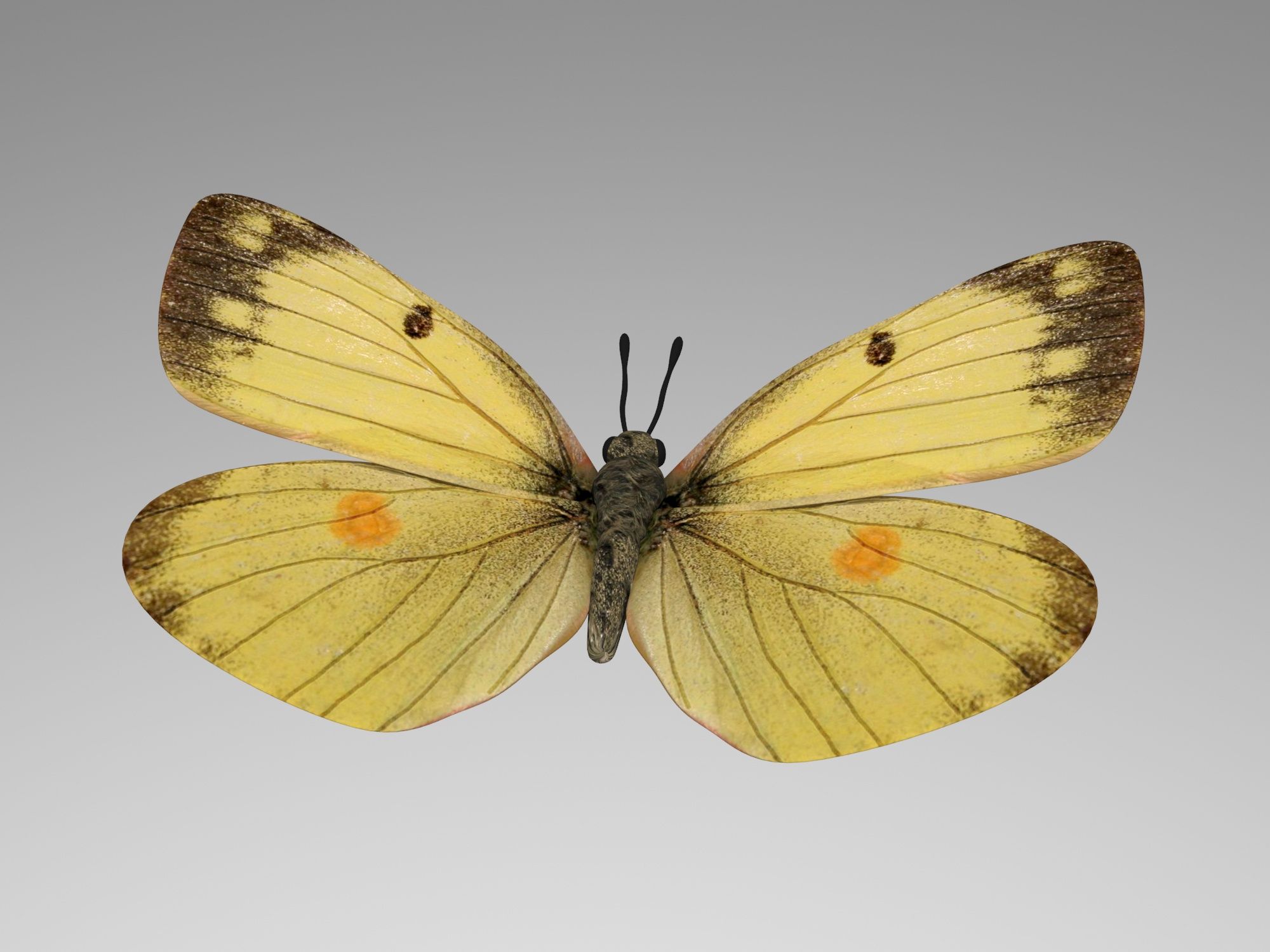
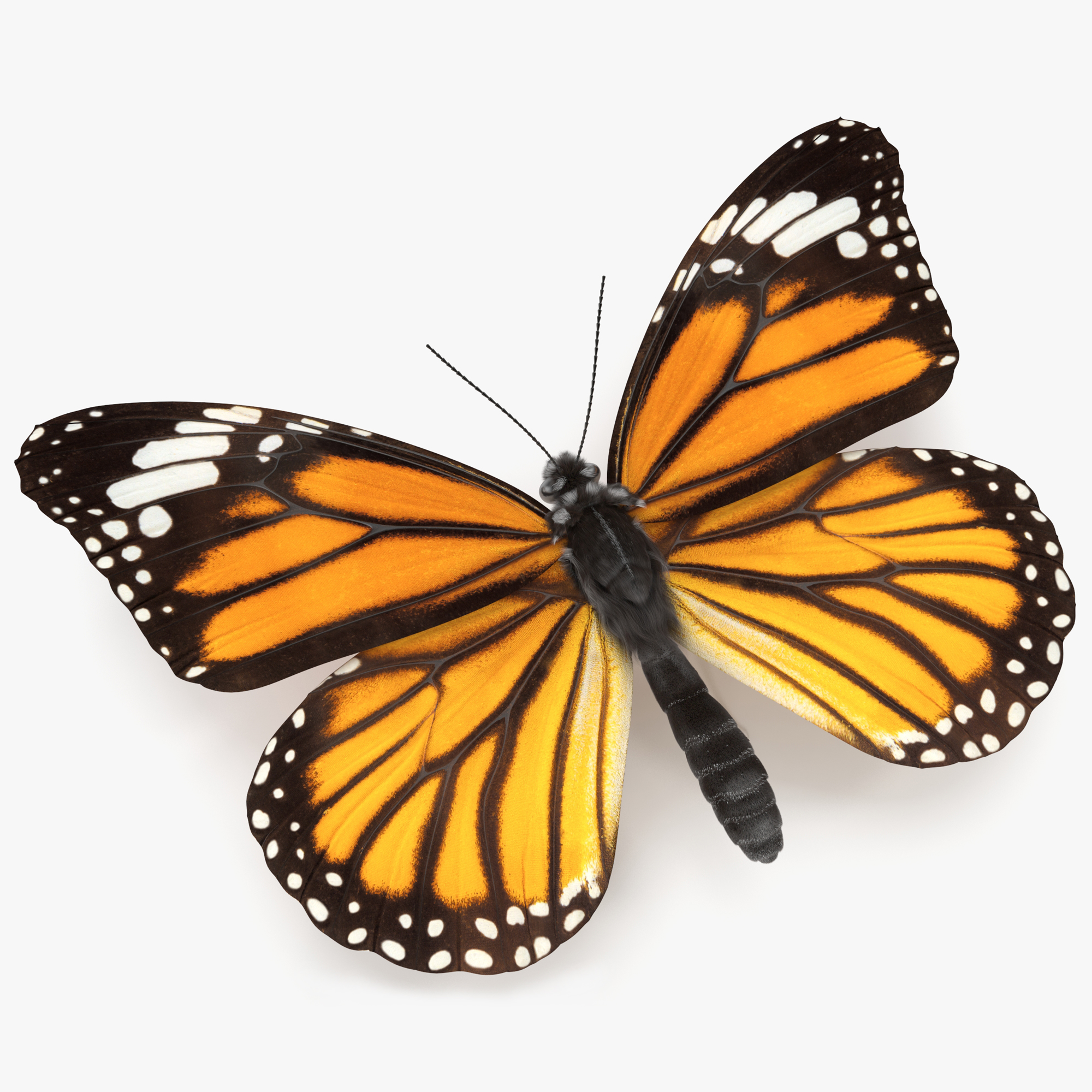


la farfalla Modello 3D
0
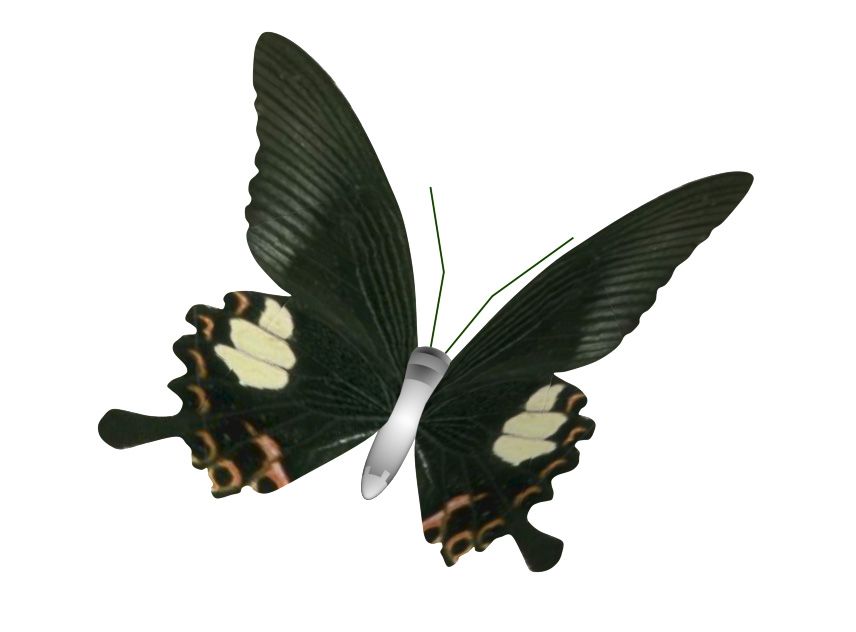


Licenza RoyaltyTutti gli usi estesi
Ritorni semplici
Miglior prezzo garantito
Funziona fuori dalla scatola
81
visite

Inviato da
jinyingzhe
specificazioni
- Geometriapolygonal
- poligoni2,084
- vertici3,362
- TexturesYes
- riggedNo
- AnimatoNo
- Prontabile in 3DNo
- Gioco pronto (low poly)No
- UV mappatoNo
- UV non avvoltounknown
Descrizione
PLEASE NOTE:
FIXING FUR MAPS PATH
Create new project. Copy .mb files to scenes folder, textures to sourceimages folder and owerwrite renderData folder from archive to projects folder.
Sometimes Maya not update relative path for fur maps and automatically convert them to absolute, you need to check and fix them manually.
In Attribute Editor open Fur properties.
Expand: Details -> Base Color -> Maps
Click on path and delete everything before renderData - this will make file path relative.
Scroll down and repeat this operation for all fur maps
Make sure that you checked all files connected to Fur, you can see all of them in renderData/fur/furAttrMap folder.
FUR_README file added to archive.
Sep 25, 2019
Data aggiunta
Mar 02, 2022
ultimo aggiornamento
Recensioni
Al momento non ci sono commenti per questo prodotto.
Perché non essere il primo a rompere il ghiaccio?