
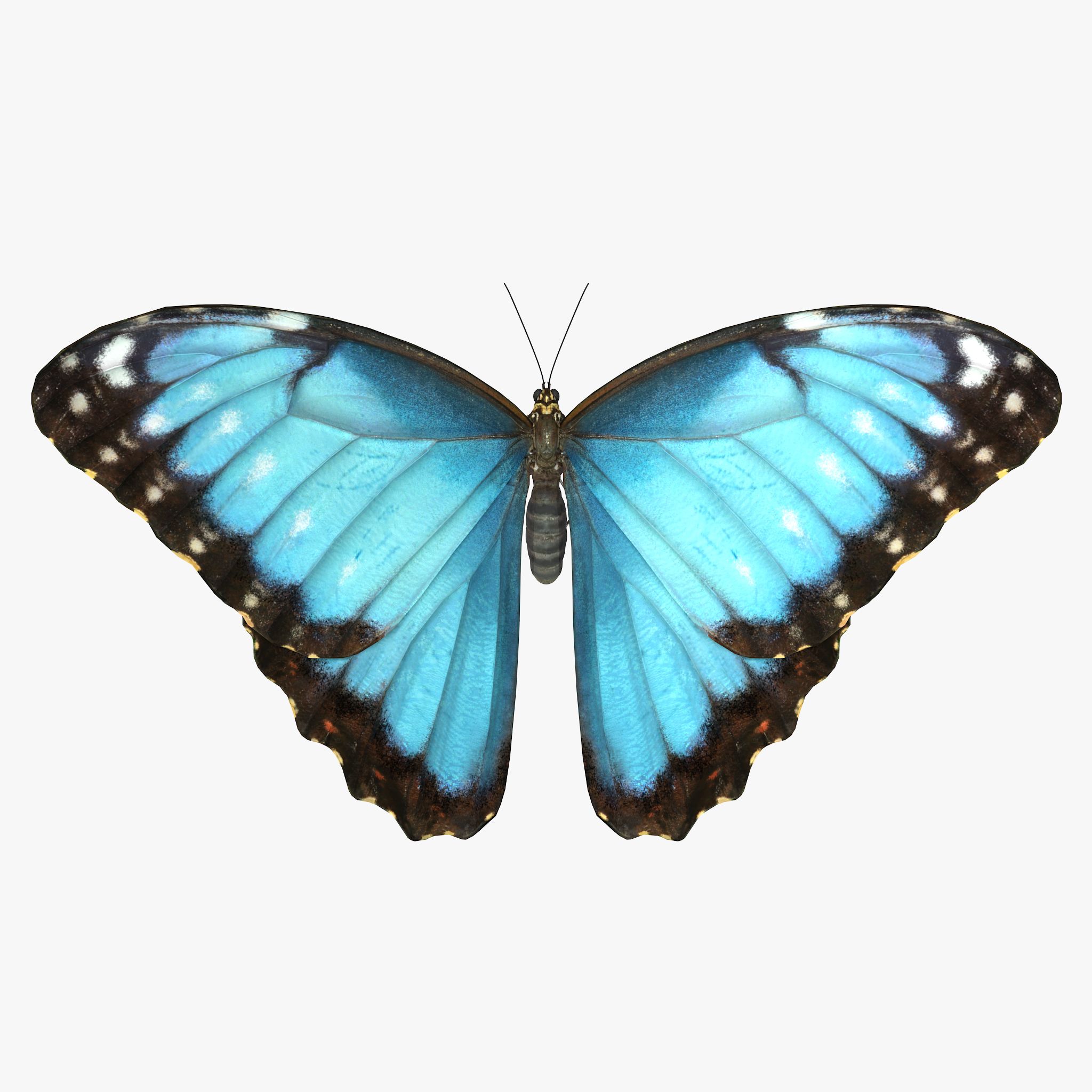


papillon modèle 3D
0


Licence Libre de DroitsToutes les utilisations prolongées
Retours simples
Garantie du meilleur prix
Fonctionne hors de la boîte
81
visites

Proposé par
jinyingzhe
Caractéristiques
- Géométriepolygonal
- Des polygones2,084
- Sommets3,362
- Les texturesYes
- GrééNo
- AniméNo
- Prêt pour l'impression 3DNo
- Jeu Prêt (low poly)No
- UV mappéNo
- UV non emballésunknown
La description
PLEASE NOTE:
FIXING FUR MAPS PATH
Create new project. Copy .mb files to scenes folder, textures to sourceimages folder and owerwrite renderData folder from archive to projects folder.
Sometimes Maya not update relative path for fur maps and automatically convert them to absolute, you need to check and fix them manually.
In Attribute Editor open Fur properties.
Expand: Details -> Base Color -> Maps
Click on path and delete everything before renderData - this will make file path relative.
Scroll down and repeat this operation for all fur maps
Make sure that you checked all files connected to Fur, you can see all of them in renderData/fur/furAttrMap folder.
FUR_README file added to archive.
Sep 25, 2019
date ajoutée
Mar 02, 2022
dernière mise à jour
Avis
Il n'y a actuellement aucun avis sur ce produit.
Pourquoi ne pas être le premier à briser la glace?